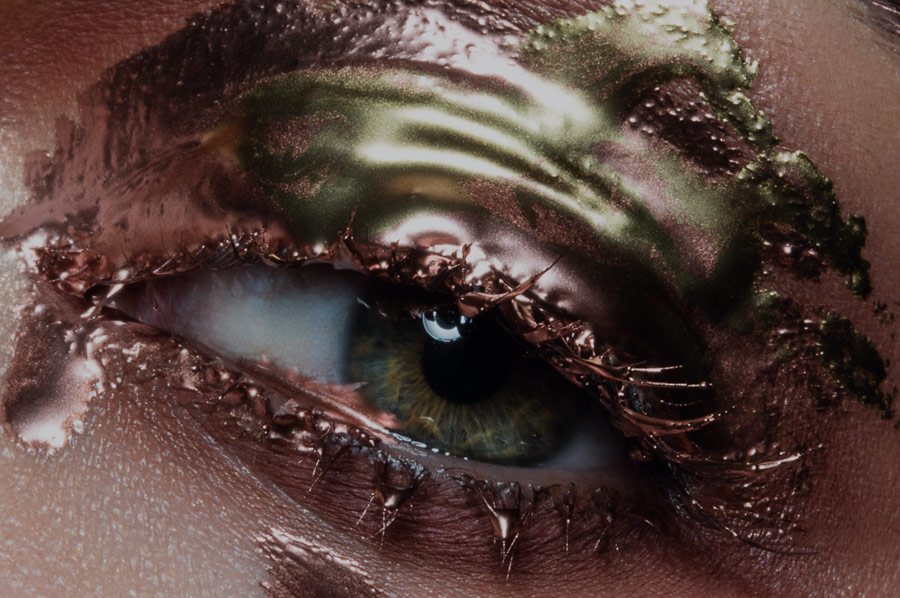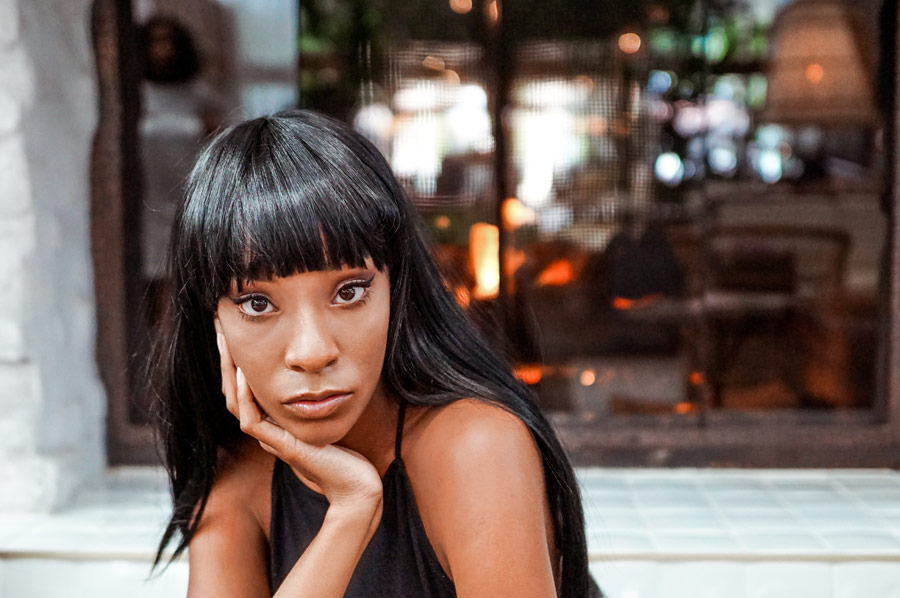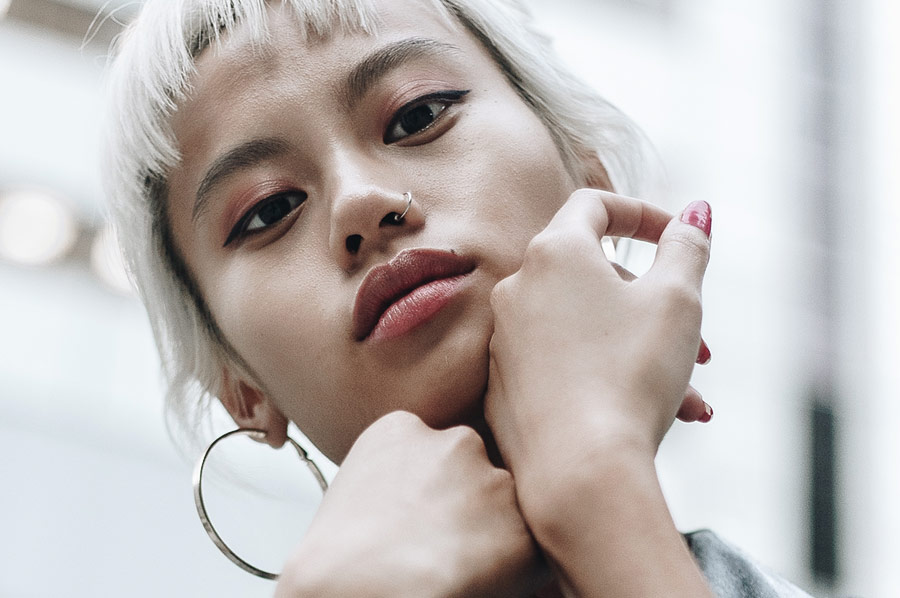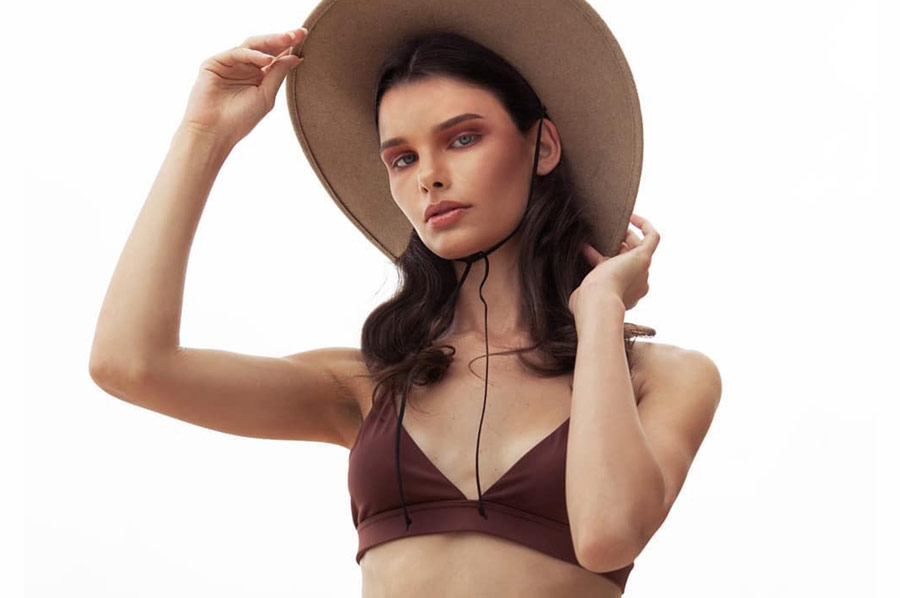
Accuracy is imperative for a retoucher, as your goal is creating a perfected final product. Color accuracy is one of those aspects of post-production that is vitally important, especially...
While eyebrow trends keep changing from pencil-thin to thick and bushy, eyebrows always require special attention as they frame the face and give it character. Today makeup artists and...
To become a skilled retoucher, you must master the use of the basic tools available to you, especially when it comes to perfecting skin.
One such tool is the Healing...
While retouching beauty, fashion and portrait images, you will often encounter strong highlights that may need to be reduced. While current makeup trends lend themselves toward a "glowing" look...
As megapixel counts go up, so do file sizes, making data management a critical aspect of every digital artist's workflow. With RAW file sizes typically ranging between 30MB-50MB an...
Adobe's latest release of Photoshop CC 2019 came with an impressive list of new features that are well worth the upgrade. While some features, such as the Frame Tool,...
The sclera, or the whites of the eyes, should be carefully considered when retouching beauty and fashion images as well as portraits. It can reflect the makeup and bright...
There has been no shortage of exciting announcements for digital artists from Adobe MAX 2018. For photographers and retouchers making use of the Adobe photography ecosystem, the latest updates...
Color plays a vital role in photography and is often the marker of a skilled artist versus a beginner. When crafting one’s style and visual aesthetic, the way one...
Retouching portraits have never been easier with the tools available in Adobe Lightroom. One of the most powerful tools you will use is the Spot Removal tool (Q key...
To stay relevant and marketable in this highly competitive industry, it’s important to keep your skills sharp and to constantly learn new and improved ways to get the job...
Adobe applications have become more accessible than ever, making Lightroom a popular choice among photographers and retouchers. While many have fit Lightroom into their workflow for organizing, batch processing,...
By using Puppet Warp in Adobe Photoshop, you can manipulate the structure of a subject’s shape, features, or even reposition things like limbs or hair. It’s as if you’re...
A retoucher should be using the best tool for the job, and there’s really no better choice than a Wacom tablet. While a mouse or trackpad may be what...
Color Look Up Tables (or LUTs) can give your images a distinct look and feel though their colors. In our recent LUT-related article, you learned how to use LUTs in...
Adobe recently released update 7.5 for Lightroom Classic as well as an update for Lightroom CC version 3.6. While these updates aren’t necessarily game-changing, they do come with improvements...
One of the most overlooked tools in Lightroom is the HSL (Hue, Saturation, and Luminance) color adjustment window. If you’re just beginning your journey into editing your images and learning Lightroom,...
Correcting and controlling color, especially in skin tones, is an imperative part of the retouching process. Skin tone can be impacted by a variety of causes, such as lighting...
Hair can sometimes feel like the bane of a retoucher’s existence, due to the visual complexity of hair and the various techniques you need to know to handle it...
Many retouching artists will agree that the Curves tool is one of the best to use for color grading, but if your retouching workflow is limited to Lightroom or...