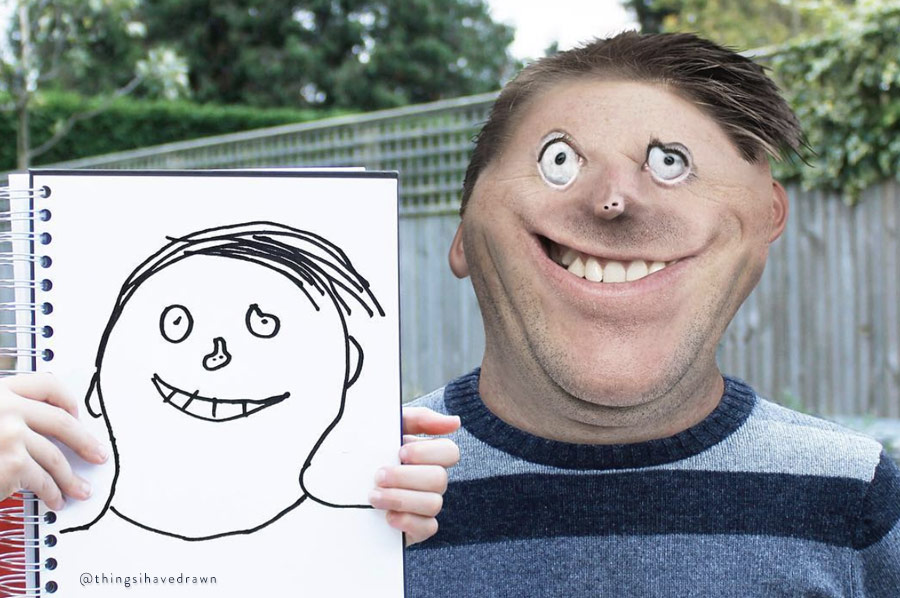
I think I have just discovered my new favorite Photoshop artist :D
How awesome is that in the times when Photoshop and retouching seem to be getting a lot of...
Many retouching artists will agree that the Curves tool is one of the best to use for color grading, but if your retouching workflow is limited to Lightroom or...
Are you bored with the same old portraits, are you in a creative funk? Thankfully Photoshop has you covered with tons of ways to express your creativity and sometimes...
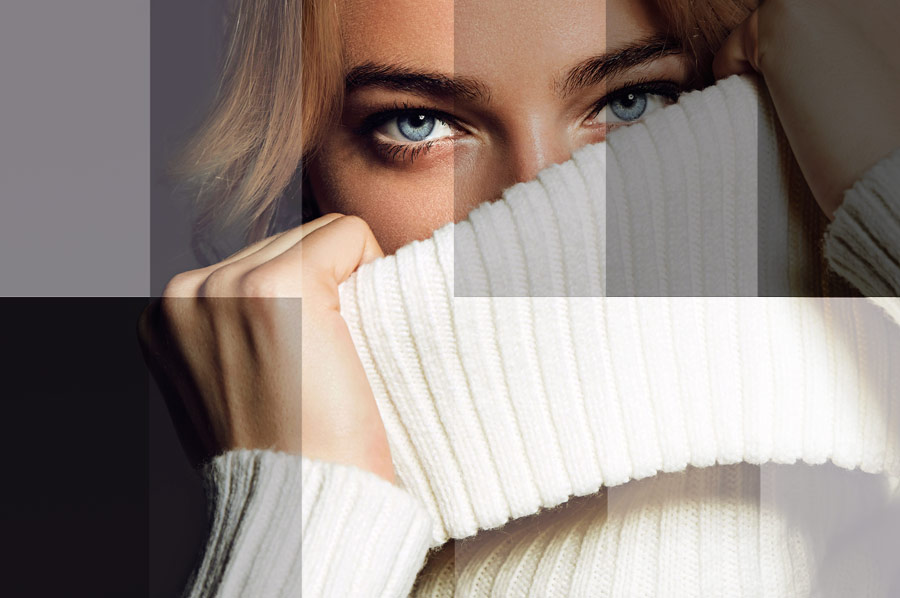
There are endless techniques for color grading your images, but one aspect that can be tricky is manipulating the tonal range of those colors. If you prefer performing your...
Whether you are color grading, manipulating tones, or creating a composite, understanding blending modes will help you achieve the desired result. This crash course by Jesús Ramirez of the...
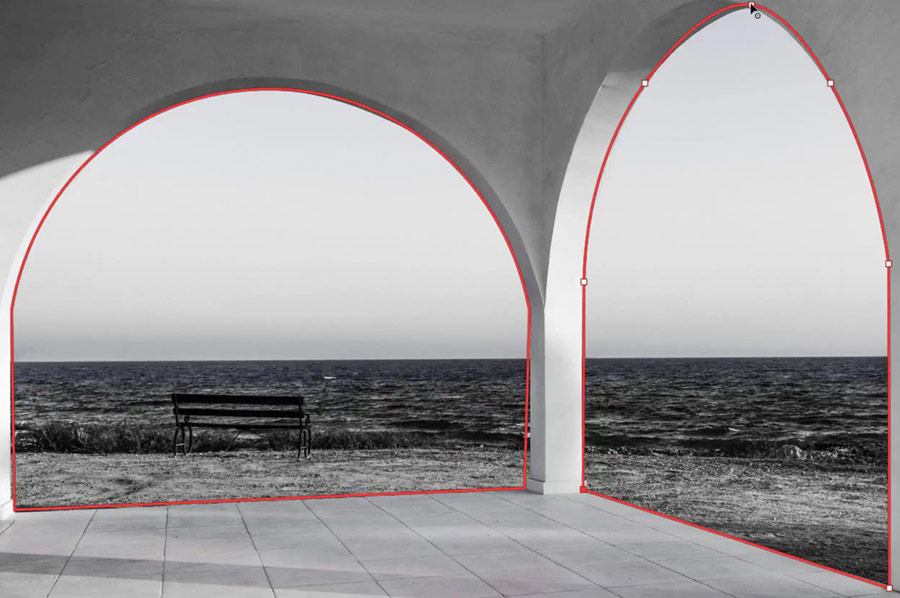
The Curvature Pen Tool is one of the most exciting new features brought to Photoshop CC 2018, making selecting and masking a breeze.
This quick video tutorial will have you...
During the journey to become proficient with Adobe Photoshop, two tools - Levels and Curves - will likely beg the question: what is the difference between them?
This video by...
This week, Adobe launched a new YouTube series of Photoshop tutorials aimed at beginners, called ‘3, 2, 1 … Photoshop!’
This series of videos created by longtime Adobe evangelist Julieanne...
Software: Adobe Photoshop
Skill level: Beginner
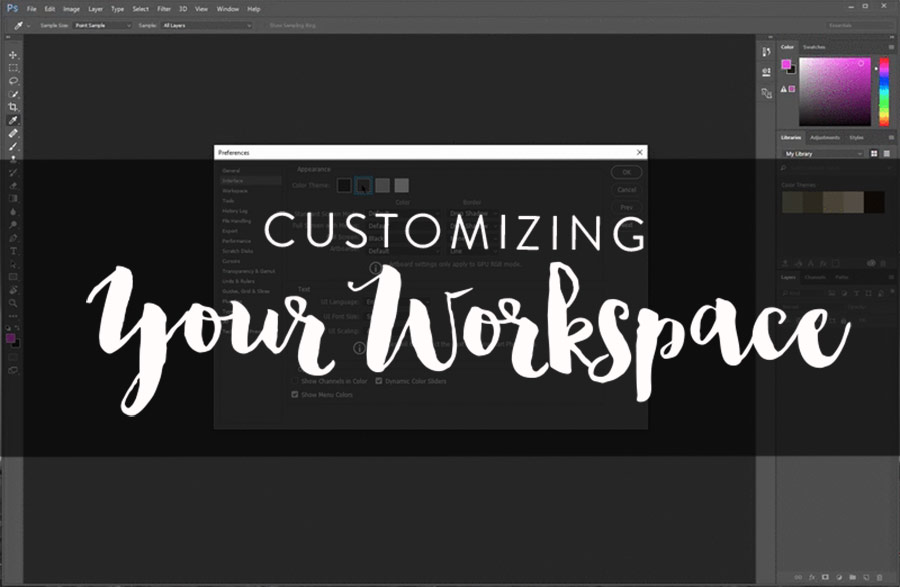
Workspaces
A workspace, is the entire working area of Photoshop. It’s what encompasses all the menus, tools and panels. Simply put, it’s pretty much everything you can see...
History Panel
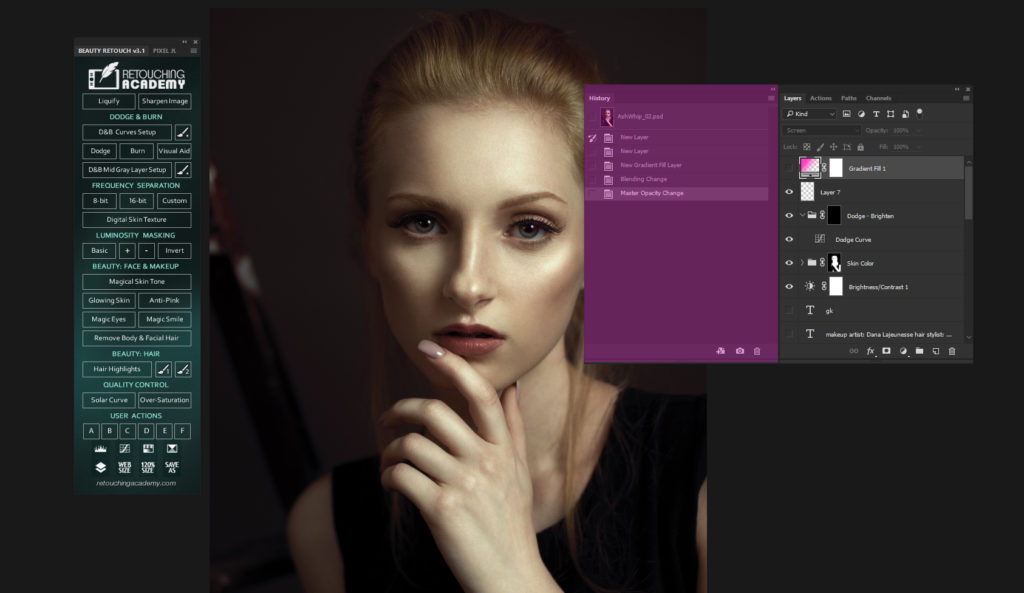
The History Panel is a tool which creates a chronological top-down view of everything you do in your working session in Photoshop. To access the History Panel, choose Window...
This post is long overdue, but better late than never. I recently had the honor to spend a couple of hours speaking with the Adobe Photoshop Engineers and Product...
Happy Birthday, Photoshop!
We wouldn't be here if not for the existence of this wonderful software that gives us -retouchers, graphic designers, photographers and digital artists - wings to fly.
Check...
Please read How to Set Preferences & Memory Usage for Peak Performance before you continue reading this article.
History & Caches
Simply put, keep History States and Cache Levels at their default settings,...
In this tutorial we will cover what Clipping Masks are and how to create them in Photoshop. We will also touch on some retouching scenarios when they can be...
Here are a few ways to enhance Photoshop performance:
Optimize your current hardware
Customize Performance Preferences in Photoshop
Tailor your Photoshop work habits (read more: History, Caches & Performance-Friendly Work...