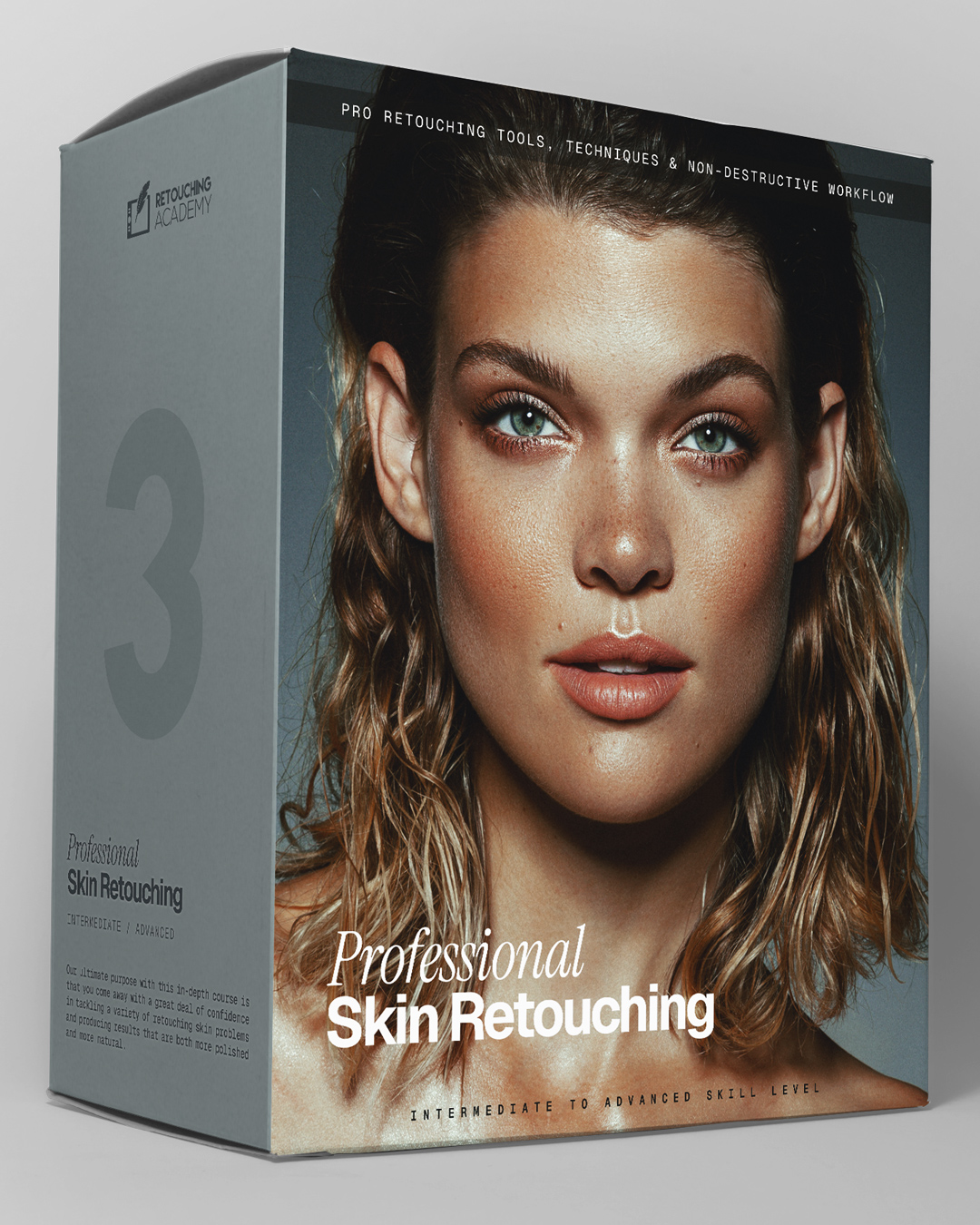
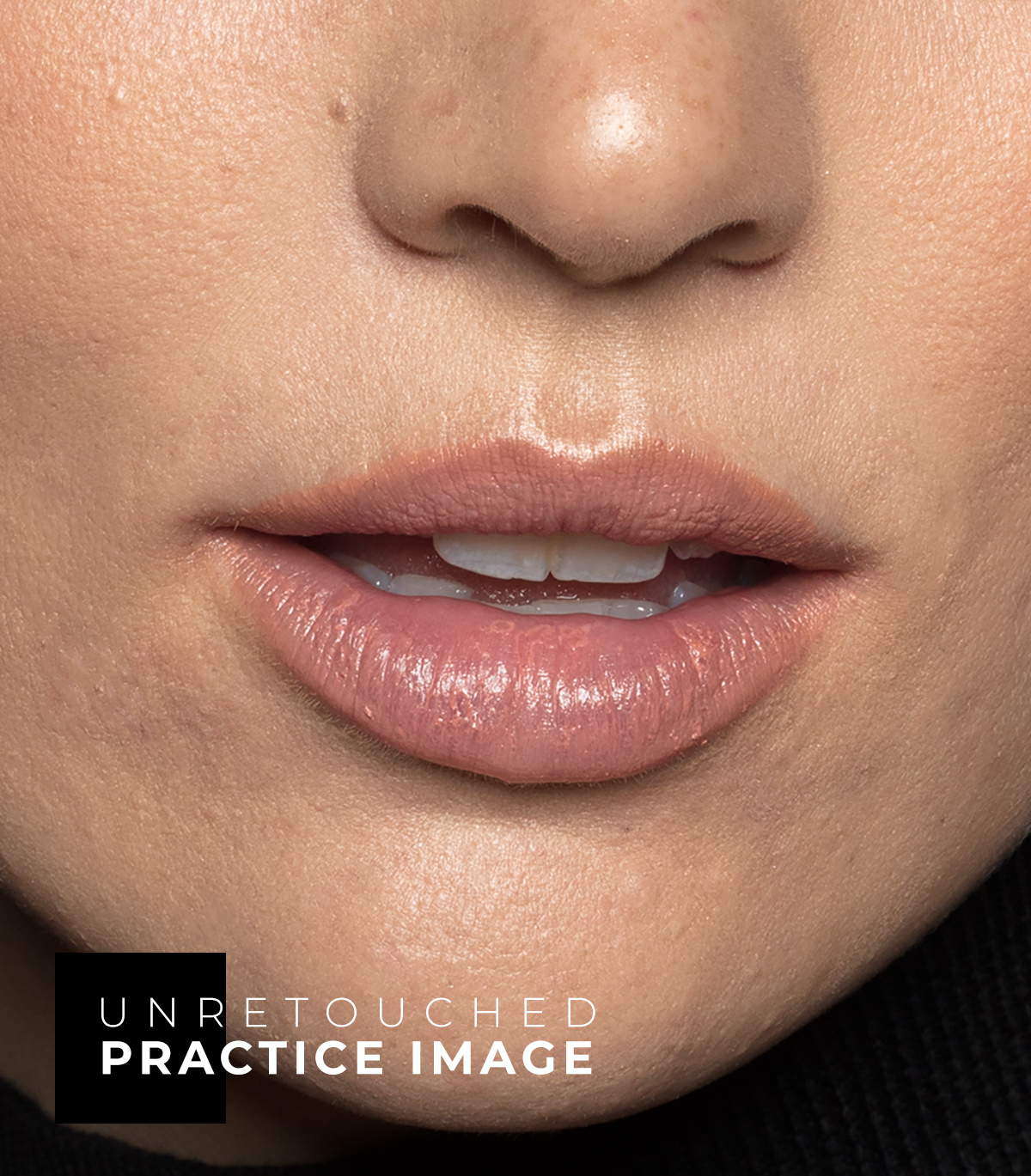
Professional Skin Retouching
★★★★★
4.9 / 5
Over 52,000 Students and Panel Users Worldwide
High-quality skin retouching is the skill necessary for every genre of professional photography involving people: fashion, portraits, and especially beauty. It is a skill that makes or breaks portfolios.
This in-depth course takes you to an advanced skin retouching level through theory and hands-on practice, along with a range of lessons breaking down common skin retouching challenges you will inevitably face in client work.
Over 7 hours of video lessons, accompanied by beauty practice files, custom actions, and brushes.
- Duration
- Over 7 hours
- Access
- Lifetime
- Format
- Streaming
- Captions
- EN · ES · FR · DE · RU
Created by Julia Kuzmenko McKim and Michael Woloszynowicz, professional beauty and fashion photographers, retouchers, and educators. Every lesson distills decades of combined industry experience into the refined retouching methods we use in commercial work.
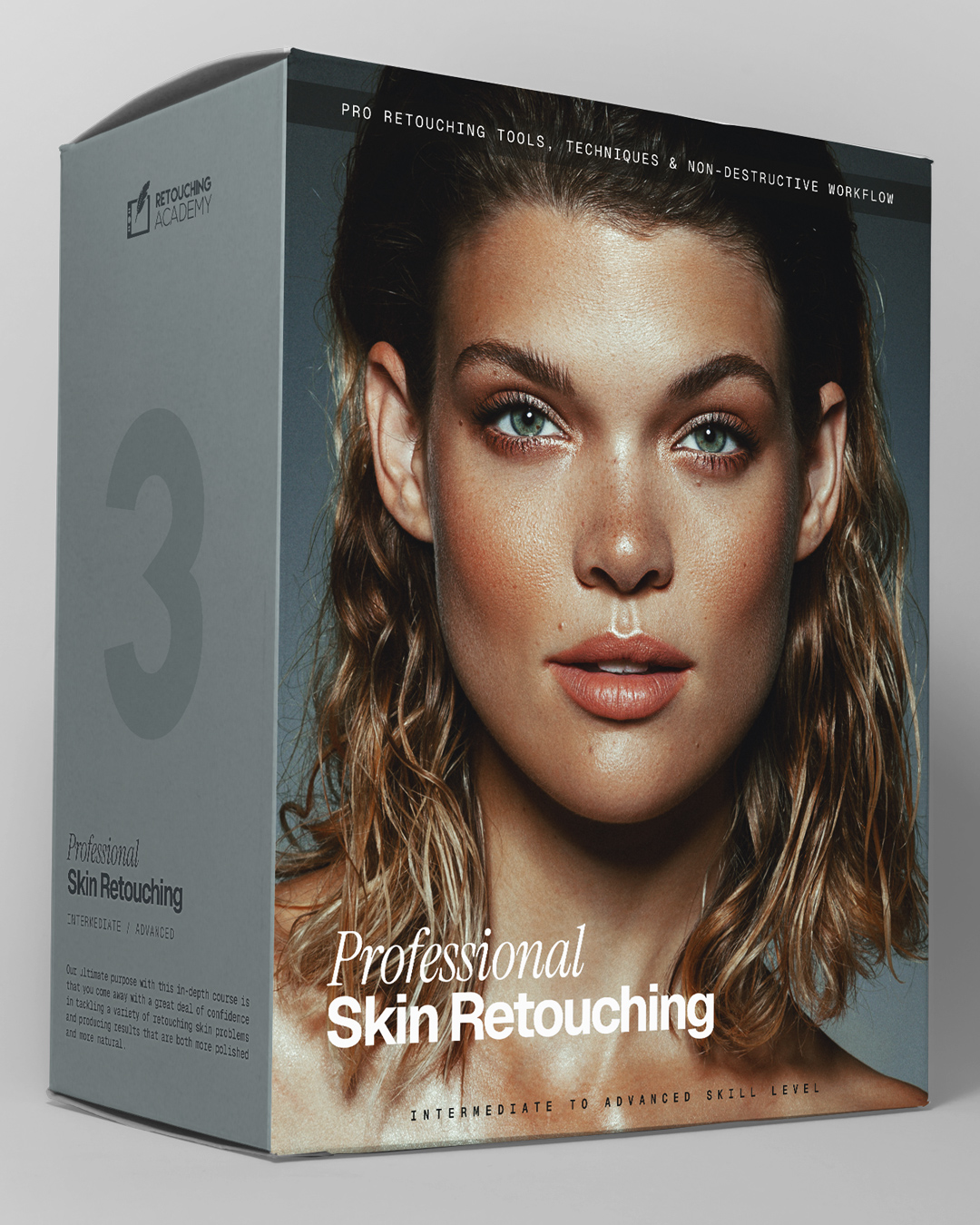
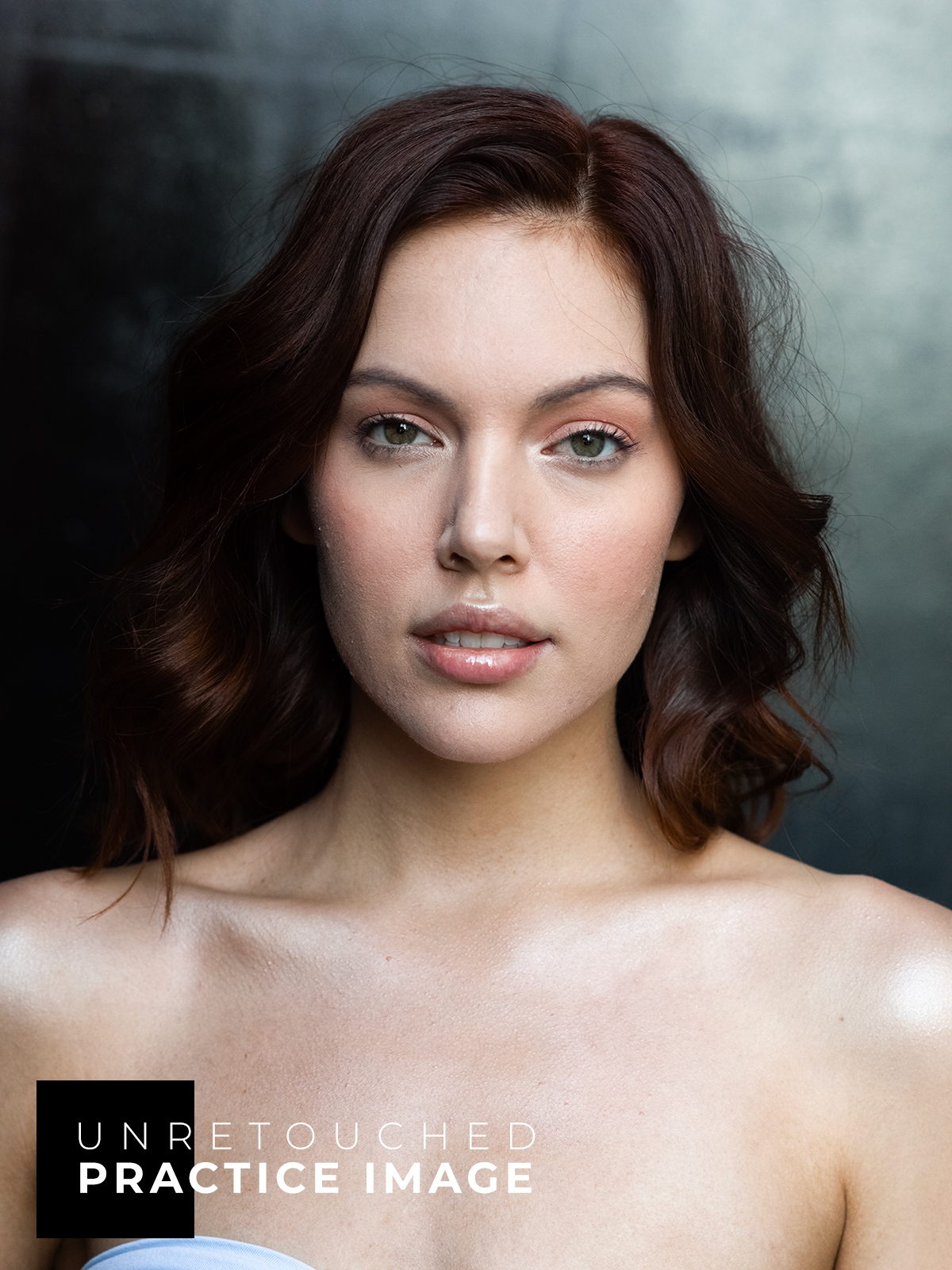
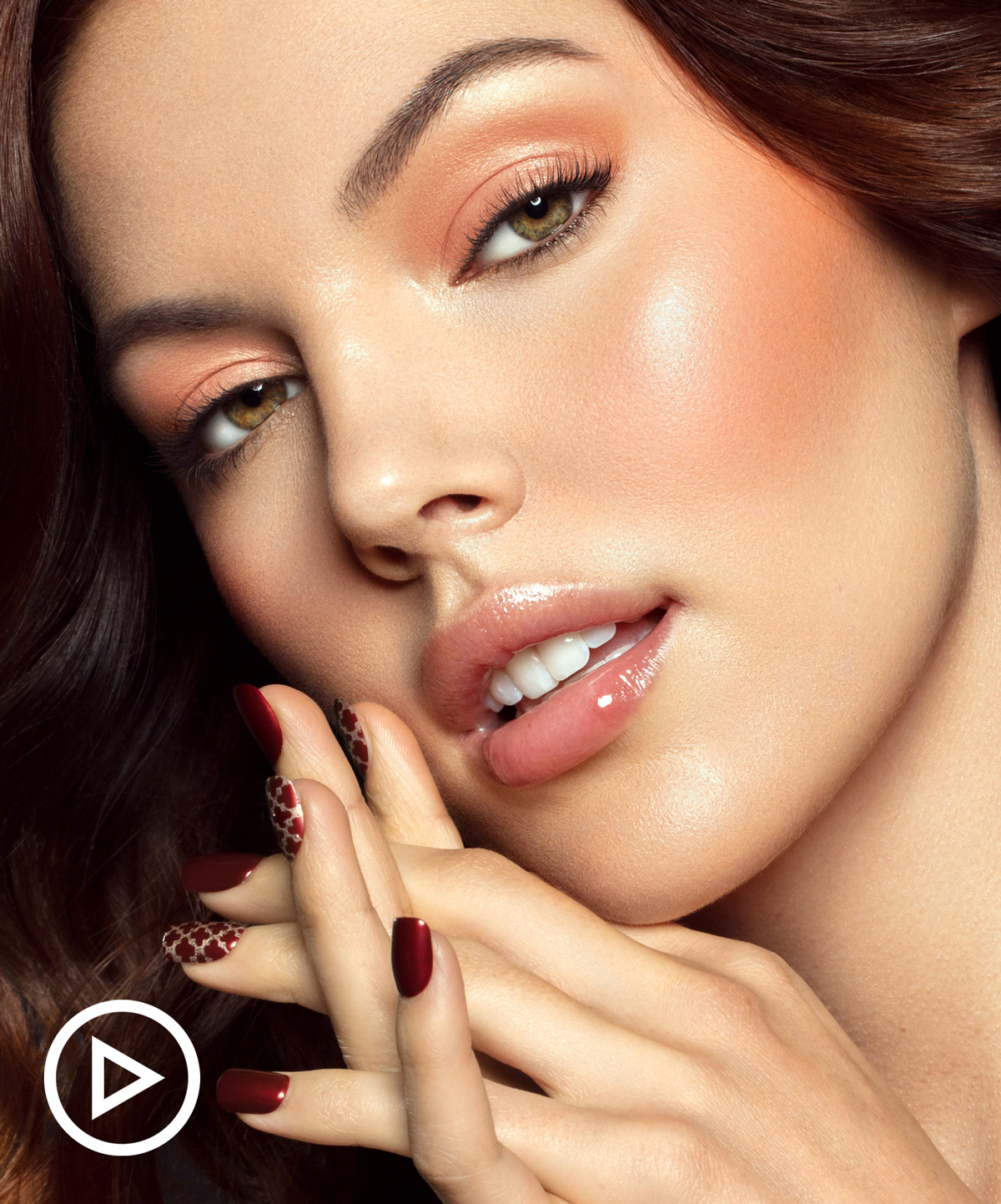
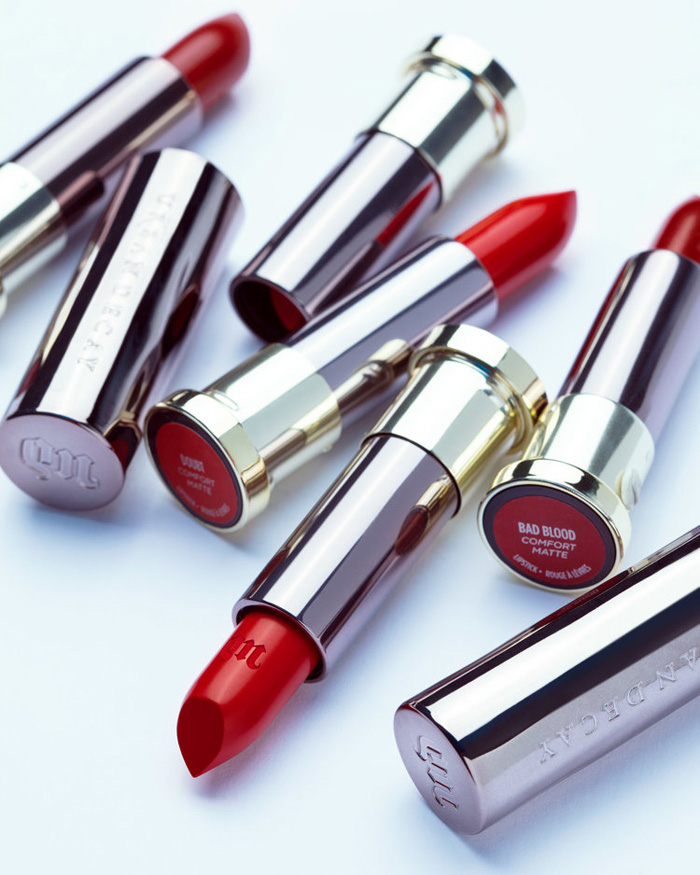
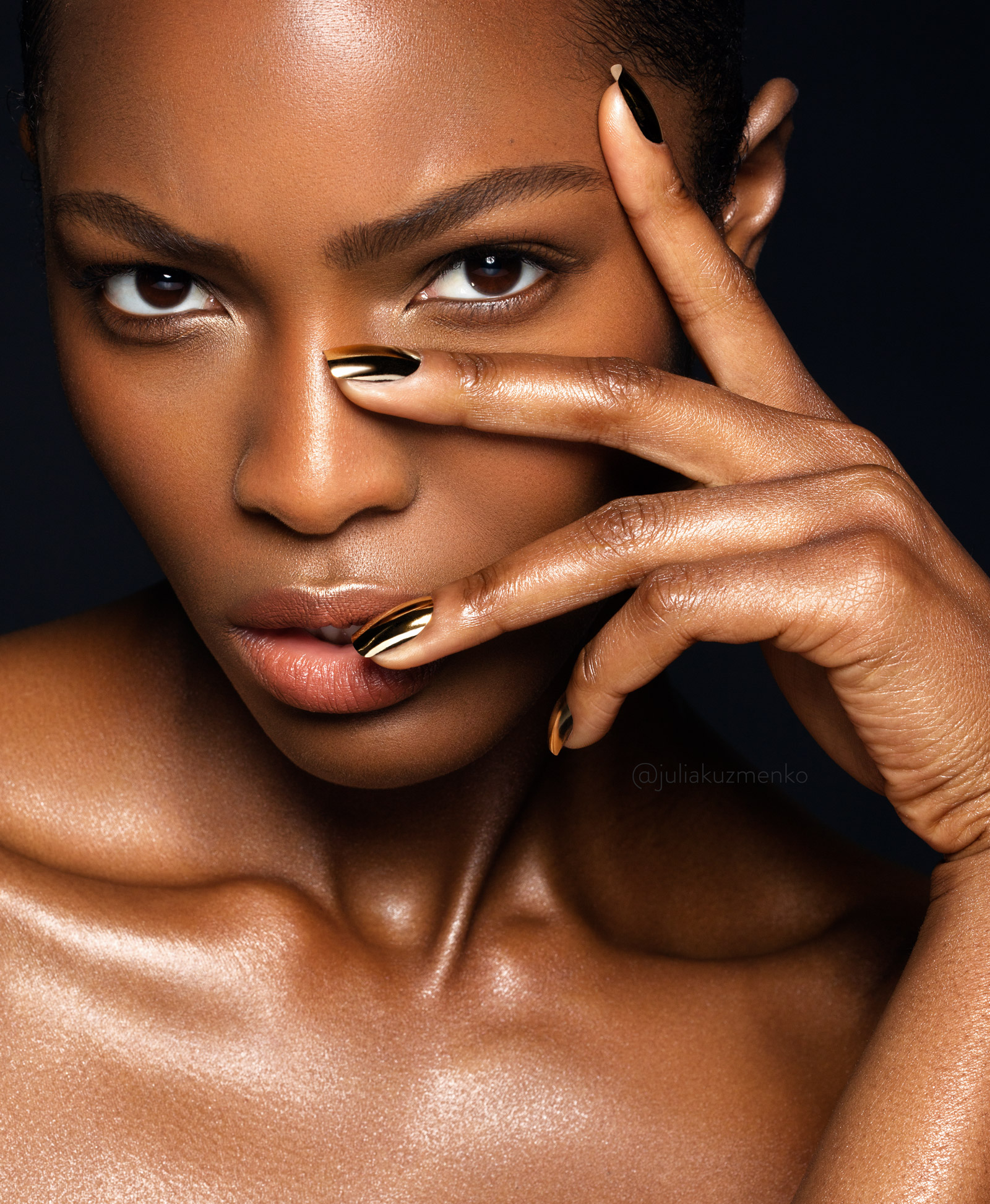
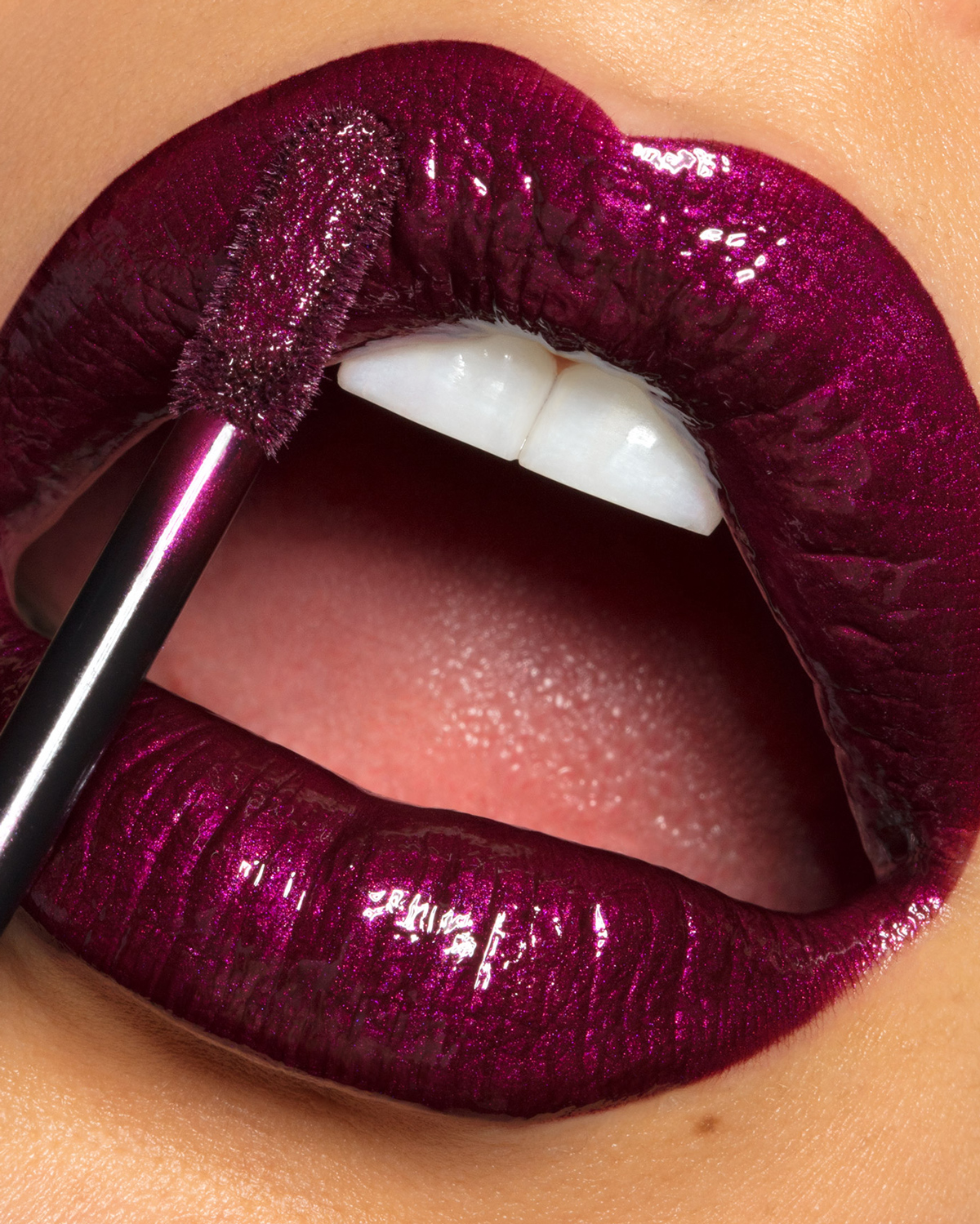
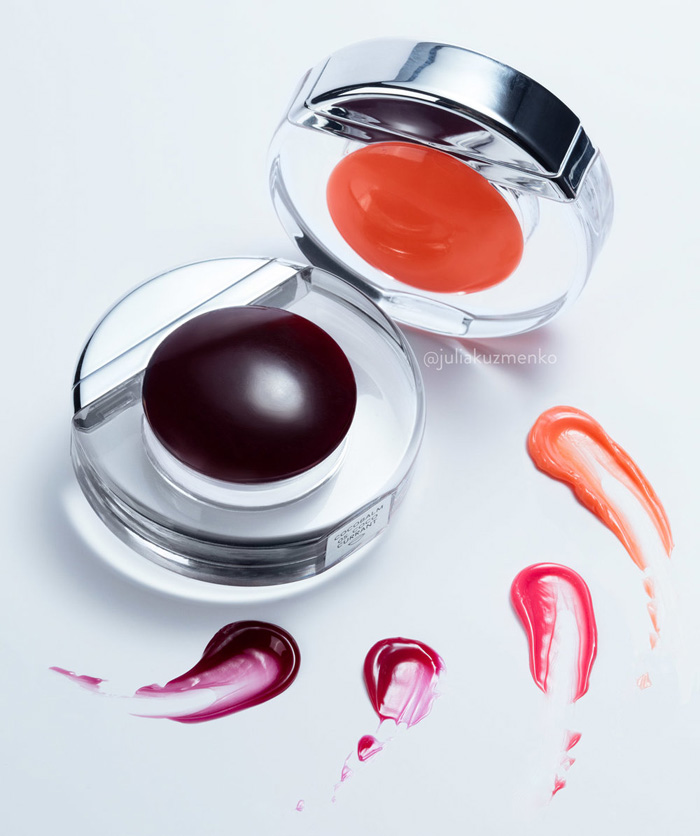
Photography & retouching by Julia Kuzmenko McKim using RA Panels
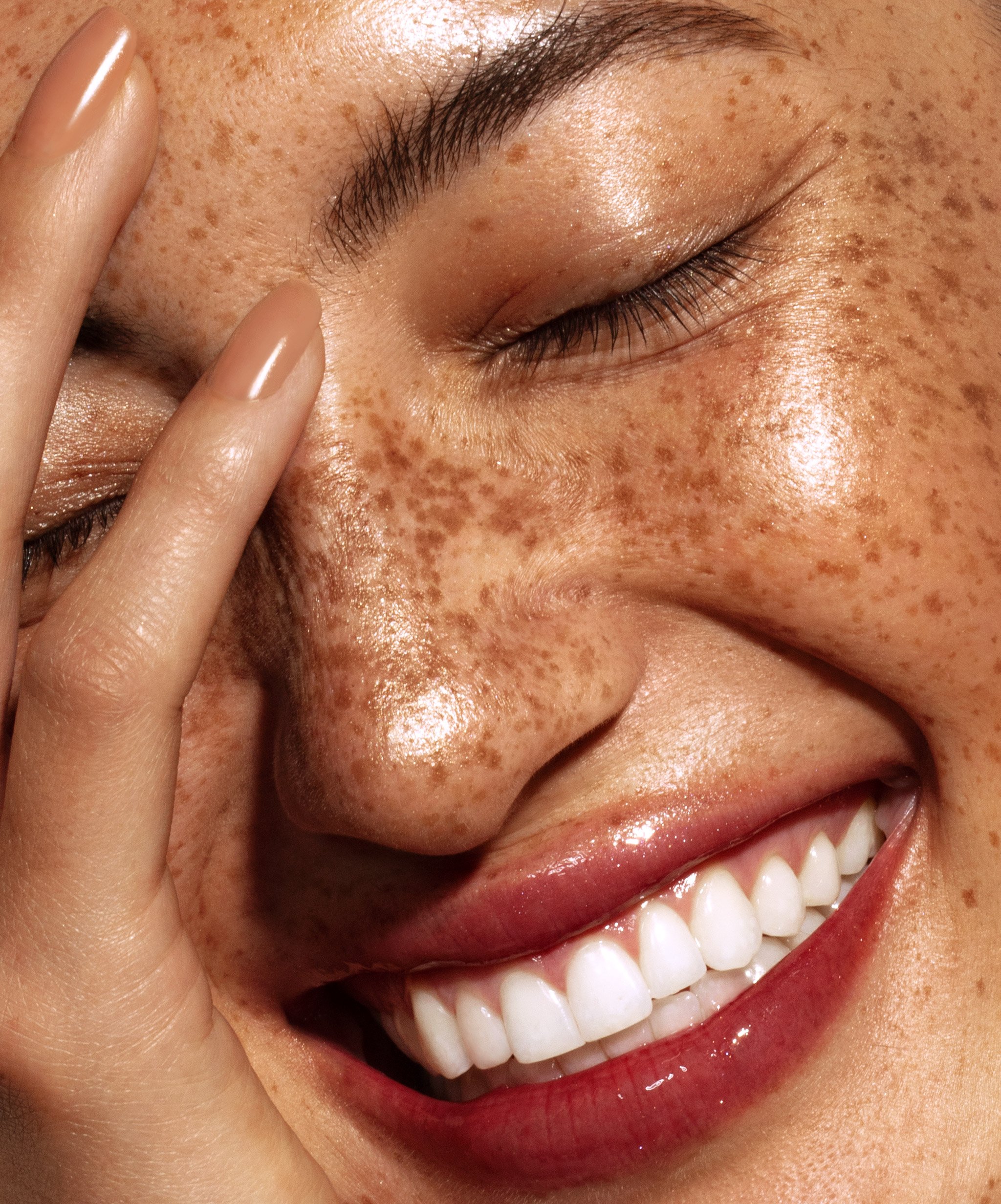
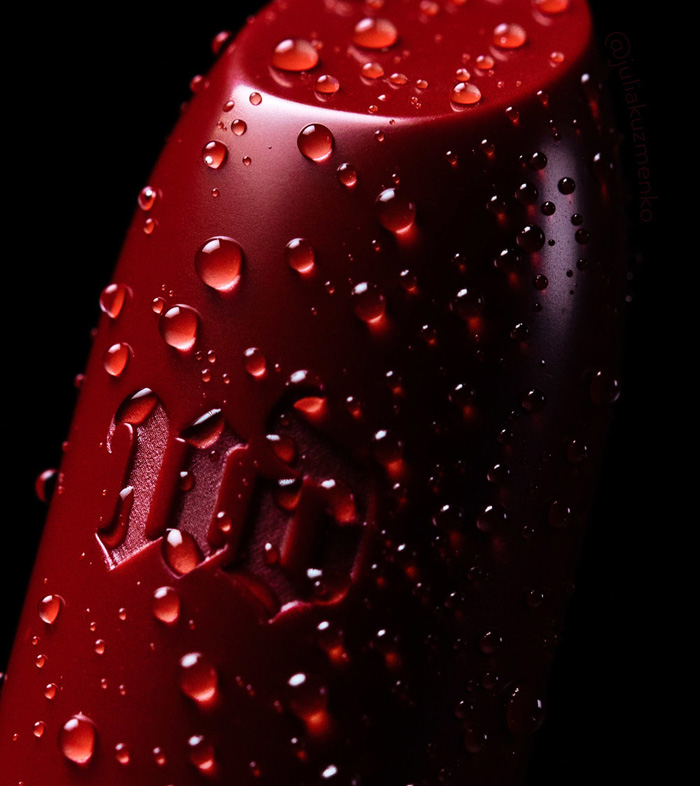

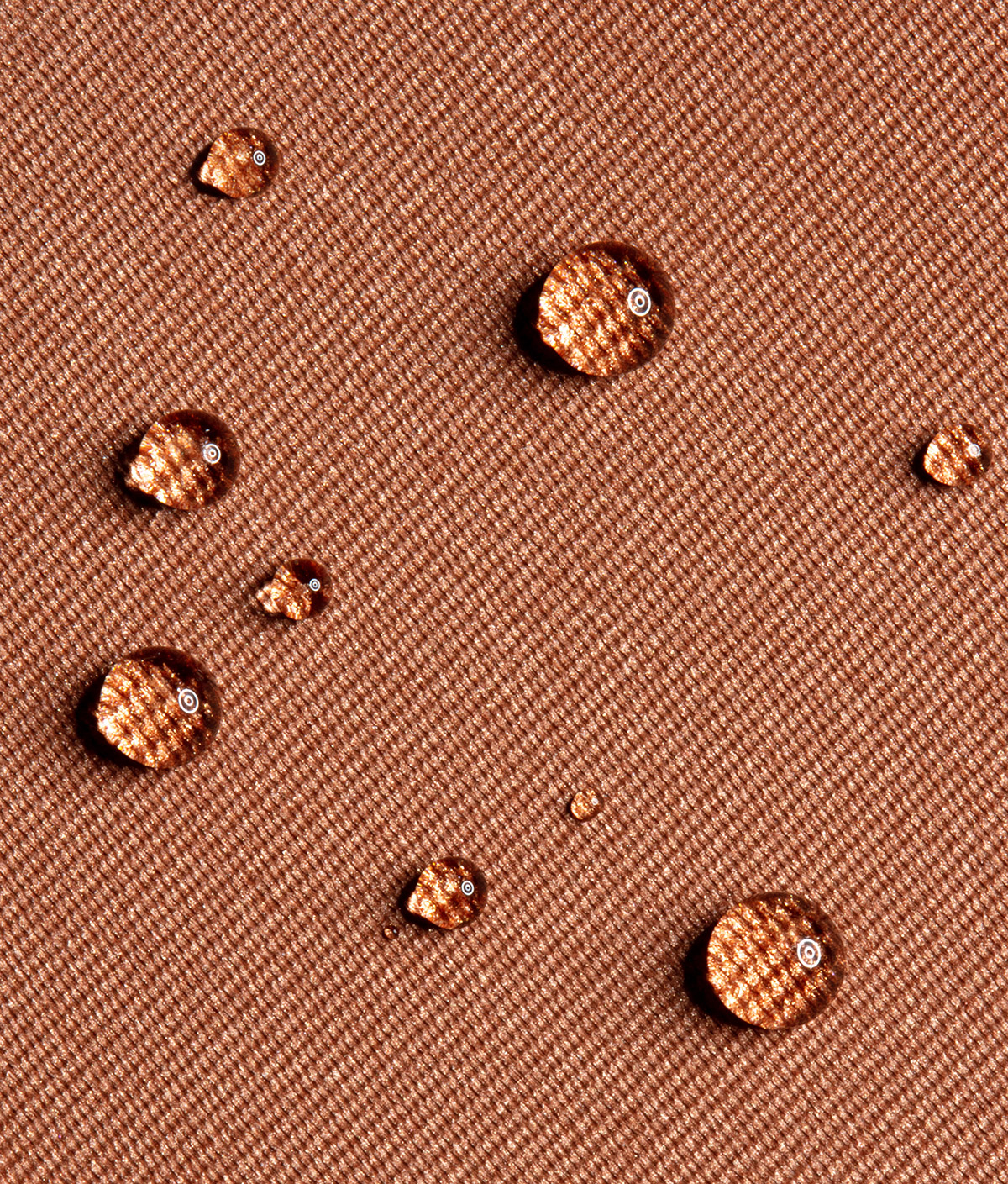
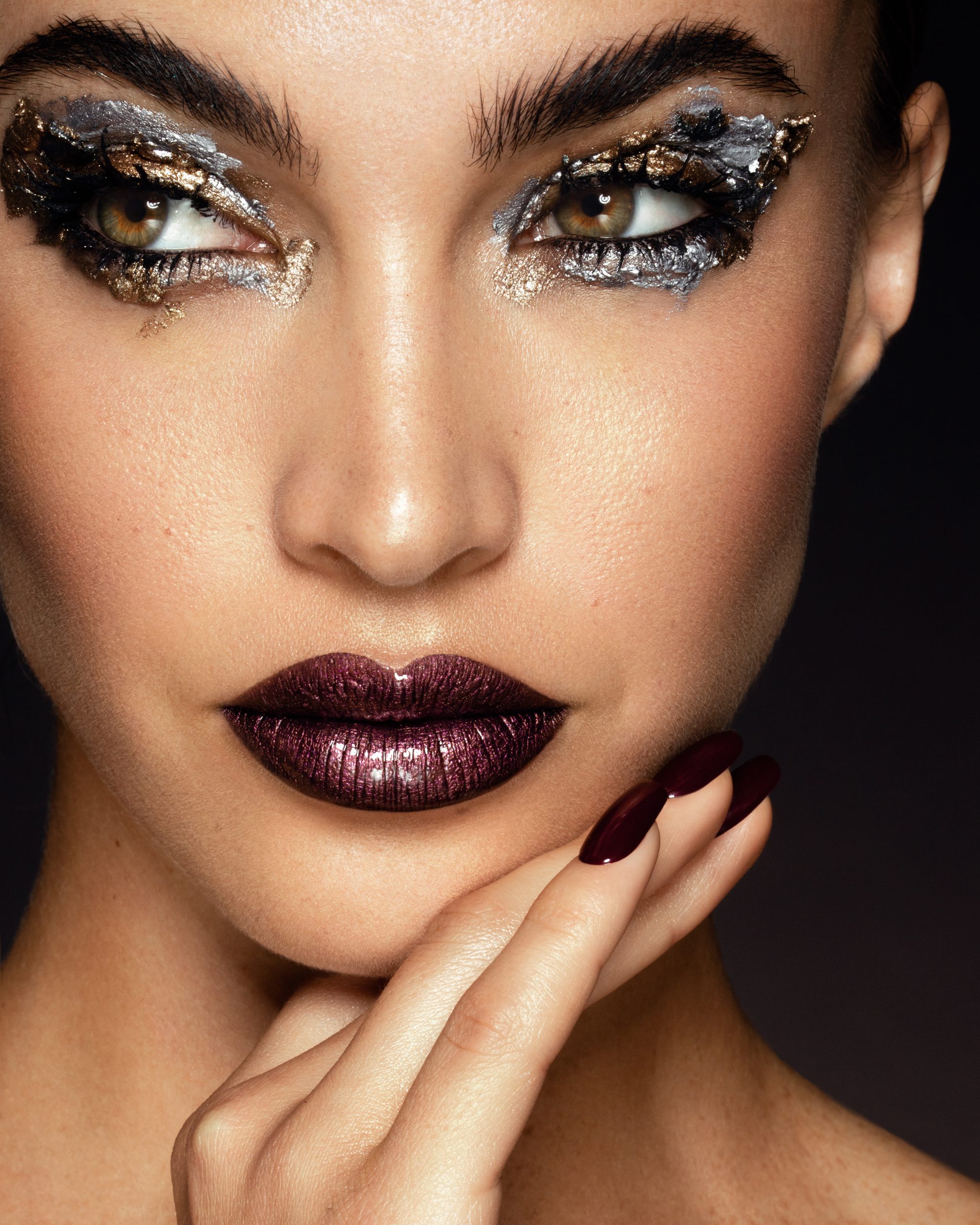
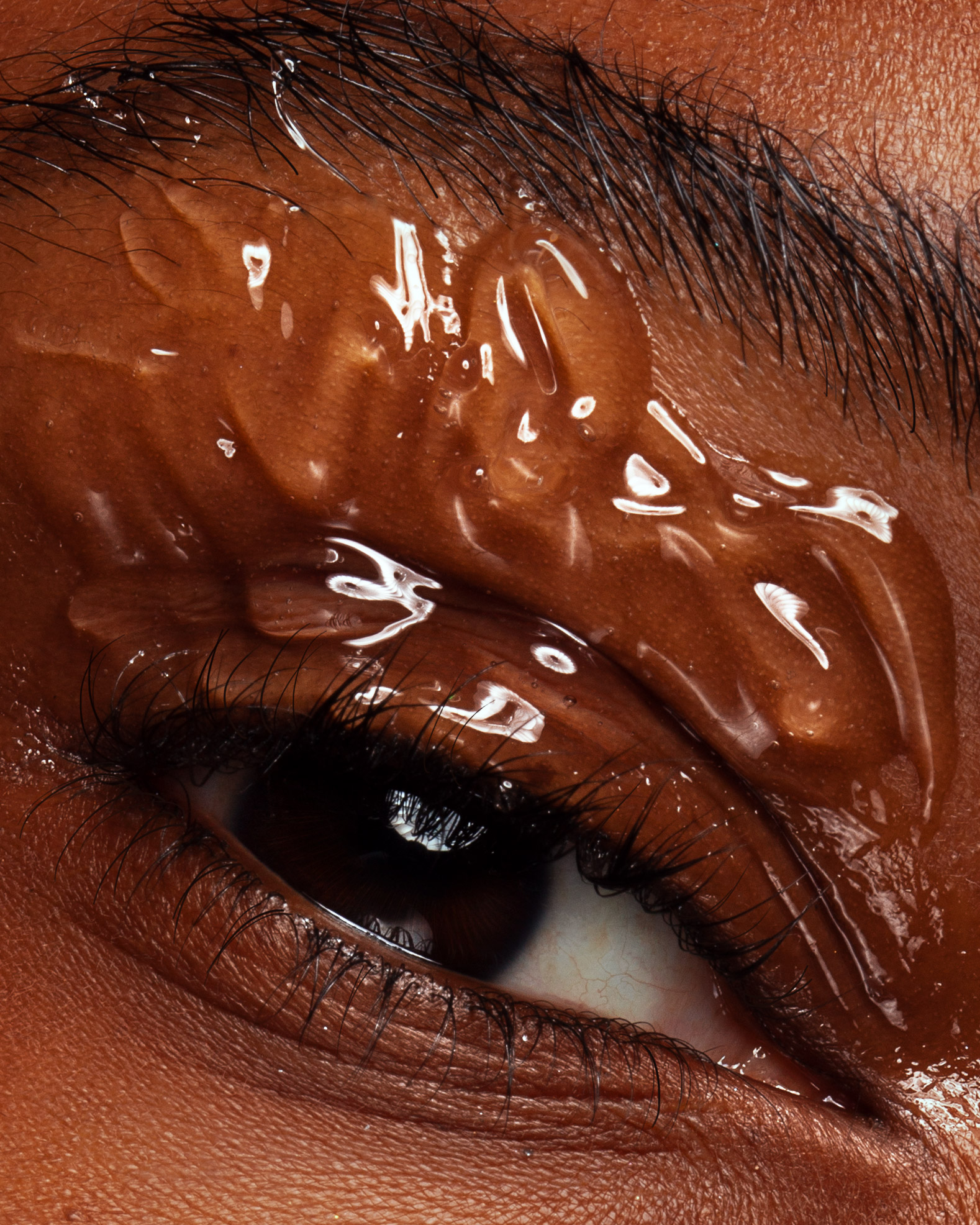
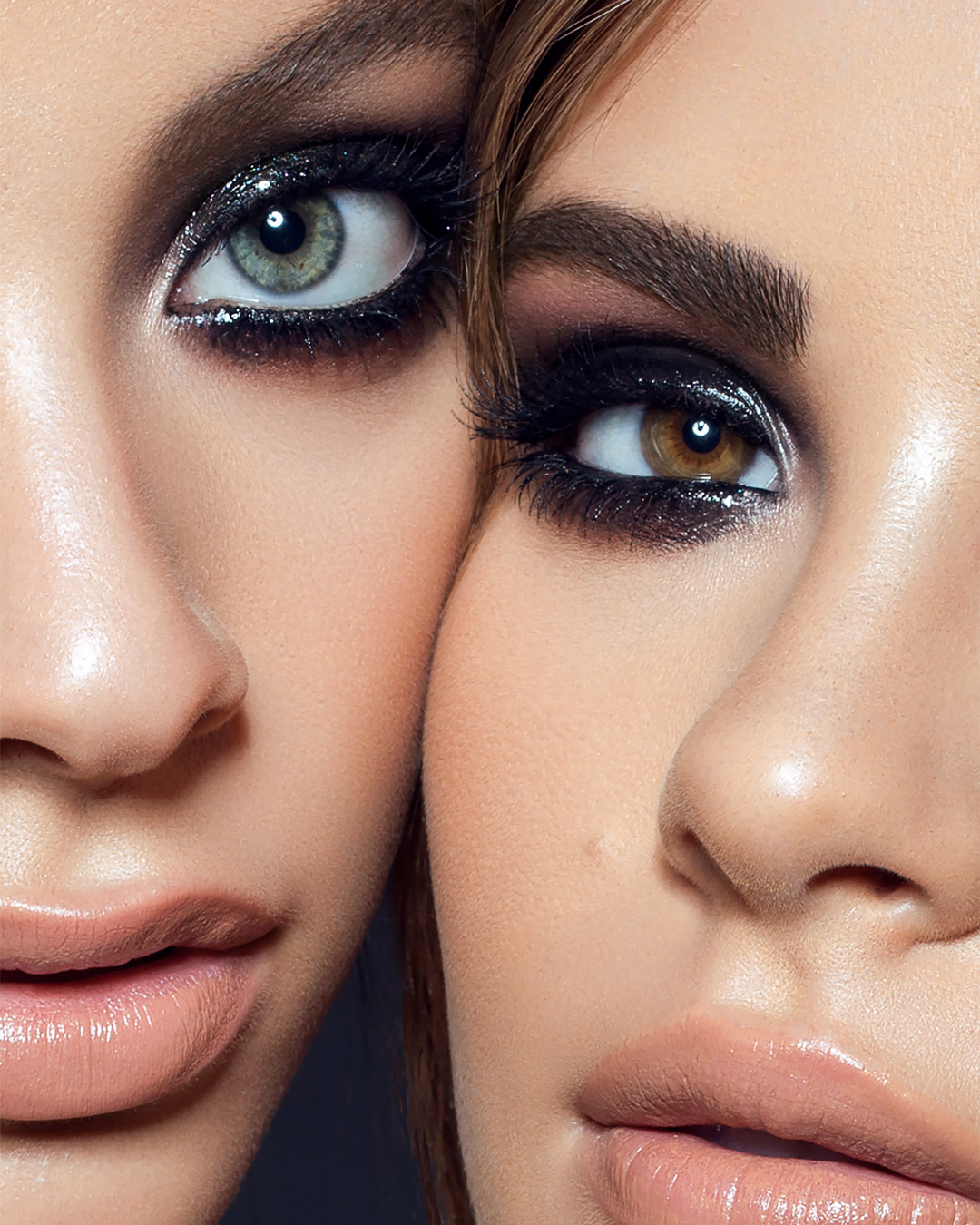
Take Your Skin Retouching From Basic to Advanced
Professional skin retouching requires a deeper understanding of the key principles, tools, and techniques, far beyond the basic, less-refined photo editing or one-click skin-smoothing apps.
In this course, you will learn proper skin retouching methods, a non-destructive lean PSD workflow used by professional retouchers, and the judgment to keep skin clean and natural. The same retouching standards apply to every image, so every set, campaign, and project you retouch looks cohesive.
After the main techniques and methods, we go deeper into the common skin retouching challenges: oily skin, mature and aging skin, dark skin, under-eye circles, chapped lips, peach fuzz, spray-tan blotchiness, plus hands, nails, and forearm hair. Each with more than one solution, so you have an answer whatever the image calls for. Being able to solve these is what makes you a skilled professional retoucher, prepared for the work that brands, retouching studios, and creative agencies hire for.
By the end of the course, you will know the techniques and have the tools to produce skin retouching work that meets the standards of commercial clients, including beauty and wellness brands.
Put in some deliberate practice during the course, then update your portfolio with the new work, and bring your new skills to the market.
- Lessons
- 38 video lessons
- Practice files
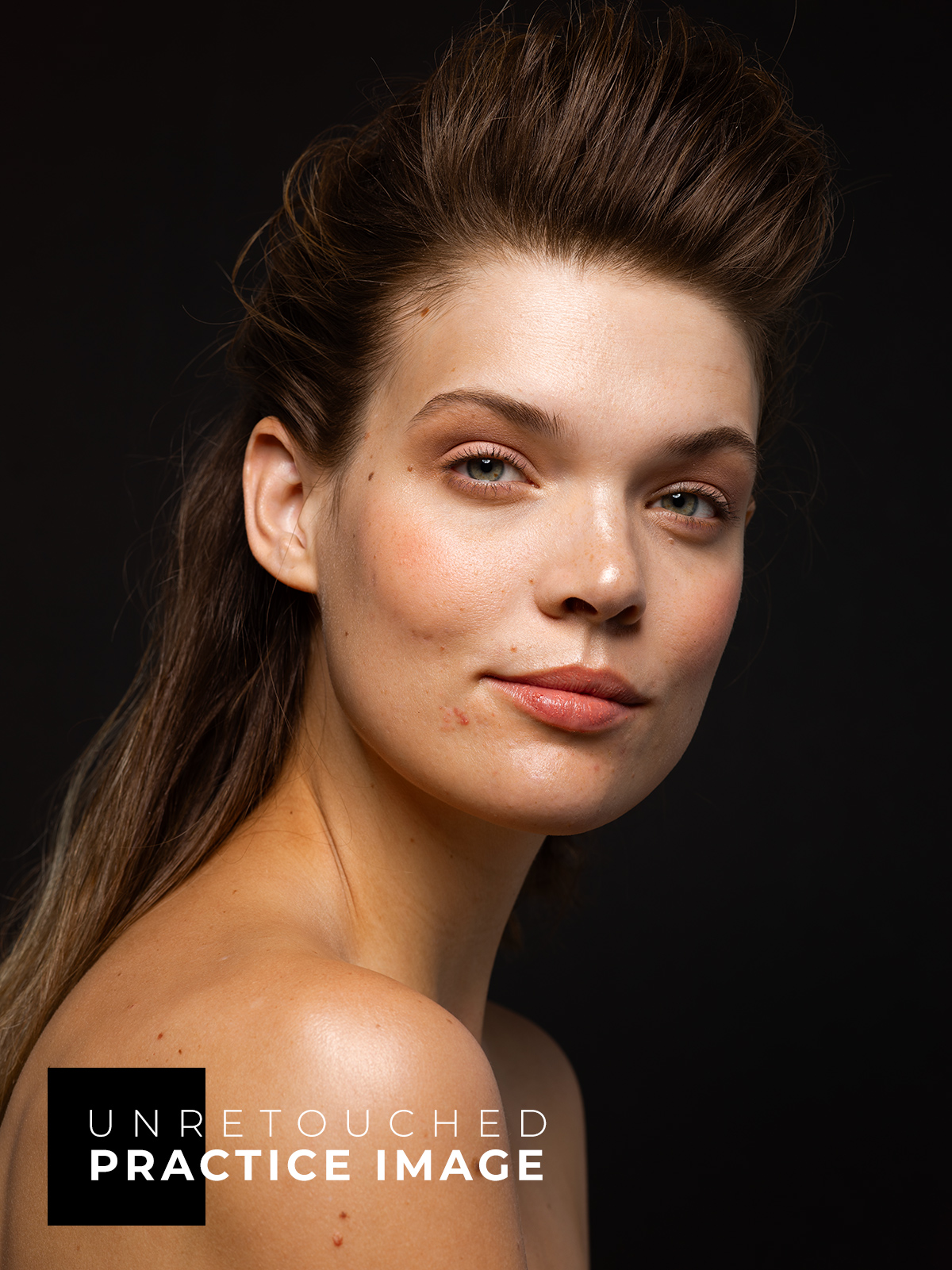
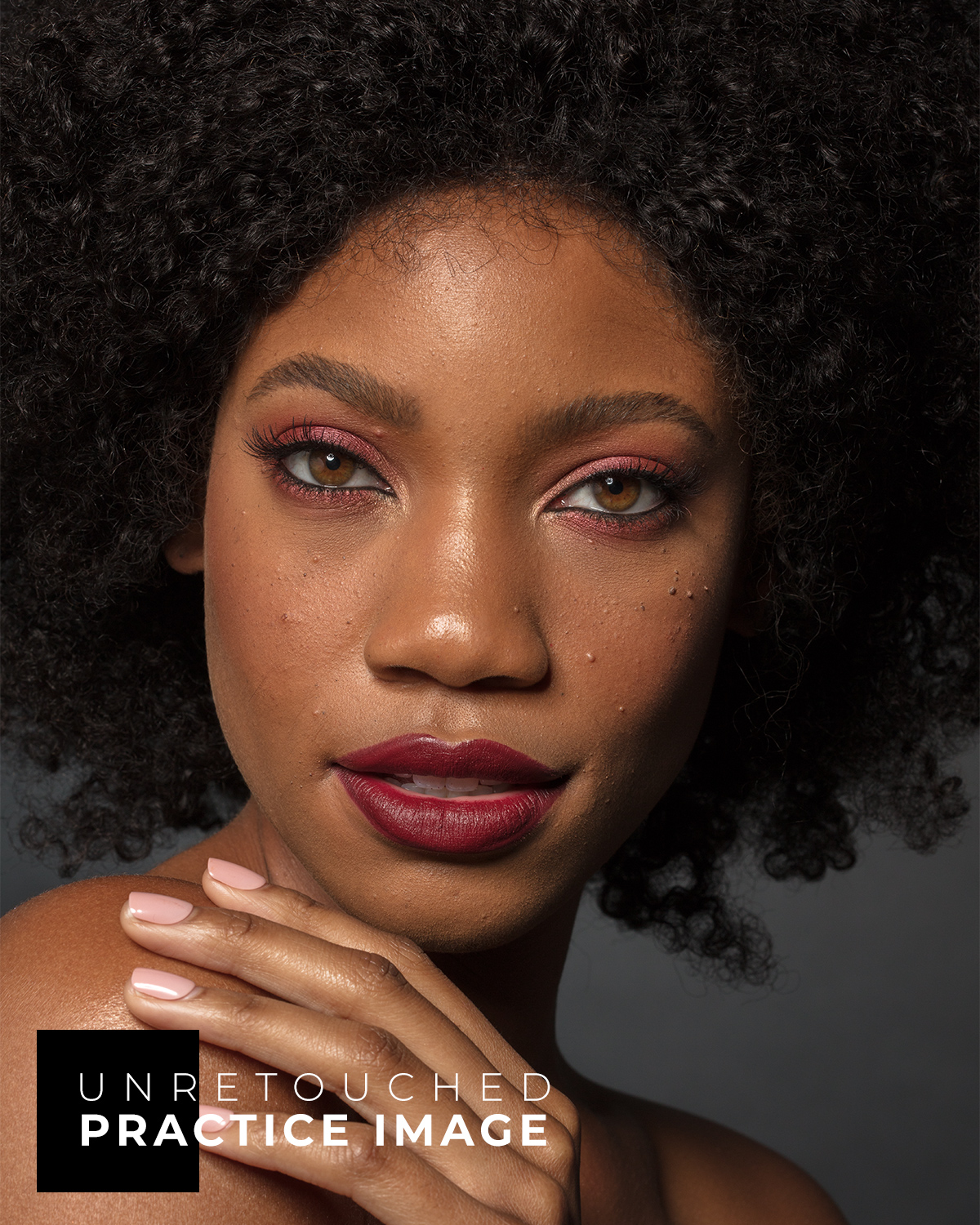
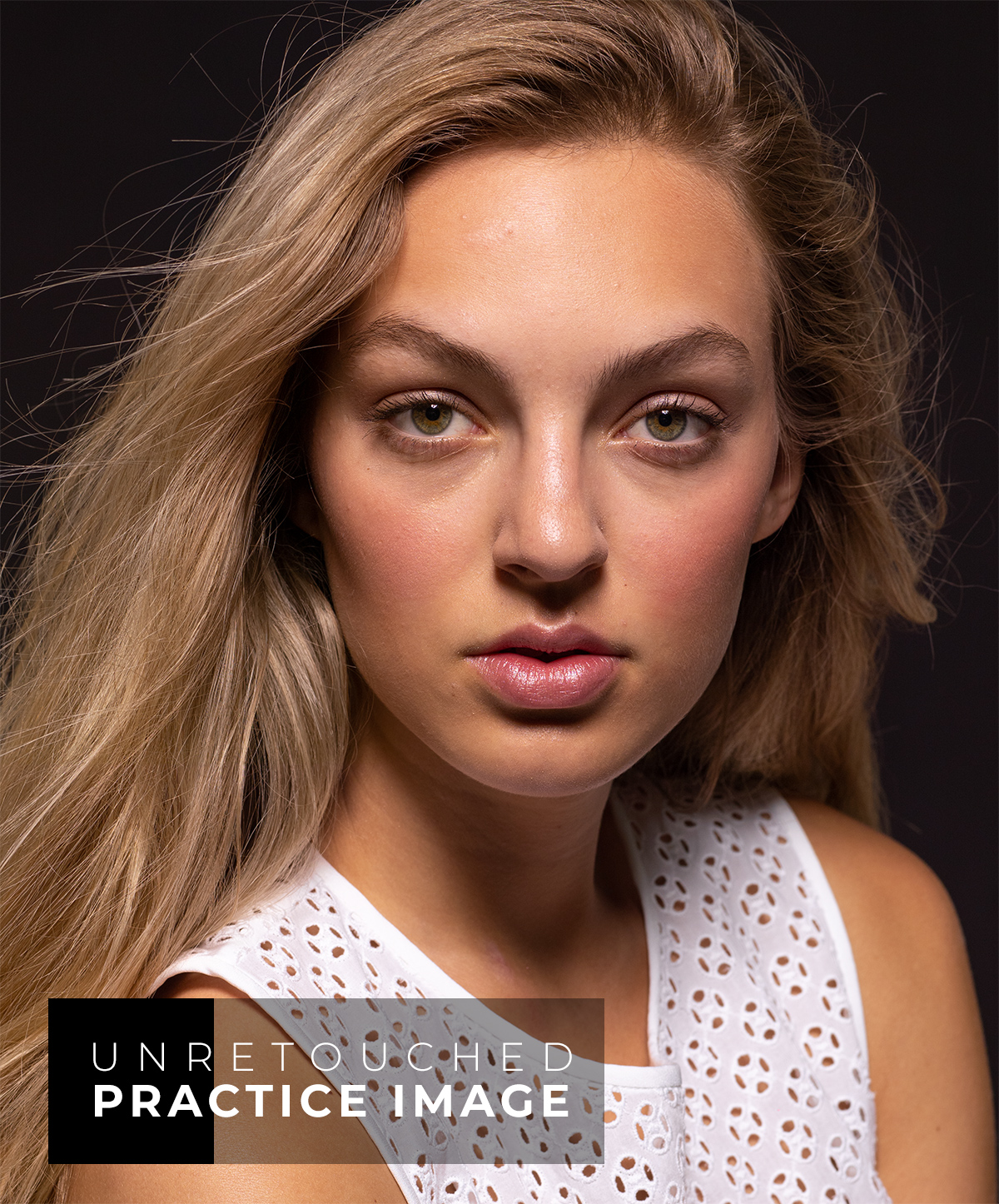
- Beauty practice files
- Bonus materials
- Custom actions and brushes
- Support
- Comment under any lesson. Need help with course access? Reach out to us →
Watch our courses on your mobile devices anywhere via the Kajabi app.
Course Modules & Lessons
This course is a treasure trove of great, in-depth lessons for photographers and retouchers interested in advancing their skin retouching skills to a professional level.
Each includes video lessons, practice beauty images, bonus materials, and hands-on work to lock in what you learn.
Introduction & DownloadsTake a moment to review this Introduction module, download practice files, bonus materials, and say hello to your fellow students in the comments.
- 1.1Quality Skin Retouching (10:23)
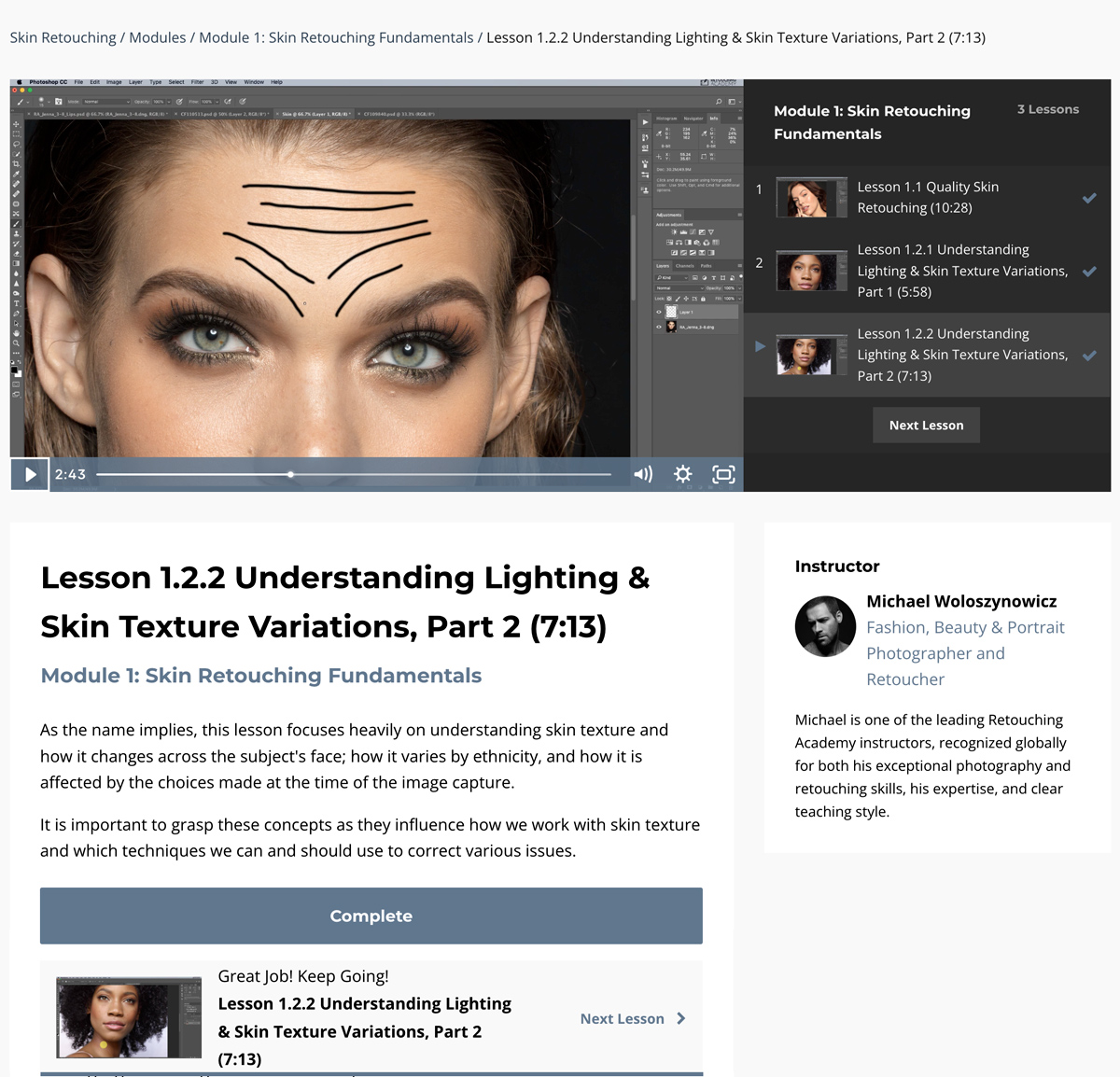
- 1.2.1Understanding Lighting & Skin Texture Variations, Part 1 (5:50)
- 1.2.2Understanding Lighting & Skin Texture Variations, Part 2 (7:09)
- Photoshop Tools for Skin Retouching
- 1.3Photoshop Tools for Skin Retouching (6:04)
- 1.4Healing Brushes (13:54)
- 1.5Brush Tool (7:58)
- 1.6Working With Layers (11:07)
- Masking & Selections
- 1.7Working with Layer Masks (9:01)
- 1.8Selections (12:41)
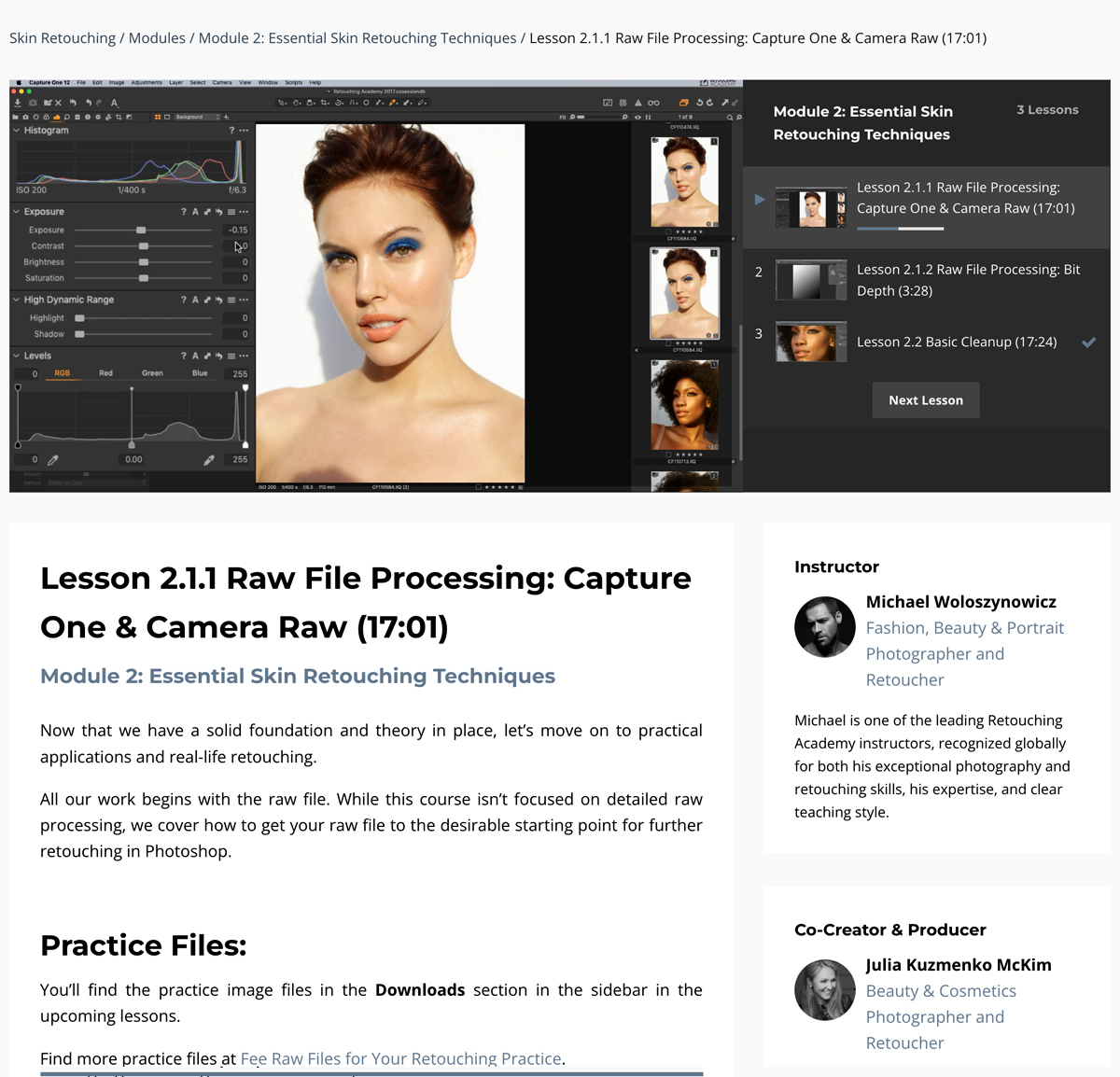
- 2.1.1Raw File Processing: Capture One & Camera Raw (16:46)
- 2.1.2Raw File Processing: Bit Depth (3:20)
- 2.2Basic Cleanup (17:24)
- Frequency Separation
- 2.3.1Frequency Separation, Part 1 (8:59)
- 2.3.2Frequency Separation, Part 2 (11:42)
- 2.3.3Frequency Separation, Part 3 (10:21)
- 2.3.4Clone Stamp Tool in Practice (9:38)
- Dodging & Burning
- 2.4.1Dodging & Burning, Part 1 (7:56)
- 2.4.2Dodging & Burning, Part 2 (14:32)
- 2.4.3Dodging & Burning, Part 3 (4:57)
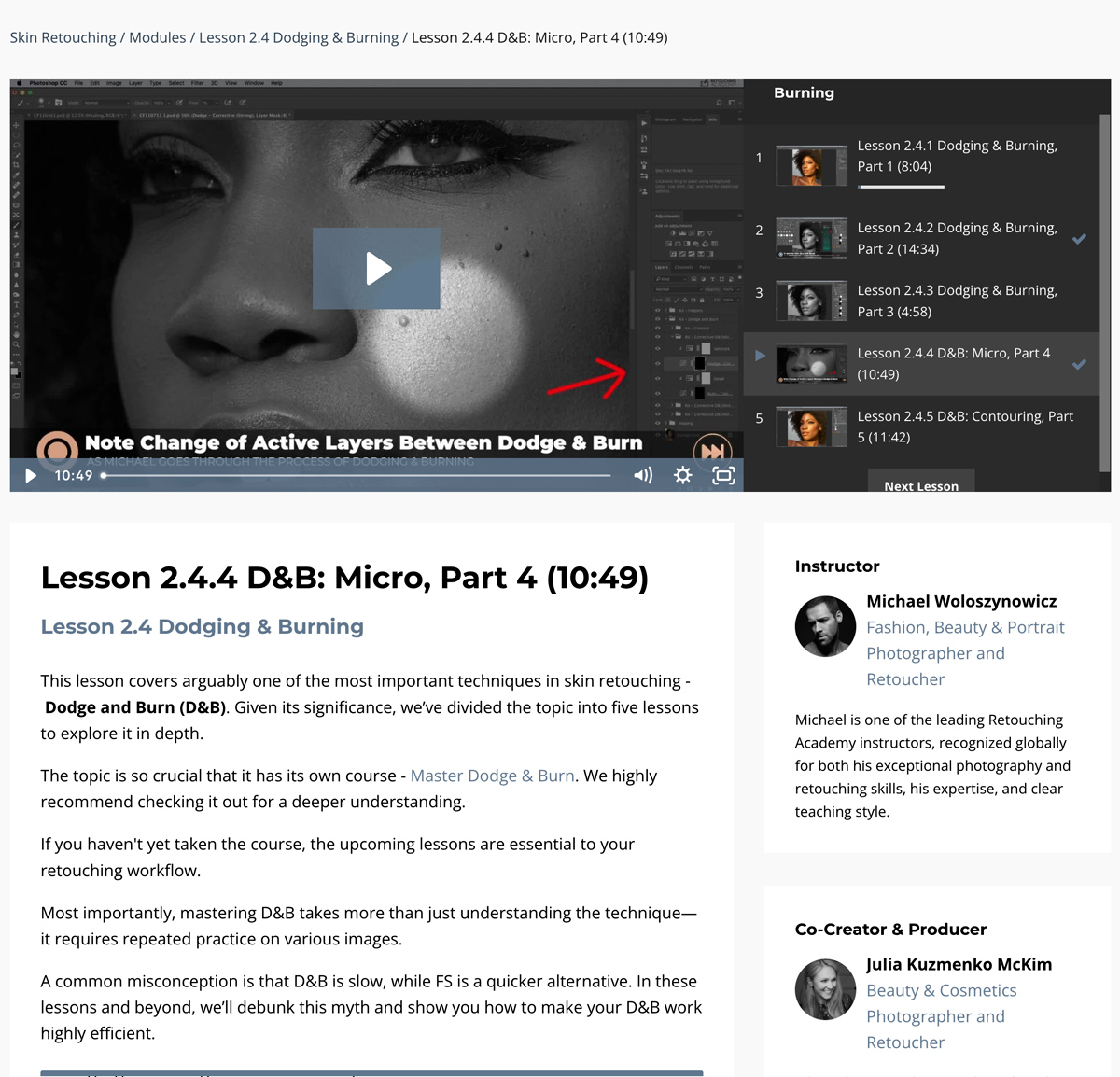
- 2.4.4Dodging & Burning, Part 4: Micro D&B (10:44)
- 2.4.5Dodging & Burning, Part 5: Contouring (11:34)
- Color Corrections
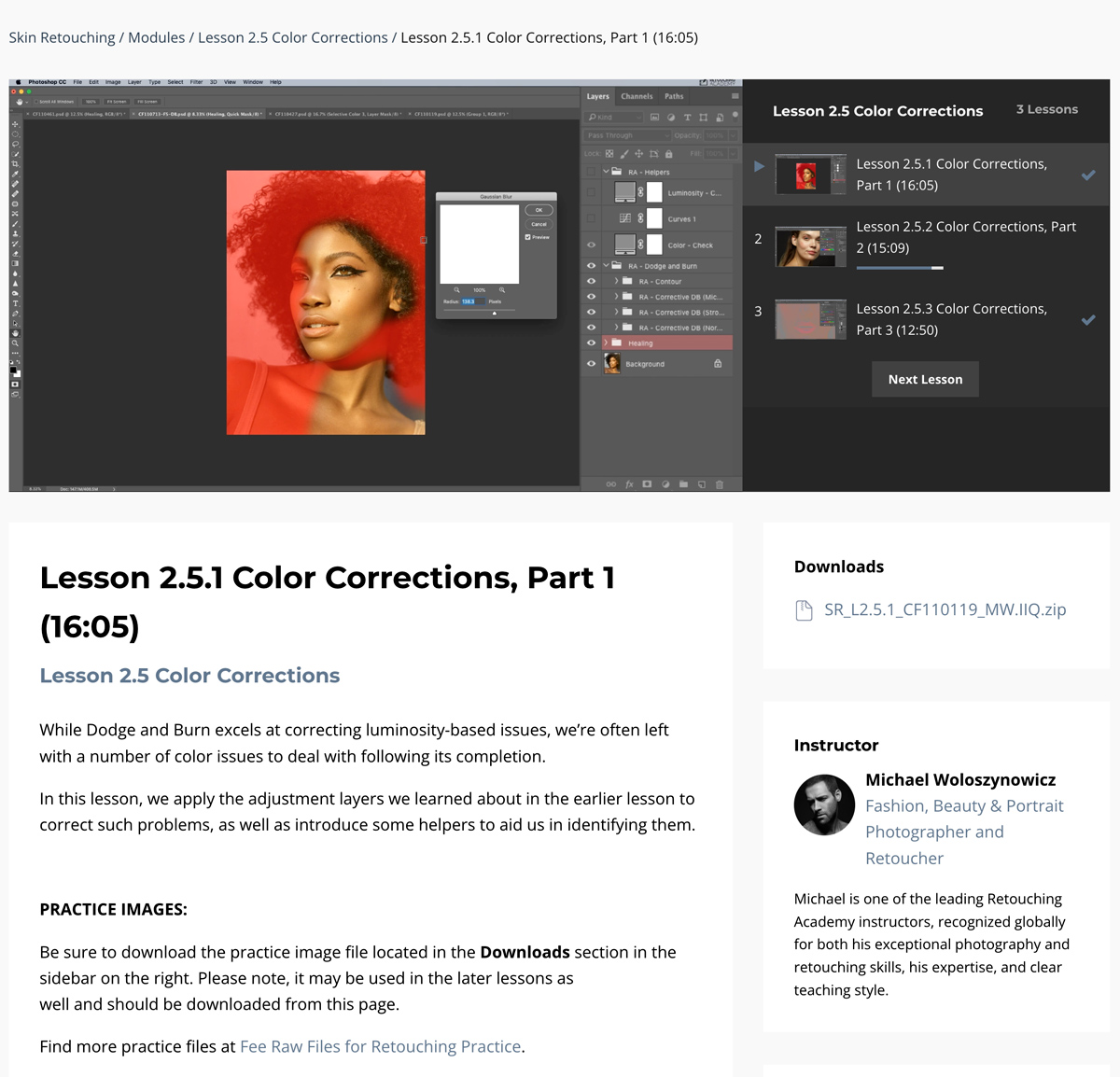
- 2.5.1Color Corrections, Part 1 (15:57)
- 2.5.2Color Corrections, Part 2 (15:09)
- 2.5.3Color Corrections, Part 3 (12:45)
- Assignment: Putting It All Together (6:18)
- 3.1Tackling Difficult Skin with FS (14:44)
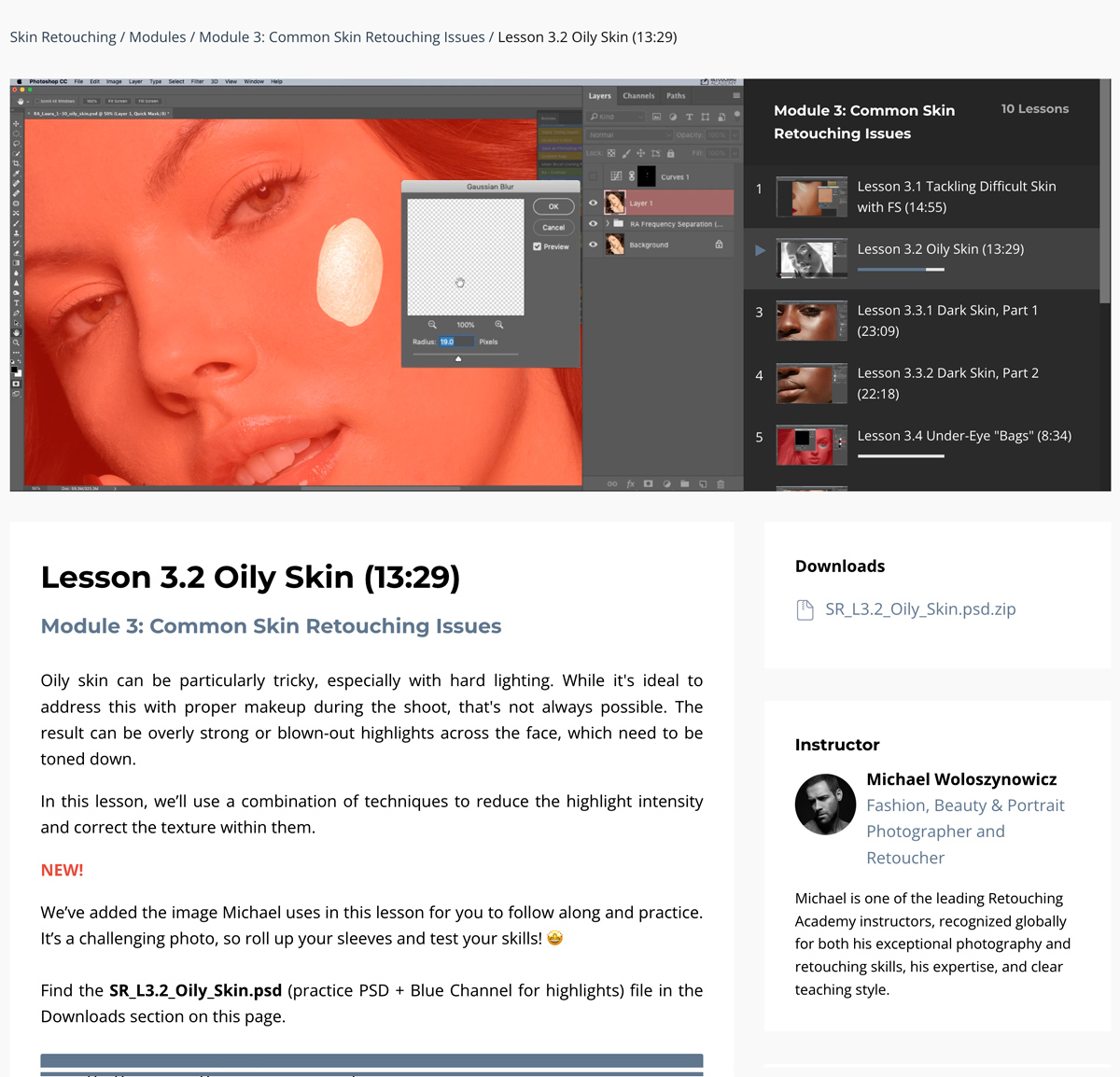
- 3.2Oily Skin (13:19)
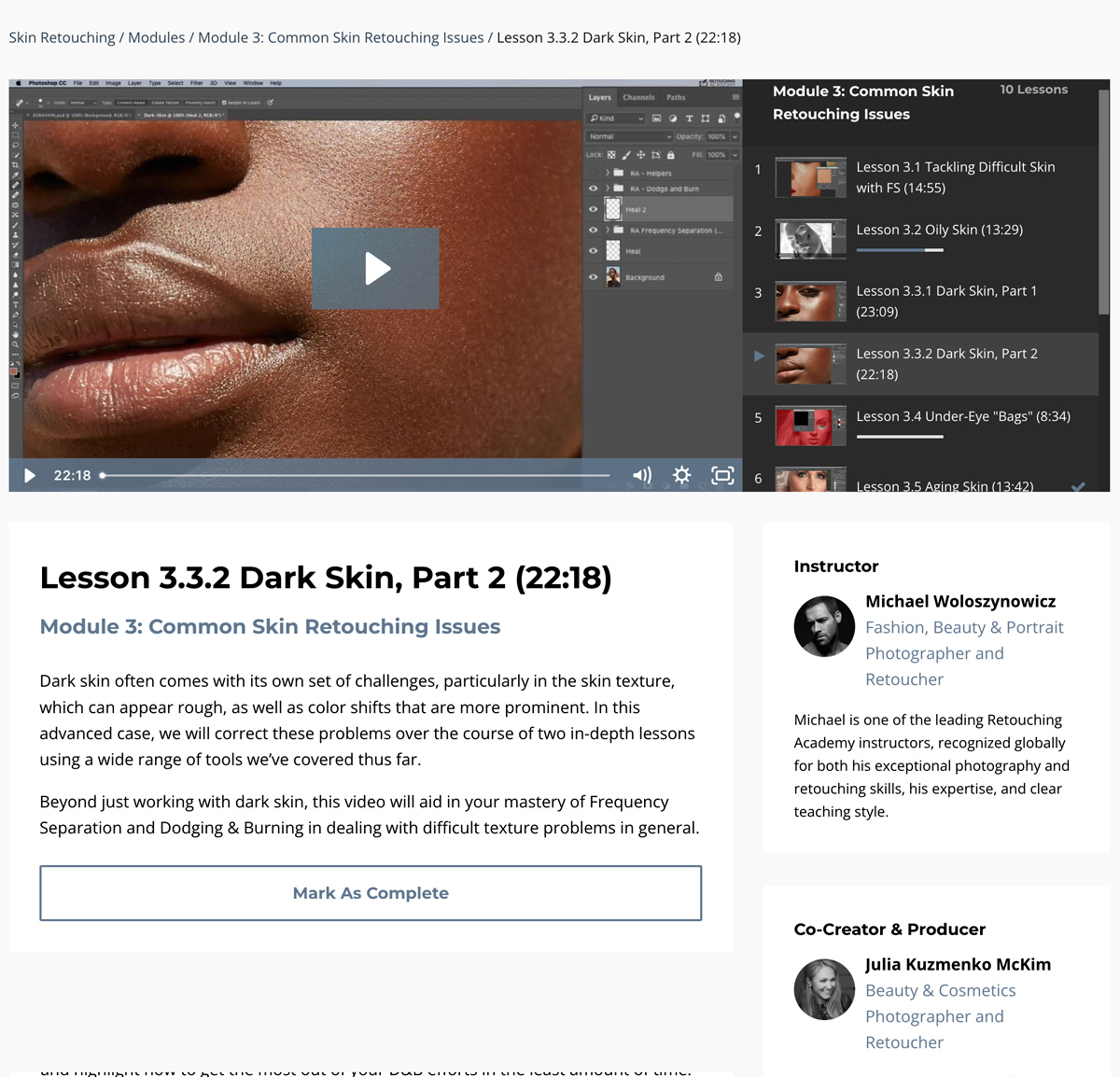
- 3.3.1Dark Skin, Part 1 (23:09)
- 3.3.2Dark Skin, Part 2 (22:09)
- 3.4Under-Eye Dark Circles (8:23)
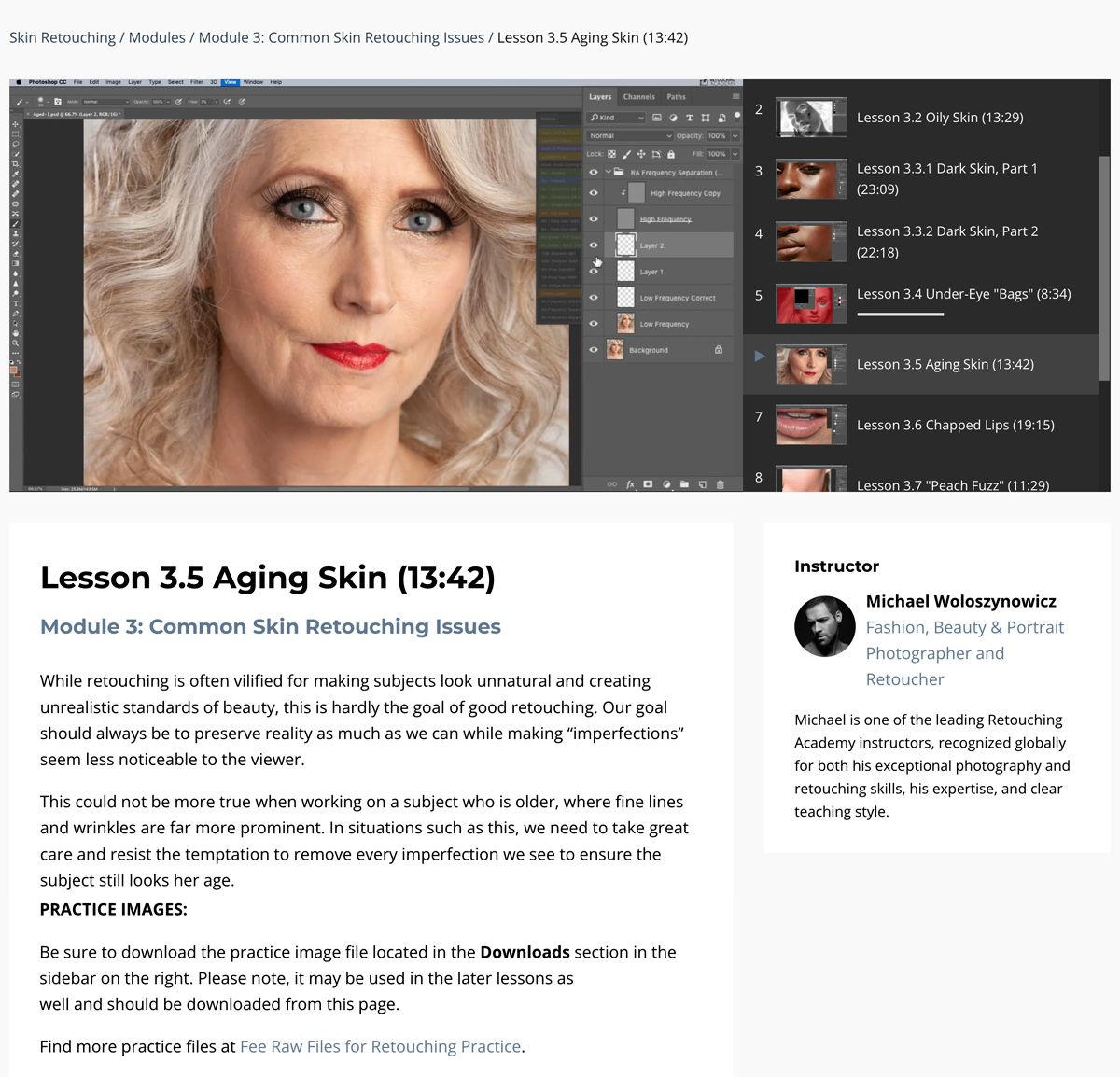
- 3.5Working with Mature or Aging Skin (13:42)
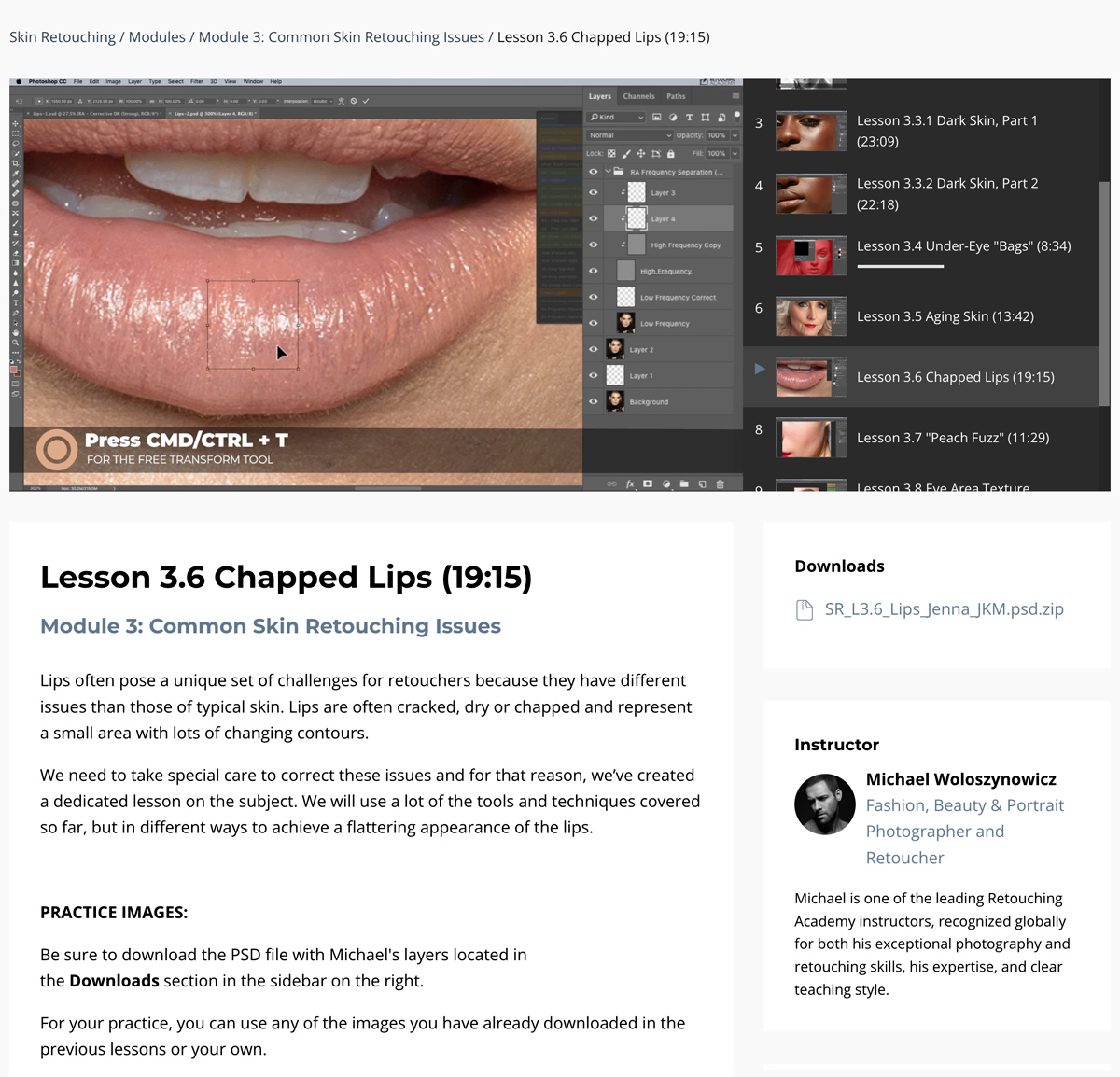
- 3.6Fixing Dry & Chapped Lips (19:04)
- 3.7Fixing “Peach Fuzz” (11:18)
- 3.8Eye Area Texture (8:31)
- 3.9Spray Tan (13:37)
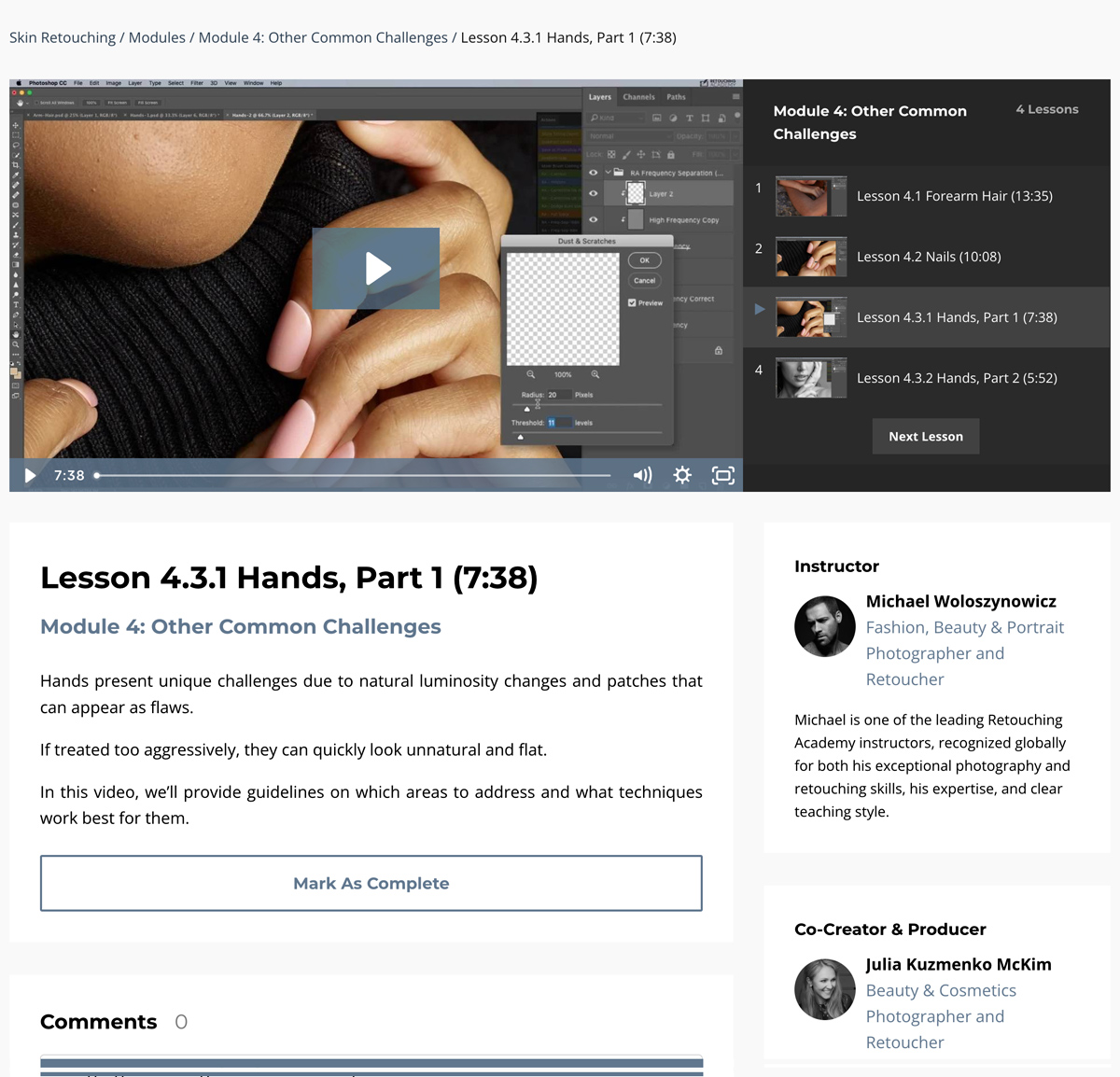
- 4.1Forearm Hair (13:35)
- 4.2Nails (10:08)
- 4.3.1Hands, Part 1 (7:38)
- 4.3.2Hands, Part 2 (5:52)
Created and Taught by Seasoned Creative Professionals

Beauty photographer and retoucher with over a decade of industry experience, shooting and retouching for brands like Urban Decay, Pat McGrath Labs, Lululemon, and many others alongside her Avenue Studio team.
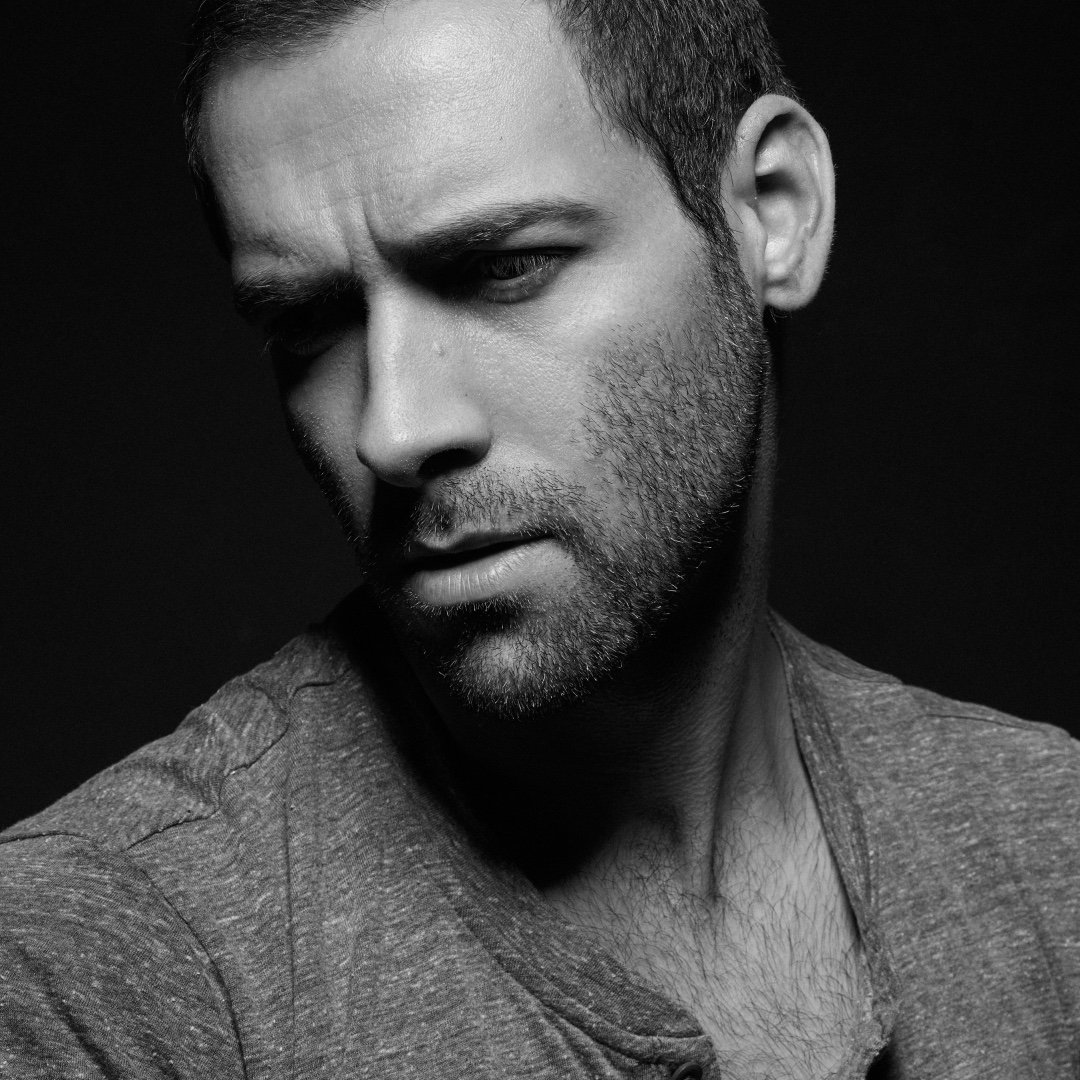
Michael is one of the leading Retouching Academy instructors, globally known for not only his top-quality photography and retouching work but also for his accessible style of teaching and Photoshop expertise.









// 05 · verified reviews
What Our Users
Are Saying
From photographers and retouchers who use what they learned from our courses and the RA Panels in their everyday retouching work.
// 06 · faq
Frequently
Asked Questions
Photographers, retouchers, and creative professionals with basic Adobe Photoshop knowledge who want to master skin retouching at a professional level. As an intermediate-to-advanced course, it touches on fundamentals but focuses on professional methods, so students’ familiarity with layers, masking, and basic tools before taking this course helps.
- Solid skill base. Proper skin work methods, principles, tools, and techniques for high-quality work, including close-up beauty.
- Time-saving workflows. Efficient methods and multiple solutions for the most common skin retouching challenges.
- Career potential. Once internalized through deliberate practice, the workflows you learn in this course will qualify you for junior and mid-level in-house retouching roles, creative agency opportunities, or remote freelance work from anywhere in the world. Most of our Avenue studio retouchers took RA courses and follow these workflows.
If you are aiming at senior in-house roles, remote commercial freelance work, or clients like beauty and wellness brands, consider the All-in-One Beauty Retouch bundle instead. It includes this course plus the Professional Beauty Retouching course, which goes beyond technique into the wider expertise expected of a retouching professional: file handling, file structure, business etiquette, and the most commonly used professional methods.
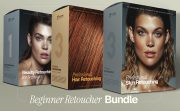
Complete beginner? Start with the Beginner Retoucher Bundle instead.
Yes. The course is taught in Adobe Photoshop, the standard software for professional retouching.
Even if you begin culling and editing your images on an AI platform, professional beauty and fashion images usually require a proper finish in Photoshop.
A graphics tablet (Wacom or other) is recommended, but it is not required to start. Module 1 will help you set it up properly.
For Beginner-Level courses and bundles, no retouching experience is required. Some basic knowledge of the Photoshop interface, layers, masking, and basic tools will be helpful. We’ll take it from there: these courses include introductions to the essential Photoshop tools and key techniques.
Intermediate to Advanced courses and bundles assume existing retouching experience. They touch on fundamentals but focus on advanced methods, and don’t cover the basics in depth.
Lifetime. Once enrolled, the course stays in your account, on the web, and in the Kajabi app.
Enrollment includes all course materials and any future updates. Courses are self-paced and hosted on a streaming platform, so you can learn at your own speed and revisit lessons anytime on desktop, laptop, or mobile devices through the Kajabi app.
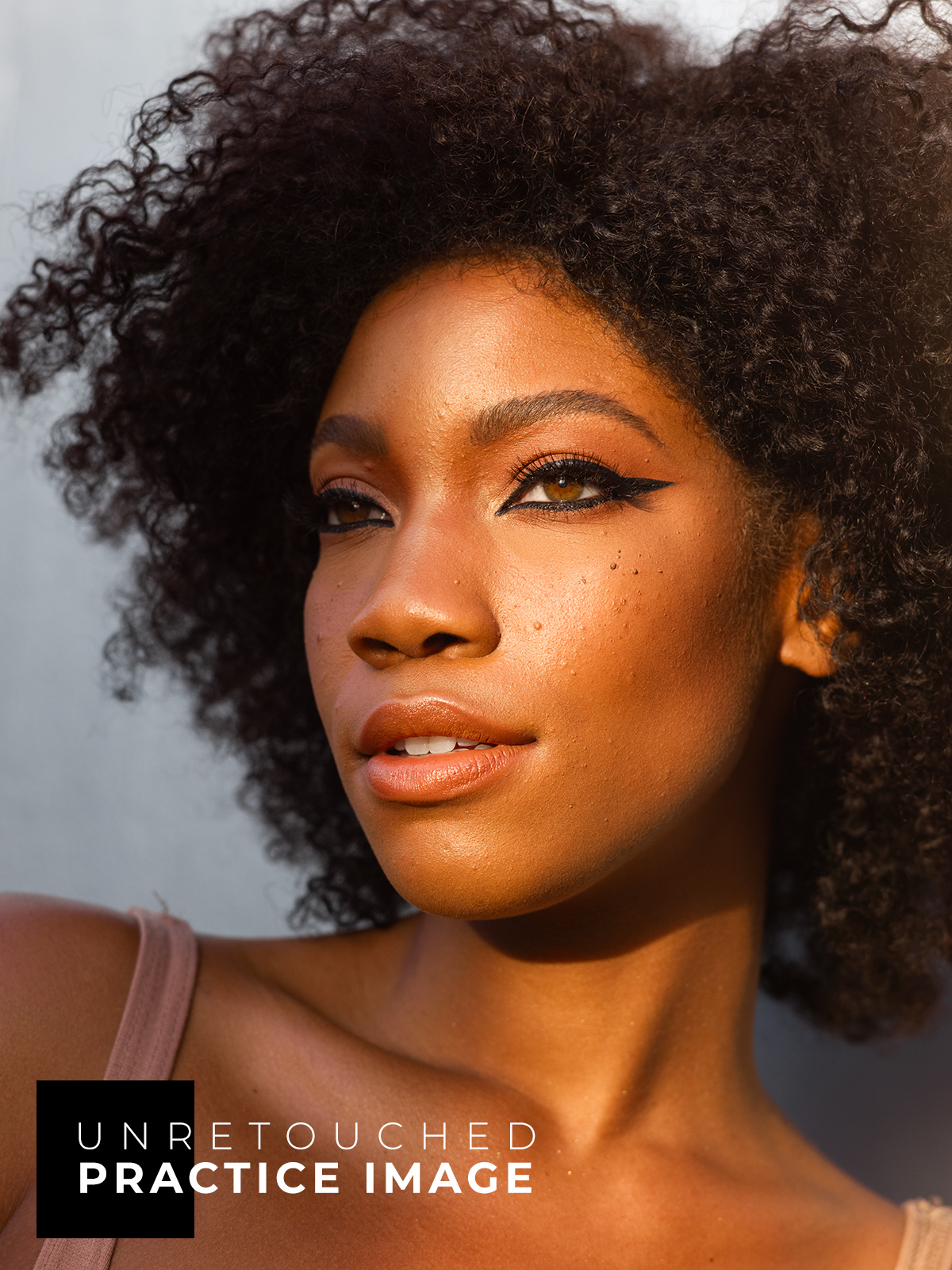
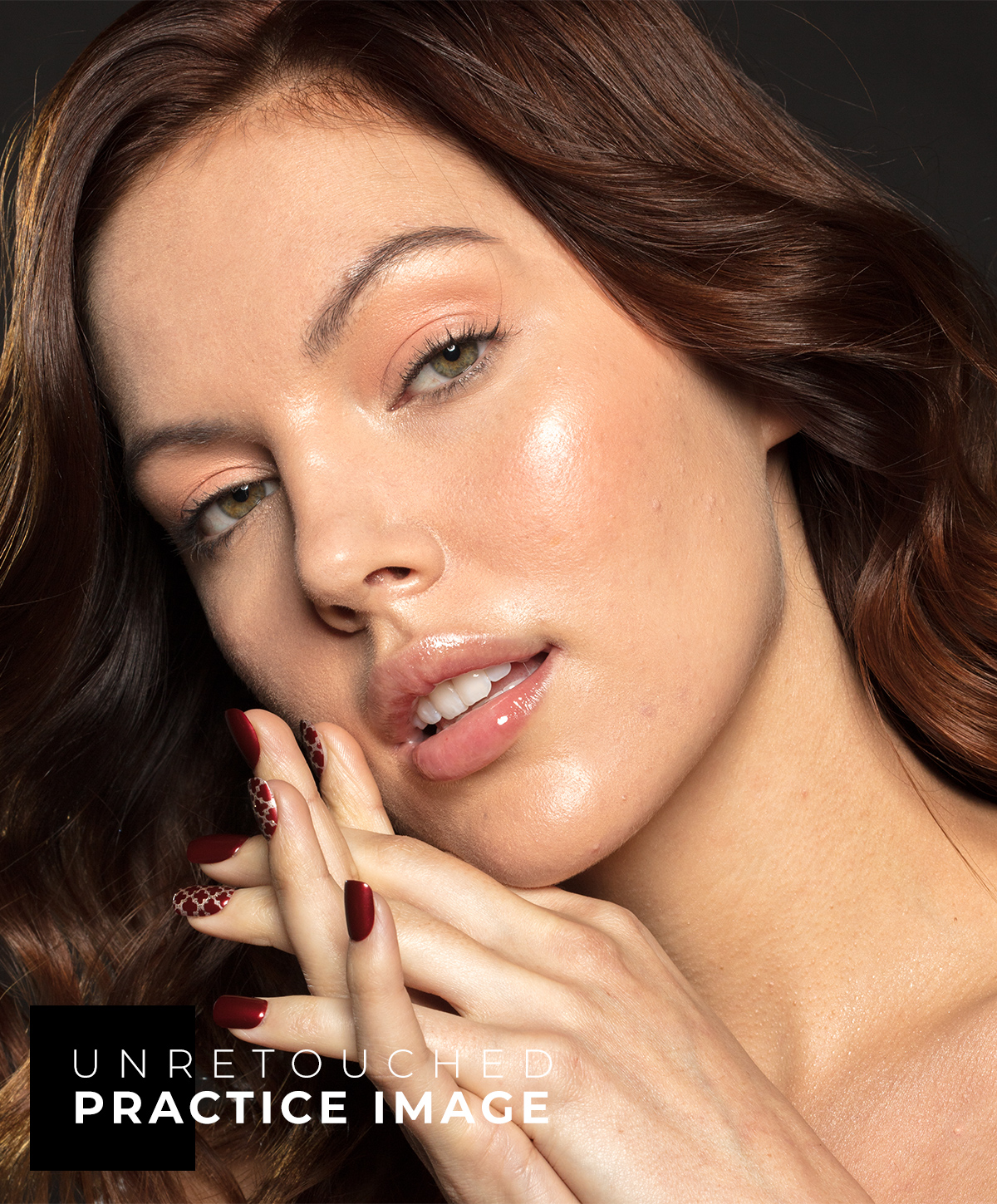
Yes. Every course includes downloadable bonus materials such as practice files, custom actions, and brushes. You’ll find them at the start of each course on the Additional Materials & Downloads or Welcome to the Course pages.
Yes. Leave comments under any lesson, and our team or Julia will answer and support your learning.
Some courses also include a private community where you can ask questions, suggest new lessons, and get feedback from instructors and fellow students.
Immediately after purchase, you’ll receive an email with login details and instructions to start right away.
Returning students can log in via Customer Login or Learn → Your Course Library in the site’s top menu.
Course enrollments are generally non-refundable. That said, in the past five years, we have not received a single refund request for our courses. That’s the result of careful course creation and detailed descriptions that keep expectations and the learning experience aligned.
If you are unsure whether this is the right starting point for you, reach out to us before you enroll, and we’ll help you make the right choice.
After the purchase, if you’re not completely satisfied, reach out within 7 days and let us know what exactly went wrong.
See our Terms & Conditions.
Master Professional
Beauty Retouching
We teach what we have learned the hard way in real-world commercial beauty and fashion work.
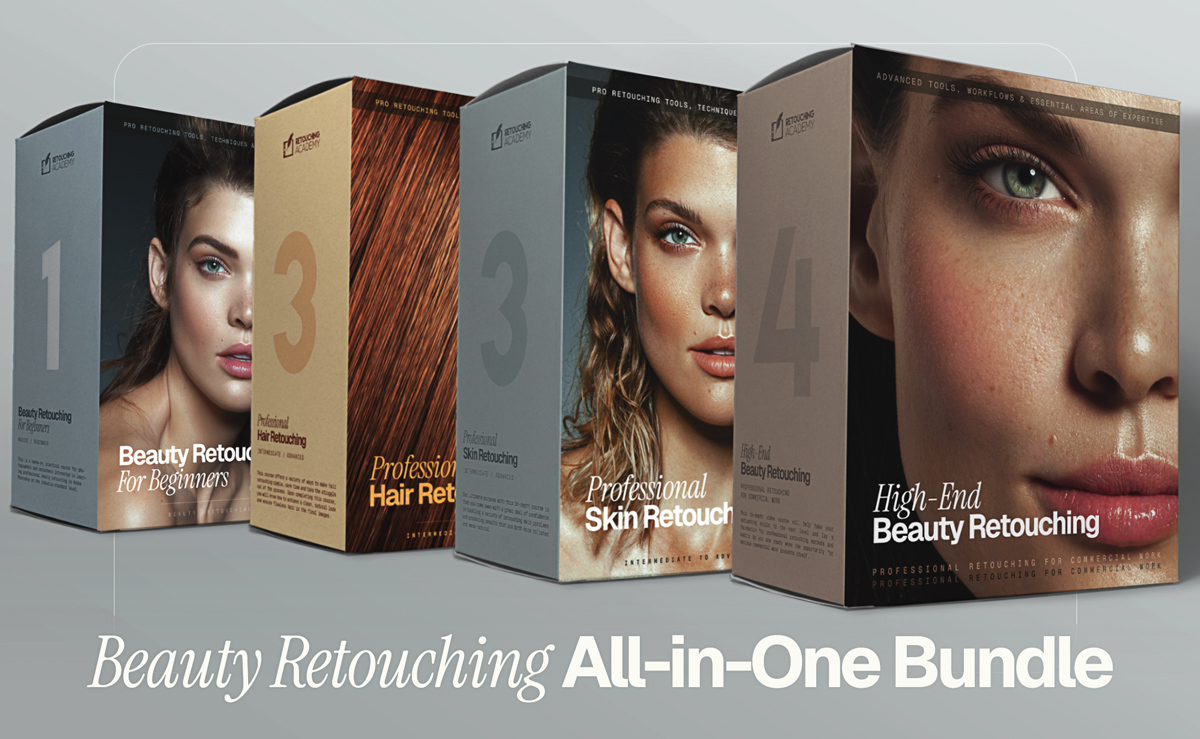
Best value
Get this bundle →
Lifetime · 21+ hours · 15+ practice files
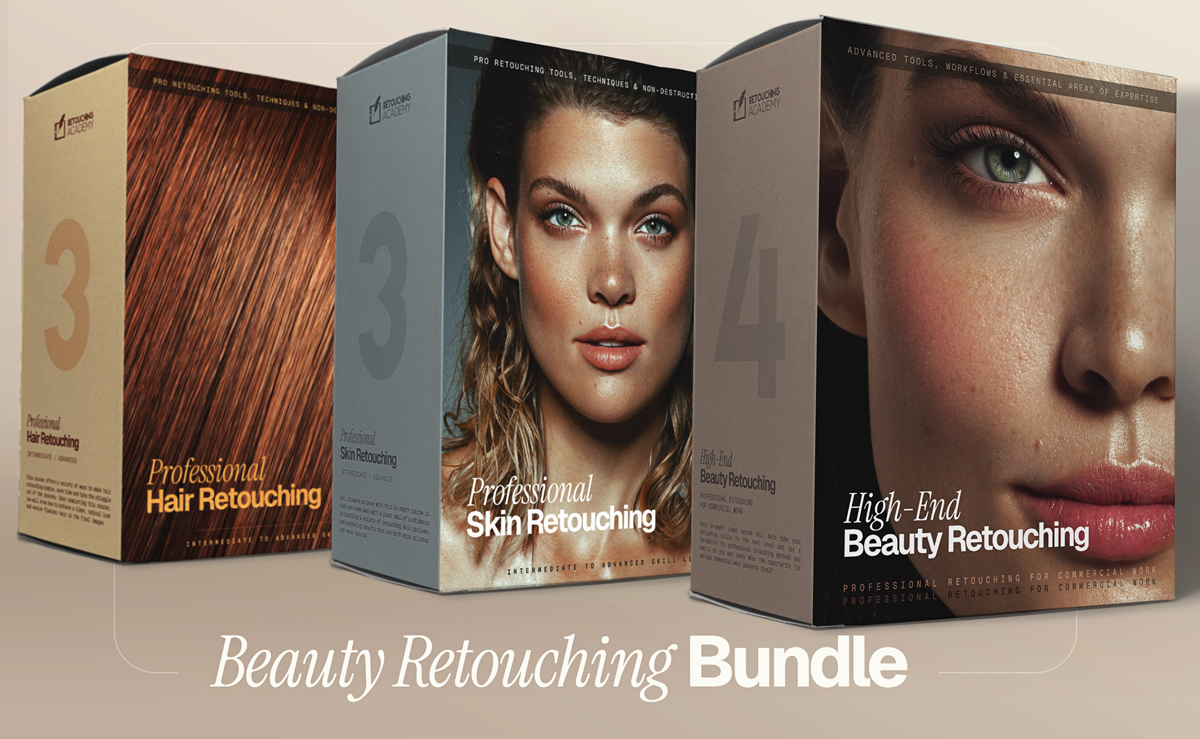
Get this bundle →
Lifetime · 14+ hours · 12+ practice files
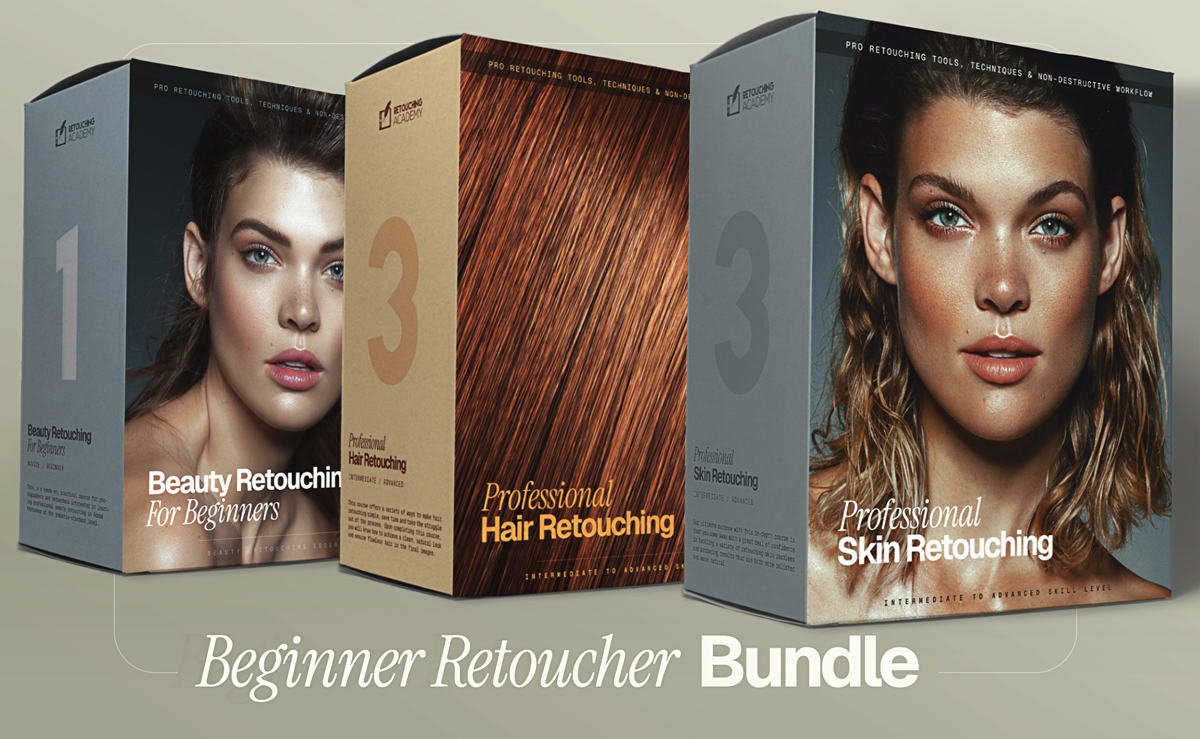
Get this bundle →
Lifetime · 14+ hours · 12+ practice files
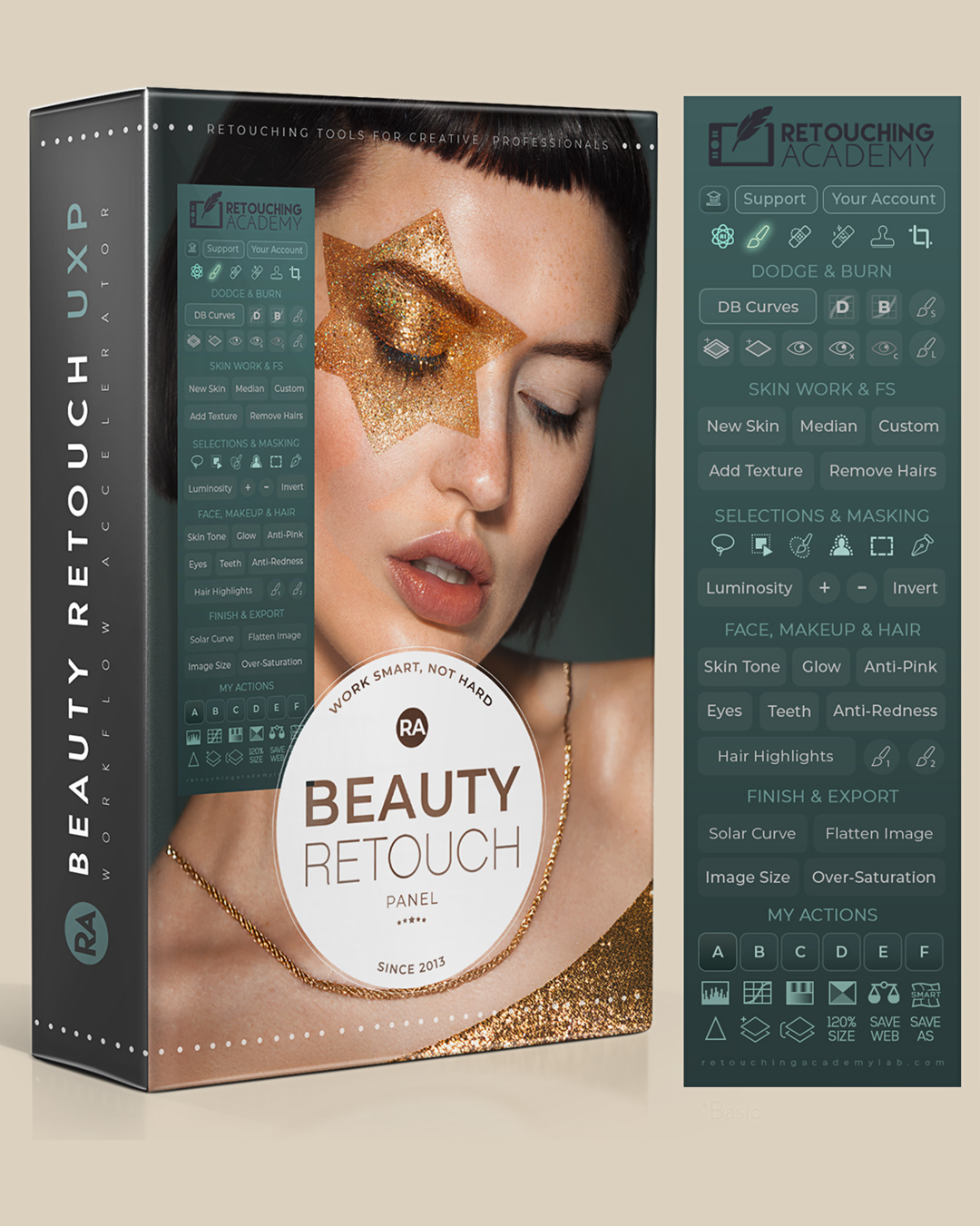
Best-seller
Get this panel →
30-day money-back guarantee
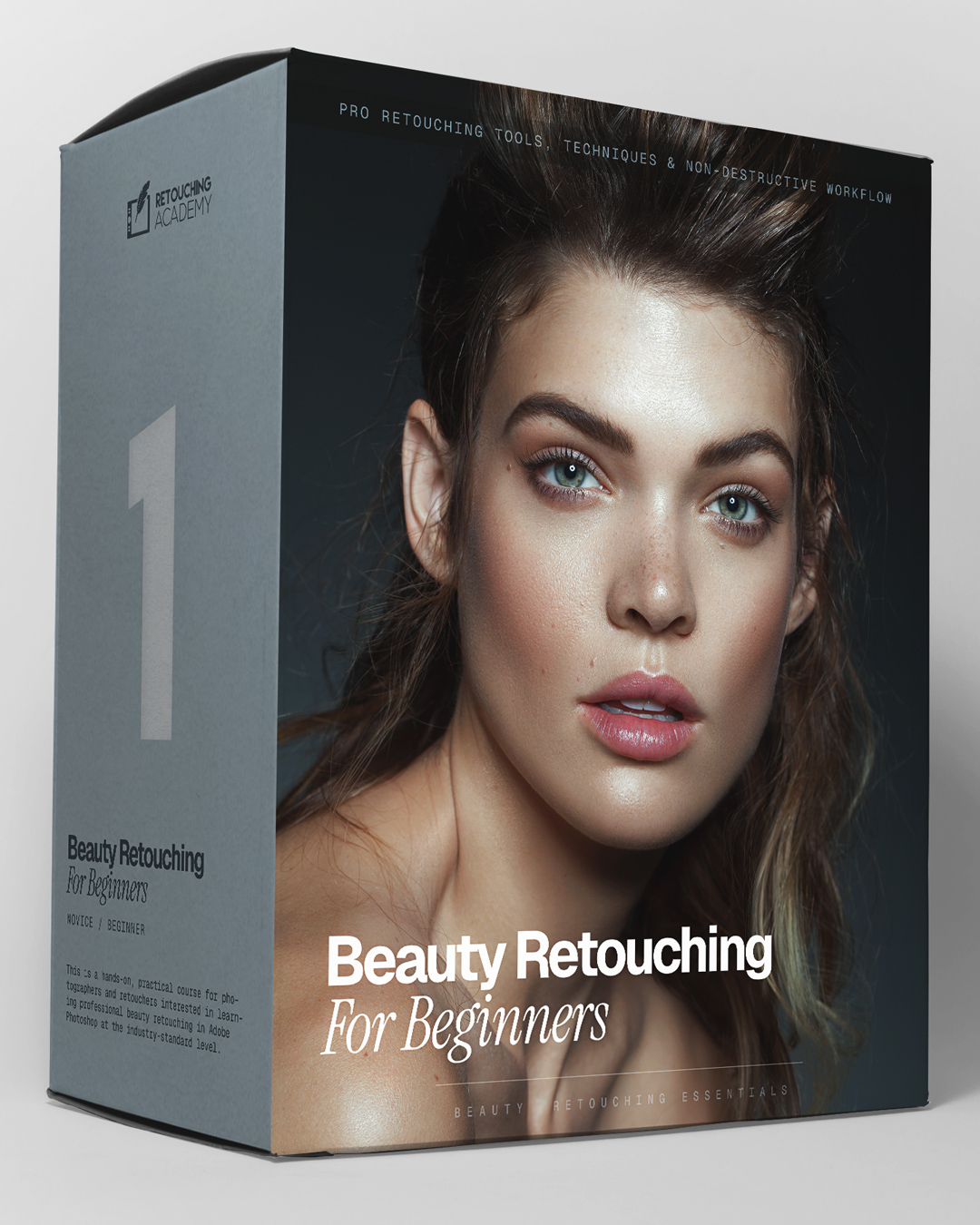
Get this course →
Lifetime · Bonus Materials
Get this course →
Lifetime · Bonus Materials
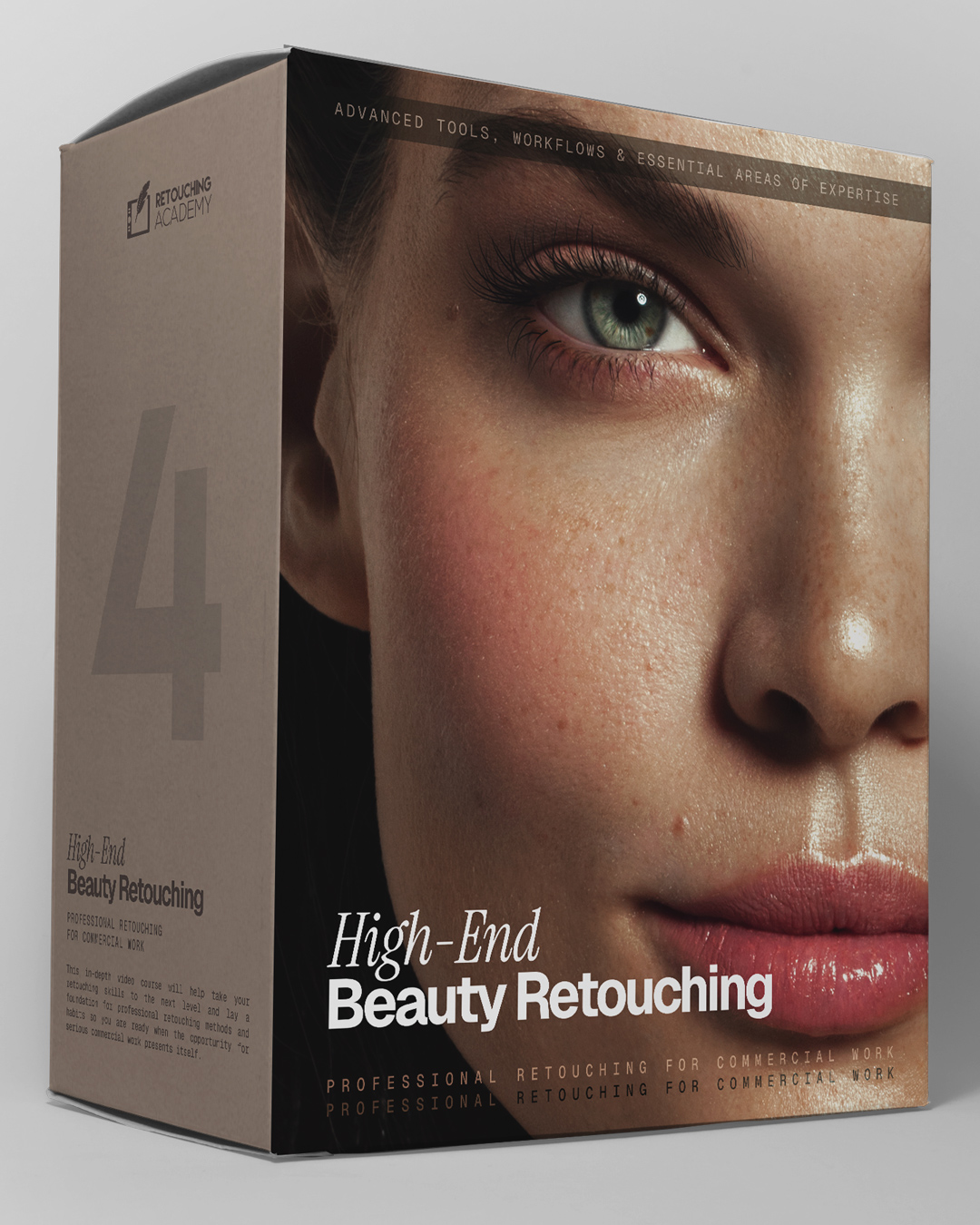
Get this course →
Lifetime · Bonus Materials
$169 one-time