Skip to content
Today’s Special

All-in-One Beauty Retouch bundle - master beauty retouching at a professional level.

Save $282→
Today’s Special

Beauty Retouch 6.0 | The best version is here!Try it today in Photoshop® v27.9+

Learn More→
Today’s Special

All-in-One Beauty Retouch bundle - master beauty retouching at a professional level.

Save $282→
Today’s Special

Beauty, Skin & Hair Retouching for Beginners in a bundle

Save $181→
Skip to content
Testimonials
Newsletter
Contact Us
Customer Login
Retouching Academy
Home
Learn ▼
Your Course Library
Code of Professional Practice
Shop ▼
Retouching Courses & Bundles
Retouching Panels
Practice Files: Beauty
Blog
Home
Learn
Your Course Library
Code of Professional Practice
Shop
Retouching Courses & Bundles
Retouching Panels
Practice Files: Beauty
Blog
Testimonials
Newsletter
Contact Us
Sign In
RA Courses → Student Login
RA Panels → User Login
RA Affiliate Login
RA Courses → Student Login
RA Panels → User Login
RA Affiliate Login

Sign in

close


Lost your password?
No account yet? Create an Account
  • Home
  • Store
    • Courses & Bundles
    • Retouching Panels
    • Practice Files
  • Newsletter
  • Contact Us
  • Blog
  • Customer Login
    • Affiliate Login

Shopping cart

close
  • Instagram
  • YouTube
THE COMMERCIAL SIDE OF PHOTOGRAPHY & RETOUCHING
  • Testimonials
    • Submit Yours
  • Customer Login
    • Affiliate Login
  • Newsletter
  • Contact Us
  • Home
  • LEARN
    • YOUR COURSE LIBRARY
    • Code of Professional Practice
  • Shop
    • Retouching Courses & Bundles
    • Retouching Panels
    • Practice Files – Beauty
  • Blog
Retouching Academy Retouching Academy
close
Cart (o) 0 / $0.00 USD
Read More
17 Feb
Freelance Business, Hardware & Tools

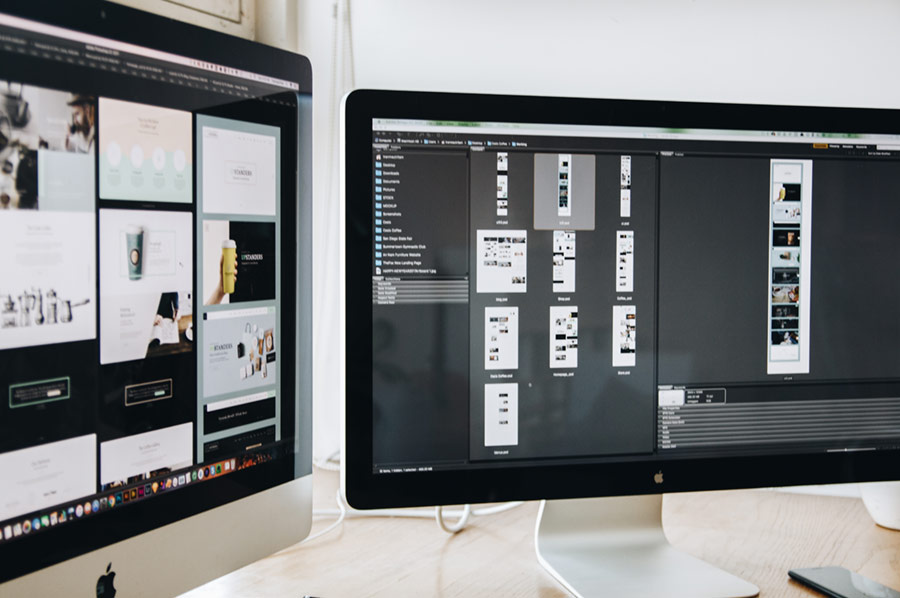
Top Monitors for Retouching in 2025

  • September 1, 2026
  • Posted by Retouching Academy Team
  • freelance business, monitors, monitors for retouching
  • 1 comment
For a creative professional, the monitor isn't just another piece of equipment; it's a crucial precision tool for producing professional content. Every editing decision, from adjusting highlights and contrast to...
Read more

  • Facebook
  • Twitter
  • Email
Read More
27 Oct
Efficiency & Productivity, Hardware & Tools, Real World Practices, Video Tutorial

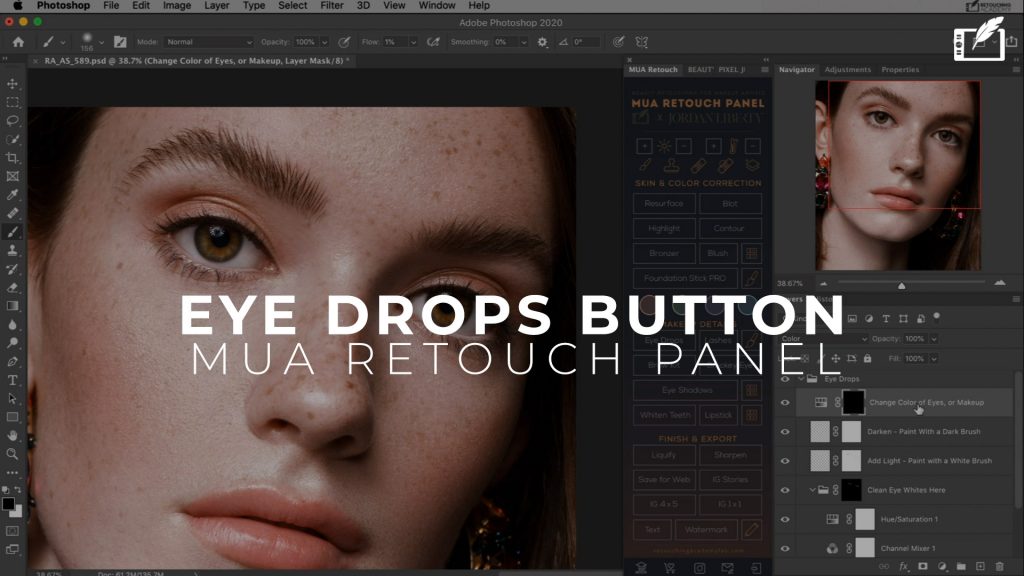
Retouching Eyes with the Eye Drops Button on the MUA Retouch Panel

  • September 1, 2026
  • Posted by Retouching Academy Team
  • beauty retouching, MUA Retouch, retouching eyes
  • Leave a comment
The Eye Drops button on the MUA Retouch panel is like virtual Visine, only better. Use it to quickly clean up the whites of the eyes, add light and...

Read more

  • Facebook
  • Twitter
  • Email
retouching on the ipad
Read More
13 Nov
Hardware & Tools, Software for Retouching, Video Tutorial

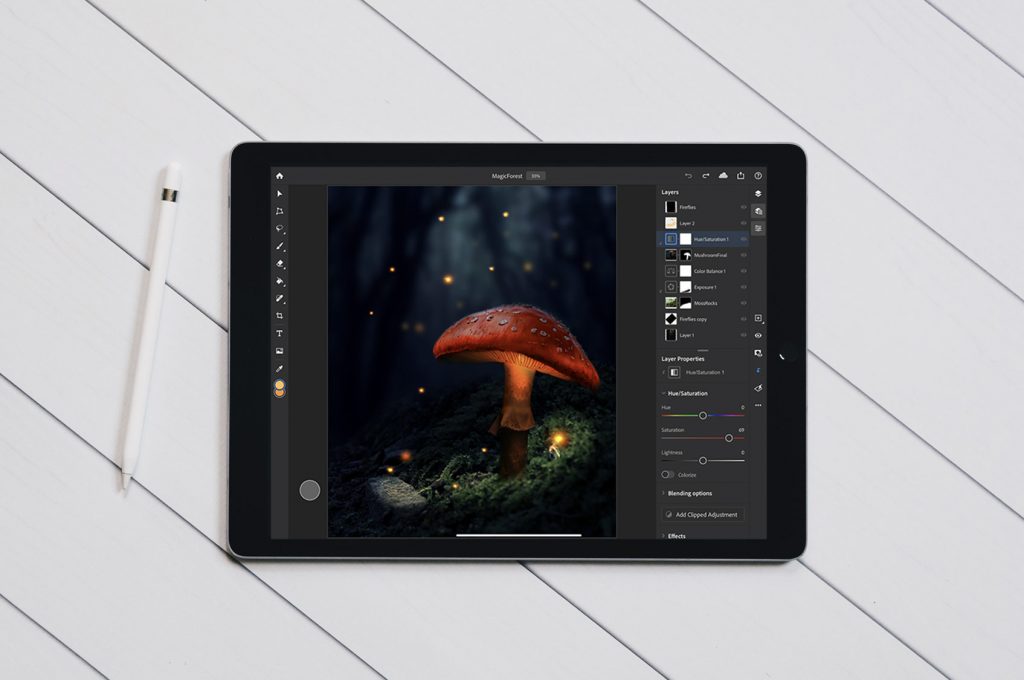
Hands On With Photoshop for iPad for Retouching

  • November 12, 2019
  • Posted by Kendra Paige
  • apple pencil retouching, ipad retouching, photoshop for ipad
  • Leave a comment
The much-anticipated release of Photoshop for the iPad is finally here. With its initial launch version, most of the features that retouchers rely on are present: the Clone Stamp...

Read more

  • Facebook
  • Twitter
  • Email
how to set up and use a wacom graphics tablet for retouching
Read More
19 Sep
Hardware & Tools, Software for Retouching, Video Tutorial

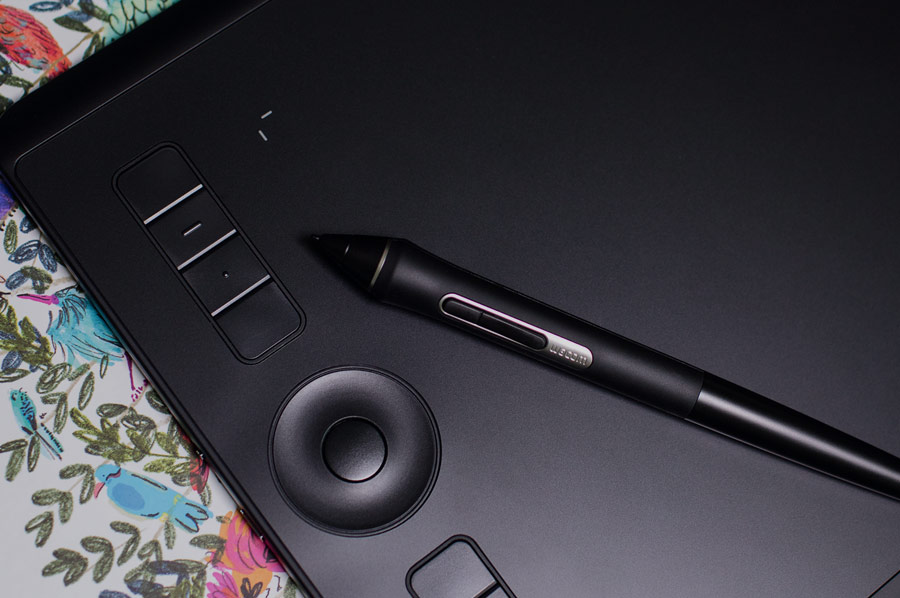
How to Set Up and Use a Wacom Tablet

  • January 13, 2019
  • Posted by Kendra Paige
  • photoshop tutorial, retouching pen, wacom tablet
  • Leave a comment
A retoucher should be using the best tool for the job, and there’s really no better choice than a Wacom tablet. While a mouse or trackpad may be what...

Read more

  • Facebook
  • Twitter
  • Email
What's New in Lightroom 7.5 Classic and Lightroom 3.6 CC
Read More
05 Sep
Hardware & Tools, Video Tutorial

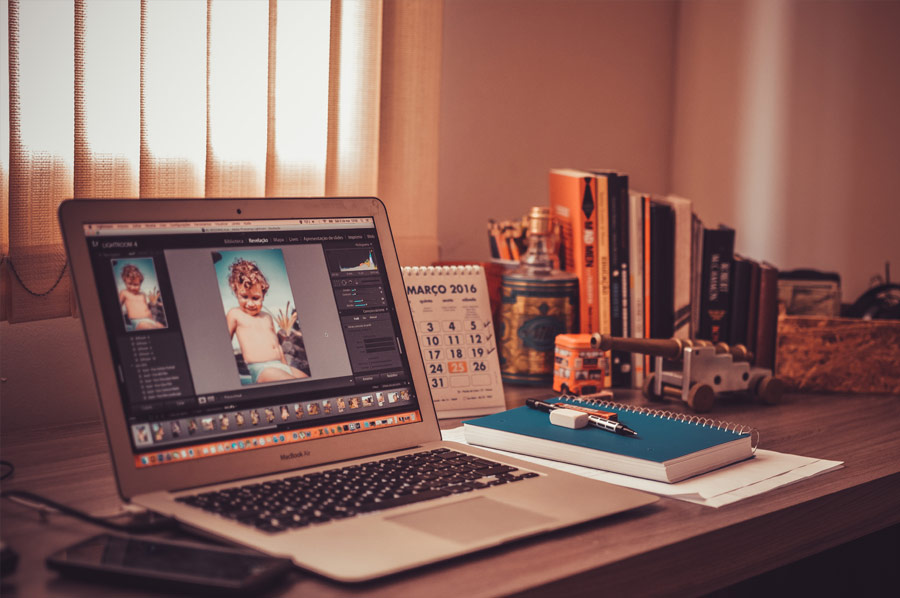
New Features in Lightroom Classic 7.5 and Lightroom CC 3.6

  • December 20, 2018
  • Posted by Gerry Kingsley
  • lightroom, tech news
  • Leave a comment
Adobe recently released update 7.5 for Lightroom Classic as well as an update for Lightroom CC version 3.6. While these updates aren’t necessarily game-changing, they do come with improvements...

Read more

  • Facebook
  • Twitter
  • Email
Read More
14 Aug
Fundamentals, Hardware & Tools, Working With Colors

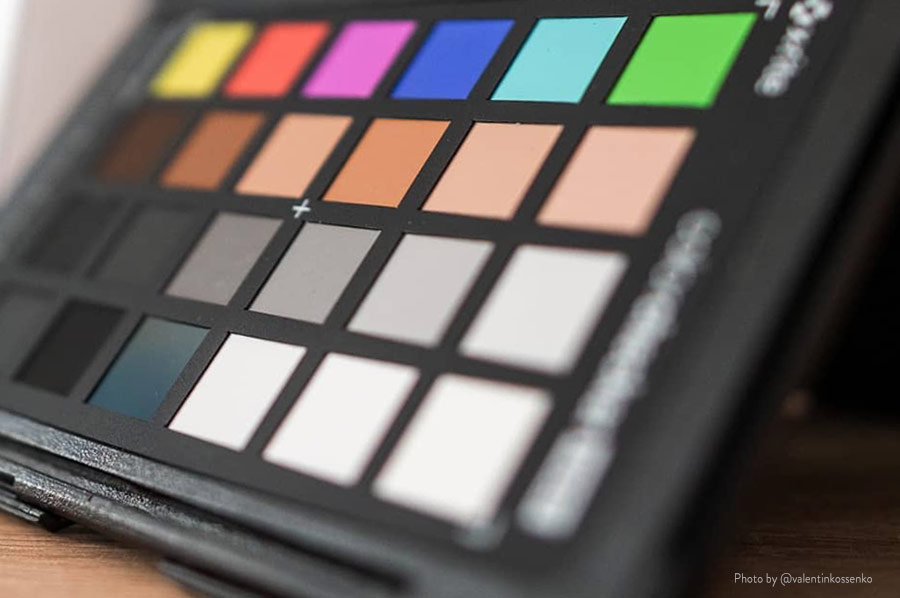
Using a Color Chart to Ensure Color Accuracy in Your Photography from Capture to Resulting Image

  • December 21, 2018
  • Posted by Gerry Kingsley
  • color chart, working with colors
  • Leave a comment
Color accuracy is an important factor in photography and retouching. Modern day cameras rely entirely on the built-in software to interpret the color data in the captured images, and...

Read more

  • Facebook
  • Twitter
  • Email
retouching with the ipad pro and astropad studio
Read More
20 Feb
Hardware & Tools, Software for Retouching, Video Tutorial

Review: Using the iPad Pro for Professional Retouching

  • January 13, 2019
  • Posted by Kendra Paige
  • adobe photoshop, graphics tablet, Wacom
  • Leave a comment
If you were to take Apple’s marketing at face value, you might think that the latest generation of the iPad Pro could be a true computer replacement. But can...

Read more

  • Facebook
  • Twitter
  • Email
Read More
20 Dec
Hardware & Tools, Video Tutorial

6 Tricks for Better Performance With a Wacom Tablet

  • January 13, 2019
  • Posted by Kendra Paige
  • Wacom, wacom settings
  • 2 comments
For any professional retoucher, a graphics tablet is a necessity. However, there is an initial adjustment period, and like many tools, there are many customization options and little-known features. In...

Read more

  • Facebook
  • Twitter
  • Email
Read More
29 Nov
Hardware & Tools, Working With Colors

Buyer’s Guide to the Best Monitors for Retouching

  • January 22, 2025
  • Posted by Kendra Paige
  • monitor for retouchers, photography display, retouching monitor
  • 1 comment
The end of the year is an opportune time to invest in your business or add a smart purchase to your holiday wish list. In a retoucher’s quest for quality,...

Read more

  • Facebook
  • Twitter
  • Email
Read More
24 Jul
Hardware & Tools, Working With Colors

Why Your Monitor Can’t Display Some Colors

  • December 20, 2018
  • Posted by Daniel Meadows
  • color gamut, monitor, working with colors
  • Leave a comment
The modern PC monitor does an exceptional job of representing a photograph in light, built from hundreds of thousands, or millions of pixels, each capable of showing one of...

Read more

  • Facebook
  • Twitter
  • Email
system requirements for retouching software
Read More
10 Jul
Hardware & Tools, Software for Retouching

System Requirements for Retouching

  • August 1, 2024
  • Posted by Kendra Paige
  • efficiency & productivity, image editing, retouching
  • 19 comments
Becoming a retoucher is one of those things that doesn’t involve many barriers to entry. Most computers will run the necessary software, making retouching accessible to many. For those that...

Read more

  • Facebook
  • Twitter
  • Email
adobe analytics ai for voice devices
Read More
29 Jun
Efficiency & Productivity, Hardware & Tools, Software for Retouching

Adobe Wants to Hear Your Voice

  • January 19, 2019
  • Posted by Kendra Paige
  • adobe, adobe photoshop, tech news
  • Leave a comment
While voice devices such as the Amazon Echo may not be present in every home just yet, they are showing an upward trend. Adobe recently released a report focused...

Read more

  • Facebook
  • Twitter
  • Email
Read More
13 Jun
Hardware & Tools

Samsung Rethinks the Television With Artists in Mind

  • June 13, 2017
  • Posted by Kendra Paige
  • artwork display, digital gallery, samsung
  • Leave a comment
At CES 2017, Samsung teased a new addition to their Lifestyle and Serif TV lines of televisions, with The Frame TV. The Frame is designed to act more as...

Read more

  • Facebook
  • Twitter
  • Email
Read More
18 May
Efficiency & Productivity, Hardware & Tools

Back Up Your Wacom Tablet Settings

  • November 10, 2018
  • Posted by Julia Kuzmenko McKim, RA Team
  • tablet preferences, Wacom
  • Leave a comment
Dear RA Artists, A member of our RA Community reported some issues that he encountered with his Wacom tablet (Intuos Pro S) after updating his tablet driver to the latest version, from 6.3.15 to 6.3.16...

Read more

  • Facebook
  • Twitter
  • Email
Read More
02 May
Hardware & Tools, Working With Colors

Why You Need to Calibrate Your Screen

  • December 13, 2018
  • Posted by Zach Sutton
  • color calibration, screen calibration, working with colors
  • 5 comments
Screen Calibration has left people scratching their heads for years. Common questions like “Why do I need to calibrate my monitor if my clients aren’t calibrating theirs?” are all...

Read more

  • Facebook
  • Twitter
  • Email
Read More
16 Feb
Fundamentals, Hardware & Tools

Camera Sensors, Megapixels and How They Affect Post-Production Results

  • November 9, 2018
  • Posted by Julia Kuzmenko McKim, RA Team
  • basics, sensors
  • Leave a comment
LESSON 3:BEFORE THE CAPTURE Camera Sensors, Megapixels and How They Affect Post-Production Results What Is ISO Camera Settings For Better Source Images Light & Shadow Basics <<< RETURN TO THE COURSE...

Read more

  • Facebook
  • Twitter
  • Email
Read More
14 Jan
Hardware & Tools, Real World Practices

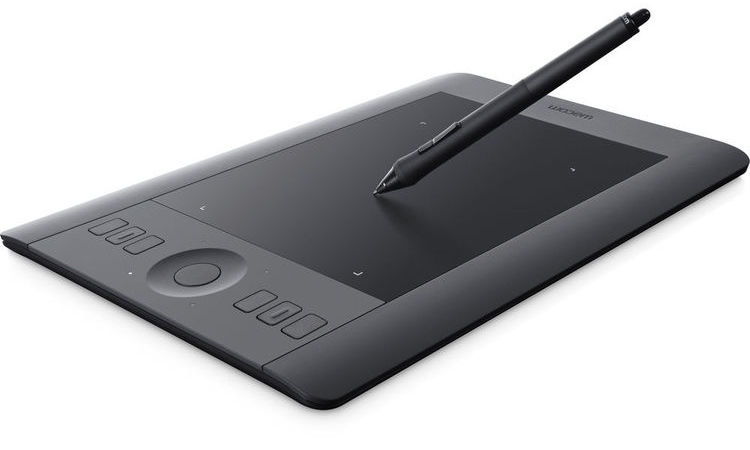
So Do You Really Need A Wacom Tablet For Retouching?

  • September 1, 2021
  • Posted by Daniel Meadows
  • retouching, tablet, Wacom
  • 13 comments
One of the frequent questions asked by beginner retouchers, and both photographers and retouchers looking to improve their workflow is 'do I need a graphics tablet for retouching?' First let's...

Read more

  • Facebook
  • Twitter
  • Email
Close
Retouching Academy
★★★★★ 4.9 / 5 52,000+ students & panel users worldwide

For photographers and retouchers interested in commercial work and getting hired by beauty, wellness and lifestyle brands. We teach retouching and visual production standards that commercial clients expect today.

// RA Newsletter

The Industry Is Moving. We Track What’s Changing, So You Don’t Have To.

Practical resources for working photographers and retouchers:

  • Commercial Work & Clients: how brands and businesses hire creative professionals today, and how to get hired.
  • Retouching Skills: post-production workflow, retouching tools and techniques, and visual standards that commercial clients expect today.
  • Industry & AI News: the tools and shifts worth your attention. Put AI to work on your day-to-day chores, so you can do more of what you love.

Free, straight to your inbox:

No spam. Unsubscribe any time.

// New · Beauty Retouch 6.0

Beauty Retouch 6.0, the Best Version Yet!

Beauty Retouch is a Photoshop plugin for photographers and retouchers who want a faster retouching workflow, relevant for 2027, more consistent skin and tonal work, and a decluttered workspace.

Learn more →

Categories

Commercial Work & Clients→ Retouching Skills & Tools→ Industry & AI News→

Recent Posts

  • Amy Taylor and Jamie Nelson Settle Photo Lawsuit: What It Means for PhotographersNov 5, 2026
  • Retoucher of the Year 2026: Meet Our Sponsored RetouchersOct 16, 2026
  • 5 Copyright Facts Every Photographer and Retoucher Should Know in 2026Sep 30, 2026
  • Retouching Academy Is Sponsoring 10 Beauty Entries at Retoucher of the Year 2026Sep 24, 2026

Our Products

  • All-in-One Beauty Retouch $287$569 Beginner to Advanced · 21+ hours · Lifetime · Practice files · Custom Actions & Brushes
  • Professional Skin Retouching $169 Intermediate to Advanced · 7+ hours · Lifetime · Practice files · Custom Actions & Brushes
  • Beauty Retouch 6.0 Panel $89 Photoshop plugin for photographers and retouchers who want a faster retouching workflow, improved consistency of skin and tonal work, and a decluttered workspace.
  • Beauty Retouching for Beginners $127 Beginner · 4+ hours · Lifetime · Practice files · Custom Actions & Brushes
©2026 QUEENSCLIFF GLOBAL LLC. ALL RIGHTS RESERVED.
  • Facebook
  • Twitter
  • Email
Retouching Academy
★★★★★ 4.9 / 5
52,000+ students worldwide

For photographers and retouchers interested in commercial work and getting hired by beauty, wellness and lifestyle brands. We teach retouching and visual production standards that commercial clients expect today.

retouchingacademy.com
// RA Retouching Panels:
retouchingacademylab.com
// quick links
Retouching Courses
Retouching Panels
Newsletter
Testimonials
Blog
Customer login
Affiliate Program
Contact Us
// our best-sellers
Beauty Retouch 6.0 PanelPhotoshop plugin for photographers and retouchers who want a faster retouching workflow, improved consistency of skin and tonal work, and a decluttered workspace.$89
All-in-One Beauty Retouch bundleBeginner to Advanced · Over 21 hours · Lifetime Access · Practice beauty files · Custom Actions & Brushes$569$287
Professional Skin RetouchingIntermediate to Advanced · Over 7 hours · Lifetime Access · Practice beauty files · Custom Actions & Brushes$169
Beauty Retouching for BeginnersNovice · Over 4 hours · Lifetime Access · Practice beauty files · Custom Actions & Brushes$127
// the ra newsletter
Written for photographers and retouchers interested in commercial work. Read by 24,700+ creative professionals worldwide.
    // no spam · unsubscribe anytime
    © 2026 Queenscliff Global LLC · All rights reserved
    Terms & Conditions
    ·
    Privacy Policy
    Scroll To Top Sidebar
    We use cookies to improve your experience on our website. By browsing this website, you agree to our use of cookies.
    Accept More info