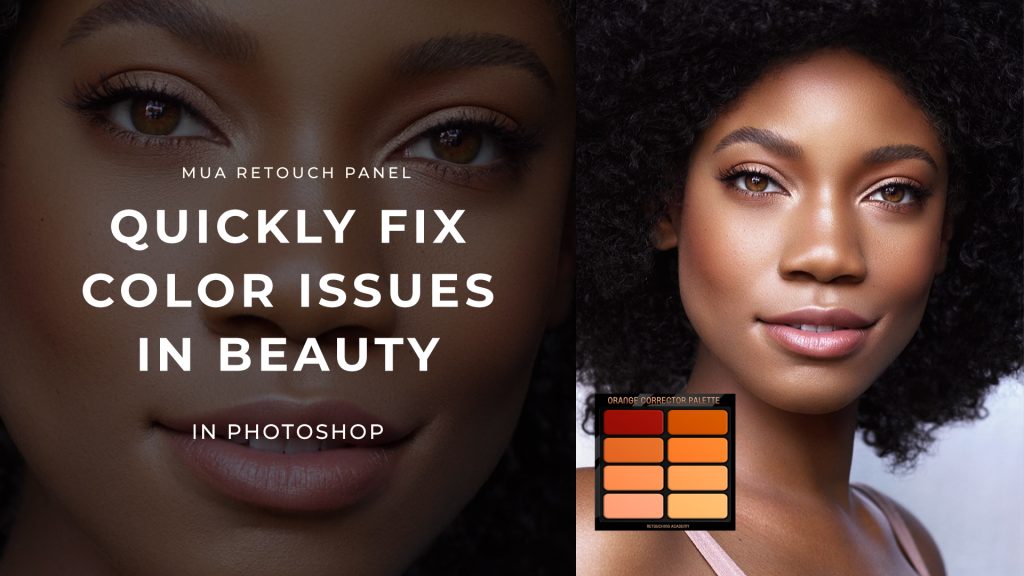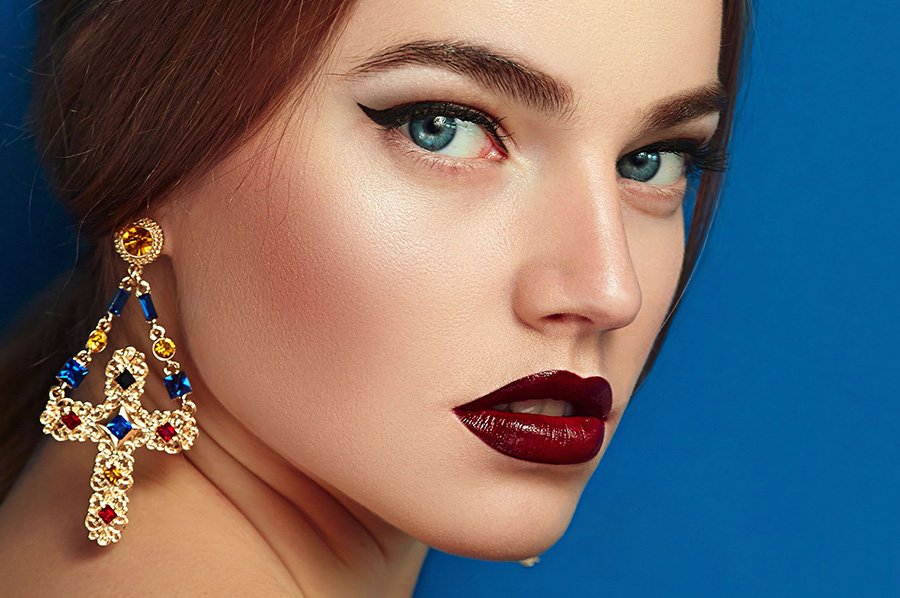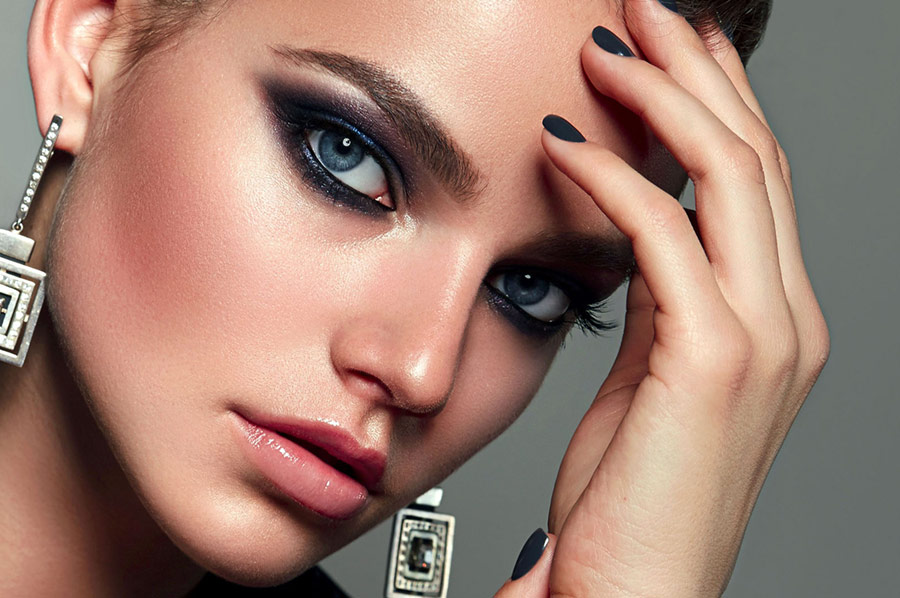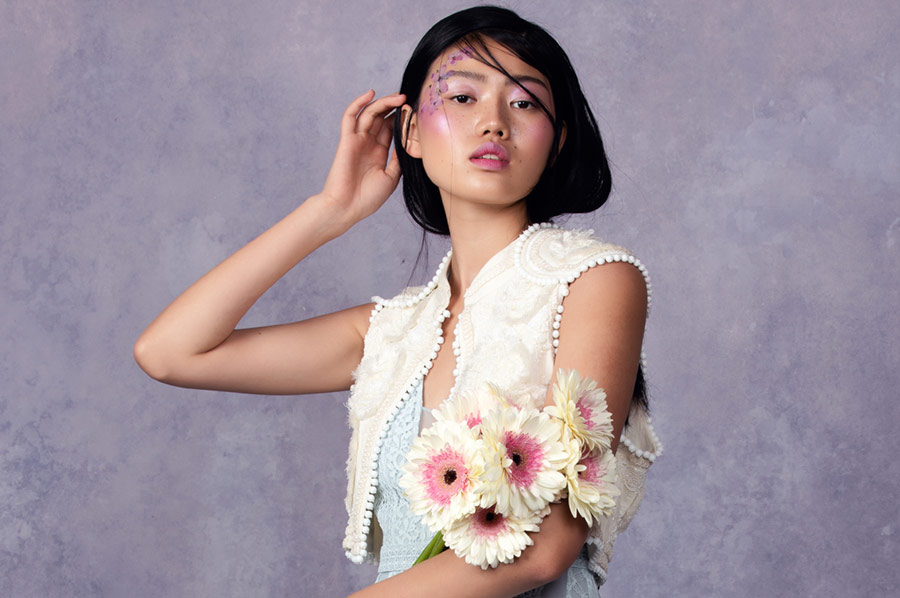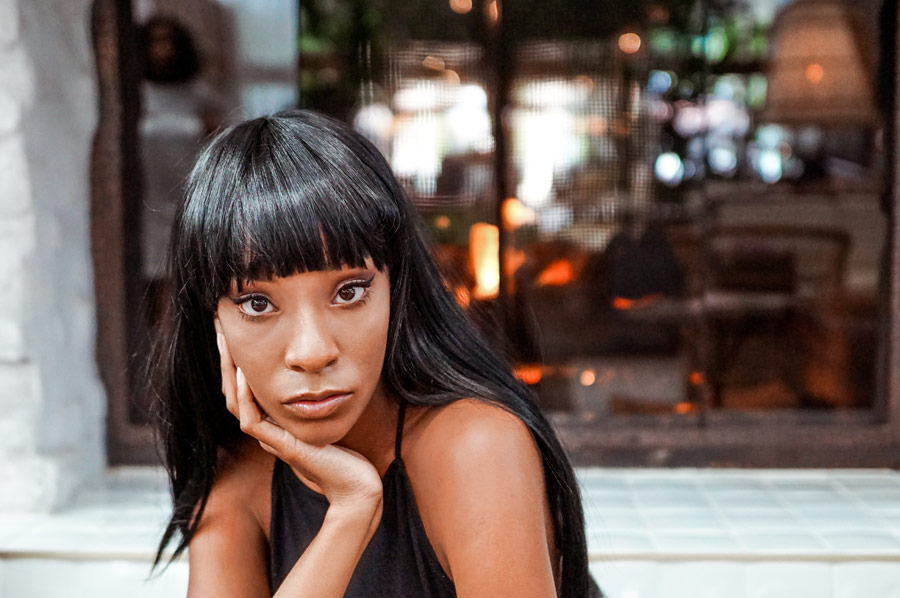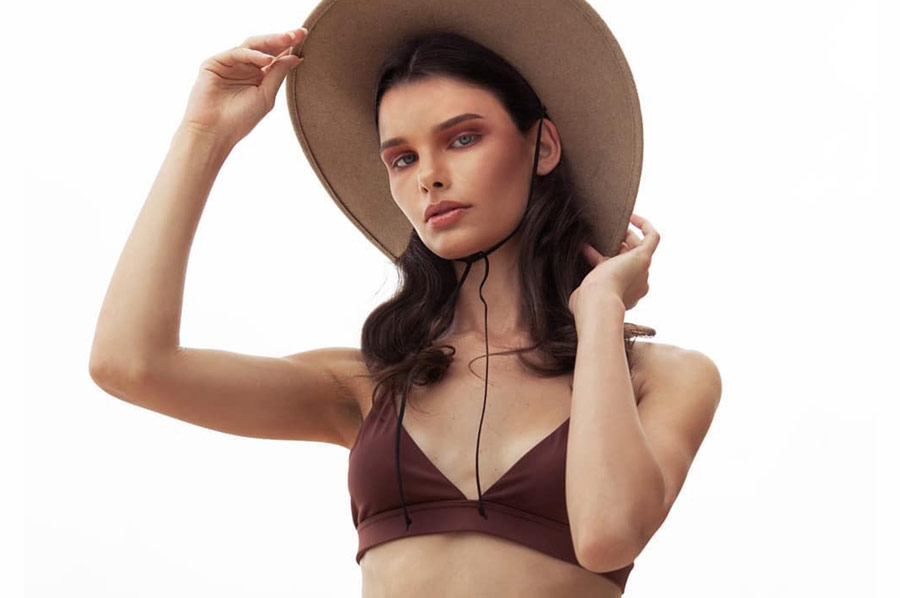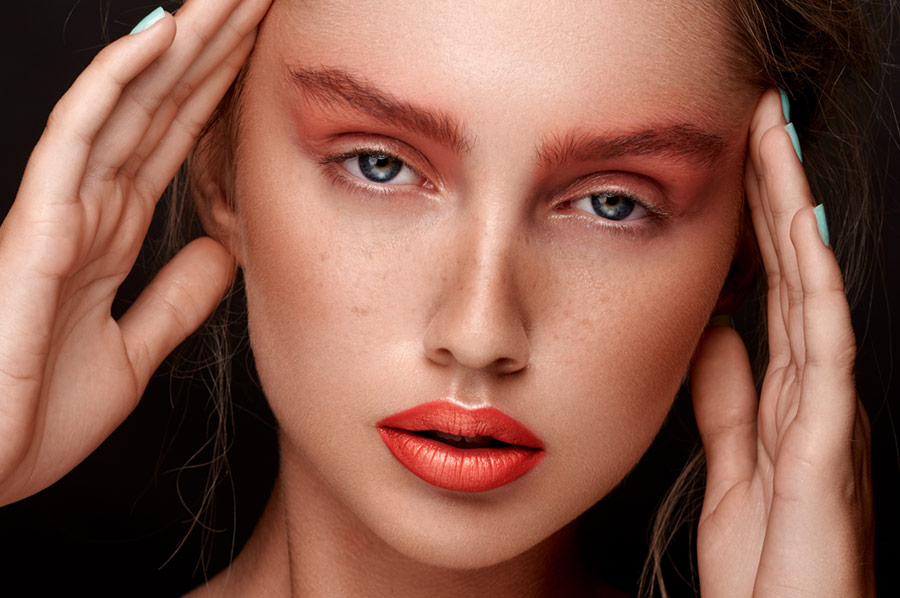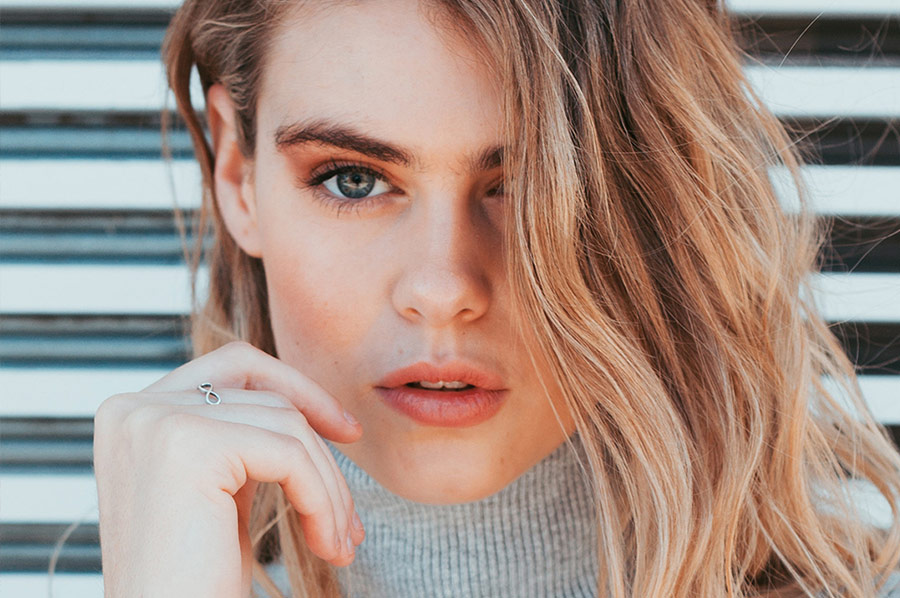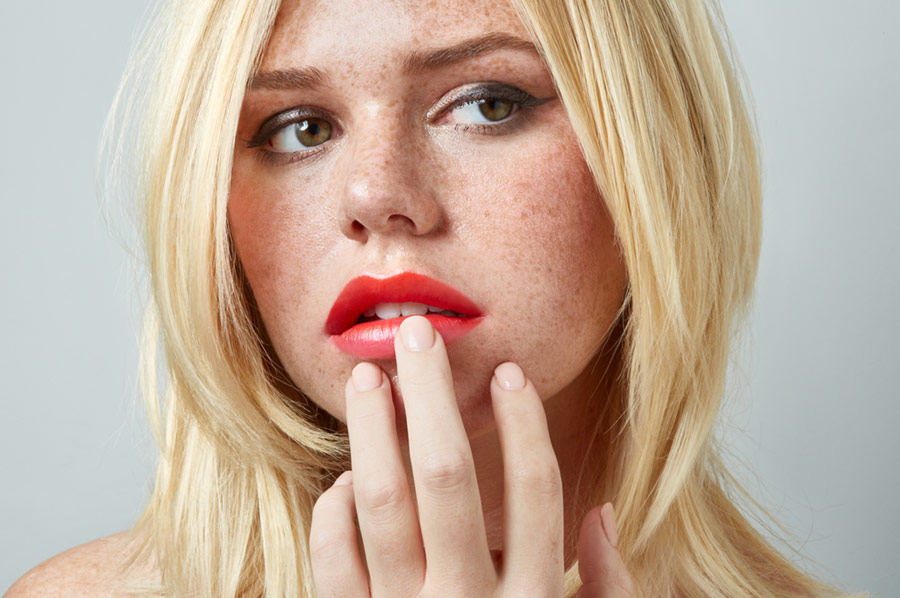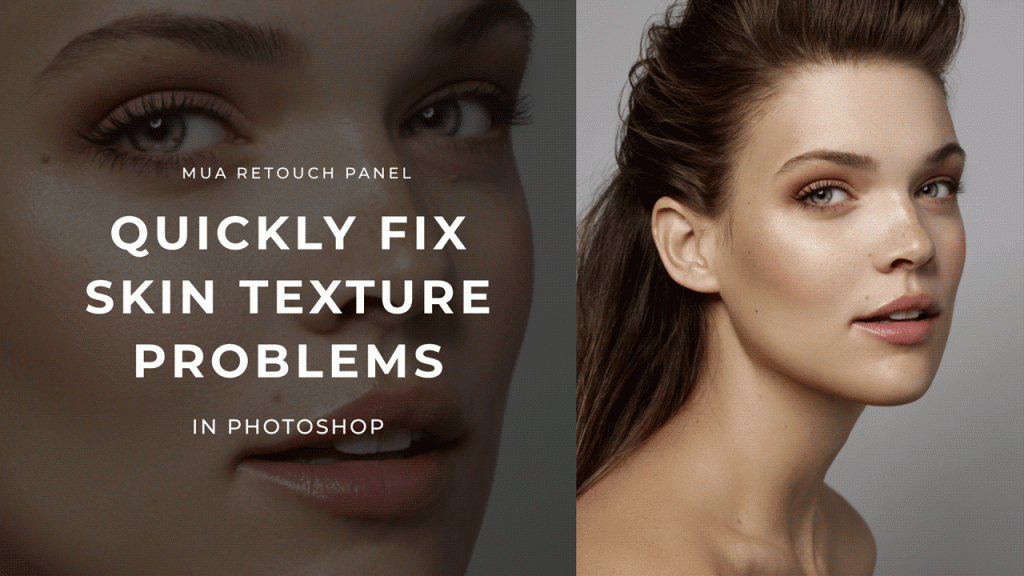
We all have shoots when models or clients show up with breakouts. Re-scheduling or re-shooting is usually not an option, so we must be able to correct some visible...
Color correction is one of the most essential aspects of beauty retouching, and the MUA Retouch Panel makes it simple, quick, and intuitive by mimicking the color correctors used...
This article on Psychology of Color for Creative Professionals is written by our guest author, top-pro Makeup Artist and educator Irina Rudova, Los Angeles, CA and edited by Julia...
As a retouching professional in the beauty industry, you have to hone certain skills to be able to make necessary color adjustments to achieve target (reference) colors provided by...
Luminosity masks are a useful tool for manipulating color, texture, as well as contrast. This feature, coined "Luma Masks," joins Capture One Pro 12, allowing you to easily create...
Retouching assignments stretch beyond skin and hair, often requiring precise color adjustments. Eye color, makeup, jewelry, various aspects of an image may need fine-tuning to achieve the desired result...
Luminosity Masks and making use of Blend If are two phenomenal ways to gain precise control over the tonal range of your image. In general, these tools grant you...
If you're a new photographer just starting to produce your shoots, you might mistakingly think that post-production and/or color grading is what makes the "look" or "feel"...
The way color is captured in-camera can differ between brands, models, and lenses. When you first import your photographs to your RAW Converter of choice, you may...
Getting skin tones to look natural and flattering in your photographs can sometimes be a challenge. There are many causes of incorrect colors in-camera, from inaccurate White Balance to...
Accuracy is imperative for a retoucher, as your goal is creating a perfected final product. Color accuracy is one of those aspects of post-production that is vitally important, especially...
Color plays a vital role in photography and is often the marker of a skilled artist versus a beginner. When crafting one’s style and visual aesthetic, the way one...
To stay relevant and marketable in this highly competitive industry, it’s important to keep your skills sharp and to constantly learn new and improved ways to get the job...
Adobe applications have become more accessible than ever, making Lightroom a popular choice among photographers and retouchers. While many have fit Lightroom into their workflow for organizing, batch processing,...
Color Look Up Tables (or LUTs) can give your images a distinct look and feel though their colors. In our recent LUT-related article, you learned how to use LUTs in...
One of the most overlooked tools in Lightroom is the HSL (Hue, Saturation, and Luminance) color adjustment window. If you’re just beginning your journey into editing your images and learning Lightroom,...
Correcting and controlling color, especially in skin tones, is an imperative part of the retouching process. Skin tone can be impacted by a variety of causes, such as lighting...
Color accuracy is an important factor in photography and retouching. Modern day cameras rely entirely on the built-in software to interpret the color data in the captured images, and...
Hair can sometimes feel like the bane of a retoucher’s existence, due to the visual complexity of hair and the various techniques you need to know to handle it...
Love it or hate it, compositing is a common part of digital imaging today. Whether you’re superimposing a model onto a different than captured background, or compositing a series...