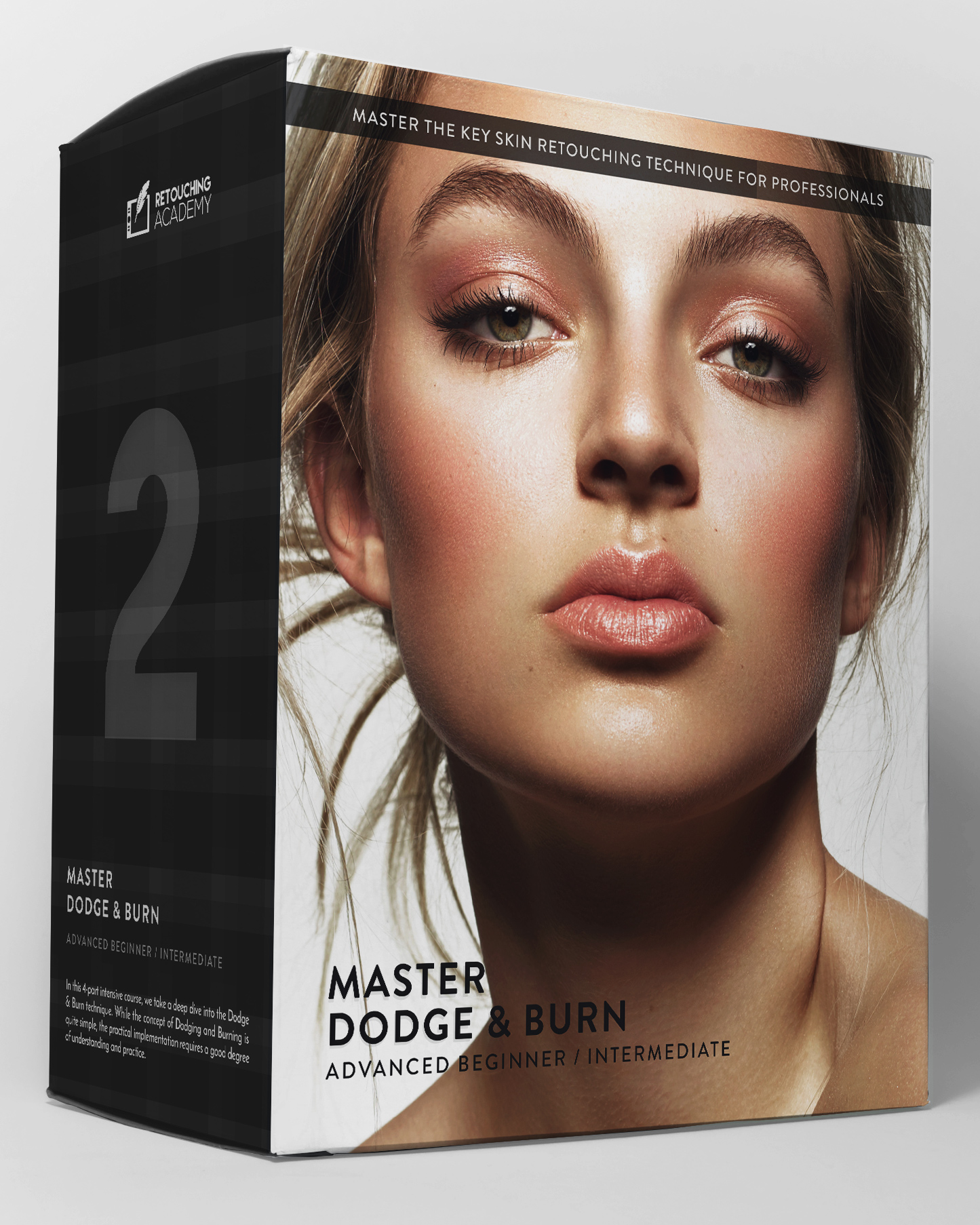

Master
Dodge & Burn
★★★★★4.9 / 5Over 52,000 Students and Panel Users Worldwide
This course is a deep dive into the principles and mechanics of one of the core techniques in professional retouching, known as Dodge and Burn (D&B).
Achieving flawless, yet natural-looking skin is the central challenge in beauty and portrait retouching. For that, the D&B technique is used to perfect the appearance of skin without compromising its natural texture.
Regardless of which tools you use to Dodge and Burn, this course gives you a deep understanding of the underlying principles and methods of the technique. Over 3 hours of video lessons, accompanied by practice files, custom actions, and brushes (see the full course outline below).
- Duration
- Over 3 hours
- Access
- Lifetime
- Format
- Streaming
- Captions
- EN · ES · FR · DE · RU
Created by Julia Kuzmenko McKim and Michael Woloszynowicz, professional beauty and fashion photographers, retouchers, and educators. Every lesson distills decades of combined industry experience into the refined retouching methods we use in commercial work.
Photography & retouching by Julia Kuzmenko McKim using RA Panels

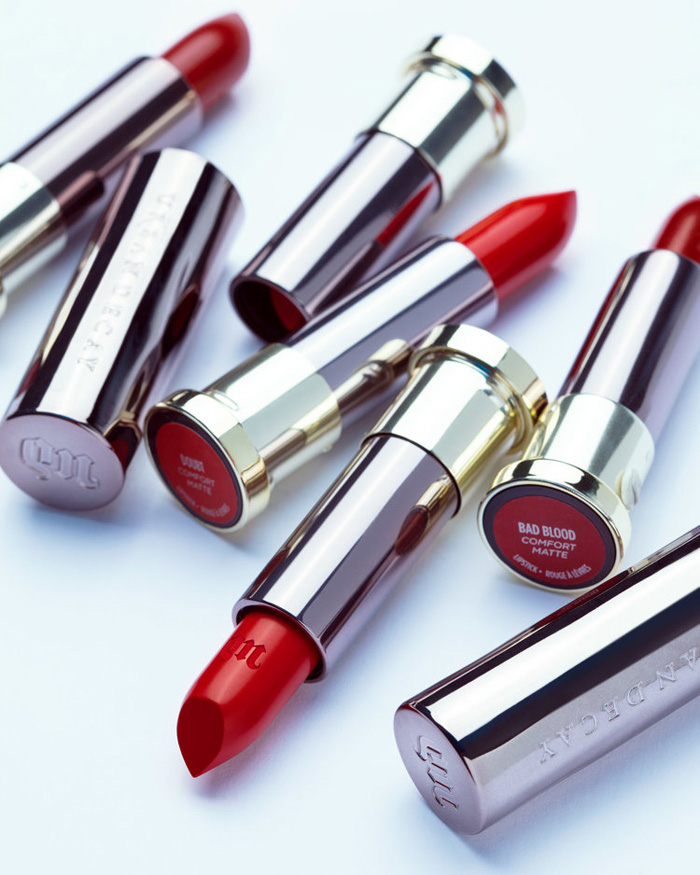
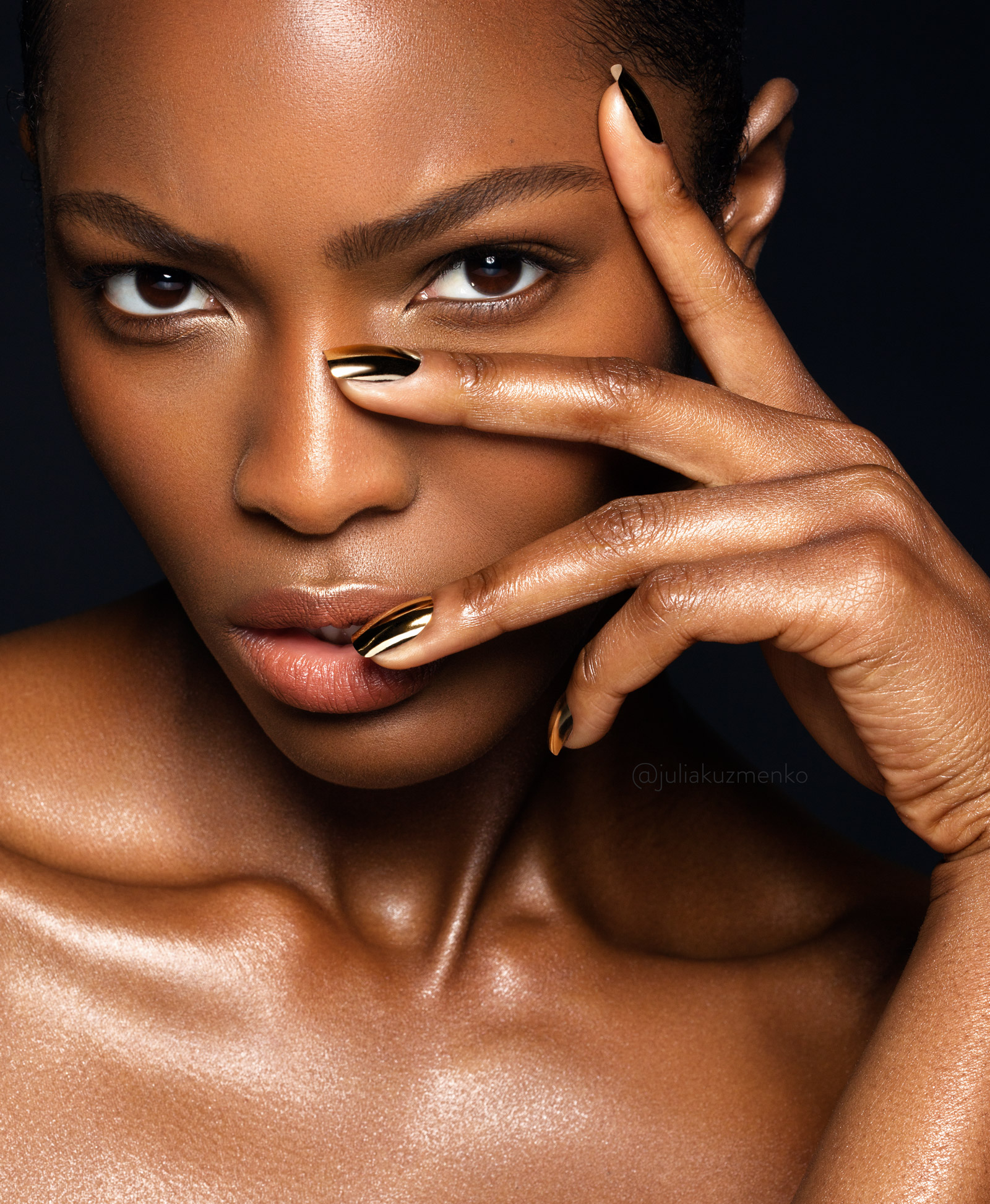
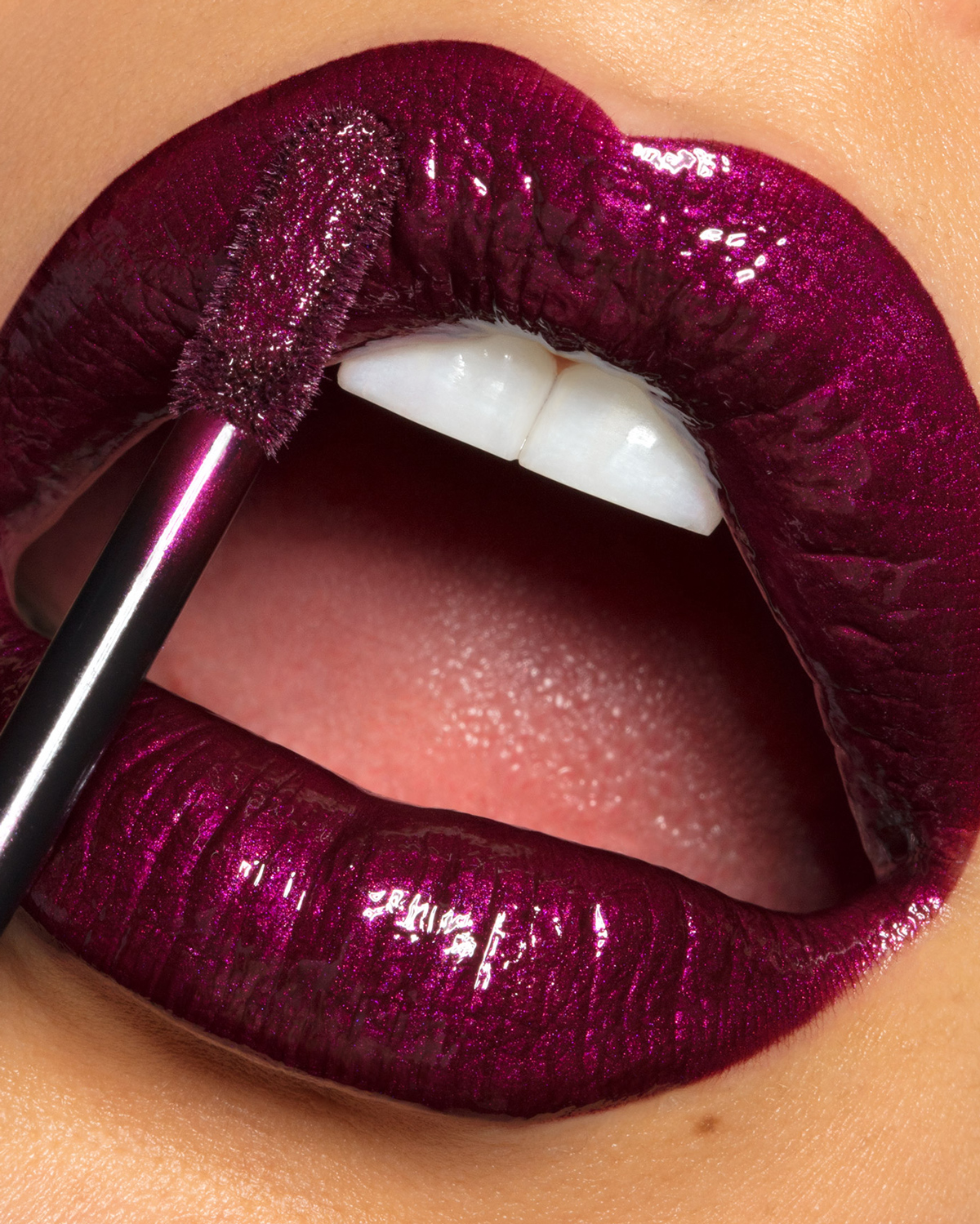
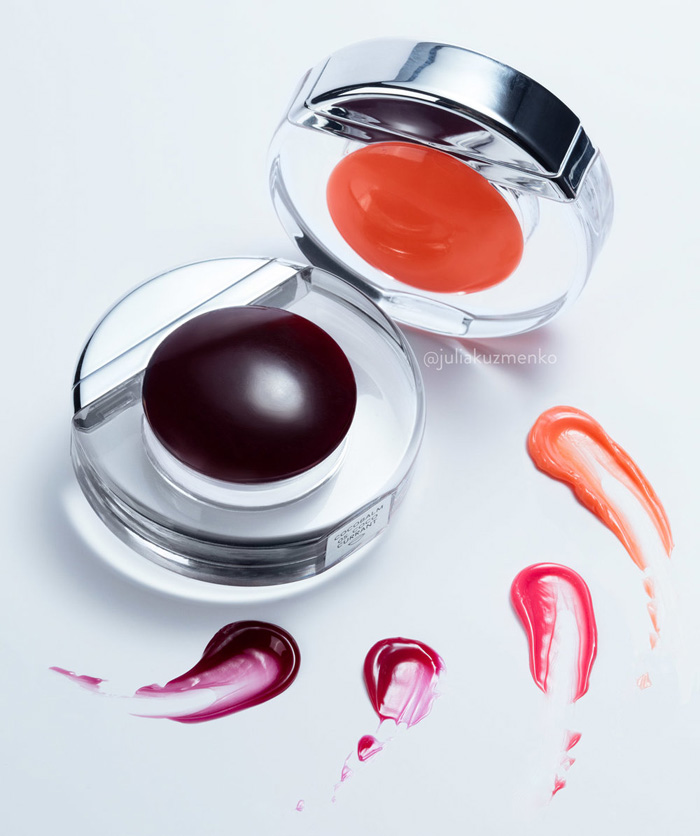
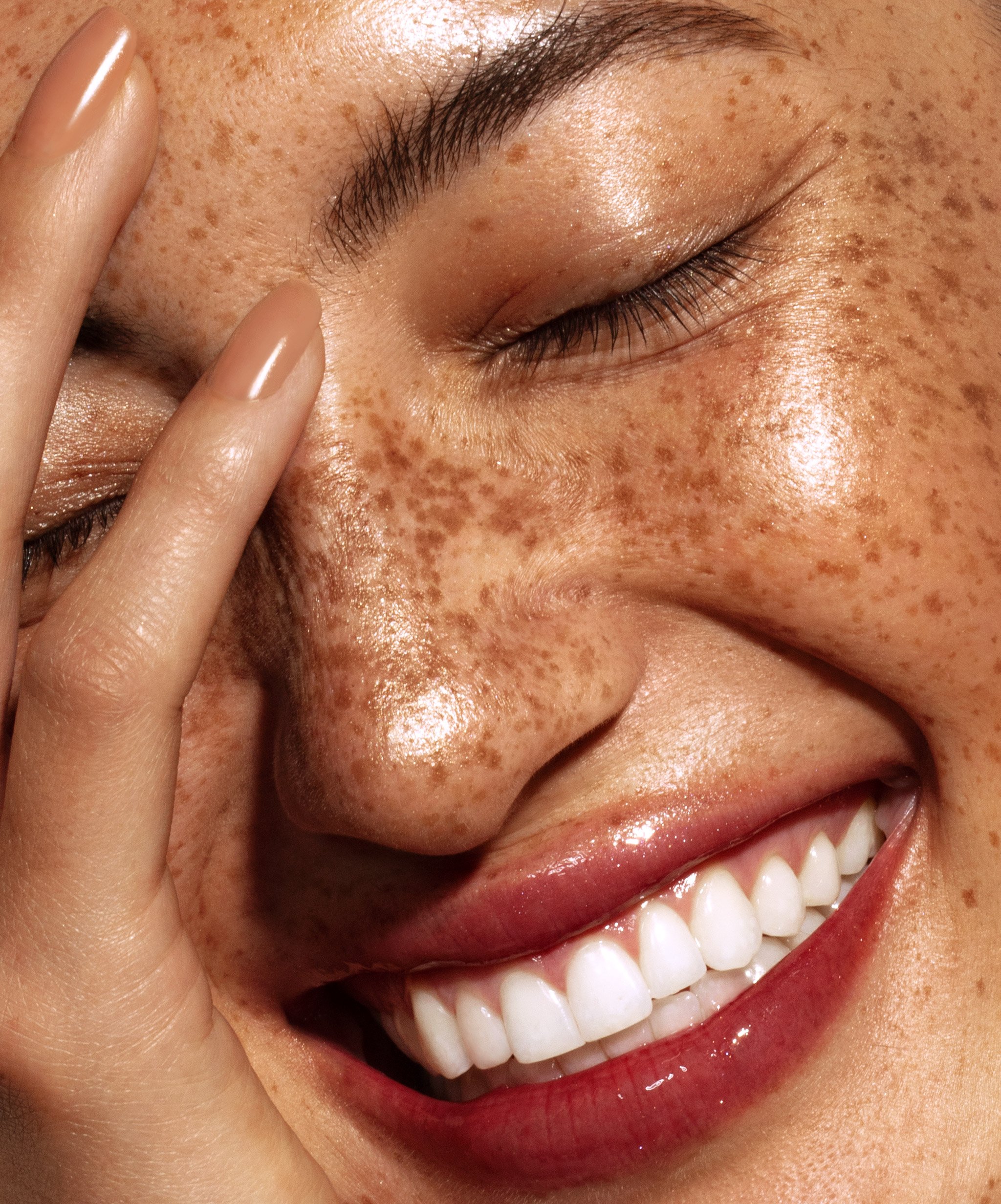
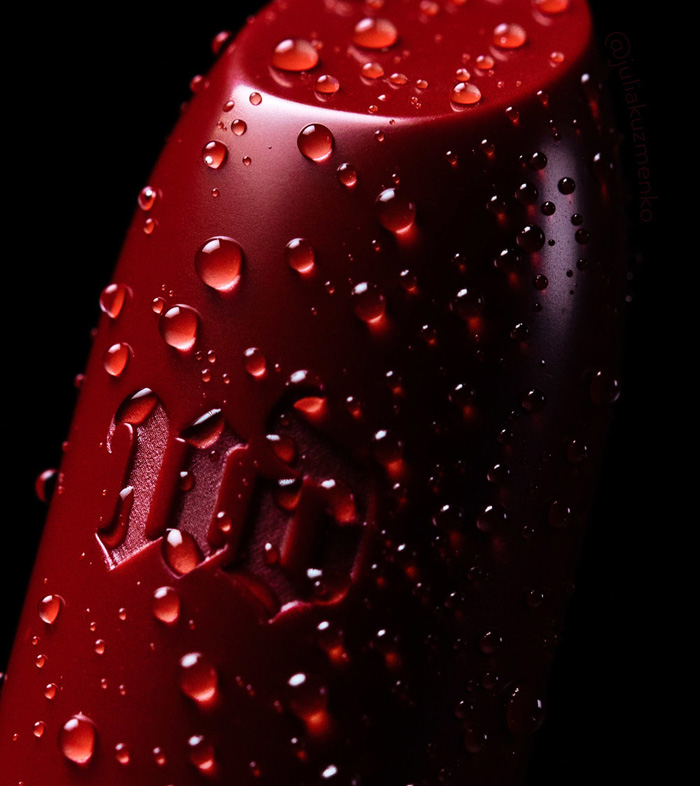

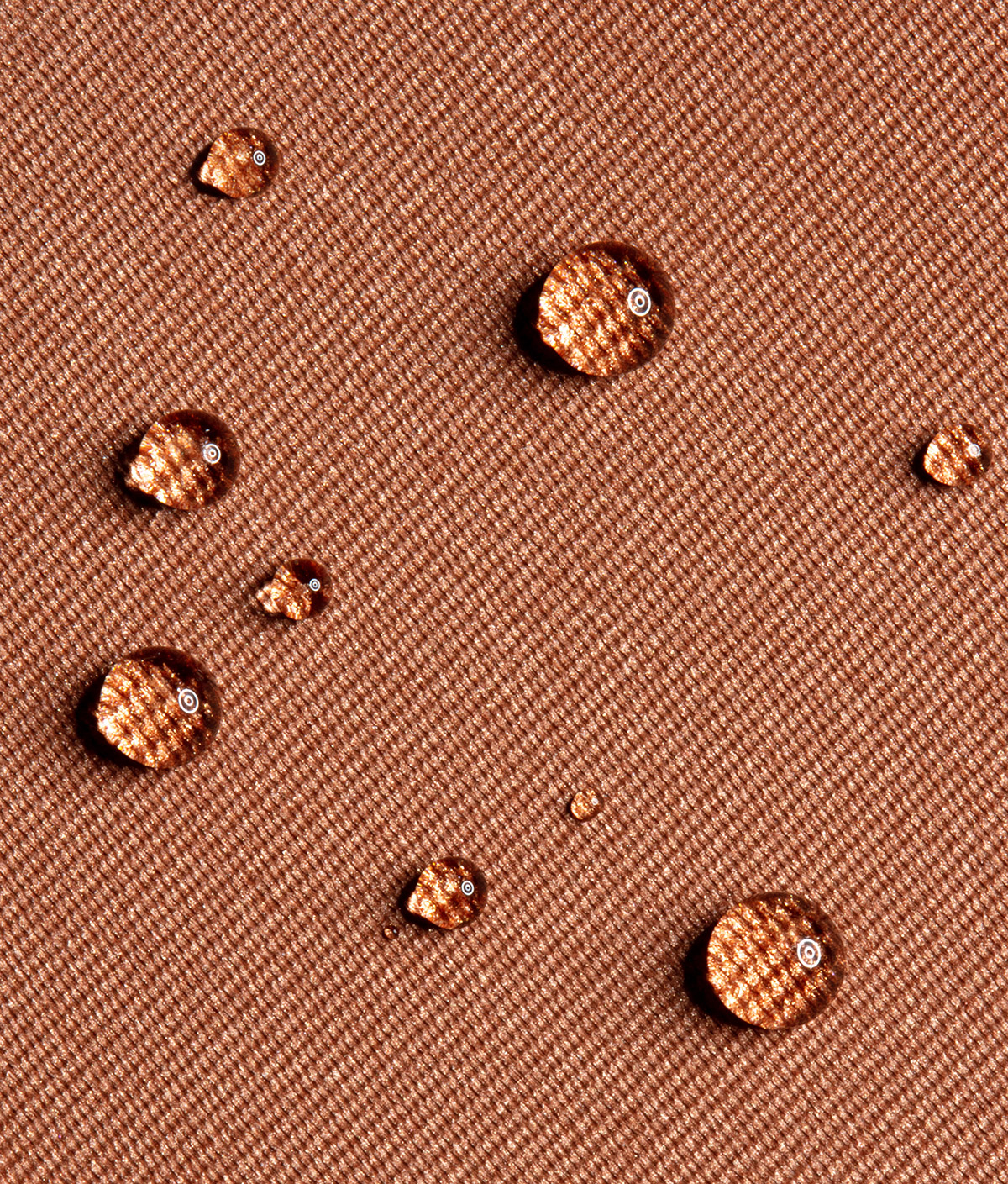
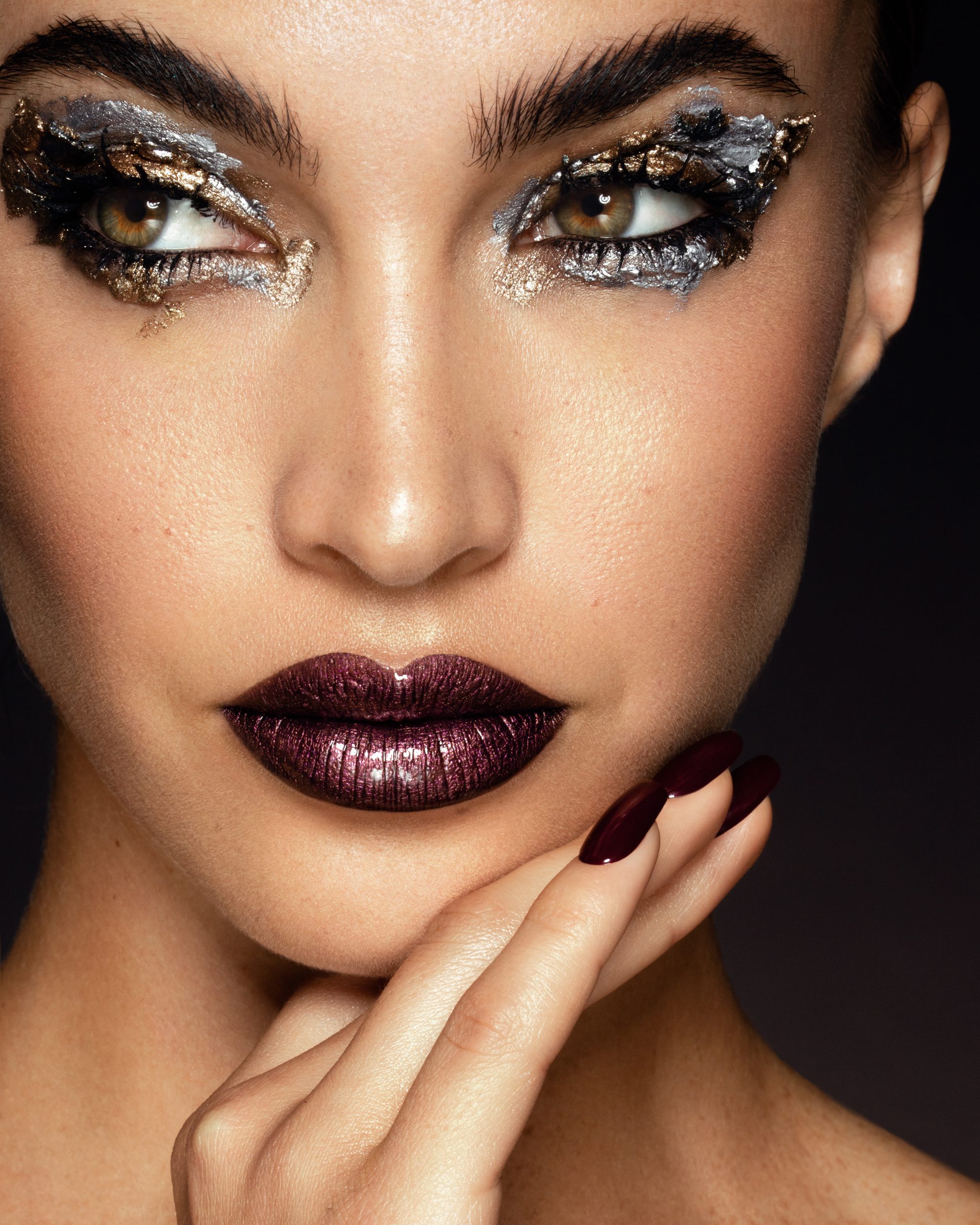
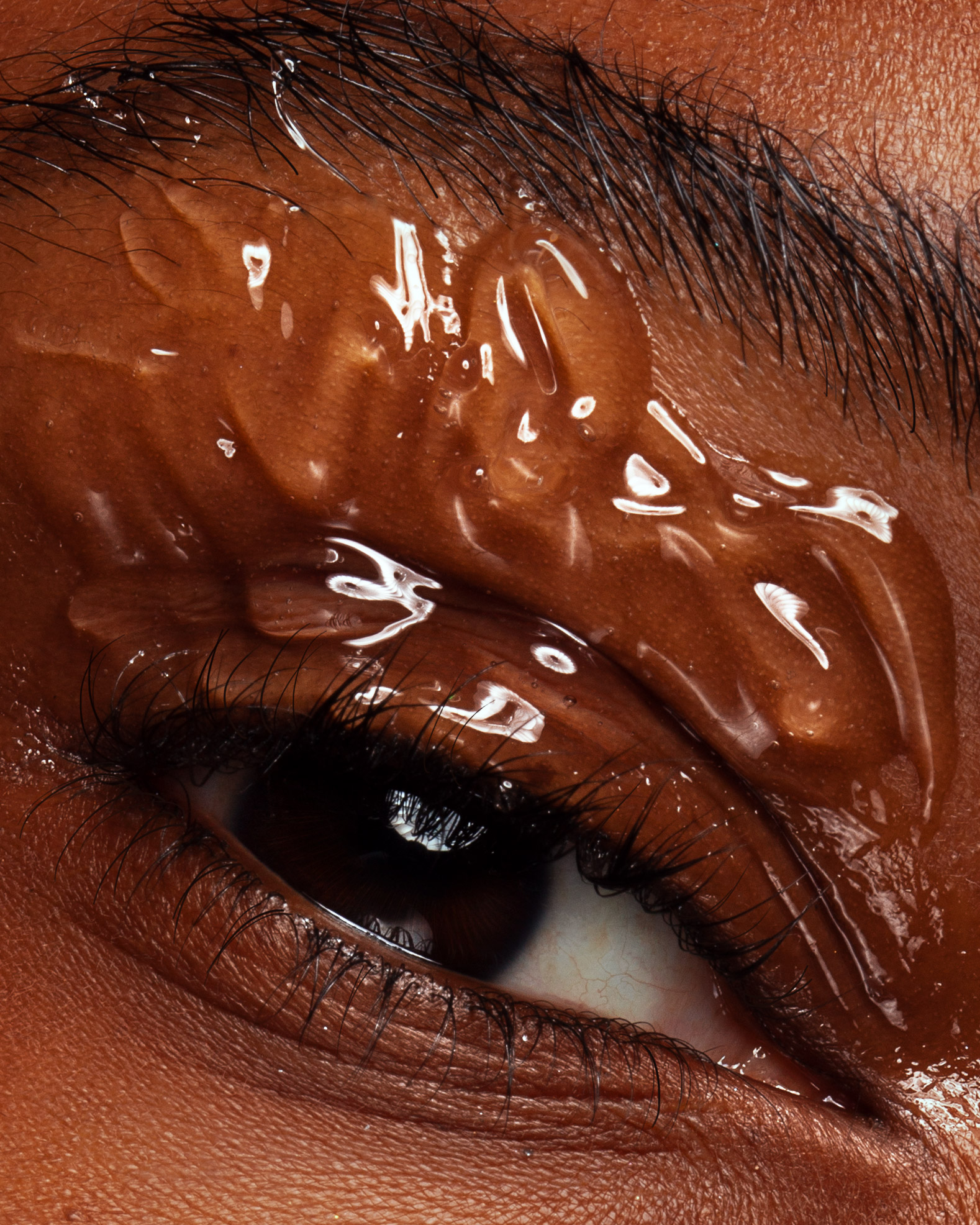
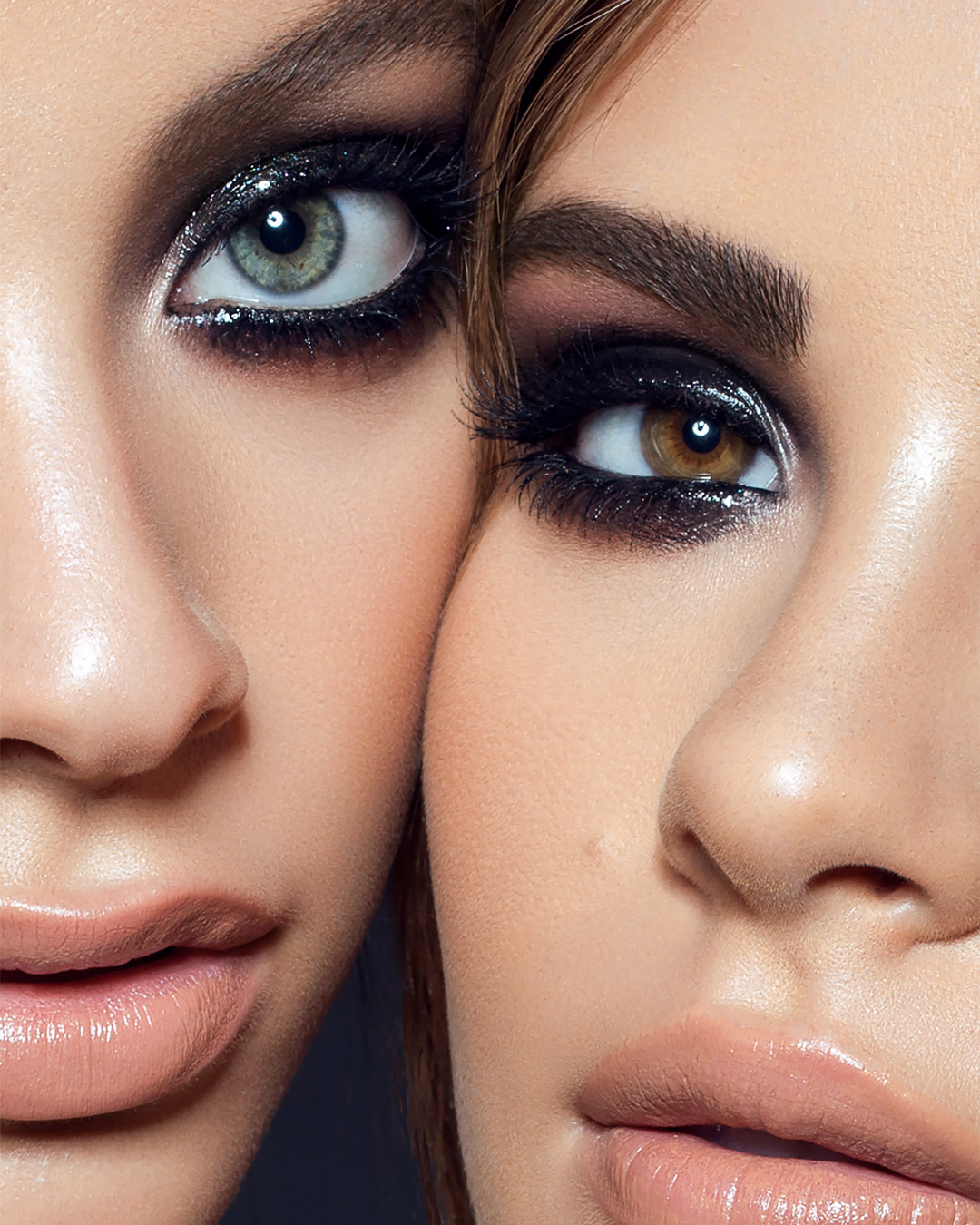
Dodge & Burn Technique, The Cornerstone of Beauty Retouching
This course is for photographers and retouchers who are already familiar with Adobe Photoshop and basic retouching and want to understand the Dodge and Burn technique for professional-level retouching work.
The concept of this technique is simple; previous generations of photographers used it in the darkroom, well before Photoshop. Today, with the help of D&B, we manipulate the luminosity of pixels, which translates into a more even, smoother skin surface while preserving its delicate texture. Globally, in an image, it can also be used to add visual depth and volume to a two-dimensional image. Doing either type of manipulation well takes understanding and practice.
Regardless of which current or future tools you use to perform it, this course will provide you with a deep understanding of the underlying principles of the D&B technique. After completing this course, you will know the various Dodge & Burn methods, when and how to use them for best results, and how to make the D&B phase of your retouching workflow faster and easier.
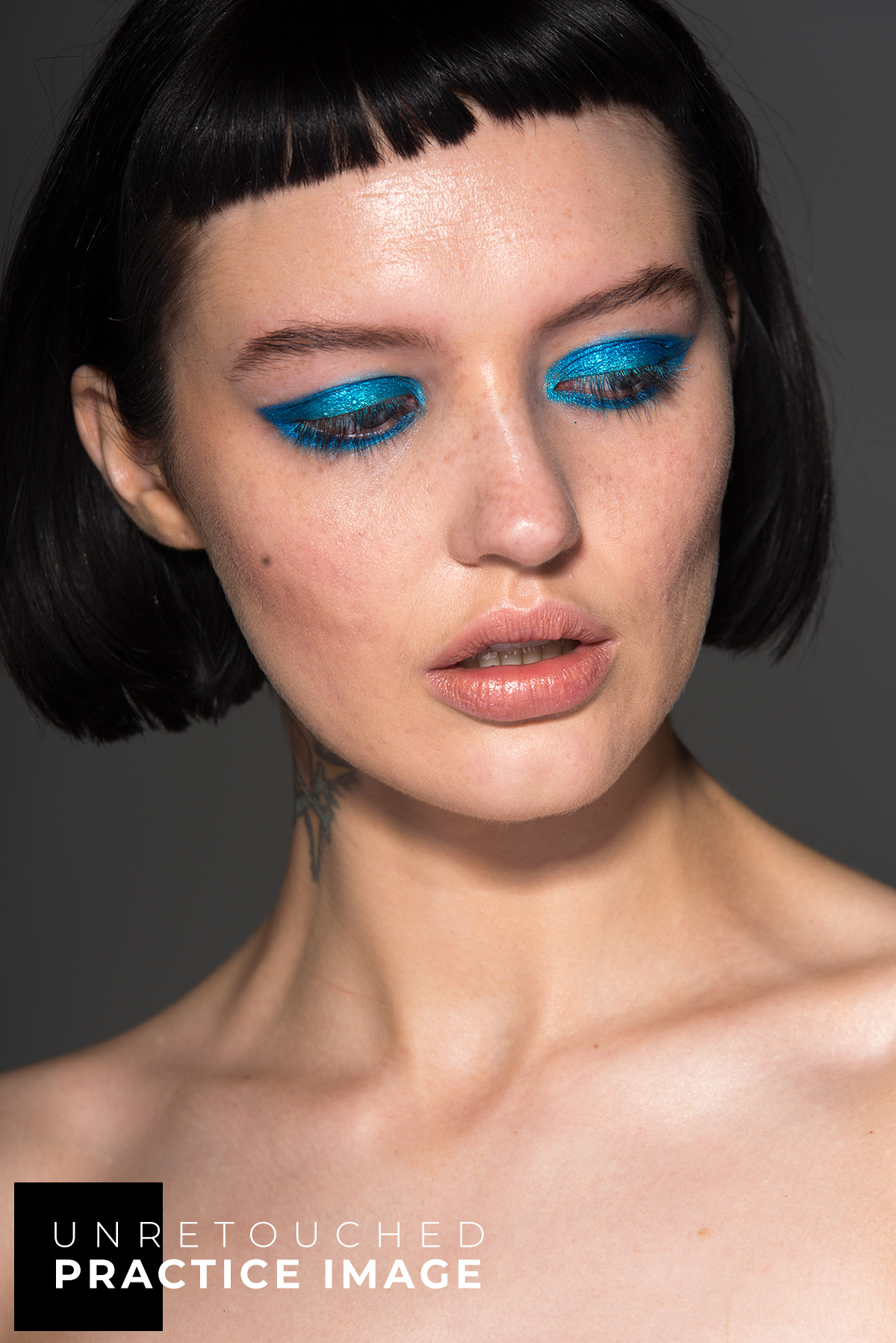
Install the provided custom actions and brushes, and use them with the included images for practice.
- Duration
- Over 3 hours
- Practice files
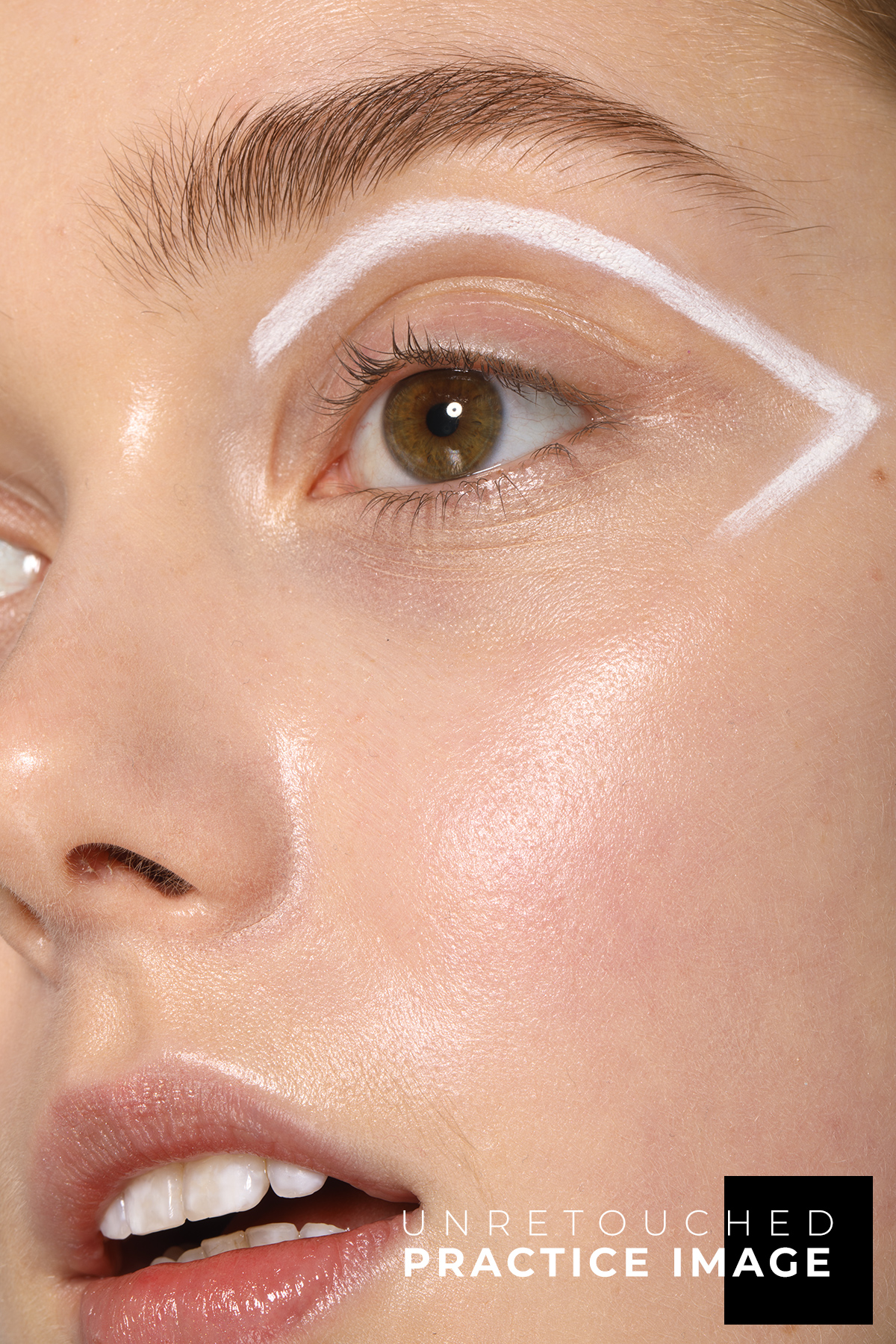
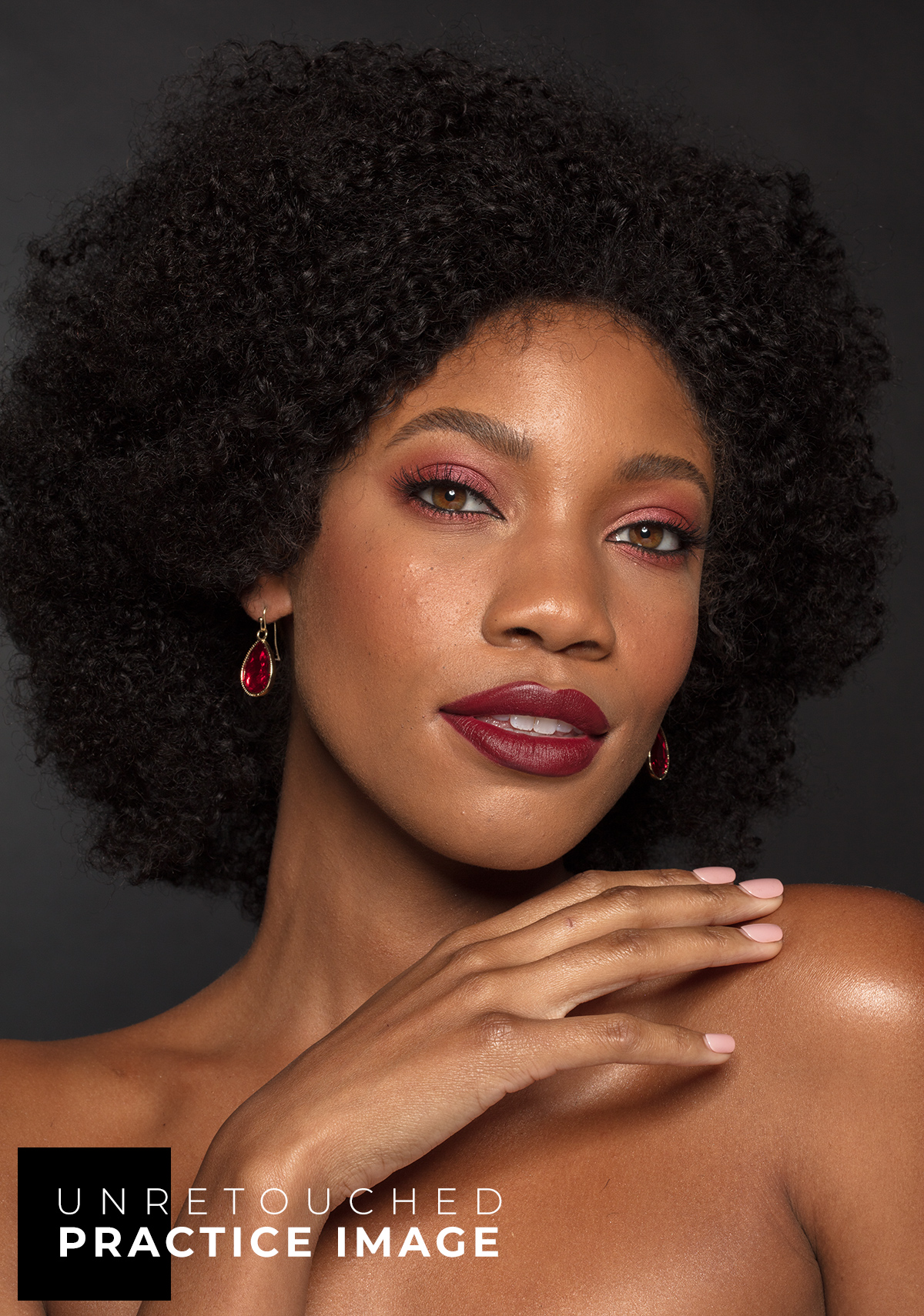
- Beauty images by Michael Woloszynowicz, Julia Kuzmenko McKim, and Anita Sadowska
- Bonus materials
- Custom actions, brushes, and additional non-beauty practice files
- Support
- Comment under any lesson. Need help with course access? Reach out to us →
Watch our courses on your mobile devices anywhere via the Kajabi app.
Course Lessons & Assignments
From the underlying theory through to hands-on application and correcting the color shifts that D&B introduces.
Each includes video lessons, practice beauty images, bonus materials, and hands-on assignments.
- 1.1Introduction to D&B
- 1.2The Elements of an Image
- 1.3The Two Main Types of Dodge & Burn
- 1.4D&B vs. Other Retouching Techniques
- 2.1D&B Types Within Your Workflow
- 2.2Corrective D&B: The Curves Method
- 2.3Contouring: Setup & Approach
- 2.4Corrective D&B: The 50% Gray Layer Method
- 2.5Where Dodge & Burn Fits in Your Workflow Best
- 2.1Corrective D&B: Setup & Workflow
- 2.2Corrective D&B: The Process
- 2.3Practical Example: Dodging & Burning Fabrics
- #1Assignment: Fabrics Practice File
- 3.1Contouring: Strategy & Practical Implementation
- 3.2Contouring: The Process
- 3.3Contouring: The Process, Continued
- 3.4Contouring: The Process, Continued
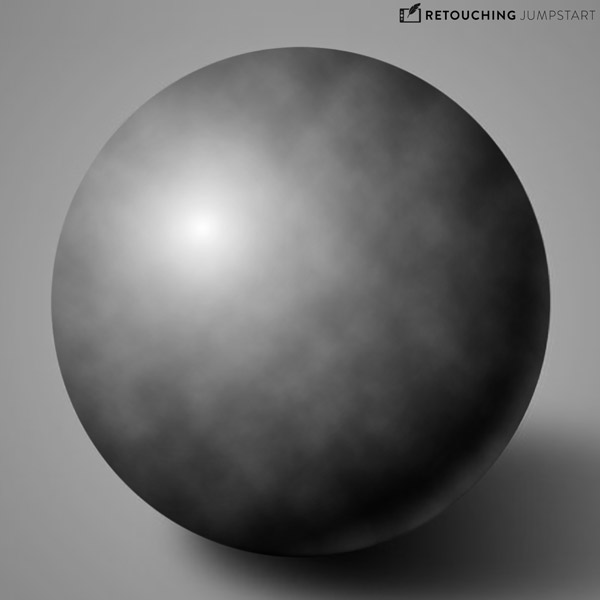
- #2Assignment: Dodging & Burning, Sphere Practice
- 4.1Identifying & Correcting Color Issues
- 4.2Correcting Color Shifts with Hue/Sat Adjustment Layer
- 4.3Correcting Color Shifts with Selective Color Adjustment Layer
- 4.4Fixing “Peach Fuzz” and Color Corrections
- 4.5Final Summary: Overview & Strategy
Created and Taught by Seasoned Creative Professionals
In this course, we share the dodge and burn methods we use in commercial and editorial work and the reasoning behind them.

Beauty photographer and retoucher with over a decade of industry experience, shooting and retouching for brands like Urban Decay, Pat McGrath Labs, Lululemon, and many others alongside her Avenue Studio team.
Michael is one of the leading Retouching Academy instructors, globally known for not only his top-quality photography and retouching work but also for his accessible style of teaching and Photoshop expertise.
What Our Users
Are Saying
From photographers and retouchers who use what they learned from our courses and the RA Panels in their everyday retouching work.
Frequently
Asked Questions
Photographers and retouchers who are already familiar with Adobe Photoshop and basic retouching and want to understand the Dodge and Burn technique and its proper application. Although it is a fundamental tool, this course is not for a complete beginner.
- Solid skill base. The underlying theory, the dodge and burn methods and when to use each, exactly how the layers are set up, and how to make this phase of your workflow faster.
- Tool-independent. Whichever tools or technology you use to dodge and burn now or later, the principles hold.
If you are new to retouching, start with Beauty Retouching for Beginners, then come back to this one.
Yes. The course is taught in Adobe Photoshop, the standard software for professional retouching.
Even if you begin culling and editing your images on an AI platform, professional beauty and fashion images usually require a proper finish in Photoshop.
A graphics tablet (Wacom or other) is recommended, but it is not required to start. Module 1 will help you set it up properly.
For Beginner-Level courses and bundles, no retouching experience is required. Some basic knowledge of the Photoshop interface, layers, masking, and basic tools will be helpful. We’ll take it from there: these courses include introductions to the essential Photoshop tools and key techniques.
Intermediate to Advanced courses and bundles assume existing retouching experience. They touch on fundamentals but focus on advanced methods, and don’t cover the basics in depth.
Lifetime. Once enrolled, the course stays in your account, on the web, and in the Kajabi app.
Enrollment includes all course materials and any future updates. Courses are self-paced and hosted on a streaming platform, so you can learn at your own speed and revisit lessons anytime on desktop, laptop, or mobile devices through the Kajabi app.
Yes. Every course includes downloadable bonus materials such as practice files, custom actions, and brushes. You’ll find them at the start of each course on the Additional Materials & Downloads or Welcome to the Course pages.
Yes. Leave comments under any lesson, and our team or Julia will answer and support your learning.
Some courses also include a private community where you can ask questions, suggest new lessons, and get feedback from instructors and fellow students.
Immediately after purchase, you’ll receive an email with login details and instructions to start right away.
Returning students can log in via Customer Login or Learn → Your Course Library in the site’s top menu.
Course enrollments are generally non-refundable. That said, in the past five years, we have not received a single refund request for our courses. That’s the result of careful course creation and detailed descriptions that keep expectations and the learning experience aligned.
If you are unsure whether this is the right starting point for you, reach out to us before you enroll, and we’ll help you make the right choice.
After the purchase, if you’re not completely satisfied, reach out within 7 days and let us know what exactly went wrong.
See our Terms & Conditions.
Keep Building
Your Skill Set
We teach what we have learned the hard way in real-world commercial beauty and fashion work.

Get this course →Opens in a new tabLifetime · Bonus materials