Skip to content
Today’s Special

All-in-One Beauty Retouch bundle - master beauty retouching at a professional level.

Save $282→
Today’s Special

Beauty Retouch 6.0 | The best version is here!Try it today in Photoshop® v27.9+

Learn More→
Today’s Special

All-in-One Beauty Retouch bundle - master beauty retouching at a professional level.

Save $282→
Today’s Special

Beauty, Skin & Hair Retouching for Beginners in a bundle

Save $181→
Skip to content
Testimonials
Newsletter
Contact Us
Customer Login
Retouching Academy
Home
Learn ▼
Your Course Library
Code of Professional Practice
Shop ▼
Retouching Courses & Bundles
Retouching Panels
Practice Files: Beauty
Blog
Home
Learn
Your Course Library
Code of Professional Practice
Shop
Retouching Courses & Bundles
Retouching Panels
Practice Files: Beauty
Blog
Testimonials
Newsletter
Contact Us
Sign In
RA Courses → Student Login
RA Panels → User Login
RA Affiliate Login
RA Courses → Student Login
RA Panels → User Login
RA Affiliate Login

Sign in

close


Lost your password?
No account yet? Create an Account
  • Home
  • Store
    • Courses & Bundles
    • Retouching Panels
    • Practice Files
  • Newsletter
  • Contact Us
  • Blog
  • Customer Login
    • Affiliate Login

Shopping cart

close
  • Instagram
  • YouTube
THE COMMERCIAL SIDE OF PHOTOGRAPHY & RETOUCHING
  • Testimonials
    • Submit Yours
  • Customer Login
    • Affiliate Login
  • Newsletter
  • Contact Us
  • Home
  • LEARN
    • YOUR COURSE LIBRARY
    • Code of Professional Practice
  • Shop
    • Retouching Courses & Bundles
    • Retouching Panels
    • Practice Files – Beauty
  • Blog
Retouching Academy Retouching Academy
close
Cart (o) 0 / $0.00 USD
hidden photoshop tricks to improve editing
Read More
13 Feb
Efficiency & Productivity, Software for Retouching, Video Tutorial

Hidden Photoshop Tricks to Improve Your Editing

  • January 13, 2019
  • Posted by Kendra Paige
  • adobe photoshop, photoshop tools, shortcuts
  • 2 comments
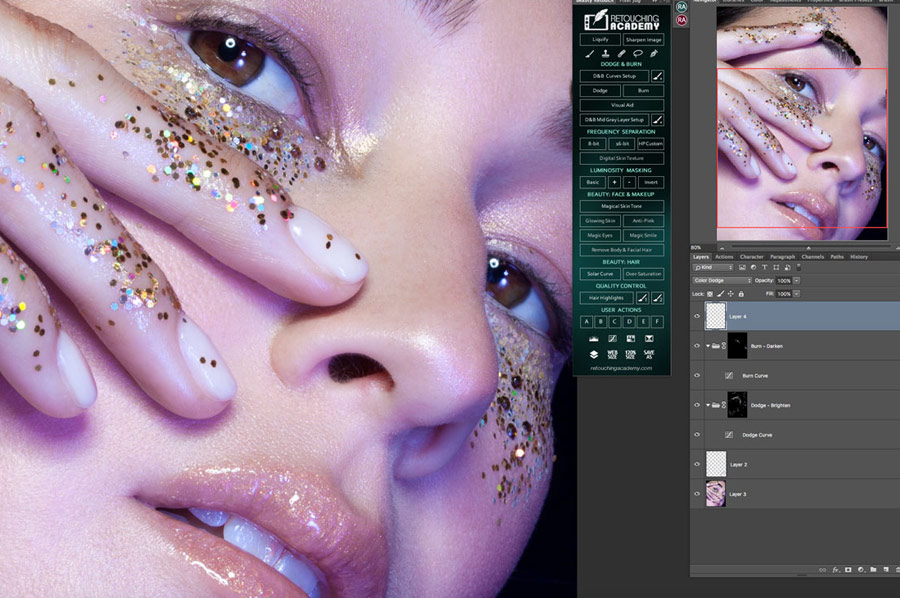
Photoshop is one of those applications with such a massive array of tools and settings that you can learn something new every day. This video tutorial by Brendan Williams...

Read more

  • Facebook
  • Twitter
  • Email
lightroom shortcuts for a faster workflow
Read More
07 Feb
Efficiency & Productivity, Software for Retouching, Video Tutorial

Lightroom Shortcuts to Speed Up Your Workflow

  • January 13, 2019
  • Posted by Kendra Paige
  • adobe lightroom, post-production
  • Leave a comment
Adobe Lightroom is a robust application with many features under the hood for photographers and retouchers. Leveraging all of its capabilities requires an amount of familiarization, and this three-minute...

Read more

  • Facebook
  • Twitter
  • Email
tricks for speeding up your photoshop workflow
Read More
16 Jan
Efficiency & Productivity, Video Tutorial

Four Tricks to Speed Up Your Workflow in Photoshop

  • March 25, 2024
  • Posted by Kendra Paige
  • efficiency & productivity, retouching education
  • 1 comment
There are many methods for increasing your productivity while working in Adobe Photoshop, but they're not always obvious. This useful tutorial by Kevin Roodhorst demonstrates four ways for taking...

Read more

  • Facebook
  • Twitter
  • Email
Read More
09 Jan
Efficiency & Productivity, Real World Practices

Six Retouching Issues to Prevent Before The Capture

  • January 13, 2019
  • Posted by Kendra Paige
  • beauty retouching, commercial retouching, skin retouching
The old adage of “time is money” could not be truer for retouchers, as our detail-oriented work demands hours of our time. For photographers that retouch their own work, the...

Read more

  • Facebook
  • Twitter
  • Email
Read More
27 Nov
Efficiency & Productivity, Real World Practices, Video Tutorial

How to Quickly Clean Studio Backdrops in Photoshop

  • January 7, 2019
  • Posted by Kendra Paige
  • backdrop, background, paper backdrops
  • Leave a comment
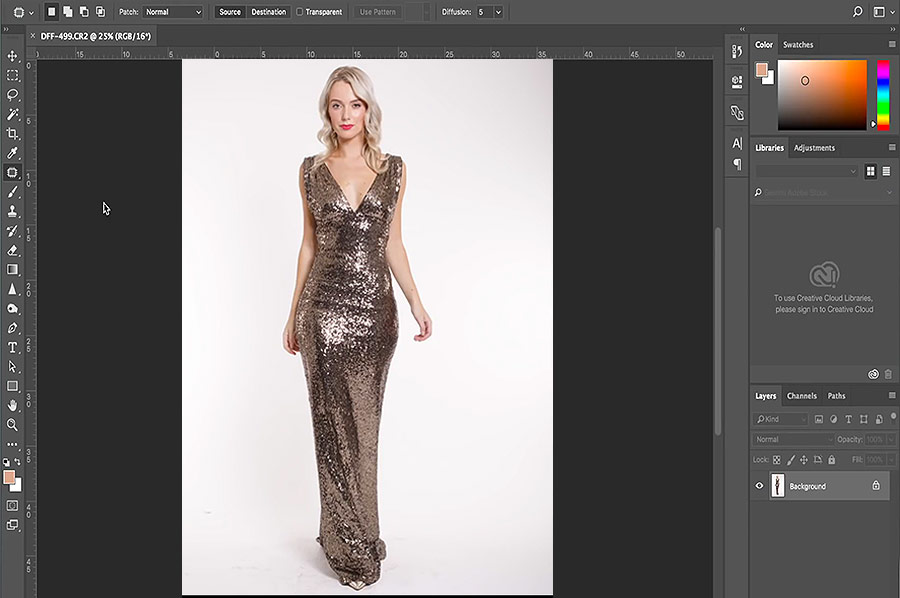
Paper backdrops are a staple within any studio setup as they offer a wide range of colors at a reasonable price. The downside, however, is that the paper becomes dirty...

Read more

  • Facebook
  • Twitter
  • Email
Read More
21 Nov
Efficiency & Productivity, Video Tutorial

5 Ways to Fix Poor Ergonomics at Your Desk While Retouching

  • January 19, 2019
  • Posted by Kendra Paige
  • good retouching habits, healthy habits for retouchers, retouching ergonomics
  • Leave a comment
Sitting at your desk for hours on end culling through photographs or retouching can begin to wreak havoc on your body.  Practicing smart ergonomic techniques can save you from neck...

Read more

  • Facebook
  • Twitter
  • Email
Read More
16 Jul
Efficiency & Productivity, Real World Practices, Video Tutorial

Remove Dust, Lint and Debris Quickly

  • January 15, 2019
  • Posted by Daniel Meadows
  • efficiency & productivity, RA Panels, retouching tips
  • 1 comment
One of the secrets of retouching at a high level is that you can cheat. There are countless dirty little tricks you should completely avoid as a beginner, and that...

Read more

  • Facebook
  • Twitter
  • Email
efficient habits for photographers and retouchers
Read More
12 Jul
Business & Clients, Efficiency & Productivity, Real World Practices

Efficient Work Habits For Retouchers

  • January 16, 2019
  • Posted by Kendra Paige
  • dodge & burn, efficiency & productivity, retouching business
  • Leave a comment
As a photographer or a retoucher, there is one commodity that is important above all others: your time. Setting aside your skills, creativity, and style, it is your time...

Read more

  • Facebook
  • Twitter
  • Email
testimonial of retouching academy beauty retouch panel
Read More
11 Jul
Beauty Retouching, Efficiency & Productivity, Software for Retouching

A Review of the Beauty Retouch Panel

  • January 16, 2019
  • Posted by Kendra Paige
  • beauty retouch, beauty retouch panel, RA Panels
  • 4 comments
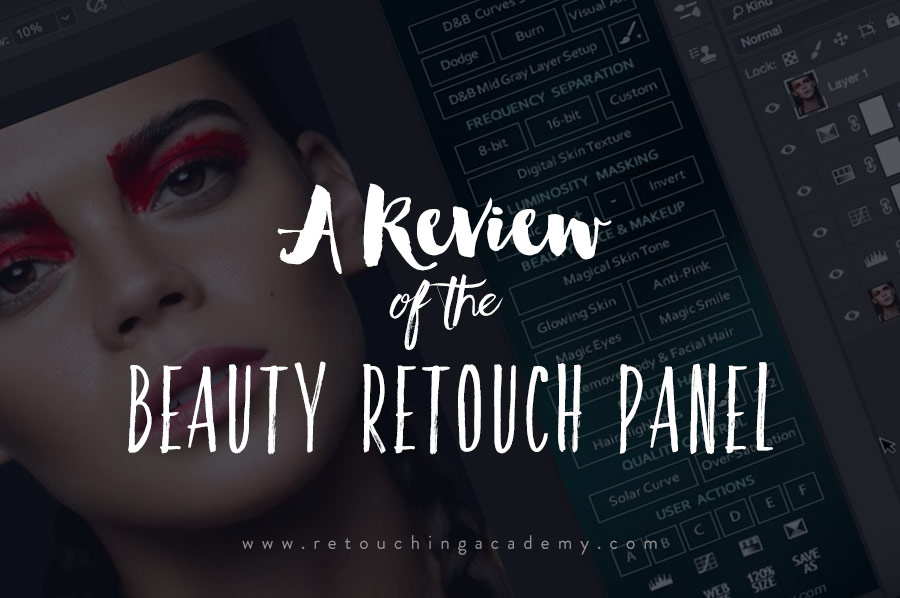
For thousands of retouchers around the world, the Beauty Retouch and Pixel Juggler Panels have brought efficiency to their workflow by optimizing the retouching techniques we often use. RA Panels...

Read more

  • Facebook
  • Twitter
  • Email
Read More
04 Jul
Efficiency & Productivity, Real World Practices

Healthy Habits for Retouchers: Protecting Your Eyes & Vision

  • January 19, 2019
  • Posted by Kendra Paige
  • good retouching habits, healthy habits for retouchers, retouching ergonomics
  • 1 comment
As retouchers, we often spend hours in front of our computer monitors, with our eyes trained on the finer details we’re enhancing. This is just the time spent while...

Read more

  • Facebook
  • Twitter
  • Email
Read More
03 Jul
Efficiency & Productivity, Fundamentals, Software for Retouching

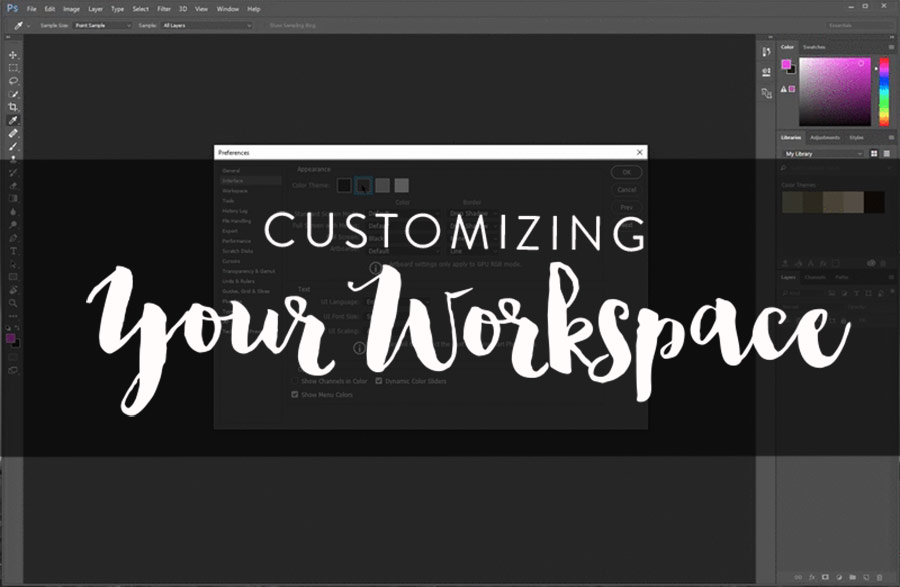
Customizing Your Workspace in Photoshop

  • January 19, 2019
  • Posted by Gerry Kingsley
  • efficiency & productivity, photoshop, Software Basics
  • Leave a comment
Software: Adobe Photoshop Skill level: Beginner Workspaces A workspace, is the entire working area of Photoshop. It’s what encompasses all the menus, tools and panels. Simply put, it’s pretty much everything you can see...

Read more

  • Facebook
  • Twitter
  • Email
adobe analytics ai for voice devices
Read More
29 Jun
Efficiency & Productivity, Hardware & Tools, Software for Retouching

Adobe Wants to Hear Your Voice

  • January 19, 2019
  • Posted by Kendra Paige
  • adobe, adobe photoshop, tech news
  • Leave a comment
While voice devices such as the Amazon Echo may not be present in every home just yet, they are showing an upward trend. Adobe recently released a report focused...

Read more

  • Facebook
  • Twitter
  • Email
Kavyar Magazine Submission Service
Read More
18 Jun
Business & Clients, Efficiency & Productivity, High-End Beauty & Fashion

Kavyar Takes the Fuss out of Magazine Submissions

  • January 19, 2019
  • Posted by Kendra Paige
  • beauty photography, editorial photography, magazine submissions
  • 3 comments
For many fashion and beauty photographers, having their work showcased in independent magazines is a way to gain exposure. This process was rarely ever an efficient one, however, as...

Read more

  • Facebook
  • Twitter
  • Email
Read More
01 Jun
Beauty Retouching, Efficiency & Productivity, Video Tutorial

How to Color Grade Using Luminosity Masks

  • January 22, 2025
  • Posted by Julia Kuzmenko McKim, RA Team
  • beauty retouching, color grading, lumino, luminosity masking
  • 2 comments
I have been using Luminosity Masks in my retouching for many years now and I absolutely love the flexibility they offer when making selections for exposure adjustments and color grading...

Read more

  • Facebook
  • Twitter
  • Email
Read More
25 Jan
Beauty Retouching, Efficiency & Productivity, Real World Practices

Don’t Let Facebook Image Compression Ruin Your Images

  • September 18, 2026
  • Posted by Julia Kuzmenko McKim, RA Team
  • retouching, software
  • Leave a comment
So, you just spent hours retouching your perfect shot. Naturally, you want to share it with the world, so you upload it to your Facebook page, only to find your hard...

Read more

  • Facebook
  • Twitter
  • Email
RA_SelectAndMask_GerryKingsley_FeatureImage
Read More
06 Sep
Efficiency & Productivity, Fundamentals, Software for Retouching

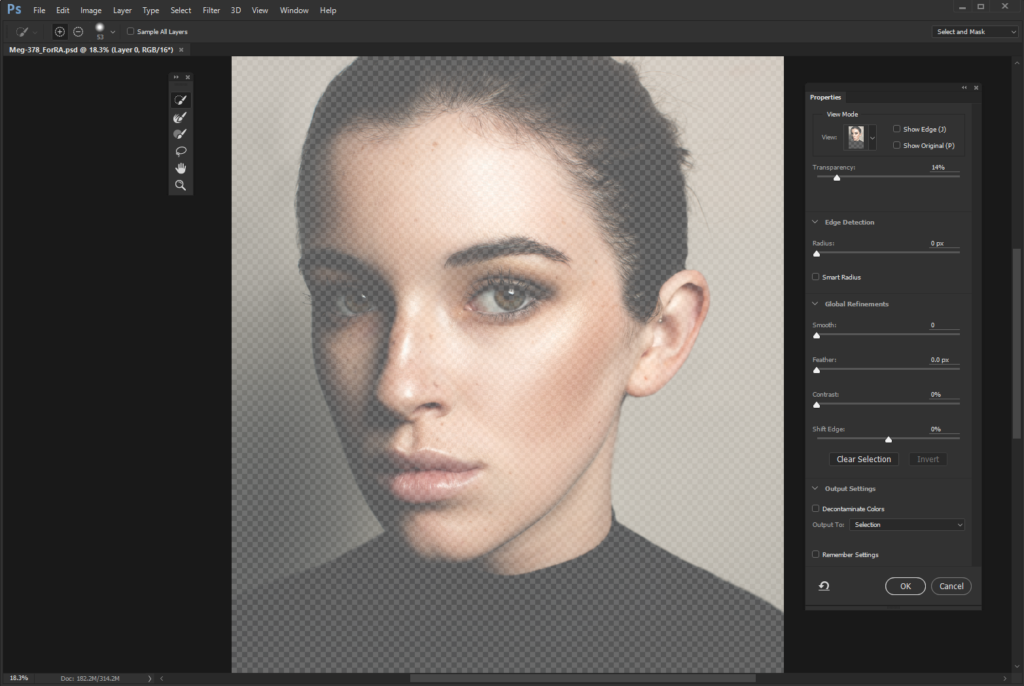
Working With Selections: The New Select and Mask Feature

  • December 17, 2018
  • Posted by Gerry Kingsley
  • fundamentals, photoshop basics, selections
  • 16 comments
Adobe Photoshop CC 2015 recently released their 5.0 update which brought us a revamp of the already useful tool formerly known as Refine Edge. Let’s look at what’s new...

Read more

  • Facebook
  • Twitter
  • Email
Read More
17 Aug
Efficiency & Productivity, Fundamentals, Software for Retouching

Selection Tools Overview

  • December 15, 2018
  • Posted by Gerry Kingsley
  • photoshop tools, selections
  • 2 comments
One of the most powerful tools for retouchers in Adobe Photoshop is the ability to select and modify pixels, referred to as making selections. Located on the tool bar,...

Read more

  • Facebook
  • Twitter
  • Email
Read More
18 May
Efficiency & Productivity, Hardware & Tools

Back Up Your Wacom Tablet Settings

  • November 10, 2018
  • Posted by Julia Kuzmenko McKim, RA Team
  • tablet preferences, Wacom
  • Leave a comment
Dear RA Artists, A member of our RA Community reported some issues that he encountered with his Wacom tablet (Intuos Pro S) after updating his tablet driver to the latest version, from 6.3.15 to 6.3.16...

Read more

  • Facebook
  • Twitter
  • Email
Read More
10 May
Efficiency & Productivity, Software for Retouching, Video Tutorial

New Video Tutorials For RA Panels Users

  • November 21, 2018
  • Posted by Julia Kuzmenko McKim, RA Team
  • beauty retouching, RA Panels
  • 2 comments
With the release of the latest version of the RA Panels we have been working on updating and adding new video tutorials to our Retouching Academy Lab website. The new...

Read more

  • Facebook
  • Twitter
  • Email
Read More
21 Apr
Efficiency & Productivity, Real World Practices, Stay Inspired

8 Tips for Finding and Keeping Inspiration for Retouchers and Creatives

  • August 3, 2020
  • Posted by Eugenia Carolina
  • creative professional, inspiration
  • Leave a comment
We all go through it. We’ve all been there. We will all go through it again. We feel bored and complacent. Getting stuck and feeling uninspired is part of...

Read more

  • Facebook
  • Twitter
  • Email
123
Close
Retouching Academy
★★★★★ 4.9 / 5 52,000+ students & panel users worldwide

For photographers and retouchers interested in commercial work and getting hired by beauty, wellness and lifestyle brands. We teach retouching and visual production standards that commercial clients expect today.

// RA Newsletter

The Industry Is Moving. We Track What’s Changing, So You Don’t Have To.

Practical resources for working photographers and retouchers:

  • Commercial Work & Clients: how brands and businesses hire creative professionals today, and how to get hired.
  • Retouching Skills: post-production workflow, retouching tools and techniques, and visual standards that commercial clients expect today.
  • Industry & AI News: the tools and shifts worth your attention. Put AI to work on your day-to-day chores, so you can do more of what you love.

Free, straight to your inbox:

No spam. Unsubscribe any time.

// New · Beauty Retouch 6.0

Beauty Retouch 6.0, the Best Version Yet!

Beauty Retouch is a Photoshop plugin for photographers and retouchers who want a faster retouching workflow, relevant for 2027, more consistent skin and tonal work, and a decluttered workspace.

Learn more →

Categories

Commercial Work & Clients→ Retouching Skills & Tools→ Industry & AI News→

Recent Posts

  • Amy Taylor and Jamie Nelson Settle Photo Lawsuit: What It Means for PhotographersNov 5, 2026
  • Retoucher of the Year 2026: Meet Our Sponsored RetouchersOct 16, 2026
  • 5 Copyright Facts Every Photographer and Retoucher Should Know in 2026Sep 30, 2026
  • Retouching Academy Is Sponsoring 10 Beauty Entries at Retoucher of the Year 2026Sep 24, 2026

Our Products

  • All-in-One Beauty Retouch $287$569 Beginner to Advanced · 21+ hours · Lifetime · Practice files · Custom Actions & Brushes
  • Professional Skin Retouching $169 Intermediate to Advanced · 7+ hours · Lifetime · Practice files · Custom Actions & Brushes
  • Beauty Retouch 6.0 Panel $89 Photoshop plugin for photographers and retouchers who want a faster retouching workflow, improved consistency of skin and tonal work, and a decluttered workspace.
  • Beauty Retouching for Beginners $127 Beginner · 4+ hours · Lifetime · Practice files · Custom Actions & Brushes
©2026 QUEENSCLIFF GLOBAL LLC. ALL RIGHTS RESERVED.
  • Facebook
  • Twitter
  • Email
Retouching Academy
★★★★★ 4.9 / 5
52,000+ students worldwide

For photographers and retouchers interested in commercial work and getting hired by beauty, wellness and lifestyle brands. We teach retouching and visual production standards that commercial clients expect today.

retouchingacademy.com
// RA Retouching Panels:
retouchingacademylab.com
// quick links
Retouching Courses
Retouching Panels
Newsletter
Testimonials
Blog
Customer login
Affiliate Program
Contact Us
// our best-sellers
Beauty Retouch 6.0 PanelPhotoshop plugin for photographers and retouchers who want a faster retouching workflow, improved consistency of skin and tonal work, and a decluttered workspace.$89
All-in-One Beauty Retouch bundleBeginner to Advanced · Over 21 hours · Lifetime Access · Practice beauty files · Custom Actions & Brushes$569$287
Professional Skin RetouchingIntermediate to Advanced · Over 7 hours · Lifetime Access · Practice beauty files · Custom Actions & Brushes$169
Beauty Retouching for BeginnersNovice · Over 4 hours · Lifetime Access · Practice beauty files · Custom Actions & Brushes$127
// the ra newsletter
Written for photographers and retouchers interested in commercial work. Read by 24,700+ creative professionals worldwide.
    // no spam · unsubscribe anytime
    © 2026 Queenscliff Global LLC · All rights reserved
    Terms & Conditions
    ·
    Privacy Policy
    Scroll To Top Sidebar
    We use cookies to improve your experience on our website. By browsing this website, you agree to our use of cookies.
    Accept More info