One of the most powerful tools for retouchers in Adobe Photoshop is the ability to select and modify pixels, referred to as making selections. Located on the tool bar,...
History Panel
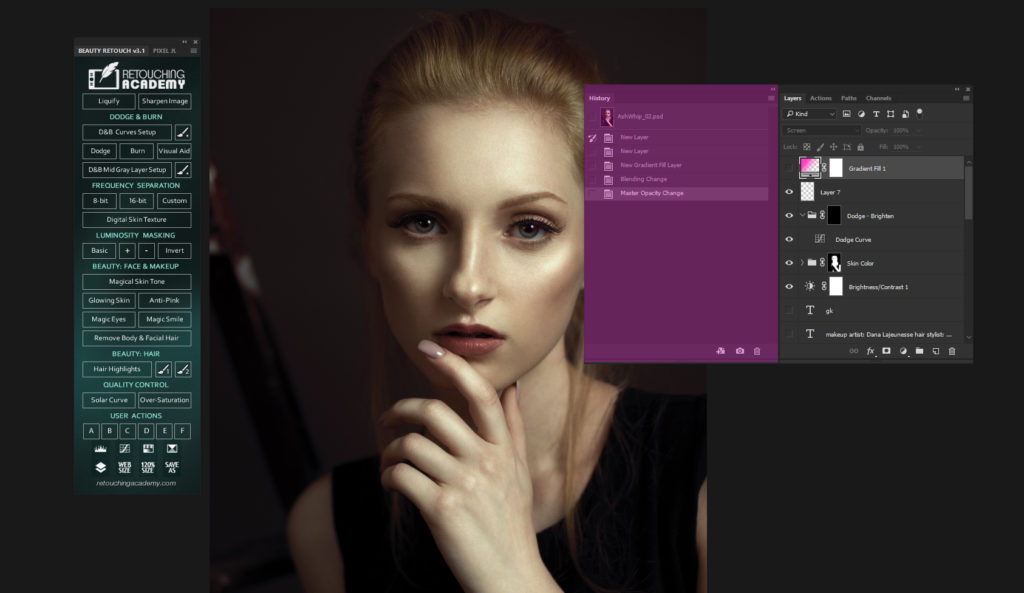
The History Panel is a tool which creates a chronological top-down view of everything you do in your working session in Photoshop. To access the History Panel, choose Window...
Seattle-based guest writer Josh Fredman is with us today to share how he avoids banding when creating gradient-based background in his images.
---------------
In this tutorial, we’re going to look at how to create banding-free gradients...
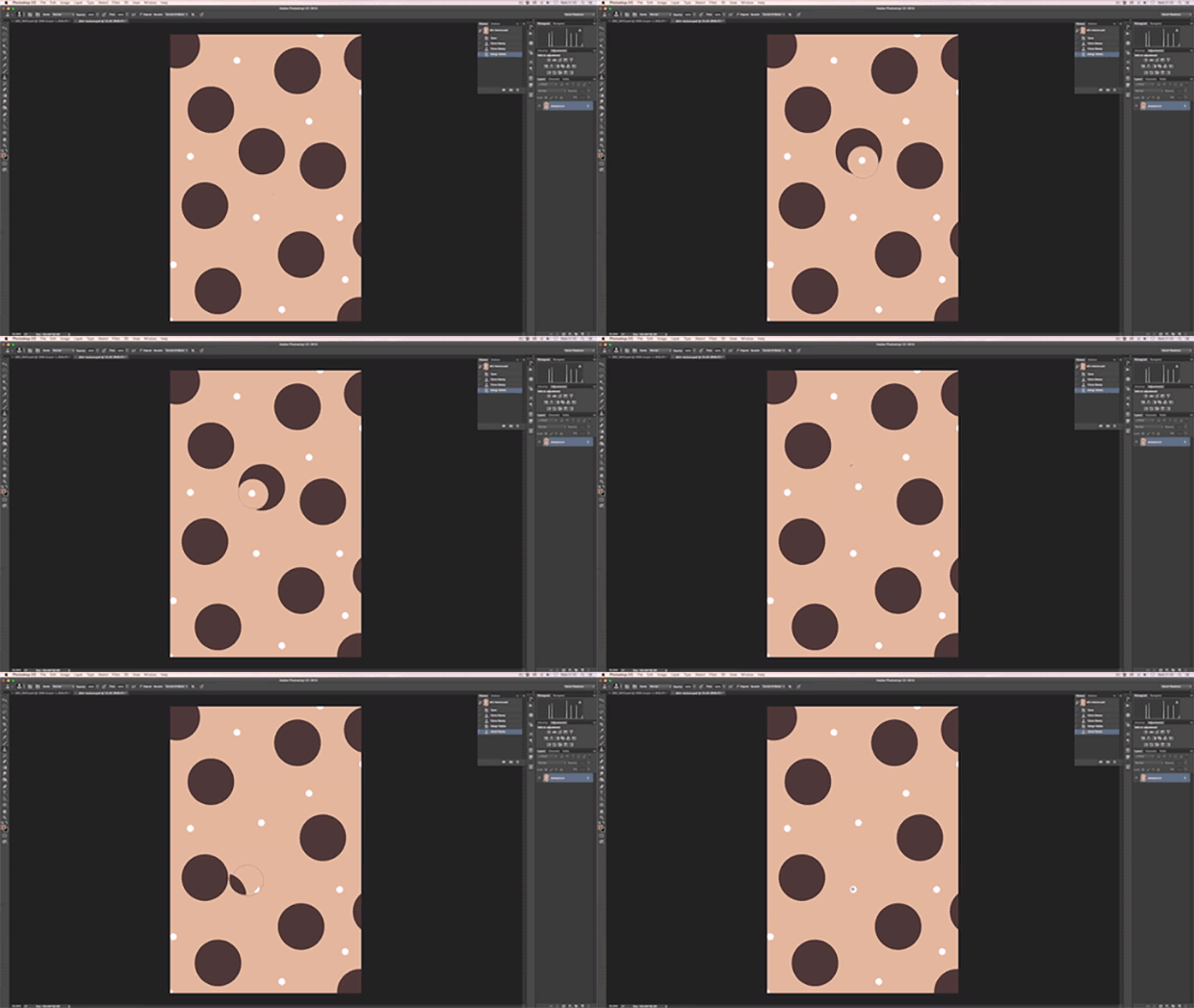
In this Retouching Academy Quick Tip video we take a look at the Clone Stamp Tool brush settings such as size and hardness, and demonstrate why softer settings can...
Hello Fellow Retouchers!
To create a fantastic image we have to make so many choices, the most impactful of which are often the simplest ones. How a photographer composes can...
In part 2 of our introduction to the Curves Adjustment Layer we will take a look at how to use this tool to tone and color correct an image.
In particular, the video...
LESSON 3:BEFORE THE CAPTURE
Camera Sensors, Megapixels and How They Affect Post-Production Results
What Is ISO
Camera Settings For Better Source Images
Light & Shadow Basics
<<< RETURN TO THE COURSE...
In this video, we are going to take an introductory look at the Curves Adjustment Layer, one of Photoshop’s most powerful and flexible tools. In particular, the video demonstrates the strengths...
Check out this wonderful guest article on Scott Kelby's blog by one of our top instructors Michael Woloszynowicz:
It’s Guest Blog Wednesday featuring Michael Woloszynowicz
In this article, Michael talks about such fundamental...
This is the fourth part of the article by our guest Australian Commercial Digital Retoucher Peter Worthington.
Part I: The Importance of Layer Organization in Commercial Retouching – Part I
Part II: The...
This is the third part of the article by our guest Australian Commercial Digital Retoucher Peter Worthington.
Part I: The Importance of Layer Organization in Commercial Retouching – Part I
Part II: The Importance of Layer...
This is the second part of the article by our guest Australian Commercial Digital Retoucher Peter Worthington.
Part I: The Importance of Layer Organization in Commercial Retouching – Part I.
Enjoy!
Previously, I mentioned how...
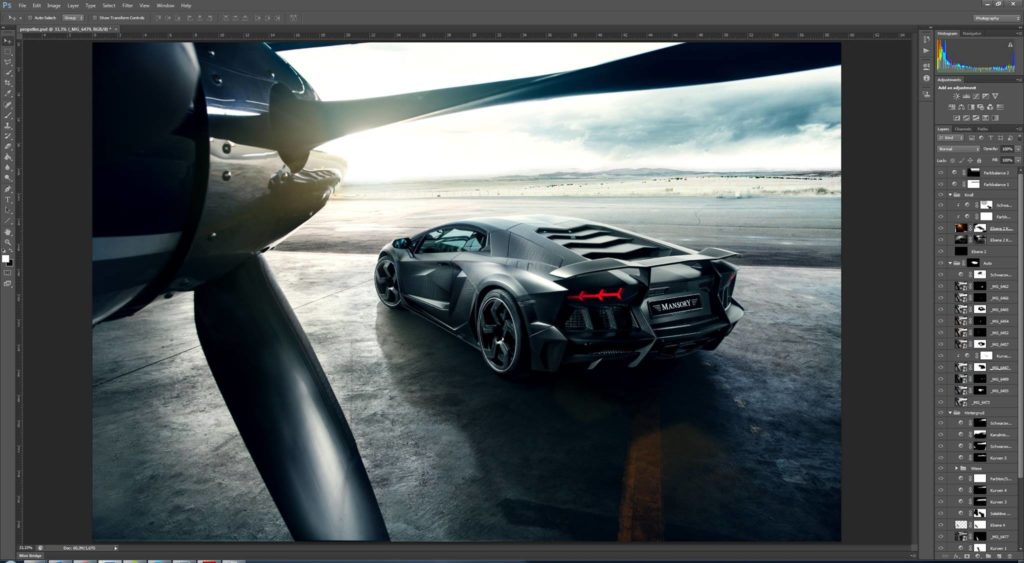
In this tutorial our guest Commercial Digital Retoucher Peter Worthington will walk us through his workflow and share the most effective ways of handling layers in your master files...
A typical issue that photographers face when capturing digital images is limited dynamic range of DSLR cameras. We always have to choose between which detail we would like to...
In this video we'll be discussing some of the most important layer Blending modes for retouchers to understand, as well as present practical examples of when they are used.
We've...
We recently had a lengthy discussion in our Retouching Academy Community group regarding the importance and definition of image resolution. Even though it is pretty straight forward there is...
The general term “Retouching” can be categorized under the following subject-specific areas of Portrait, Editorial, Commercial, Beauty and Creative Retouching.
Each of these areas possesses its own assembly of considerations...
Please read How to Set Preferences & Memory Usage for Peak Performance before you continue reading this article.
History & Caches
Simply put, keep History States and Cache Levels at their default settings,...
In this tutorial we will cover what Clipping Masks are and how to create them in Photoshop. We will also touch on some retouching scenarios when they can be...
In this video we will talk about the Pen Tool and how you can make and adjust precise and complex selections using this tool.
The Pen Tool is one of...