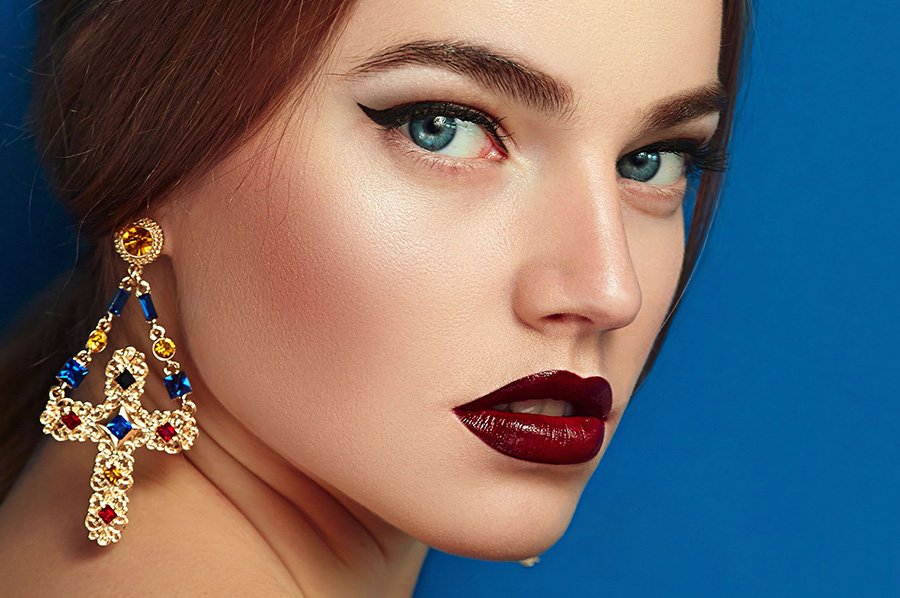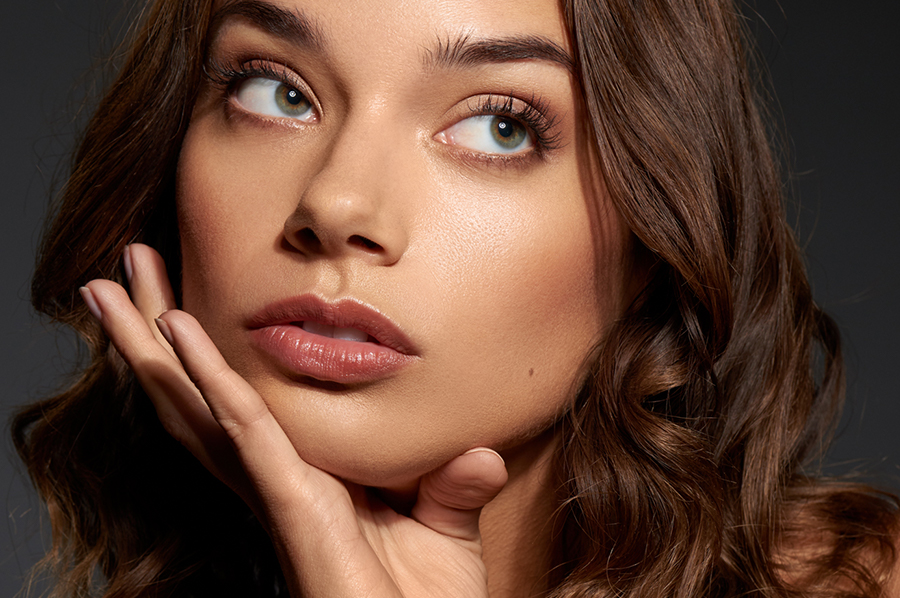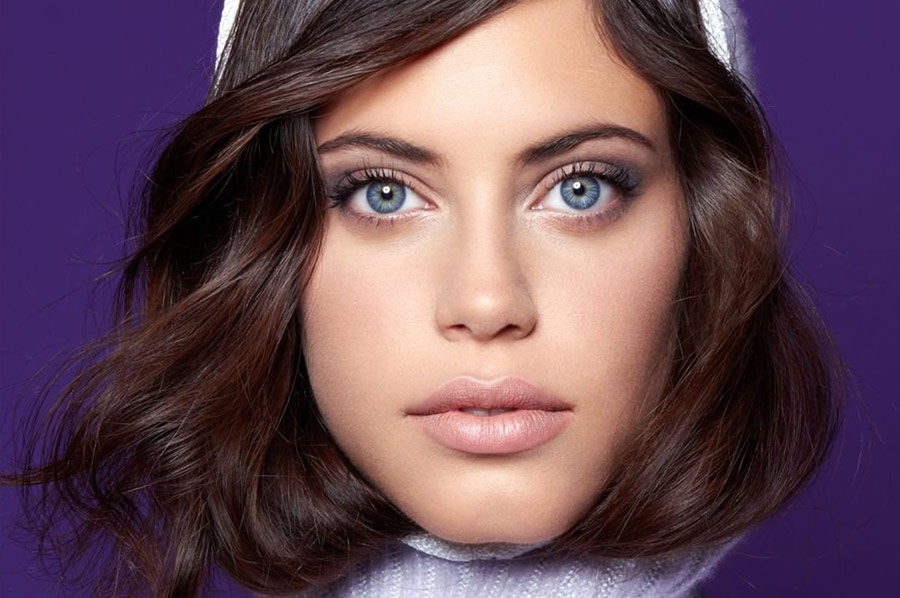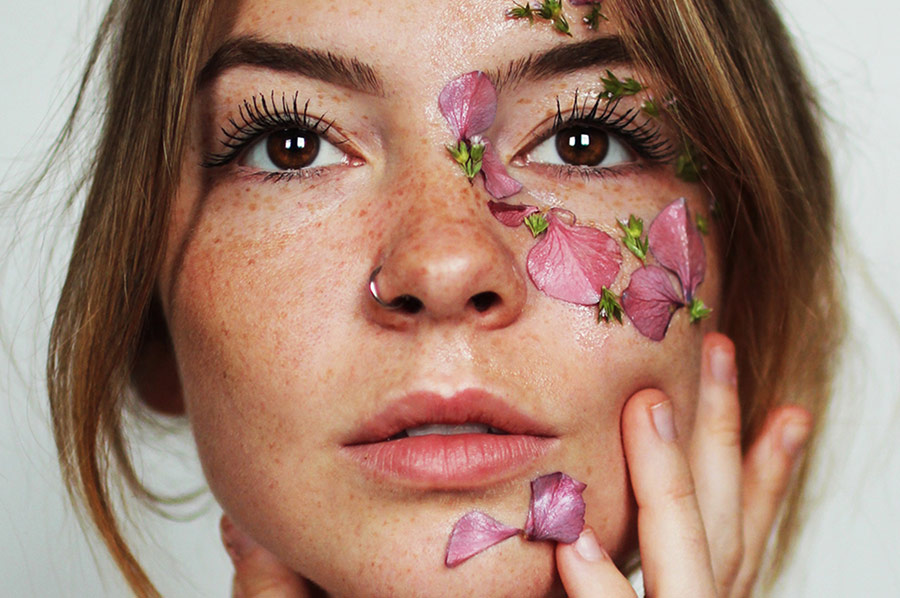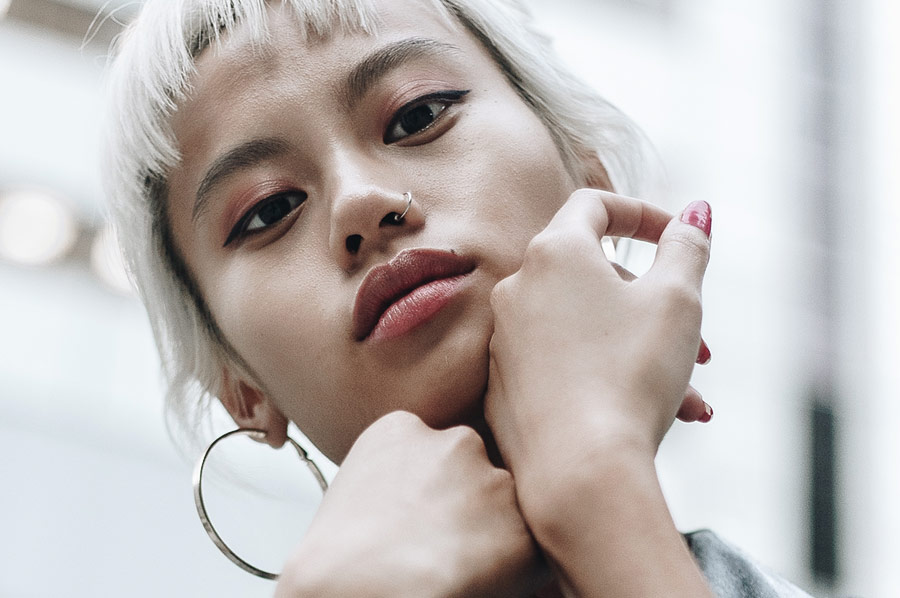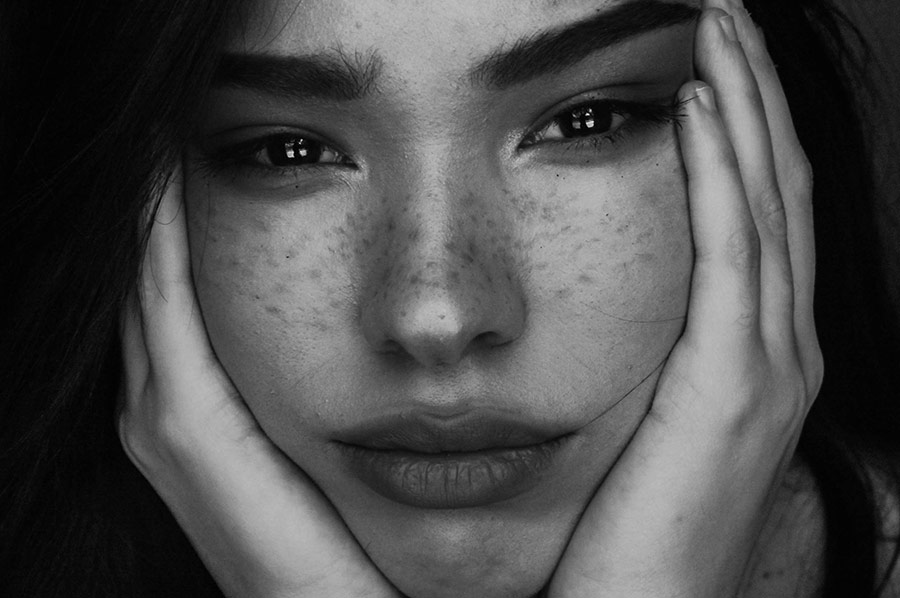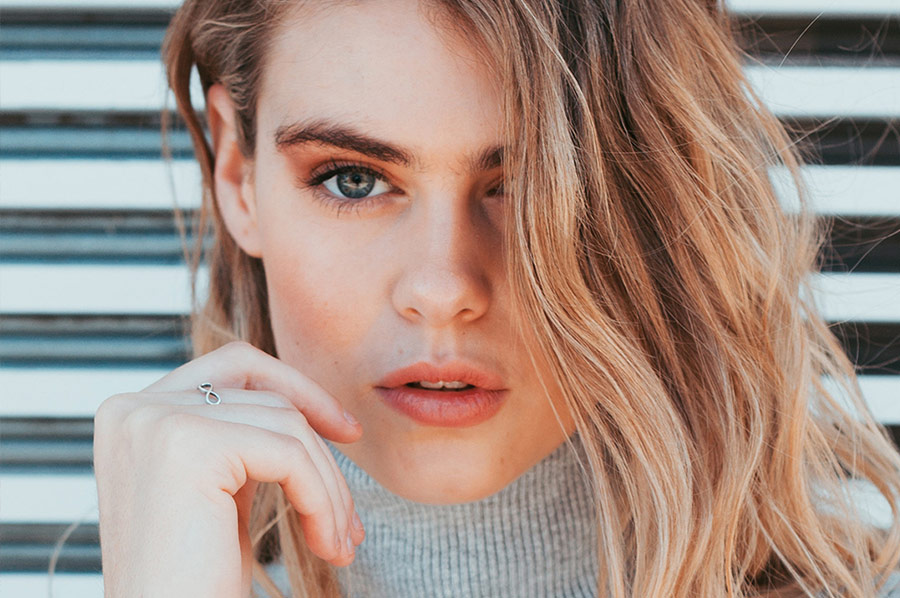
While we always encourage photographers to get everything "right in camera", in many situations corrections are still needed to be done in post. When working with a group of...
If you're a new photographer just starting to produce your shoots, you might mistakingly think that post-production and/or color grading is what makes the "look" or "feel"...
In one of our previous articles titled Color Correcting Skin Tones With Adjustment Layers In Photoshop, we shared a tutorial on how to match a skin tone of one...
Instagram has changed the game for all visual artists looking to market their work. Millions of images are shared every day from all parts of the world vying to...
While eyebrow trends keep changing from pencil-thin to thick and bushy, eyebrows always require special attention as they frame the face and give it character. Today makeup artists and...
Retouching portraits have never been easier with the tools available in Adobe Lightroom. One of the most powerful tools you will use is the Spot Removal tool (Q key...
By using Puppet Warp in Adobe Photoshop, you can manipulate the structure of a subject’s shape, features, or even reposition things like limbs or hair. It’s as if you’re...
Color Look Up Tables (or LUTs) can give your images a distinct look and feel though their colors. In our recent LUT-related article, you learned how to use LUTs in...