Sign in

close


Lost your password?
No account yet? Create an Account
  • Home
  • Store
    • Courses & Bundles
    • Retouching Panels
    • Practice Files
  • Newsletter
  • Contact Us
  • Blog
  • Customer Login
    • Affiliate Login

Shopping cart

close
  • Instagram
  • YouTube
THE COMMERCIAL SIDE OF PHOTOGRAPHY & RETOUCHING
  • Testimonials
    • Submit Yours
  • Customer Login
    • Affiliate Login
  • Newsletter
  • Contact Us
  • Home
  • LEARN
    • YOUR COURSE LIBRARY
    • Code of Professional Practice
  • Shop
    • Retouching Courses & Bundles
    • Retouching Panels
    • Practice Files – Beauty
  • Blog
Retouching Academy Retouching Academy
close
Cart (o) 0 / $0.00 USD
Read More
10 May
Efficiency & Productivity, Software for Retouching, Video Tutorial

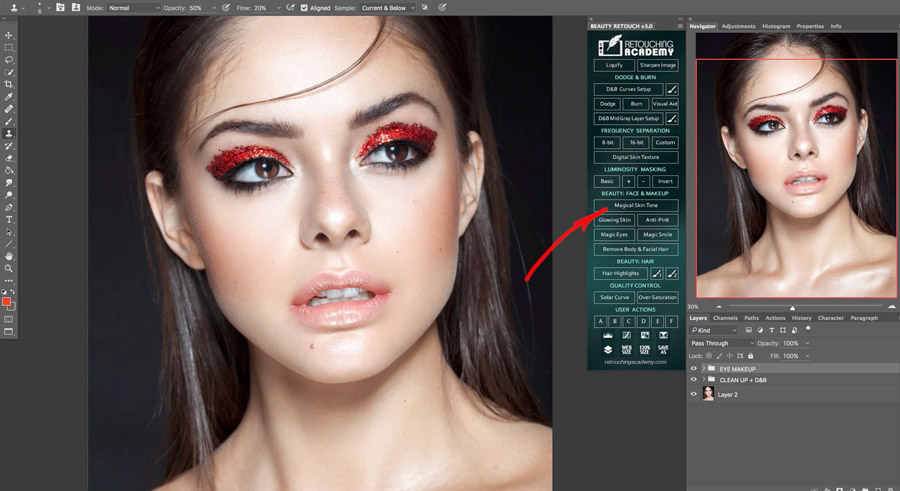
New Video Tutorials For RA Panels Users

  • November 21, 2018
  • Posted by Julia Kuzmenko McKim, RA Team
  • beauty retouching, RA Panels
  • 2 comments
With the release of the latest version of the RA Panels we have been working on updating and adding new video tutorials to our Retouching Academy Lab website. The new...

Read more

  • Facebook
  • Twitter
  • Email
Read More
11 Apr
Beauty Retouching, Video Tutorial

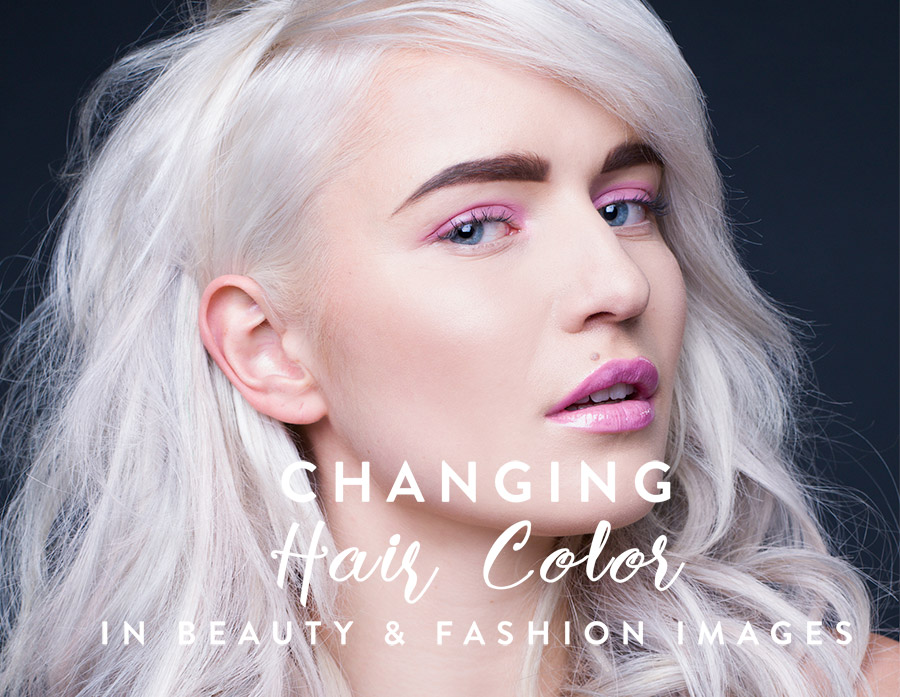
Changing Hair Color In Beauty and Fashion Images

  • September 7, 2020
  • Posted by Julia Kuzmenko McKim, RA Team
  • beauty retouching, color, hair retouching
  • Leave a comment
In beauty and fashion photography sometimes we want to have our model to look a little more extravagant, but not many professional working models will allow a permanent or even an extended...

Read more

  • Facebook
  • Twitter
  • Email
Read More
07 Mar
Fundamentals, Video Tutorial

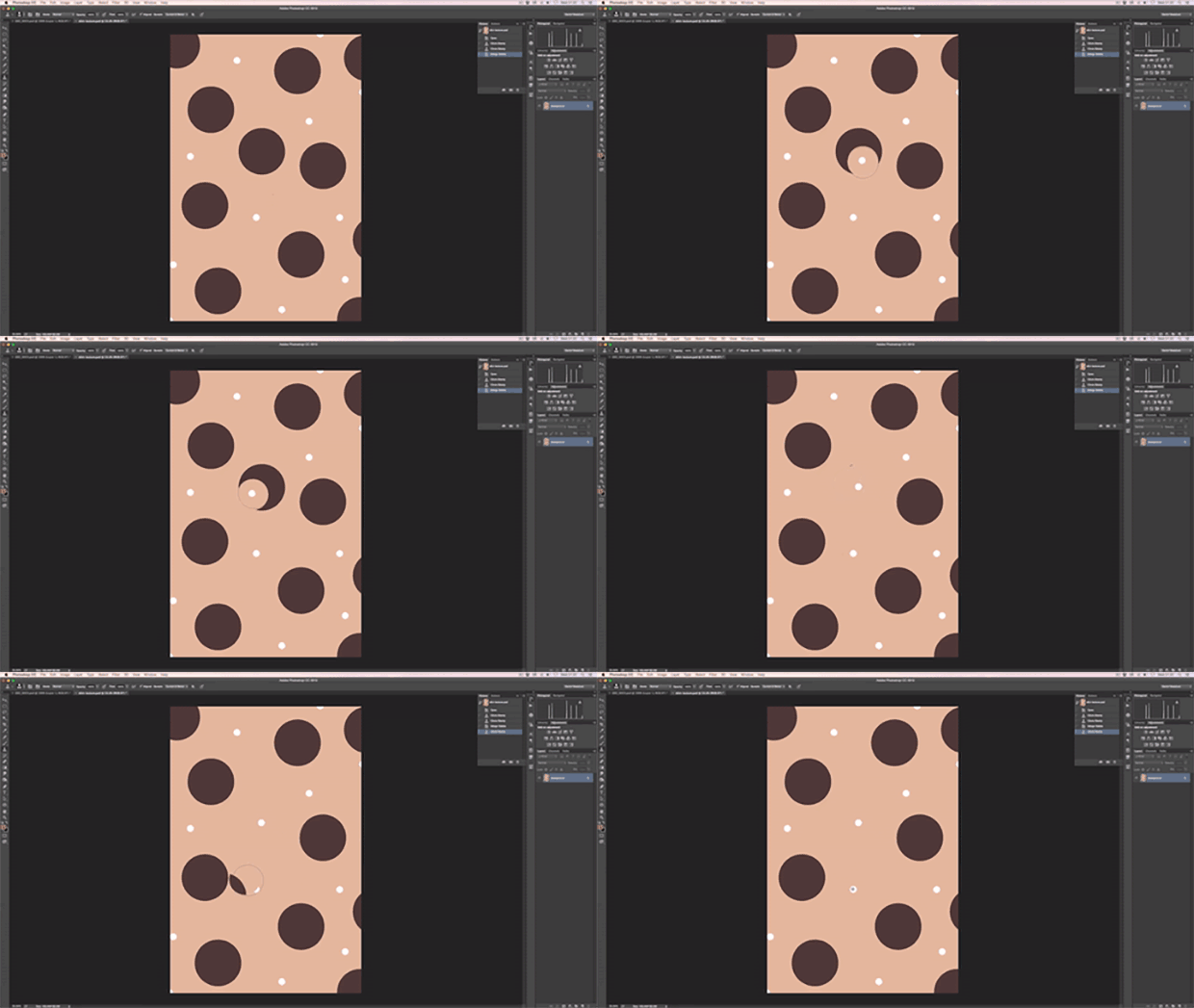
RA Quick Tip: Clone Stamp Settings For Skin Retouching

  • November 9, 2018
  • Posted by Daniel Meadows
  • clone stamp, retouching, tips
  • 5 comments
In this Retouching Academy Quick Tip video we take a look at the Clone Stamp Tool brush settings such as size and hardness, and demonstrate why softer settings can...

Read more

  • Facebook
  • Twitter
  • Email
Read More
17 Feb
Fundamentals, Video Tutorial

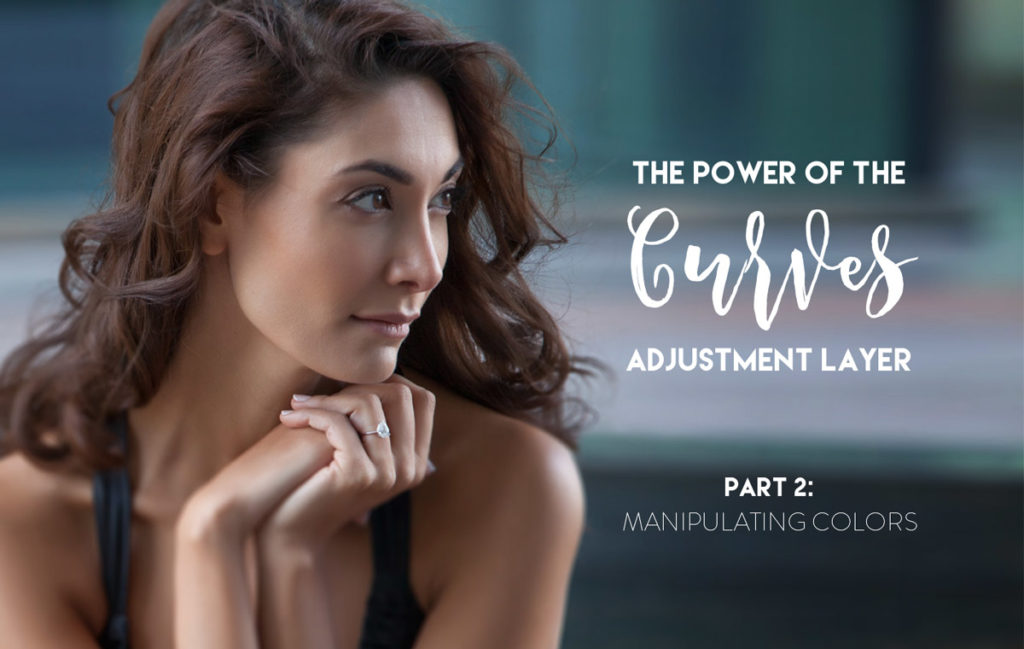
The Power of The Curves Adjustment Layer – Part 2: Manipulating Color

  • November 9, 2018
  • Posted by Julia McKim
  • basics, color, curves
  • Leave a comment
In part 2 of our introduction to the Curves Adjustment Layer we will take a look at how to use this tool to tone and color correct an image. In particular, the video...

Read more

  • Facebook
  • Twitter
  • Email
Read More
21 Jan
Fundamentals, Video Tutorial

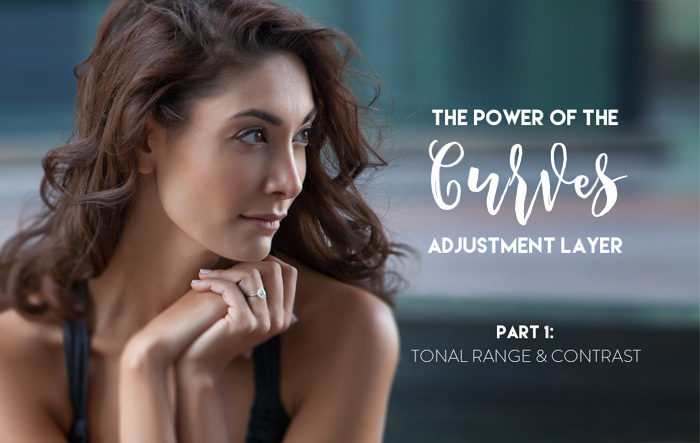
The Power of The Curves Adjustment Layer – Part 1: Tonal Range & Contrast

  • November 9, 2018
  • Posted by Julia McKim
  • basics, curves
  • Leave a comment
In this video, we are going to take an introductory look at the Curves Adjustment Layer, one of Photoshop’s most powerful and flexible tools. In particular, the video demonstrates the strengths...

Read more

  • Facebook
  • Twitter
  • Email
Read More
07 Jul
Efficiency & Productivity, Video Tutorial

RA Quick Tip Video: Choosing & Replacing Wacom Stylus Nibs

  • November 6, 2018
  • Posted by Julia Kuzmenko McKim, RA Team
  • RA Quick Tip, Stylus nibs, Wacom
  • 2 comments
If you have not changed your standard stylus nib ever since you purchased your Wacom tablet, take a peek into your pen stand and...

Read more

  • Facebook
  • Twitter
  • Email
Read More
25 Jun
Beauty Retouching, Video Tutorial

Dodge and Burn: Working with Micro Transitions

  • January 21, 2019
  • Posted by Julia McKim
  • beauty retouching, dodge & burn, RA Quick Tip
  • 1 comment
Transitional Values, Tonal Transitions, and Micro Transitions are a big part of how we define the qualities that make up an image in photography. Transitional Values are the values found...

Read more

  • Facebook
  • Twitter
  • Email
Read More
22 Jun
Beauty Retouching, Efficiency & Productivity, Video Tutorial

A Fast Way To Remove Stray and Body Hair

  • January 21, 2019
  • Posted by Julia Kuzmenko McKim, RA Team
  • beauty retouching, hair retouching, RA Quick Tip
  • 2 comments
In today's RA Quick Tip I'd like to share my favorite way to quickly clean up the outline of the neck and shoulders from stray and body hair. I am a big...

Read more

  • Facebook
  • Twitter
  • Email
Read More
12 Feb
Efficiency & Productivity, Software for Retouching, Video Tutorial

Mastering Brushes for Dodge & Burn Work. Beauty Retouch Panel Update Details.

  • November 6, 2018
  • Posted by Julia Kuzmenko McKim, RA Team
  • brushes, dodge & burn, opacity vs flow
  • Leave a comment
I have recently changed the way I work with brushes when Dodging & Burning and they made my D&B work more convenient and precise. I'd like to share why and...

Read more

  • Facebook
  • Twitter
  • Email
Read More
03 Feb
Creative Retouching, Fundamentals, Video Tutorial

Practical Uses for Photoshop Layer Blending Modes

  • November 5, 2018
  • Posted by Michael Woloszynowicz
  • blending modes, digital photography, photoshop tools
  • 4 comments
In this video we'll be discussing some of the most important layer Blending modes for retouchers to understand, as well as present practical examples of when they are used. We've...

Read more

  • Facebook
  • Twitter
  • Email
Read More
25 Nov
Fundamentals, Software for Retouching, Video Tutorial

Practical Use Of Clipping Masks in Adobe Photoshop

  • January 20, 2019
  • Posted by Michael Woloszynowicz
  • clipping masks, fundamentals, photoshop
  • Leave a comment
In this tutorial we will cover what Clipping Masks are and how to create them in Photoshop. We will also touch on some retouching scenarios when they can be...

Read more

  • Facebook
  • Twitter
  • Email
Read More
27 Oct
Fundamentals, Software for Retouching, Video Tutorial

The difference between Brush Opacity & Fill and Layer Opacity & Flow

  • January 19, 2019
  • Posted by Michael Woloszynowicz
  • fundamentals, opacity, retouching tools
  • 2 comments
BRUSH OPACITY vs. FLOW While most people starting out with Photoshop tend to utilize Opacity slider and leave Flow untouched, knowing the difference between the two will allow you to...

Read more

  • Facebook
  • Twitter
  • Email
Read More
20 Oct
Fundamentals, Software for Retouching, Video Tutorial

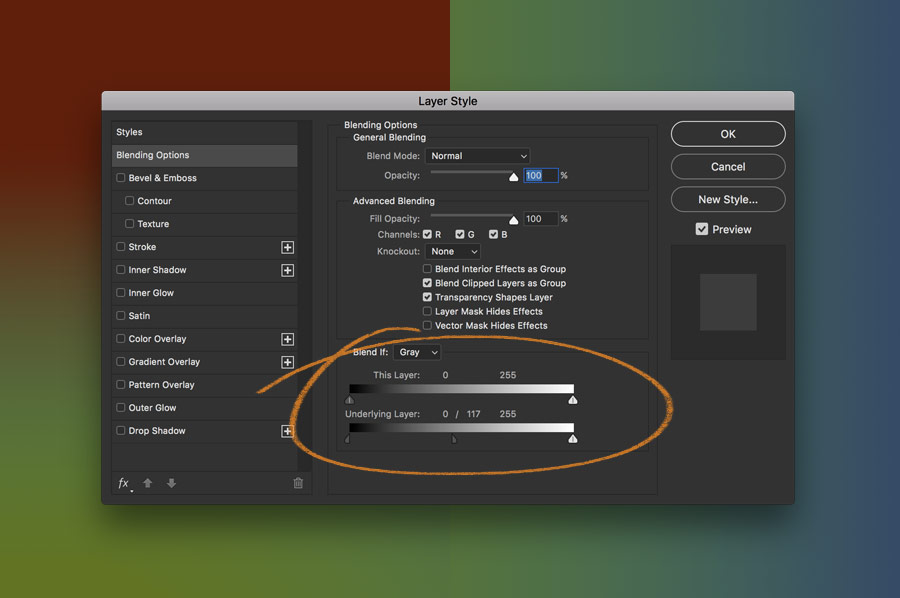
Working with Layer Blend If Sliders in Adobe Photoshop

  • November 3, 2018
  • Posted by Michael Woloszynowicz
  • adobe photoshop, blend-if, selections
  • 1 comment
Learn how to work with this super useful and often overlooked function of Layers Blending Options - Blend If Sliders. In this video I will show you how the Blend...

Read more

  • Facebook
  • Twitter
  • Email
Read More
18 Oct
Fundamentals, Software for Retouching, Video Tutorial

How to Work Smart With Quick Mask in Adobe Photoshop

  • November 3, 2018
  • Posted by Michael Woloszynowicz
  • quick mask, selections
  • 2 comments
Quick mask is a Photoshop tool that can be used in a wide range of image editing situations. It will be quite handy for a retoucher working with Architectural...

Read more

  • Facebook
  • Twitter
  • Email
«‹567
Close


★★★★★ 4.9 / 5 Over 52,000 students and panel users worldwide

For photographers and retouchers interested in commercial work and getting hired by beauty, wellness and lifestyle brands. We teach retouching and visual production standards that commercial clients expect today.

Instagram YouTube

Times of Change — RA Newsletter Widget
Beauty editorial photograph — RA Newsletter

The industry is moving. We track what's changing, so you don't have to.

Practical resources for working photographers and retouchers:

  • Commercial clients: how brands and businesses hire creative professionals today, and how to get hired.
  • Brand work: visual production & post-production. What clients need and expect today.
  • Professional AI use: put AI to work on your day-to-day busywork, so you have more time to do what you love.
  • Industry news & trends: the tools and shifts worth your attention.

Free, straight to your inbox:

No spam. Unsubscribe any time.

You're in. Welcome aboard.

Check your inbox to confirm.

Beauty Retouch v5 — RA Sidebar Promo
// NEW — BEAUTY RETOUCH v5

The legendary retouching panel, now AI-augmented.

Beauty Retouch v5 adds AI-assisted tools and new scripts that streamline professional retouching workflow. Get to the finish line faster, while your taste and standards stay in control.

Learn more →

RA Course Bundles

Fast track to pro retouching mastery:

OUR PRODUCTS
  • Professional Skin Retouching Professional Skin Retouching $169.00 USD
  • Beauty Retouch v5 Panel Beauty Retouch v5 Panel $89.00 USD
  • Beauty Retouching for Beginners Beauty Retouching for Beginners $87.00 USD
  • All-in-One Beauty Retouch All-in-One Beauty Retouch $373.00 USD Original price was: $373.00 USD.$287.00 USDCurrent price is: $287.00 USD.
  • Professional Beauty Retouching Professional Beauty Retouching $199.00 USD
Recent Posts
  • How to Avoid Excessive Revisions in Retouching By Galina Trush

    How to Avoid Excessive Revisions in Retouching By Galina Trush

    December 4, 2025
  • Important Update: Legacy RA Panels and the New UXP Upgrade

    Important Update: Legacy RA Panels and the New UXP Upgrade

    October 24, 2025
  • Skin Work & Frequency Separation Section on the latest Beauty Retouch Panel

    Skin Work & Frequency Separation Section on the latest Beauty Retouch Panel

    October 3, 2025
  • AI in Vogue: The Pushback

    AI in Vogue: The Pushback

    September 8, 2025
  • Reinventing Your Creative Career: Evolve Your Skills Without Starting Over

    Reinventing Your Creative Career: Evolve Your Skills Without Starting Over

    August 28, 2025

★★★★★ 4.9 / 5 Over 52,000 students and panel users worldwide

For photographers and retouchers interested in commercial work and getting hired by beauty, wellness and lifestyle brands. We teach retouching and visual production standards that commercial clients expect today.

  • Instagram
  • YouTube
Quick Links

Newsletter
Terms & Conditions
Affiliate Program
Privacy Policy
Code of Professional Practice
Contact Us

Recent Posts
  • How to Avoid Excessive Revisions in Retouching By Galina Trush

    How to Avoid Excessive Revisions in Retouching By Galina Trush

    December 4, 2025
  • Important Update: Legacy RA Panels and the New UXP Upgrade

    Important Update: Legacy RA Panels and the New UXP Upgrade

    October 24, 2025
  • Skin Work & Frequency Separation Section on the latest Beauty Retouch Panel

    Skin Work & Frequency Separation Section on the latest Beauty Retouch Panel

    October 3, 2025
  • AI in Vogue: The Pushback

    AI in Vogue: The Pushback

    September 8, 2025
Our Products
  • All-in-One Beauty Retouch All-in-One Beauty Retouch $373.00 USD Original price was: $373.00 USD.$287.00 USDCurrent price is: $287.00 USD.
  • Professional Beauty Retouching Professional Beauty Retouching $199.00 USD
  • Professional Skin Retouching Professional Skin Retouching $169.00 USD
  • Master Dodge & Burn Technique Master Dodge & Burn Technique $149.00 USD
  • Beauty Retouch v5 Panel Beauty Retouch v5 Panel $89.00 USD
  • Beauty Retouching for Beginners Beauty Retouching for Beginners $87.00 USD
©2026 QUEENSCLIFF GLOBAL LLC. ALL RIGHTS RESERVED.
  • Facebook
  • Twitter
  • Email
Scroll To Top Sidebar
We use cookies to improve your experience on our website. By browsing this website, you agree to our use of cookies.
Accept More info