

For a creative professional, the monitor isn’t just another piece of equipment; it’s a crucial precision tool for producing professional content.
Every editing decision, from adjusting highlights and contrast to color corrections and color matching, relies entirely on the accuracy of your screen.
A subpar monitor can mislead your eye and distort your perception, causing your hard work to appear not as intended on other devices or in print, and you may not even know it.
While proper color calibration is necessary (a topic for another day), a high-quality monitor comes factory-calibrated and holds its calibration longer, ensuring consistent results.
Beyond color fidelity, features like ergonomic design, large workspace, Low Blue Light technology, stable calibration, anti-glare, and reliable daisy chain (connecting multiple devices in a line using a single cable) capabilities enhance the user’s comfort and efficiency.
Selecting the right monitor is crucial for producing results that align with your artistic vision, meet client expectations, and reduce strain during long post-production marathons.
With countless monitors available, choosing the best option can be overwhelming. We’ve done the legwork for you and analyzed reviews from leading tech sites such as TechRadar, Digital Trends, CNET, and others, to evaluate top models on the market.
This guide highlights some of the best monitors for retouching photo and video editing at the beginning of 2025 from premium options for seasoned professionals to budget-friendly choices for beginners.
If you are working on a great monitor that you would highly recommend and it is not on this list, please share your experience with that monitor in the comments, we will look into it and expand this list.
* Listed prices are current as of February 2025. This post includes affiliate links, meaning RA may earn a commission if you purchase through them, at no additional cost to you.
Premier Tier:
Top Professional Choices
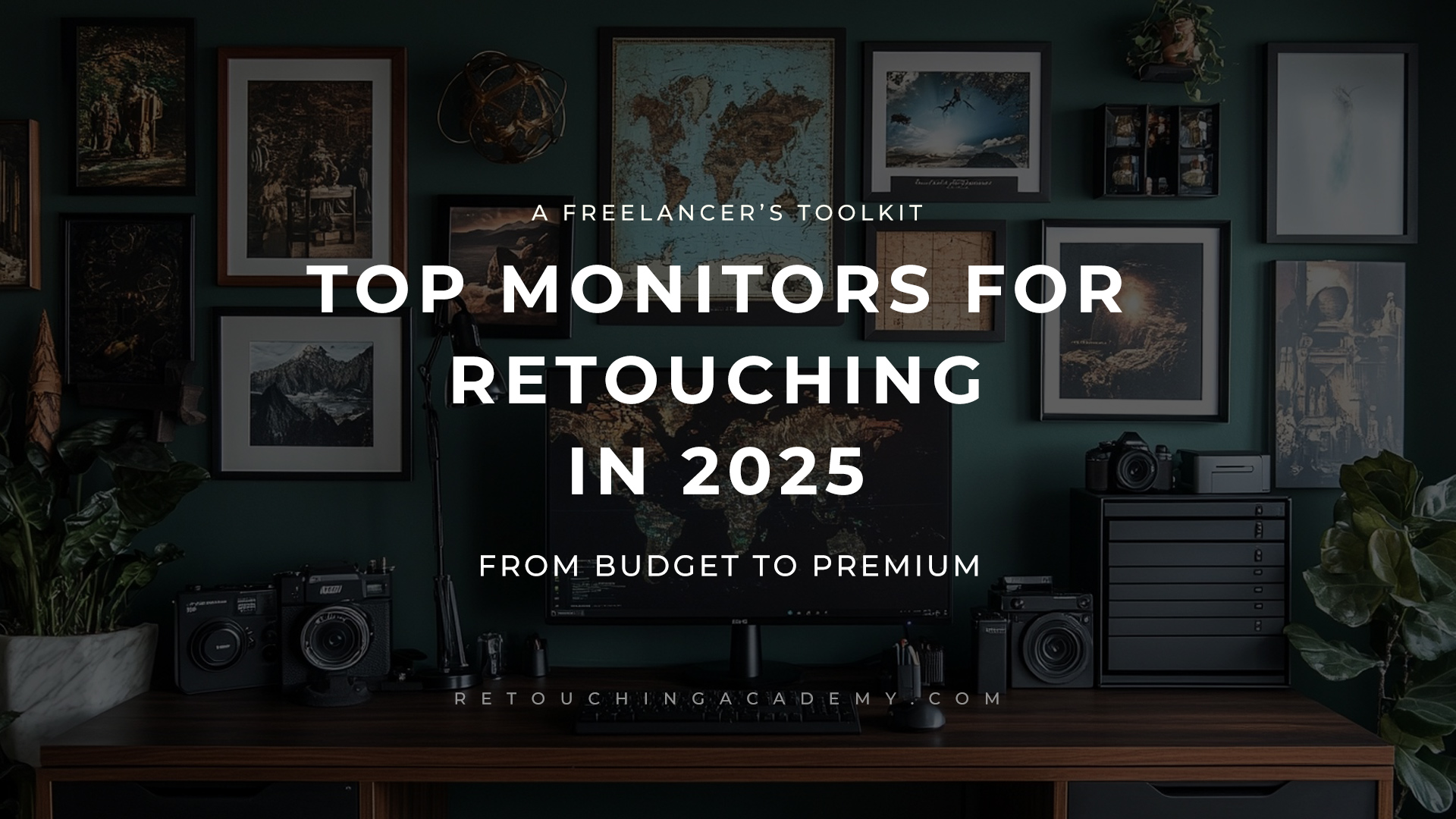
Apple 32″ Pro Display XDR 16:9 Retina 6K HDR IPS Display
Price Range: The base model starts at $4,999*
Delivers deep contrast and produces crisp, vivid, and lifelike visuals ideal for photo and video-focused users. A large canvas that lets you fit all your tools on one screen.
The first 32-inch Retina 6K display that features up to 1600 nits of brightness, a 1,000,000:1 contrast ratio with a P3 wide color gamut, and a superwide viewing angle.
Key Features:
- 6K Retina display, 6016 x 3384 pixels on 32-inch display with Extreme Dynamic Range for precision in color-critical tasks, such as photo retouching and video editing;
- Superwide angle with high-fidelity color and contrast;
- Premium build with advanced calibration, providing accurate colors and long-term reliability for high-end production work, True Tone technology;
- Pixel Density 218 ppi;
- Brightness SDR (Standard Dynamic Range): 500 nits (cd/m²), XDR (Extreme Dynamic Range): 1000-1600 nits (cd/m²).
Reference Review: PCMag
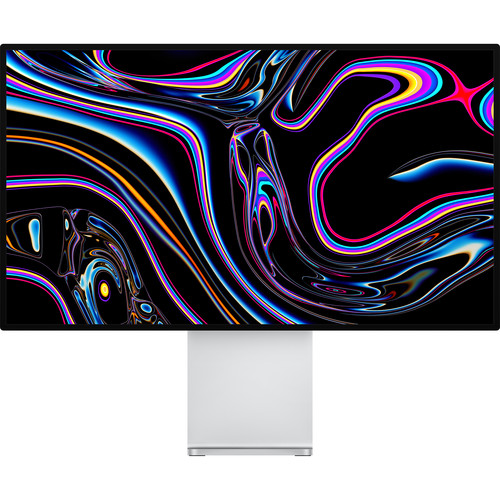
EIZO ColorEdge CG2700X 27″ 4K HDR Monitor
Price Range: Starts at $3,394*
With 99% Adobe RGB coverage and built-in calibration sensors, this monitor is perfect for photographers, retouchers and video editors who demand consistent, accurate colors. The portrait-to-landscape rotation adds versatility for various creative tasks.
Key Features:
- 3840 x 2160 (4K UHD) resolution;
- Built-in calibration sensor;
- HDR gamma support, ColorNavigator 7 management software;
- Pixel Density 164 ppi;
- Brightness: 500 nits (cd/m²).
Reference Review: Digital Camera World
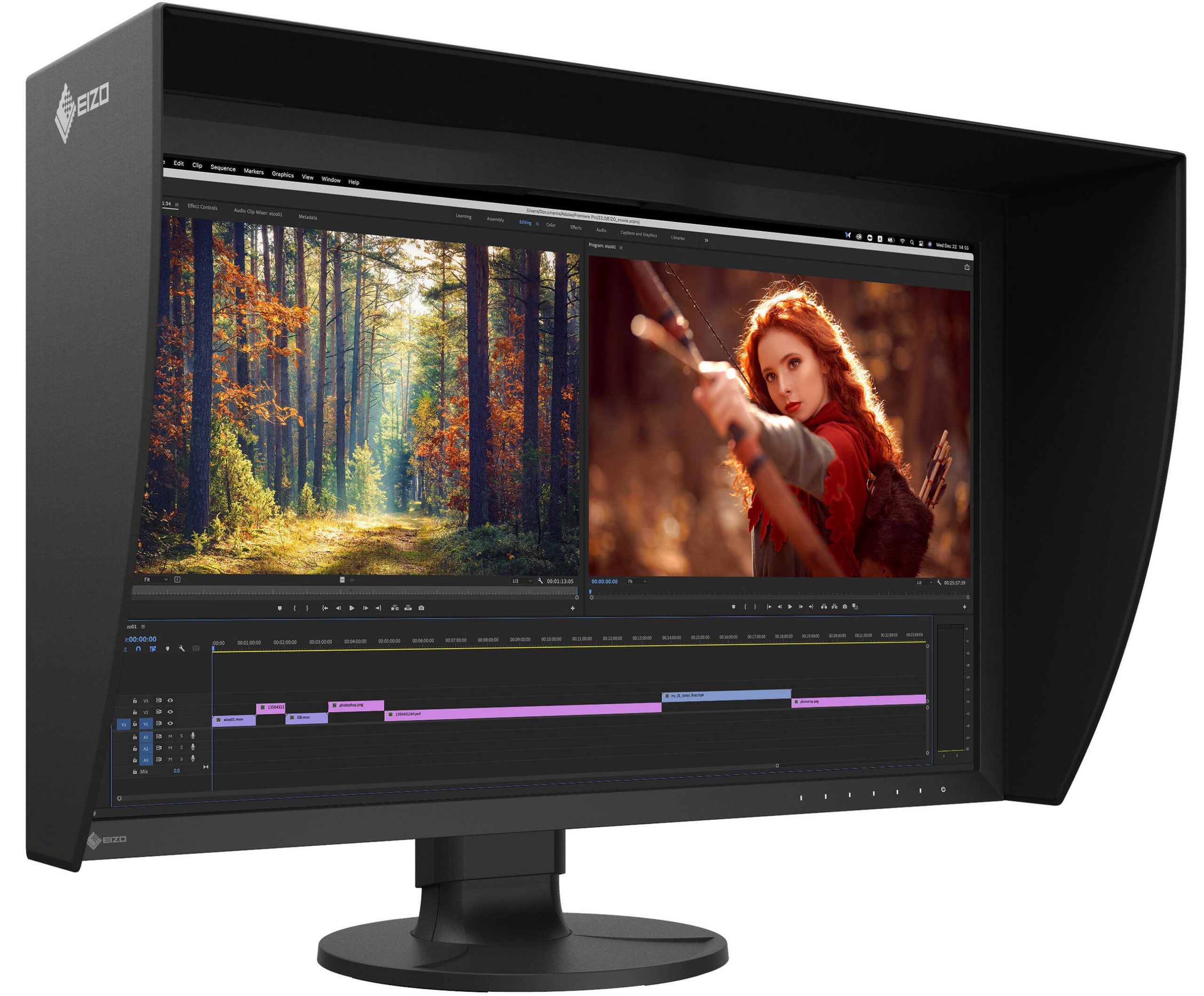
EIZO ColorEdge CS2731 27″ 16:9 Wide Gamut IPS Monitor
Price Range: Starts at $1,248*
This monitor is created for professionals who require the utmost in color accuracy and advanced features, while it offers a good balance of features and price.
Factory-calibrated wide color gamut delivers consistent, true-to-life colors for precise editing. Non-glare, flicker-free IPS panel reduces eye strain, ideal for long editing sessions.
Durable, professional-grade build makes it a reliable choice for creative professionals.
Key Features:
- 2560 x 1440 Native Resolution;
- 99% Adobe RGC coverage, color confidence: a managed display means fewer surprises after delivery;
- Proprietary calibration software tailors it to exact standards;
- Pixel Density 109 ppi;
- Brightness: 350 nits (cd/m²).
Reference Review: DigitalTrends
Mid-Range TIER:
Powerful yet affordable
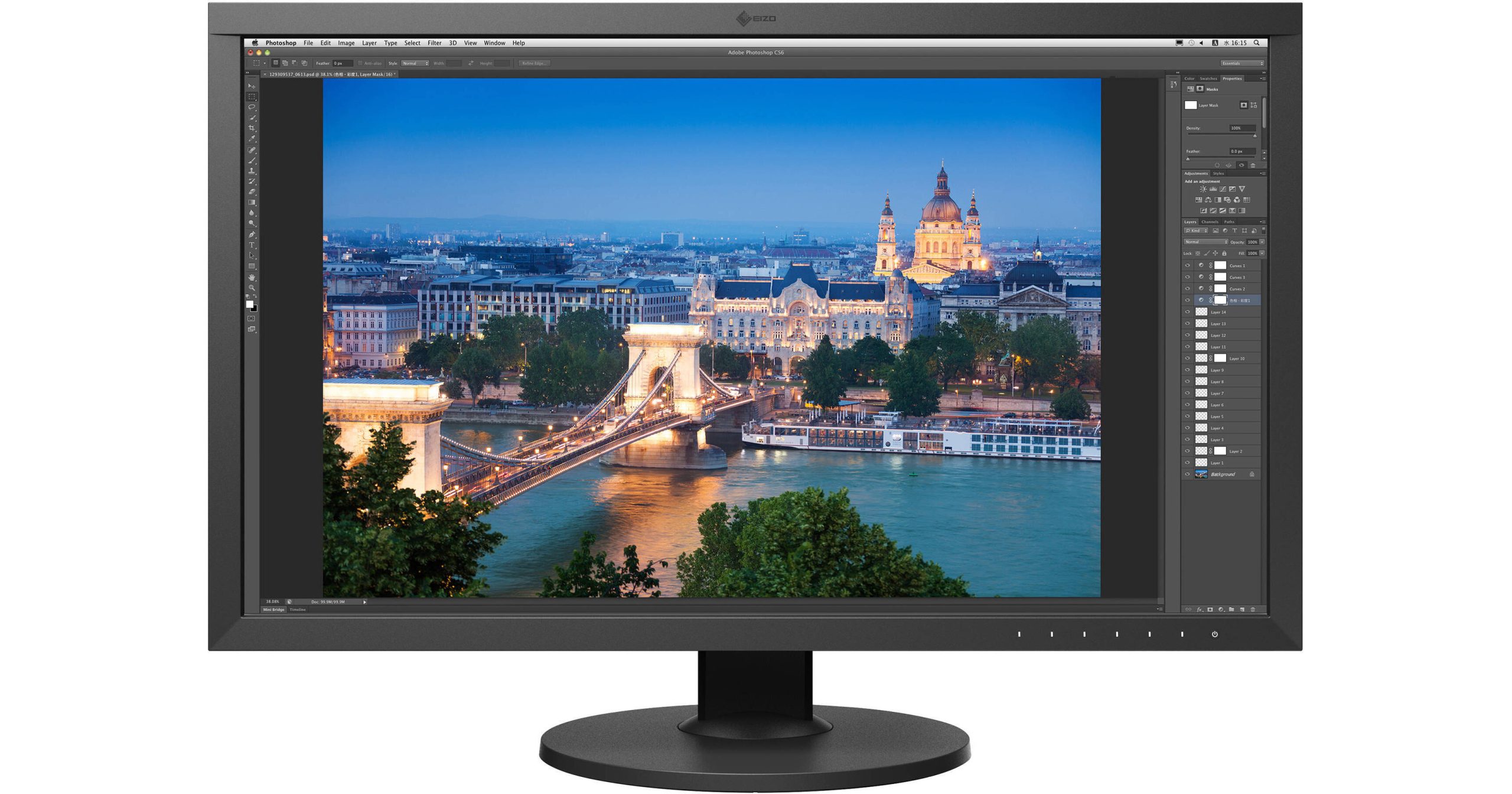
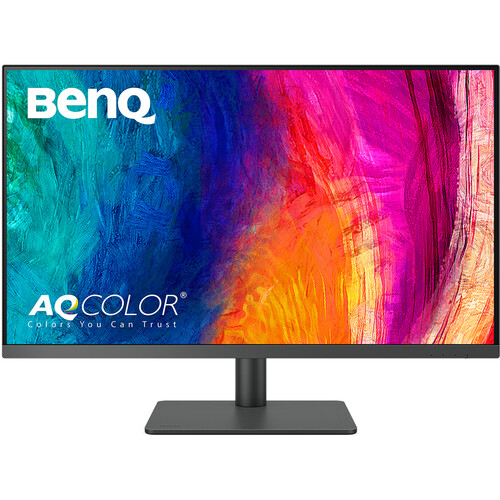
BenQ DesignVue PD3205U 31.5″ 4K HDR Designer Monitor
Price Range: Starts at $549.99*
Pre-calibrated with Pantone and Calman validation ensures accurate, consistent colors. 31.5″ 4K UHD display provides ample workspace for photo retouching and video editing.
Key Features:
- 3840 x 2160 (4K UHD) at 60 Hz on 31.5-inch screen;
- Factory calibrated for color accuracy, 99% sRGB and 99% Rec.709 color spaces;
- The IPS panel minimizes eye strain during marathon retouching sessions;
- Pixel Density 140 ppi;
- Brightness SDR: 250 nits (cd/m²), HDR (High Dynamic Range): 350 nits (cd/m²).
Review Reference: Techradar
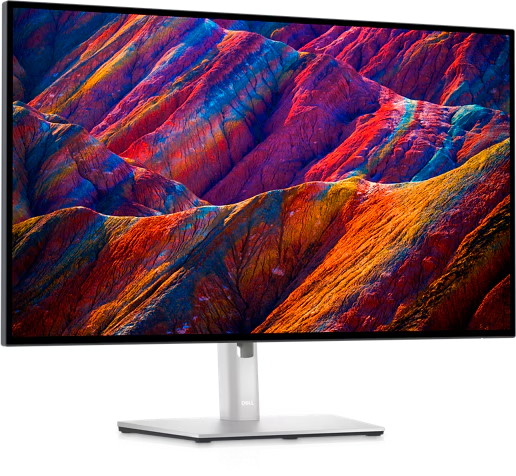
Dell UltraSharp U2723QE 27″ 16:9 4K UHD HDR IPS Monitor
Price Range: Starts at $509.99*
Factory-calibrated for 100% sRGB and 98% DCI-P3 coverage, ensuring precise color accuracy for creative professionals. IPS Black technology delivers deeper contrast and rich colors for photo and video editing.
Built-in KVM switch and multitasking features enhance productivity, allowing seamless control of multiple devices.
This monitor is VESA DisplayHDR 400 certified, which means it can reach a peak brightness of 400 nits in HDR mode. However, it’s worth noting that while the monitor supports HDR, its HDR performance is limited due to:
- Lack of local dimming (only 4 dimming zones);
- Limited peak brightness compared to higher-end HDR monitors;
- Some users report backlight flickering issues during dark HDR scenes.
Key Features:
- 3840 x 2160 (4K UHD) on 27-inch screen;
- Swivel, tilt, and height settings for ergonomic use;
- 2000:1 Static Contrast Ratio;
- Built-in, always-on ComfortView Plus;
- 178°/178° Viewing angles;
- Pixel Density 163.18 ppi;
- Brightness SDR & HDR: 400 nits (cd/m²).
Reference Review: Digital Camera World
Budget Tier:
Affordable Options for BEGINNERS
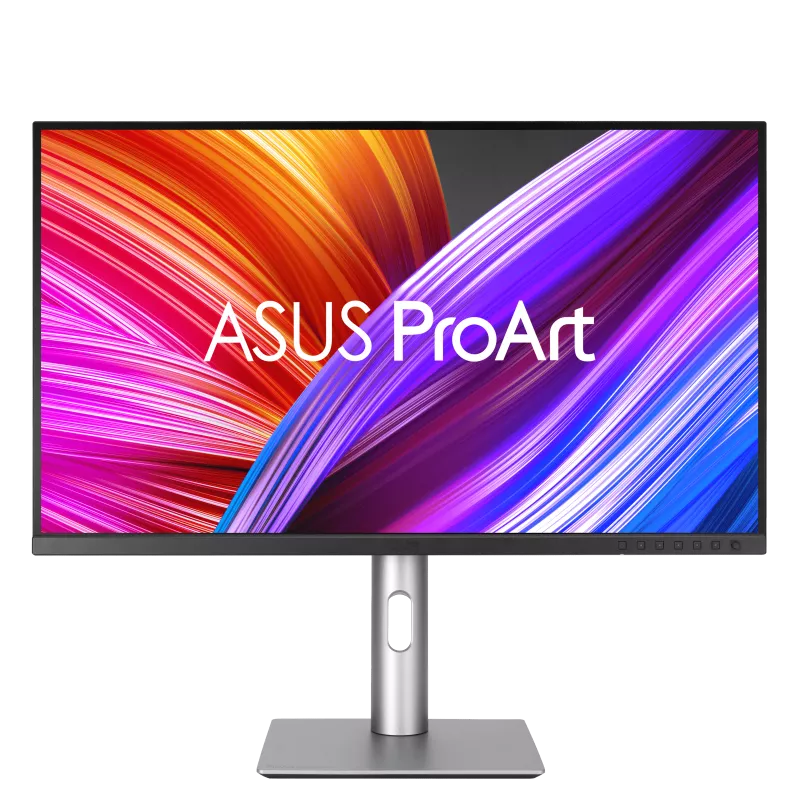
ASUS ProArt Display PA279CRV 27″ 4K HDR Monitor
Price Range: Starts at $434.00*
This monitor is designed for creative professionals, offering excellent color accuracy with 99% AdobeRGB, 99% DCI-P3, and factory calibration for Delta E < 2.
4K UHD resolution with 99% DCI-P3 and Adobe RGB coverage delivers vibrant, true-to-life colors.
It supports HDR10, but its HDR performance is limited due to the lack of advanced local dimming zones.
Sleek, compact design is ideal for hobbyists and beginner freelancers working in smaller workspaces. Sharp visuals and wide viewing angles reduce eye strain.
Key Features:
- 3840 x 2160 (4K UHD) at 60 Hz on 27-inch screen;
- Factory-calibrated to Delta E <2 for precise color accuracy;
- 1000:1 Static Contrast Ratio;
- Daisy-chaining capabilities for multi-monitor setups;
- Pixel Density 163 ppi;
- Brightness SDR: 350 nits (cd/m²), HDR: 400 nits (cd/m²) (VESA DisplayHDR 400 certified).
Review Reference: TechRadar
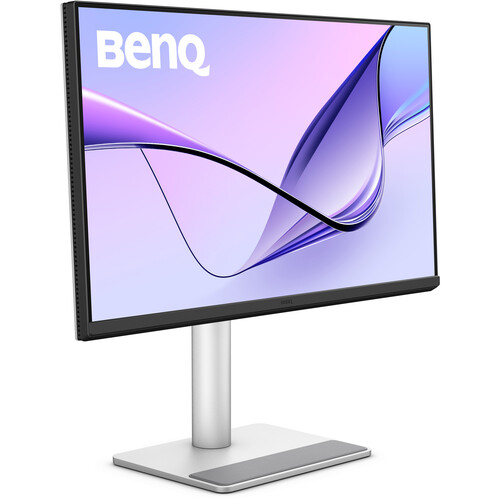
BenQ MA270U 27″ 4K HDR Monitor for MacBooks
Price Range: Starts at $459.99*
Designed to fully integrate with your MacBook Pro and MacBook Air, the gray BenQ MA270U 27″ 4K HDR Monitor features an elegant and minimalist look.
Key Features:
- 3840 x 2160 (4K UHD) at 60Hz on 27-inch screen;
- Factory-calibrated with Delta E ≤ 2; Color Gamut: 99% sRGB, 95% DCI-P3;
- 1200:1 Static Contrast Ratio;
- Flicker-Free and Low Blue Light technology;
- Ergonomic stand with height, tilt, swivel, and pivot adjustments;
- Integrated 3W stereo speakers;
- Pixel Density 163 ppi;
- Brightness SDR & HDR: 400 nits (cd/m²) (VESA DisplayHDR 400 certified).
The BenQ MA270U is designed to seamlessly integrate with MacBooks, offering excellent color accuracy and connectivity options for creative professionals.
MacBook-Specific Features:
-
Color-matched to MacBook displays;
-
iKeyboard Control for adjusting brightness and volume from MacBook keyboard;
-
Brightness Sync for consistent brightness between MacBook and monitor;
-
Display Pilot 2 software for workflow organization.
Review Reference: CreativeBloq







You have made the decision process so much easier for anyone who is serious about photo or video editing by highlighting monitor specifications (color gamut, factory calibration, ergonomics, workspace, etc.).