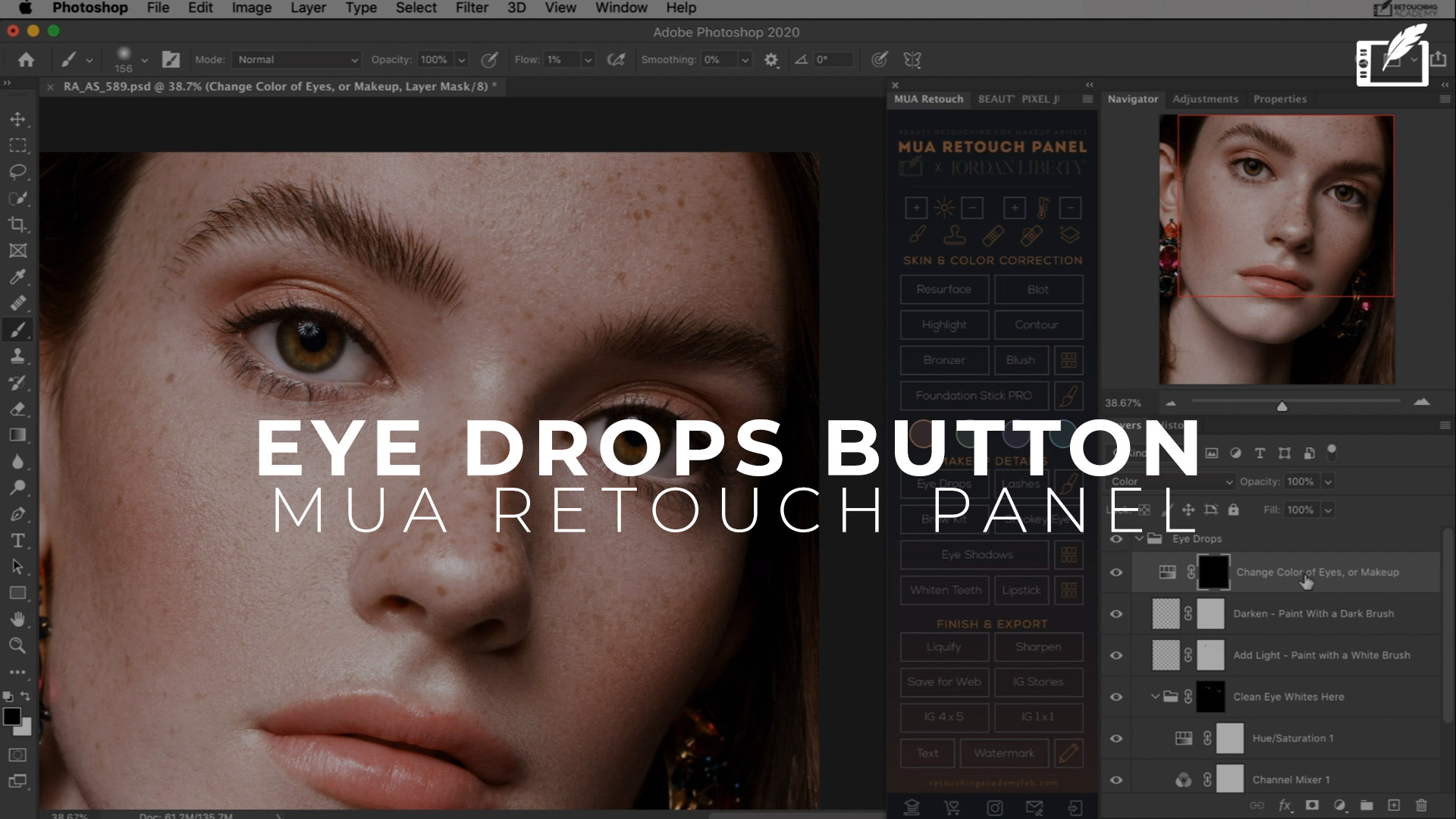
The Eye Drops button on the MUA Retouch panel is like virtual Visine, only better. Use it to quickly clean up the whites of the eyes, add light and vitality to the eyes, as well as make adjustments to the color of the iris.
Darken the outline of the iris and the roots of the eyelashes for an extra pop.
👇 Watch the full tutorial below.
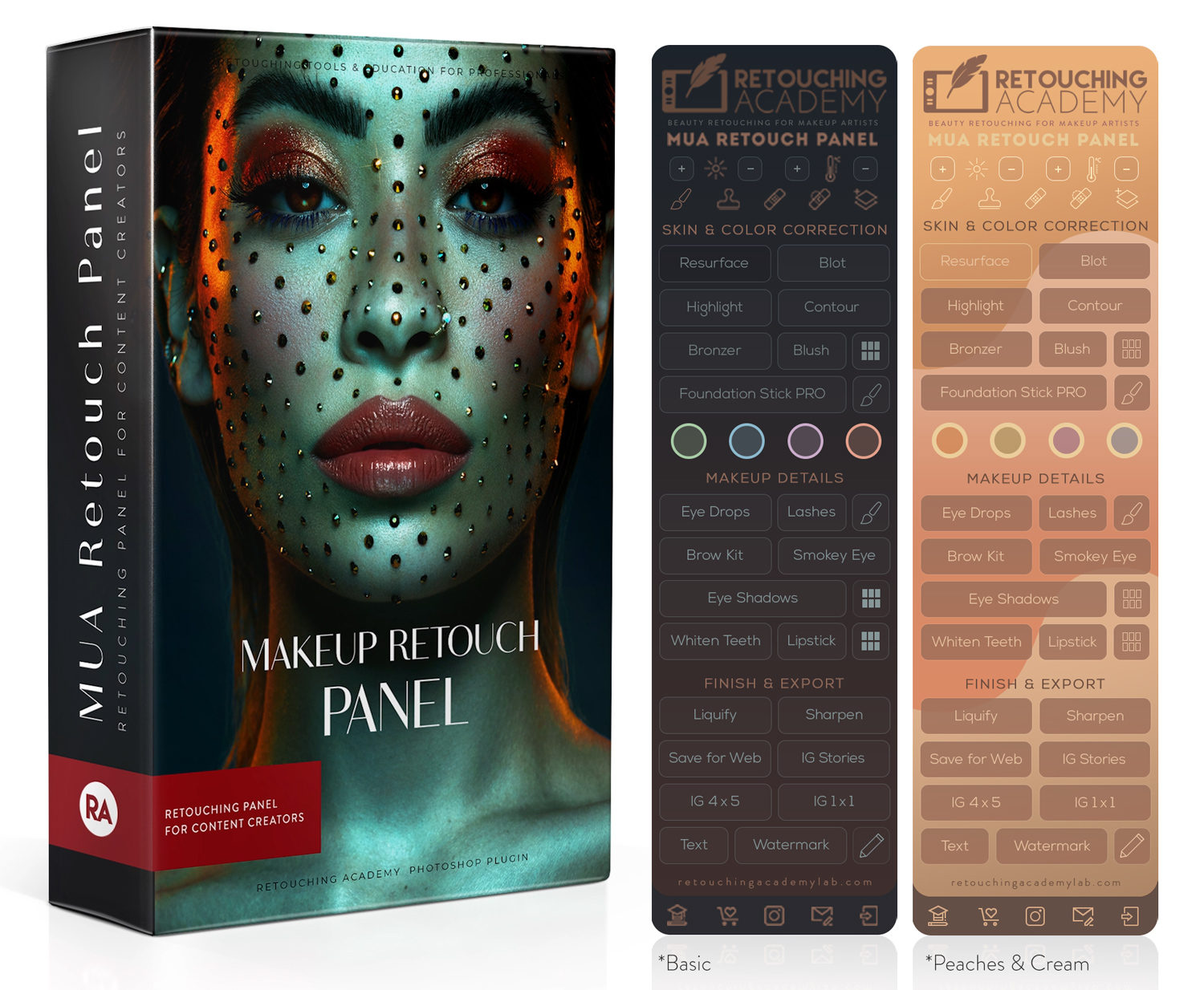
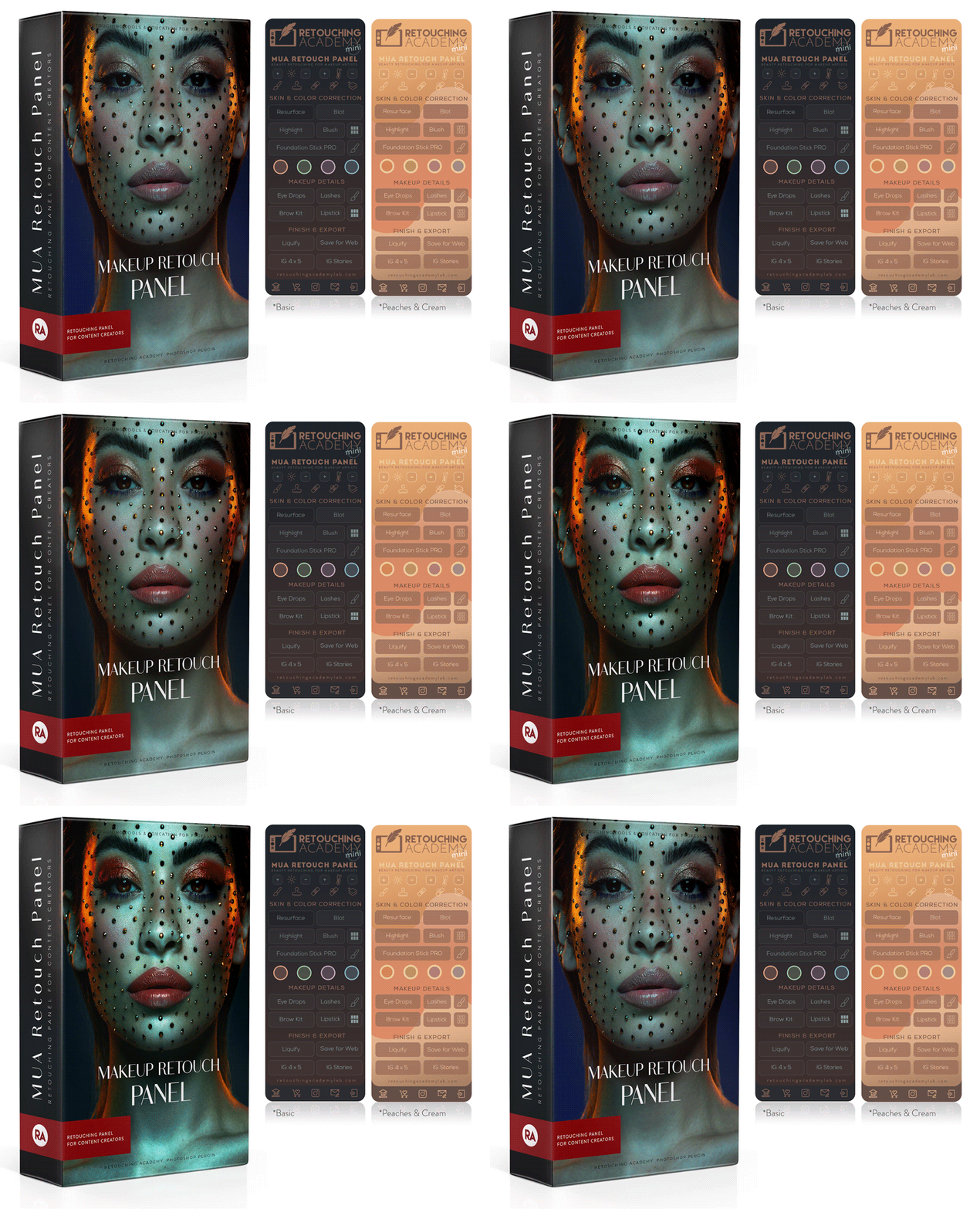
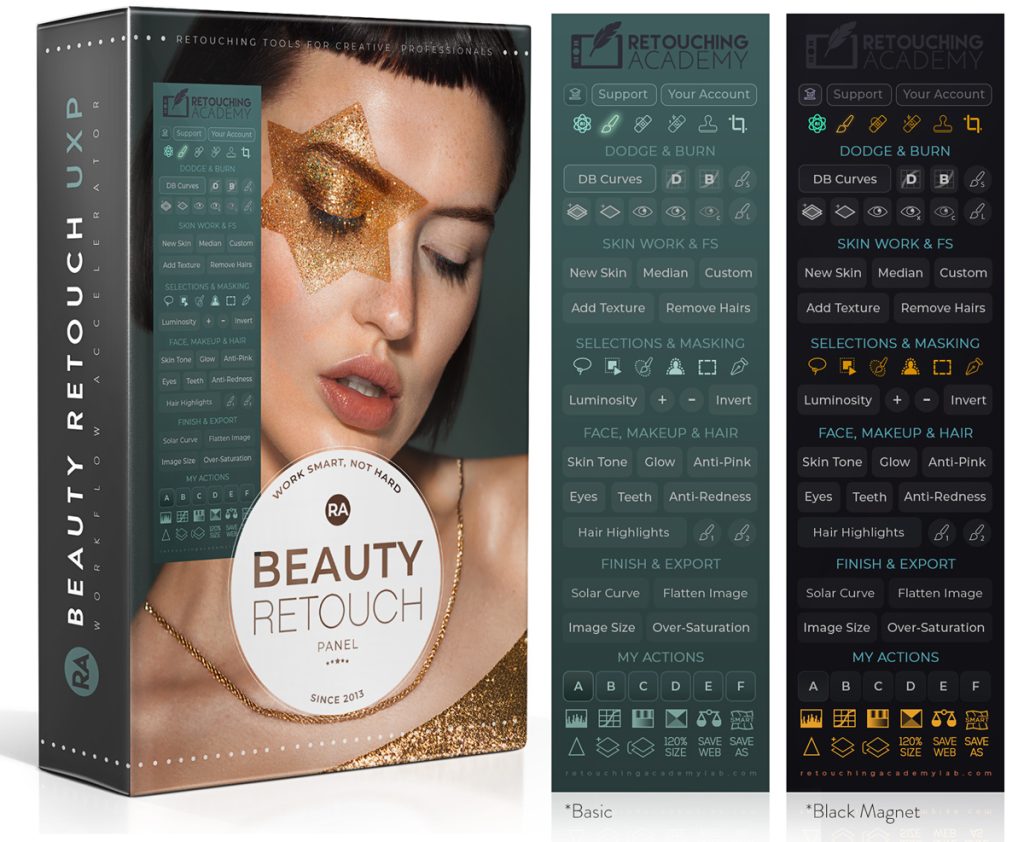
The MUA Retouch panel is a Photoshop plugin for high-quality beauty retouching. Even artists without extensive knowledge of retouching or Photoshop will find it extremely helpful.
Each script is programmed to mimic the effects of real makeup and beauty products familiar to all beauty enthusiasts. It will speed up your retouching workflow, and make it much more intuitive, simple, and fun.
💻 New to Retouching? This panel comes with our FREE Photoshop Essentials for Beauty Retouching video course.
Why Photographers, Retouchers, and Other Visual Artists Love It
✅ Time-Saving Simplicity: Apply corrections in seconds with intuitive controls specifically crafted for beauty retouching.
‼️ Non-Retoucher Terminology: We’ve combined powerful pro-level retouching scripts with a conceptual approach to retouching, and terminology familiar to anyone in the beauty and makeup industry.
✅ Color Precision: Fine-tune colors using built-in digital palettes for perfect blending and color-matching for any skin tone.
✅ Full Control of Your Results: Easily control the intensity of your adjustments via layer settings and Opacity to achieve polished yet natural results.
✅ Versatile Use: From correcting blemishes to toning down spray tans or even removing unflattering colors from hair, these Correctors are great for a variety of challenges.
The MUA Retouch Panel truly bridges the gap between artistry and technology, allowing you to tackle any retouching task with speed and precision even if you are NOT a retouching professional.
🛍 Compare our Beauty Retouch and MUA Retouch panels at RA Panels Comparison.