Skin Work & Frequency Separation Section
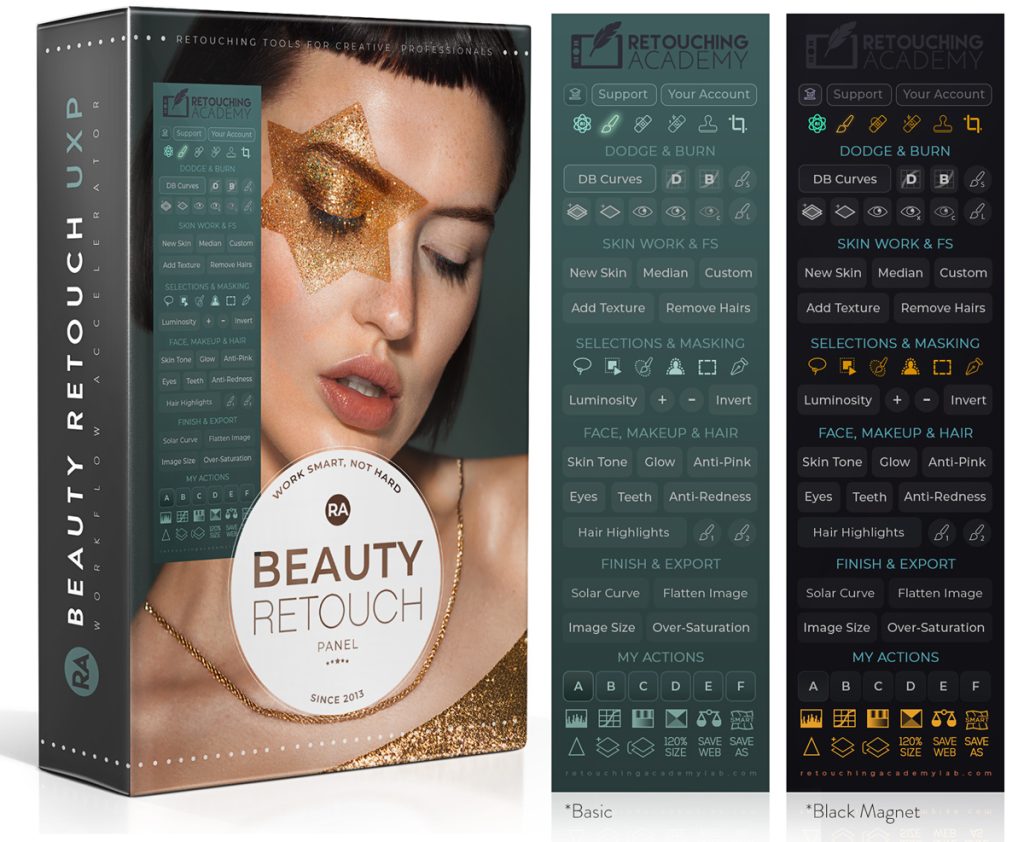
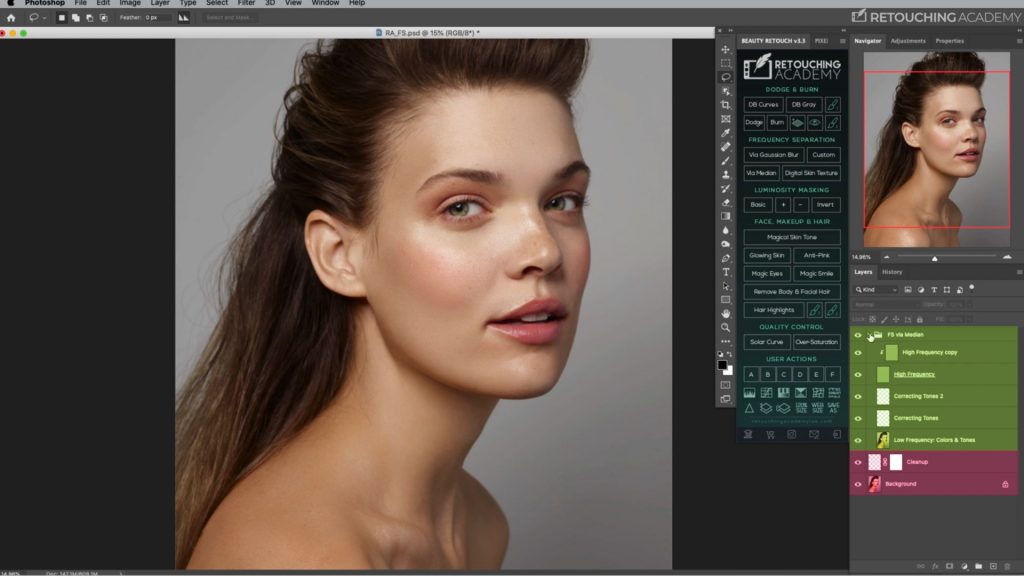
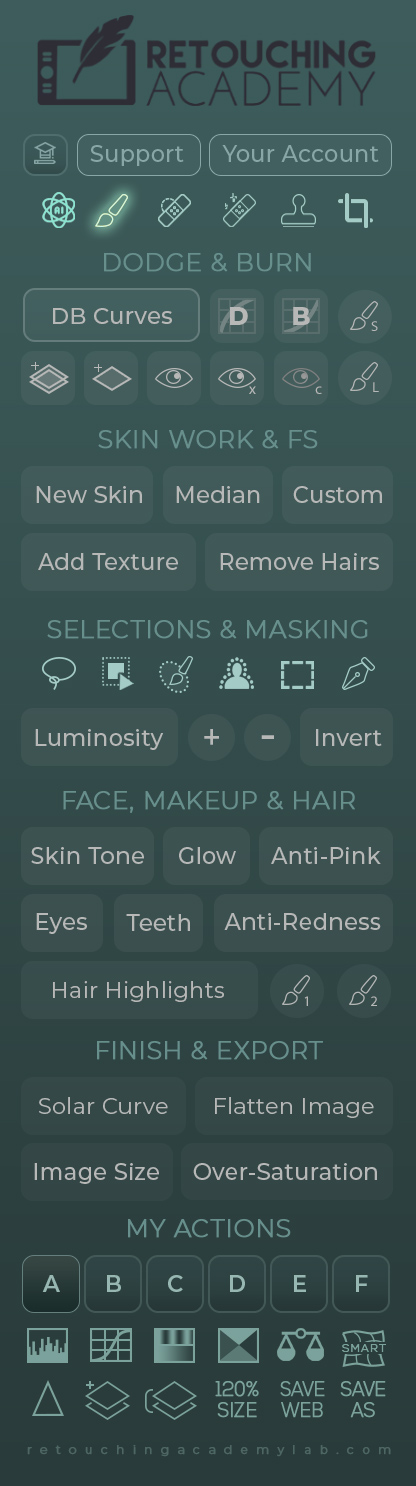
The Skin Work & Frequency Separation (FS) section of the Beauty Retouch panel features a variety of scripts based on the Frequency Separation technique.
This technique is a powerful tool when used correctly, and a quick way to ruin your image when applied without understanding what looks natural and/or flattering in beauty and portrait images.
► Find detailed tutorials for the panel’s scripts here: Beauty Retouch Video Tutorials.
New Skin Script
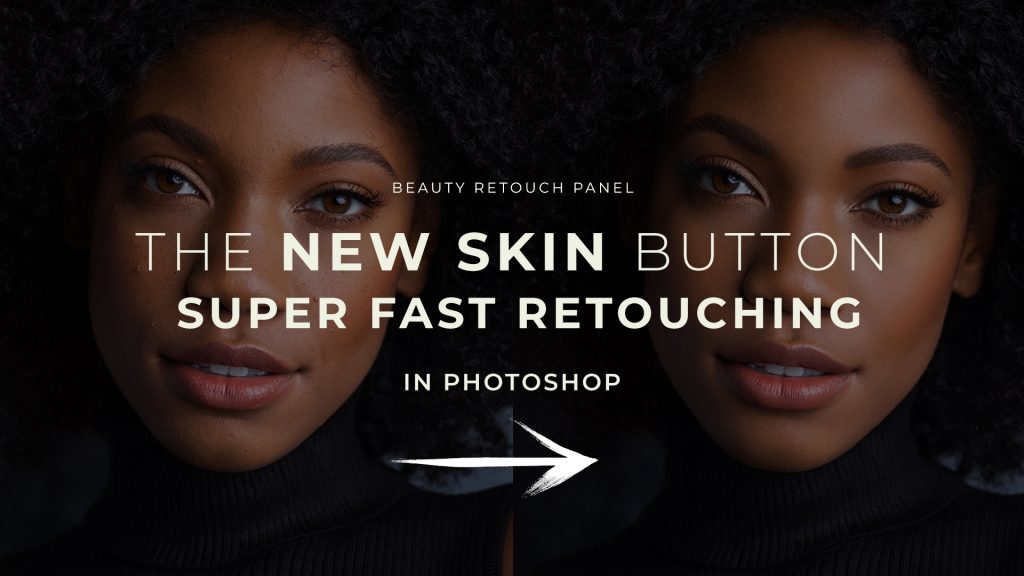
The New Skin script is an awesome new addition to the panel! While it was developed specifically for beauty portraits and close-ups, it will allow you to speed up skin retouching even if with lowered intensity on most images of people, and keep full control over your results.
► If you are a BR v5 user, check out this detailed lesson, The New Skin Script. Please enroll in the Beauty Retouch Panel Training (included in the panel purchase) to access its lessons.
Frequency Separation Scripts
The latest version of the panel (v5) includes two FS script variations that will set up all the necessary layers for your FS work, depending on your preferred method:
- • via the Median filter (Median button);
- • via the High Pass & Gaussian Filters (Custom button).
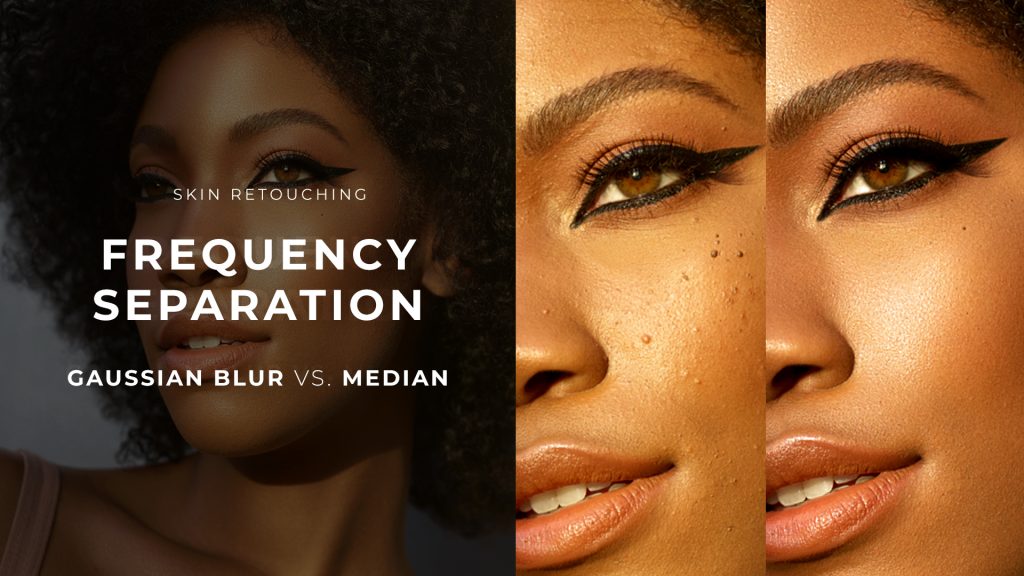
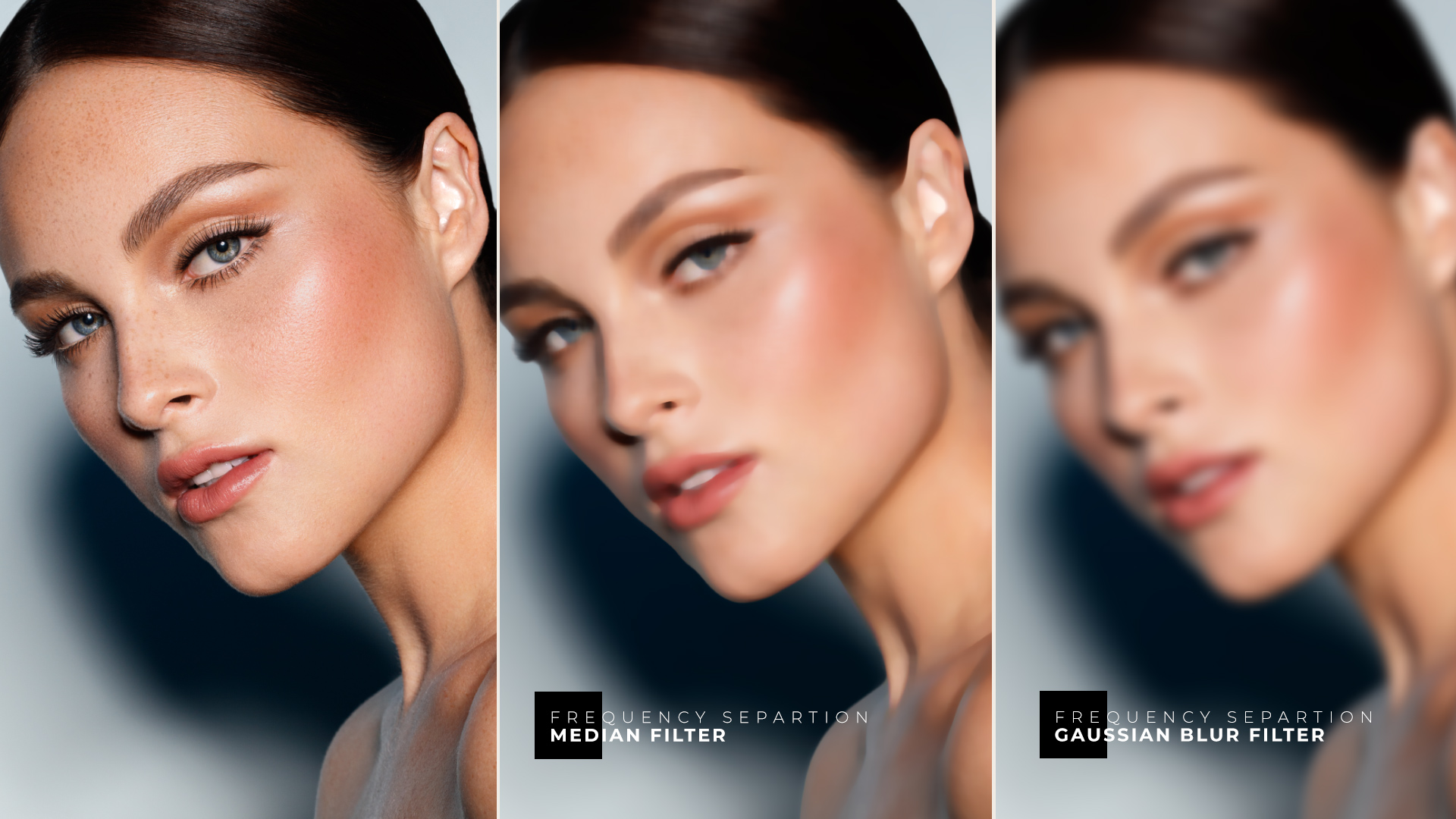
Both options will deliver identical results – see the Frequency Separation: Gaussian Blur vs Median video lesson – the difference lies in how you prefer to work:
● The Median script produces a cleaner separation of color and luminosity transitions when generating the Low Frequency: Colors & Tones layer.
● The Custom Script will allow you to choose a pixel radius for the High Pass filter, then match that exact value for the Gaussian Blur filter, following the FS technique’s standard setup.
► If you are a Beauty Retouch v5 user, check out this detailed lesson Frequency Separation Scripts.
Add Texture Script
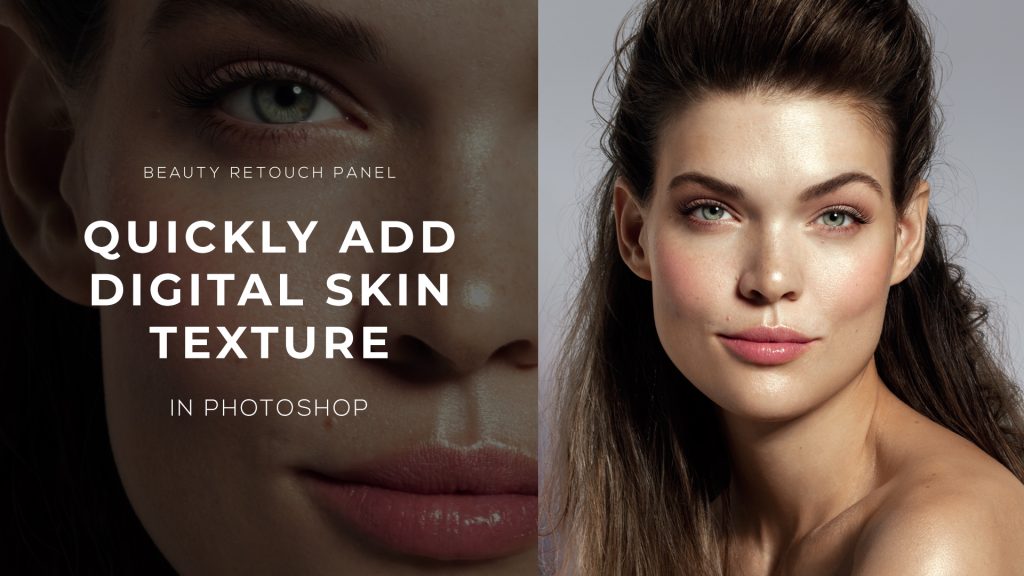
This is a simple but mighty script that will help you create an illusion of texture in the areas that look too smooth, or have had to be retouched so much that barely any natural-looking skin texture could be preserved (for example, a rash or other pronounced skin issues).
► If you are a Beauty Retouch v5 user, check out this detailed lesson Add Texture Script.
Remove Hairs Script
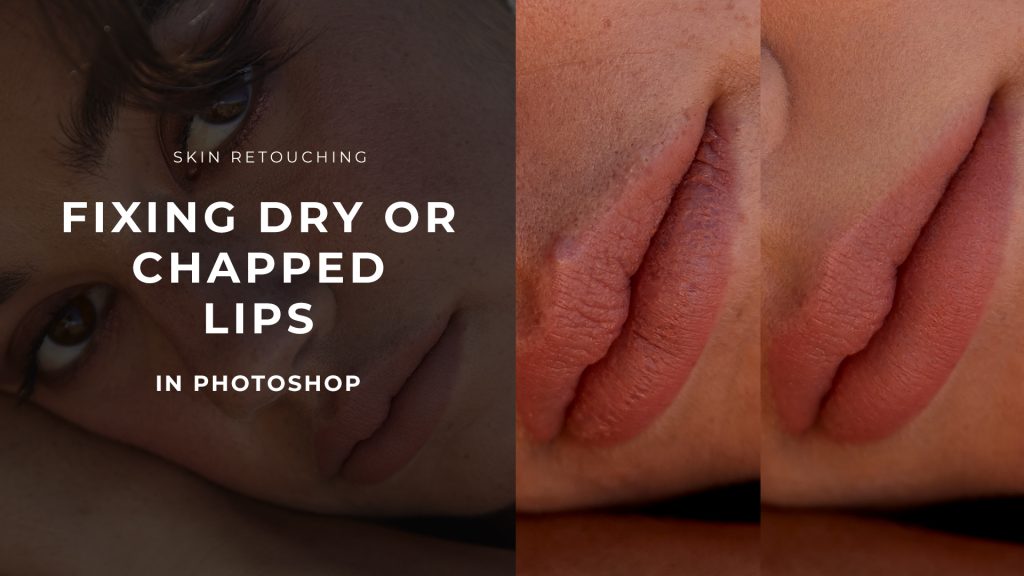
Another fantastic time-saver is our Remove Hairs script. It is especially useful when there are too many small dots to clean them up manually one by one, so there is a myriad of tasks it can handle quickly for you:
- remove hair stubs,
- acne (black spots),
- skin flakes on chapped lips,
- hair dandruff or visible hairspray particles,
- and even lint on garments.
► If you are a Beauty Retouch v5 user, check out this detailed lesson Remove Hairs Script.
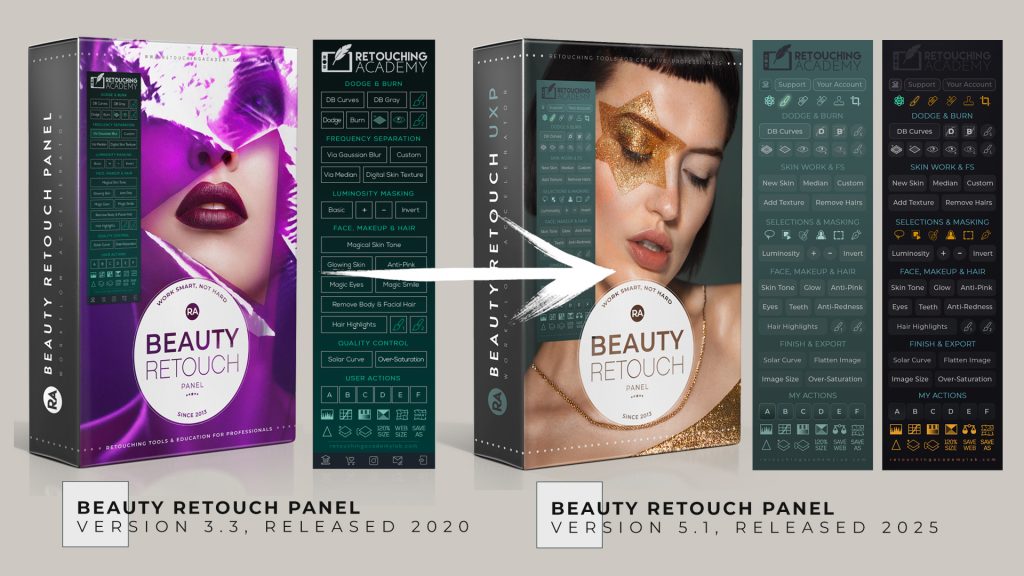
⚠️ Update Your Beauty Retouch Panel ⚠️
The new version of the Beauty Retouch v5 panel was successfully released in May 2025. If you are a legacy Beauty Retouch panel user, upgrade your old panel to the UXP version via your Member Account > Upgrade to UXP.