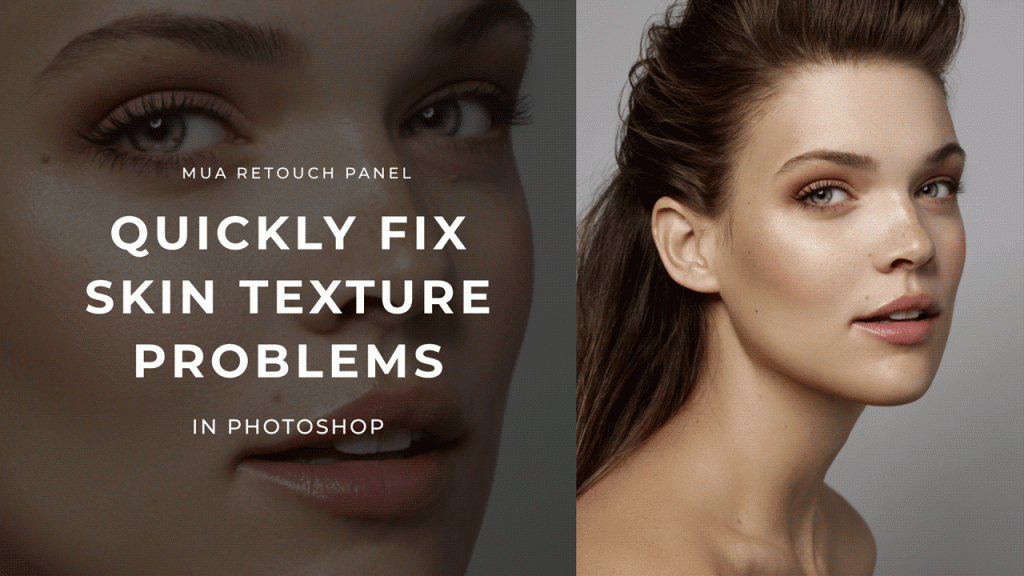
When the skin in your beauty, fashion or portrait images requires a lot of deep retouching work, sometimes you may end up with areas of skin looking too soft or lacking natural texture, especially after removing fine hairs or larger blemishes.
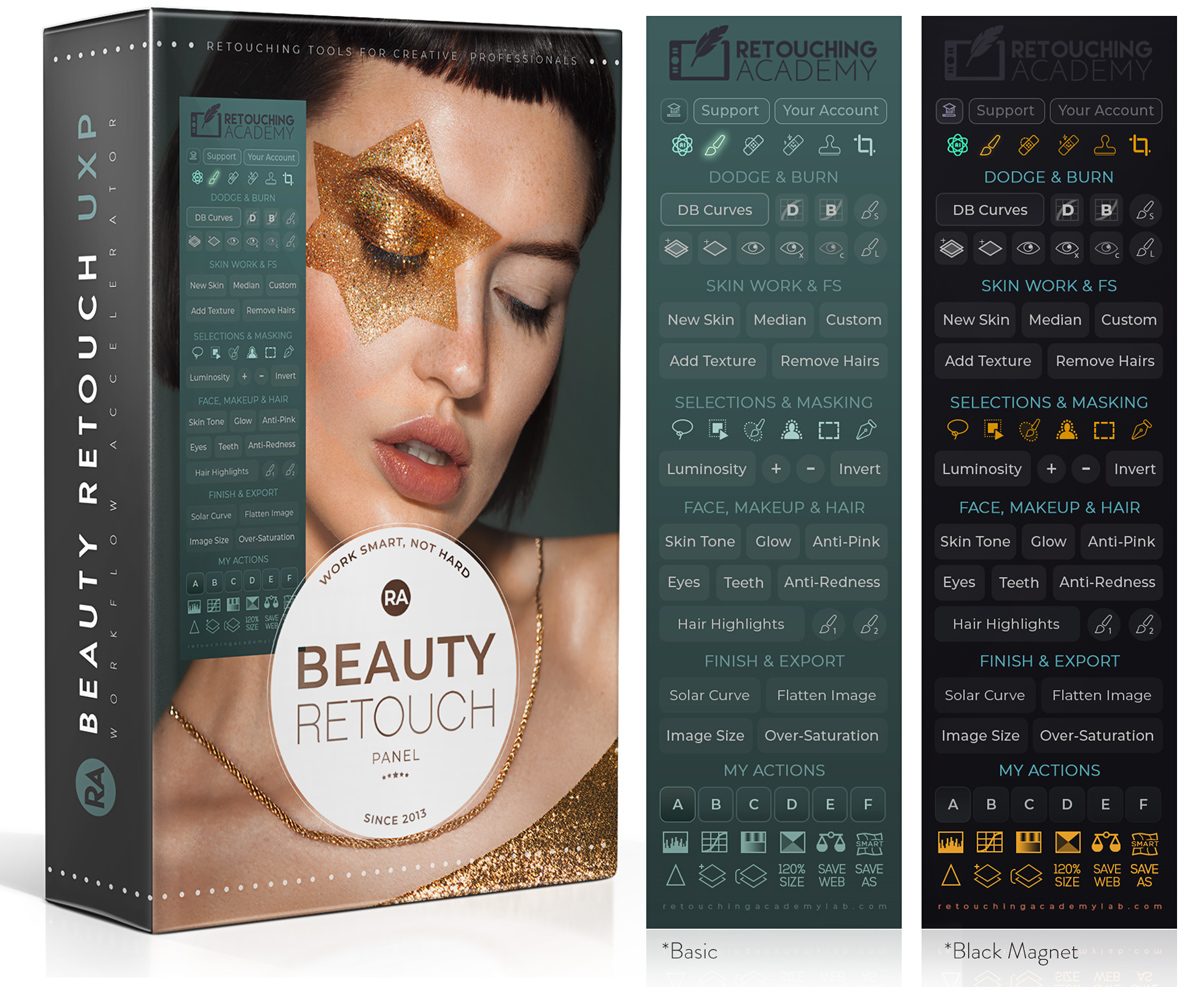
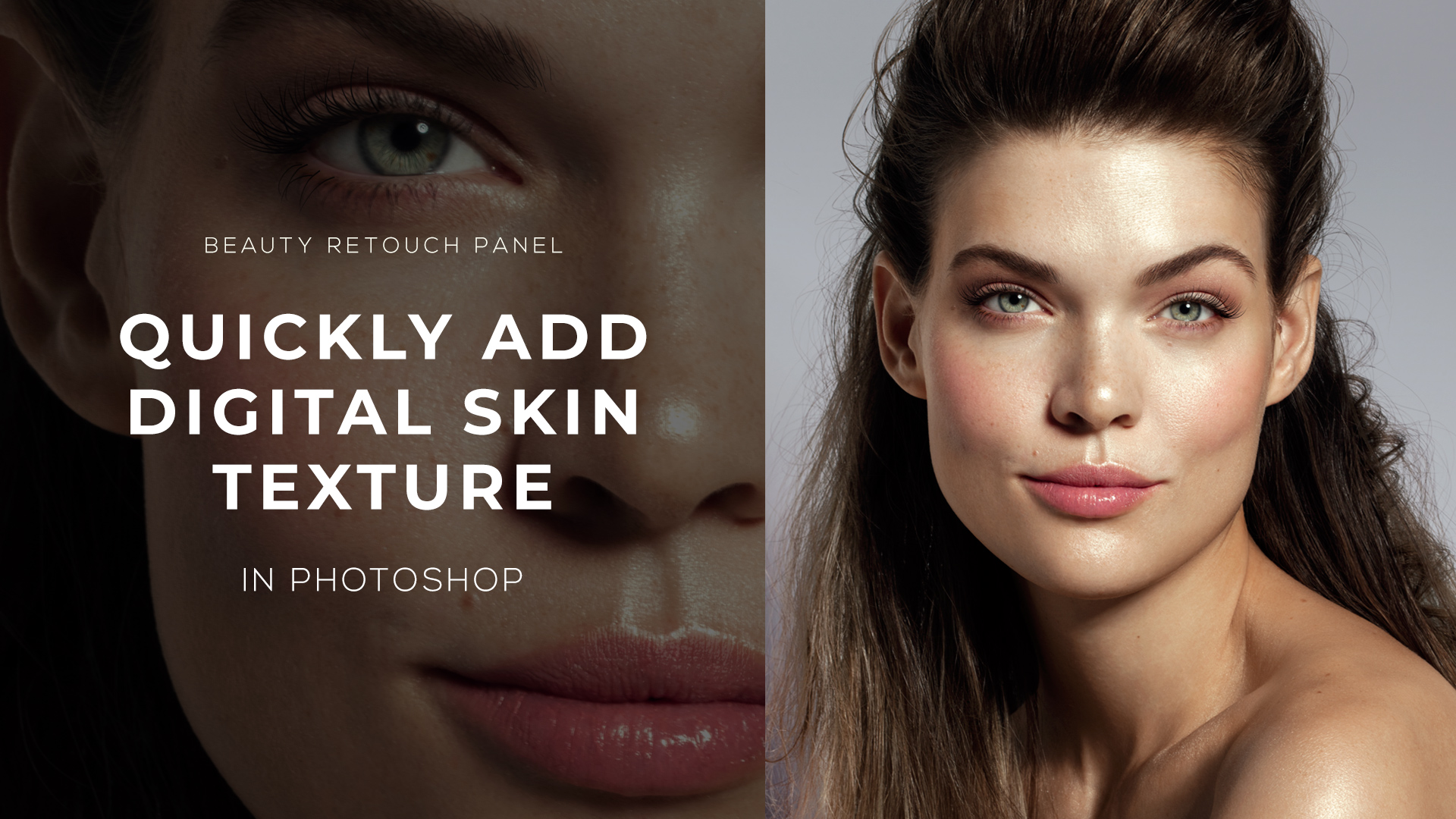
To restore some resemblance of realistic skin texture and quickly fix the appearance of a poreless patch, we can use the Digital Skin Texture script on the Beauty Retouch panel.
🔴 In this video tutorial, you’ll learn how to use the script to fix overly smooth or damaged skin texture.
It is really as quick and simple as:
1. Run the script and paint with a white brush on the layer mask over the affected area to uncover the effect.
2. If needed, adjust the size of the texture to ensure it blends naturally with the surrounding skin.
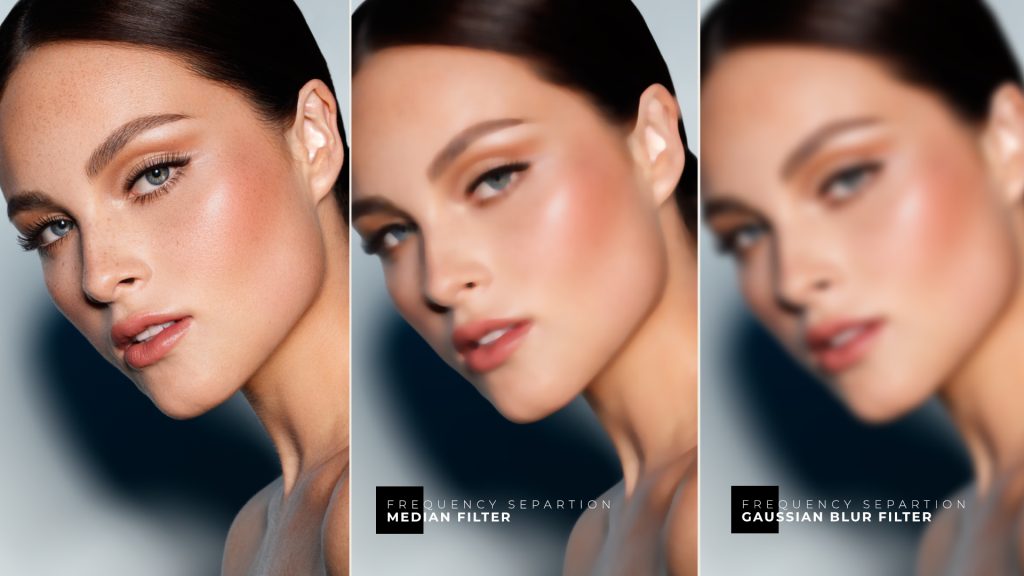
3. Fine-tune the new texture slightly using one of the Blur filters, or lower the opacity of the added layer for best results.