

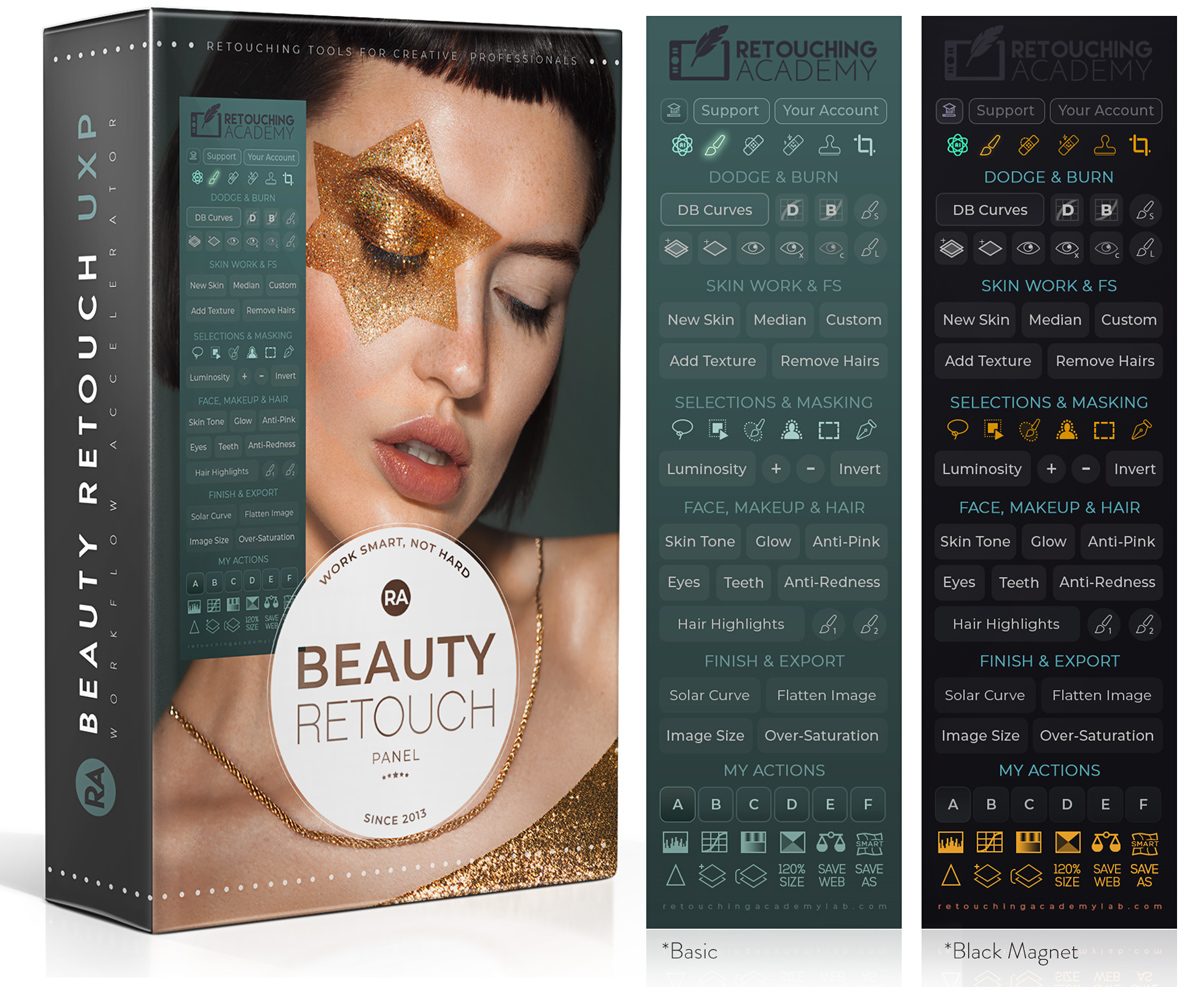
Beauty Retouch v5 panel
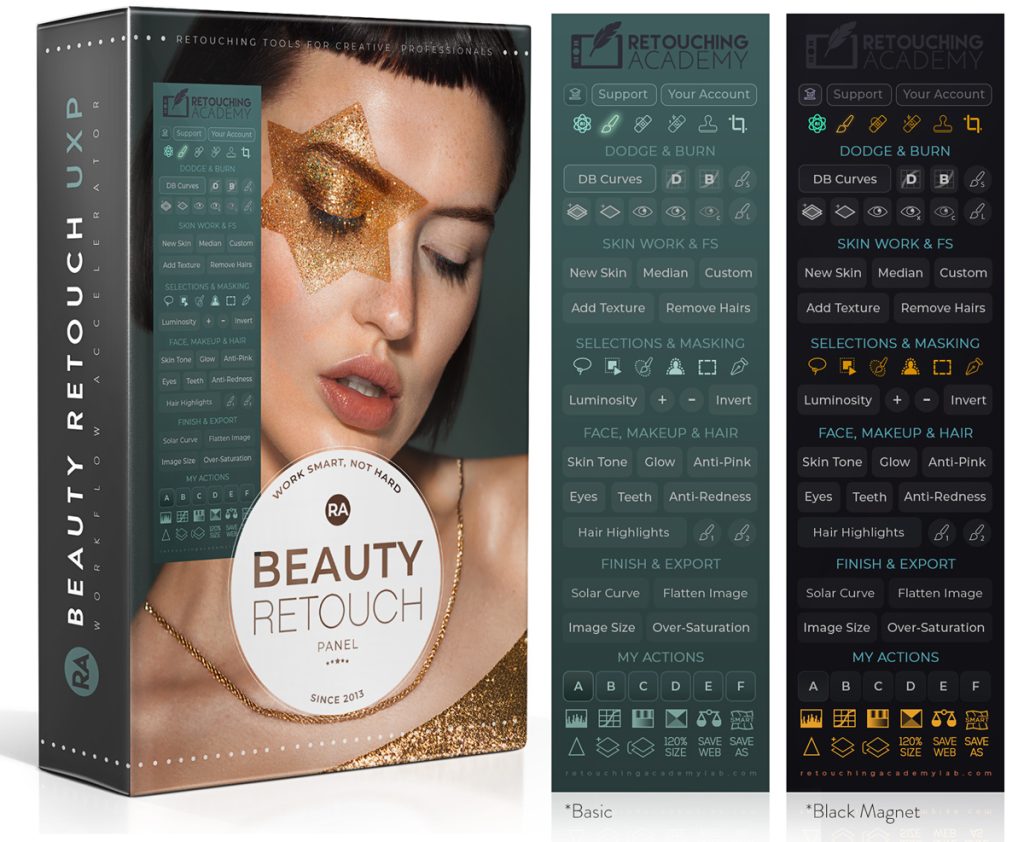
The new Beauty Retouch Panel v5 has got a bunch of new tools and scripts to help make your beauty and portrait retouching faster and easier.
Even if you start the basic cleanup phase of your retouching workflow in a RAW processing software or on an AI-based platform, most beauty, portrait, and fashion images will still require precise finishing touches in Photoshop. That’s where the Beauty Retouch v5 Panel becomes your most reliable assistant, streamlining the detailed work and helping you maintain professional-quality results with greater speed and consistency.
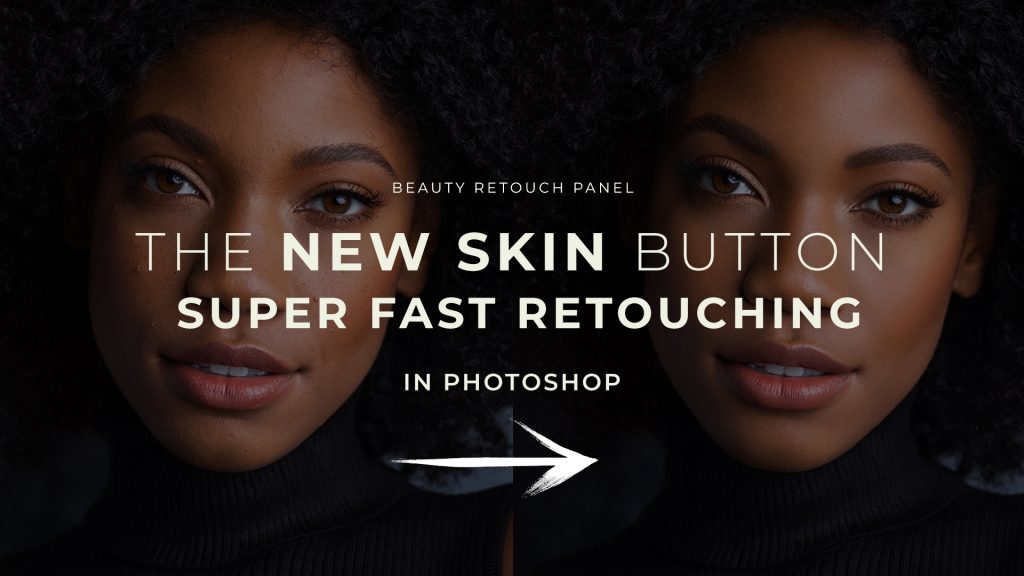
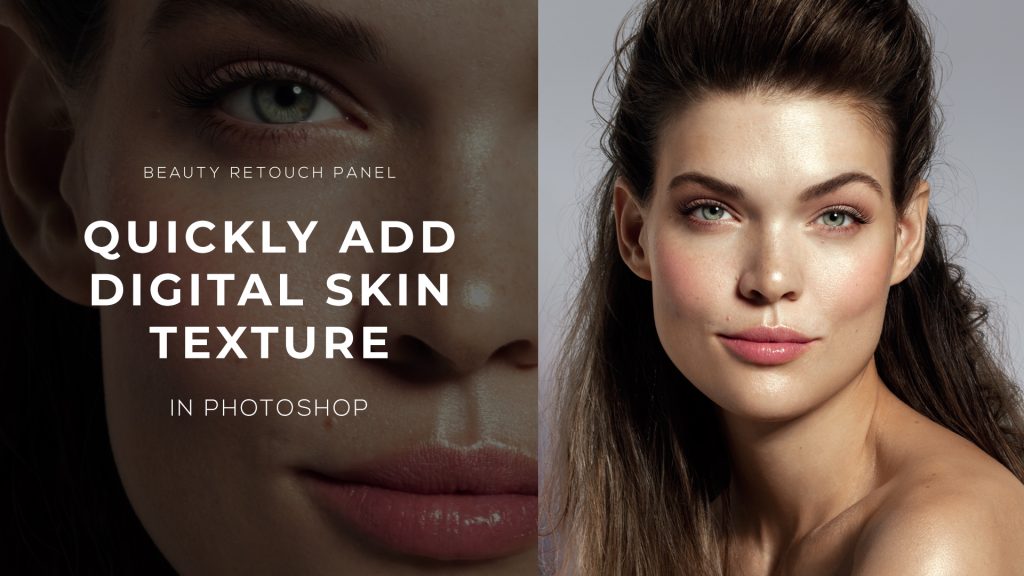
The New Skin script will help you cut skin retouching time to just a few minutes in close-up beauty and portraits (watch video below).
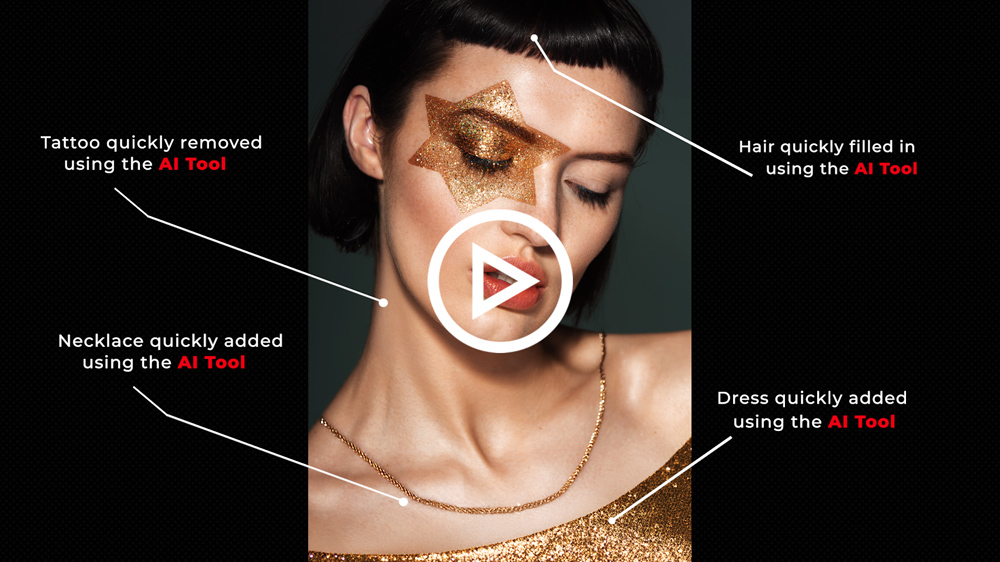
The AI Tool (video below) with Generative Fill will help you quickly remove distracting elements, which would otherwise take hours to do manually (large tattoos, accessories you don’t like, messy hair, etc.)
You can also add new accessories, fill in hair, generate properly groomed nails with a nice manicure, or even add new clothing – all the things that were not an option to take care of during the photo shoot.
The sky is the limit, take your creativity to a whole new level!
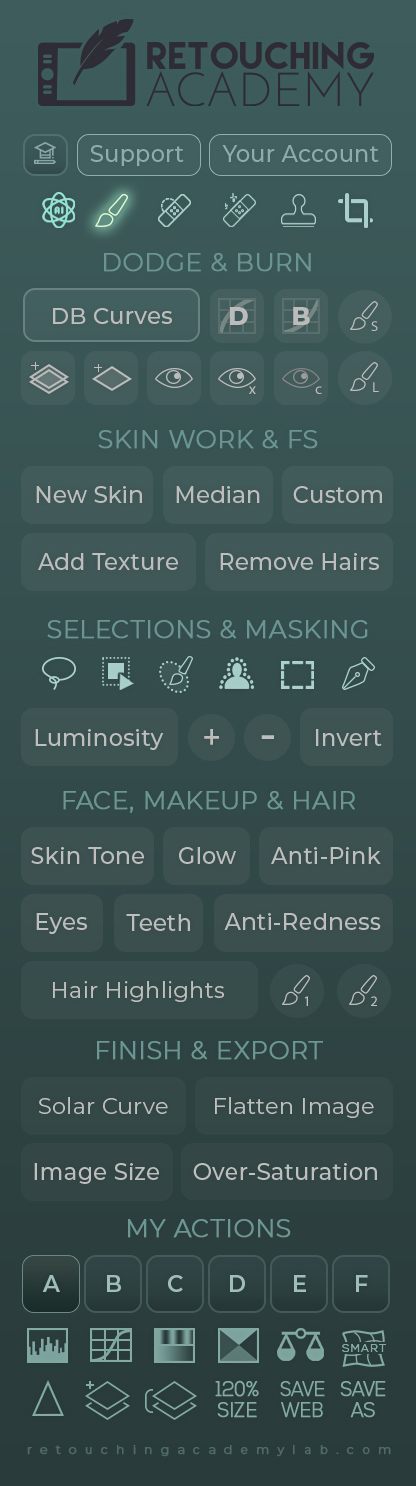
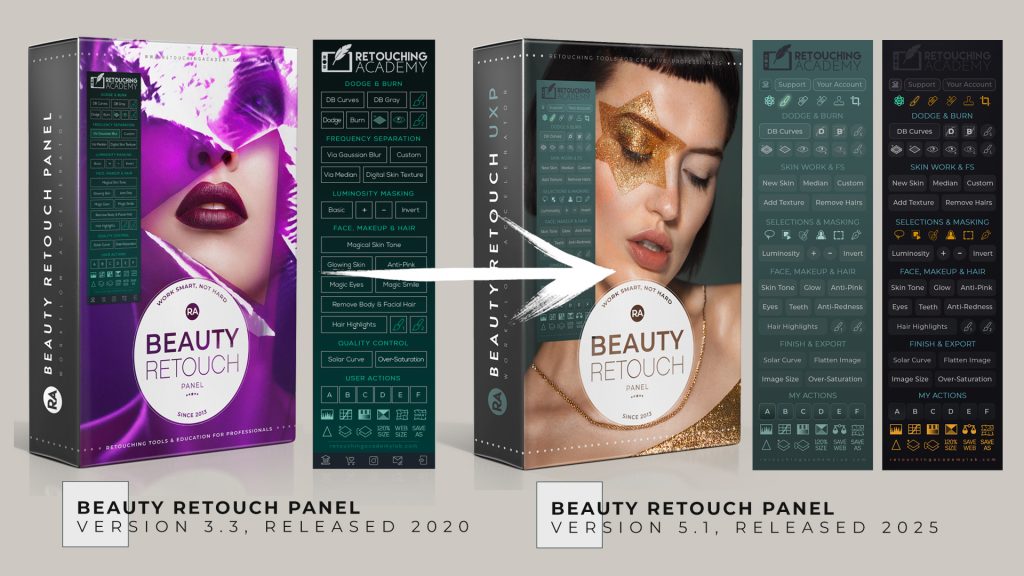
We’ve also added two full rows of essential retouching and selection tools (including the AI-powered Subject Select feature and Object Selection tool), along with several new useful scripts for professional retouching.
This new version of the Beauty Retouch panel is developed to help you work more efficiently and consistently deliver high-quality professional results, which cannot be achieved with one-click skin-smoothing solutions.
🎬 Take this linear Beauty Retouch panel training after the purchase (or upgrade from the old non-UXP panel) to get the most out of this panel.
🔎 See the details of the new Beauty Retouch v5 interface and all its new functions in this video overview:
Update your panel to Beauty Retouch v5.0
If you are a Beauty Retouch user, get the new installation files from your Member Account > Downloads.
IMPORTANT! Because Version 5 comes with a new set of custom brushes, please follow these special installation steps carefully, especially Step 5, to install it correctly when updating to this new version.
⛔️ Don’t forget to reset your panel license activations here.
🛠️ If you encounter any installation issues, please refer to the Troubleshooting page.
🤗🧑💻 As always, reach out to our Support Team if you have any issues – we are here to help!
The New Skin Script Video Tutorial
This script is designed for close-up portraits and beauty images captured on a professional camera with a large sensor. Learn how to use it here: The New Skin Script (accessible to Beauty Retouch panel customers via Member Account).
The AI Tool Video Tutorial
Every photographer knows the regret of certain choices made during a shoot. With our new AI tools, you can not only fix mistakes and save your hard work, but also take your creativity to a whole new level!

Quero tanto usar
It is here:
https://retouchingacademylab.com/br-uxp/
We hope you enjoy it very much! 🙂