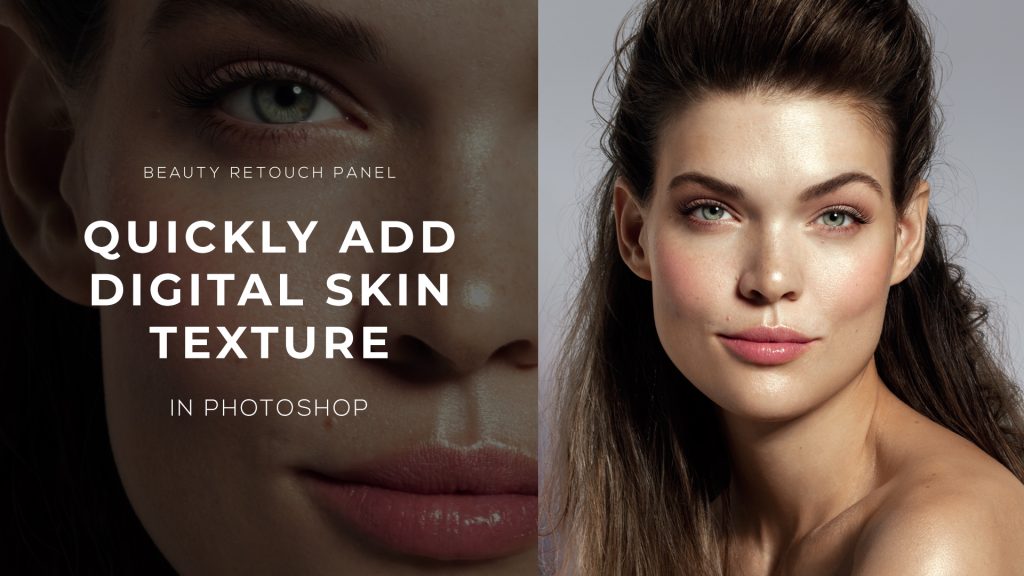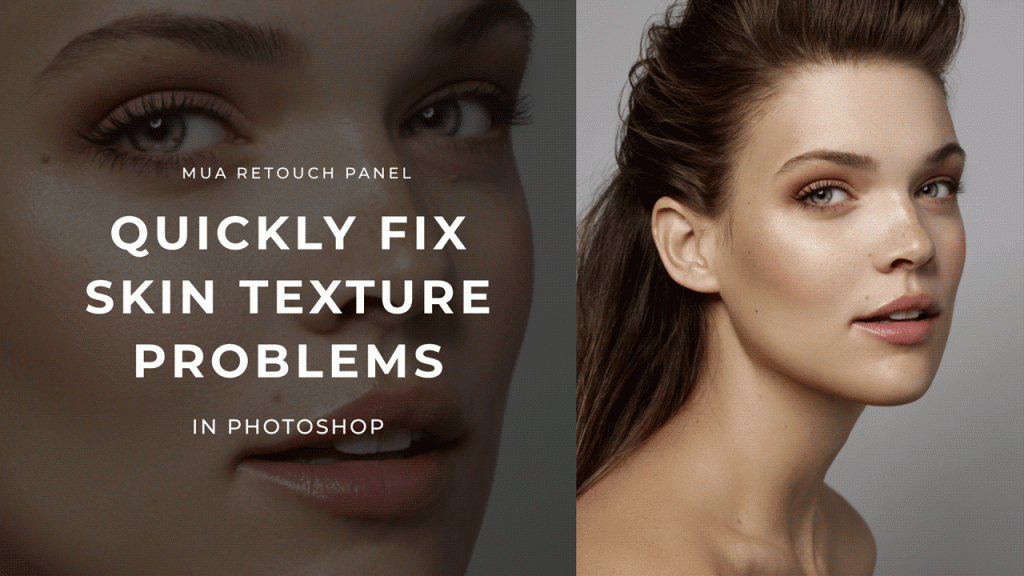
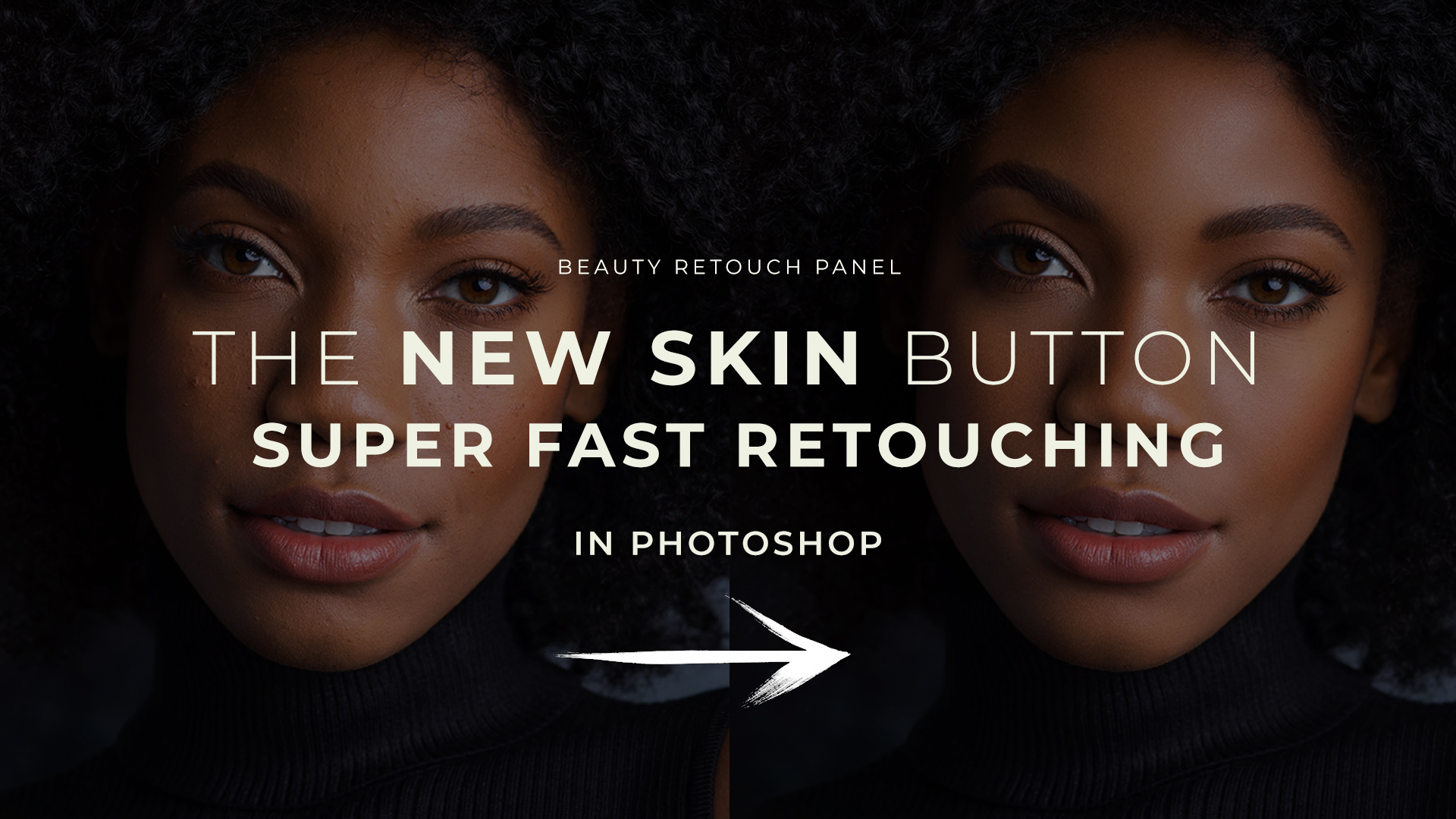
One of the most exciting additions to the new Beauty Retouch Panel is the New Skin script – it will become your go-to button for every beauty and portrait retouch, just watch 😊
It has definitely become my favorite during the BETA testing of Beauty Retouch v5!
In just a couple of minutes, it helps you even out skin tone, remove blemishes, and blend in a realistic skin texture layer, all while keeping full control over the final look.
This script is designed specifically for close-up beauty and portraits, where we always want to preserve as much visible skin texture as we can while combating the blotchiness and imperfections.
Watch the video below to learn how to get flawless, natural-looking results in a fraction of the time.
Beauty Retouch Panel v5 Release
⚠️ The new version of the Beauty Retouch panel has been successfully BETA tested and is scheduled for release before the end of May 2025 ⚠️
 Detailed tutorials for each script: Beauty Retouch Video Tutorials.
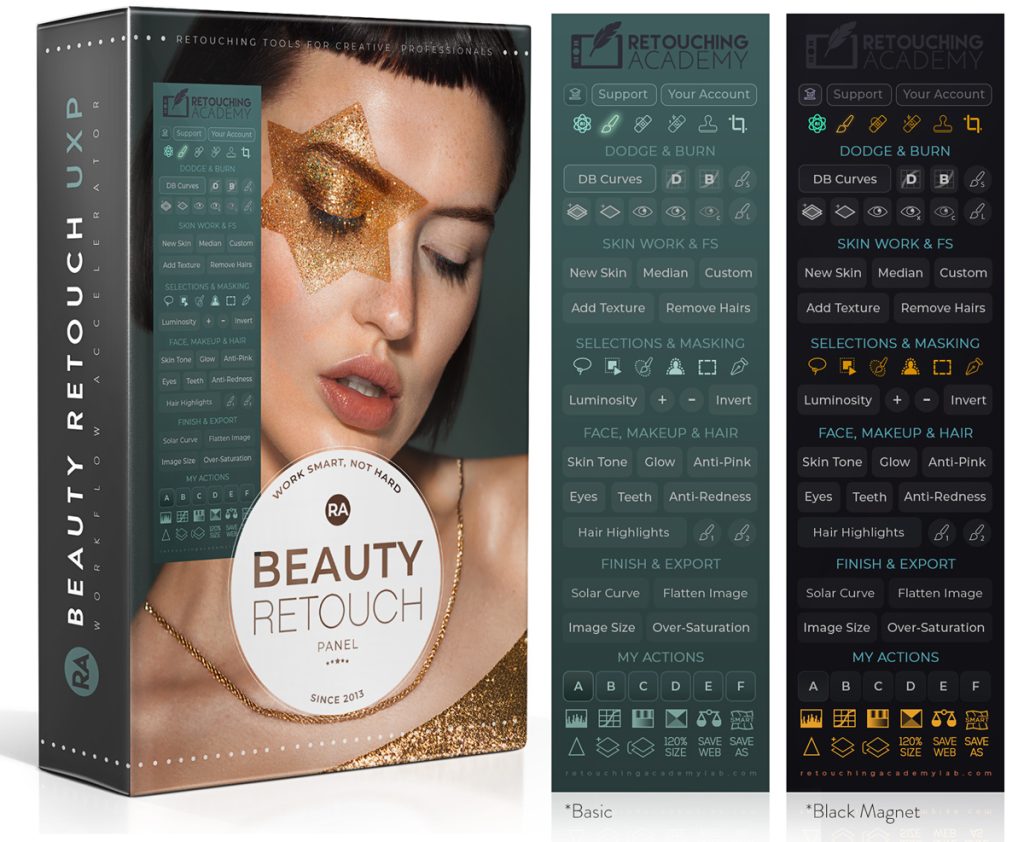
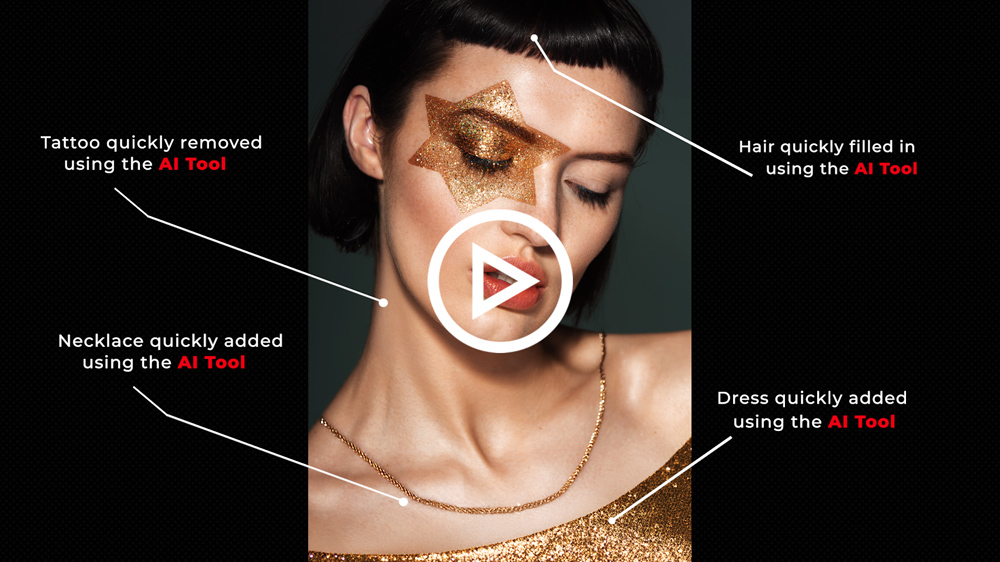
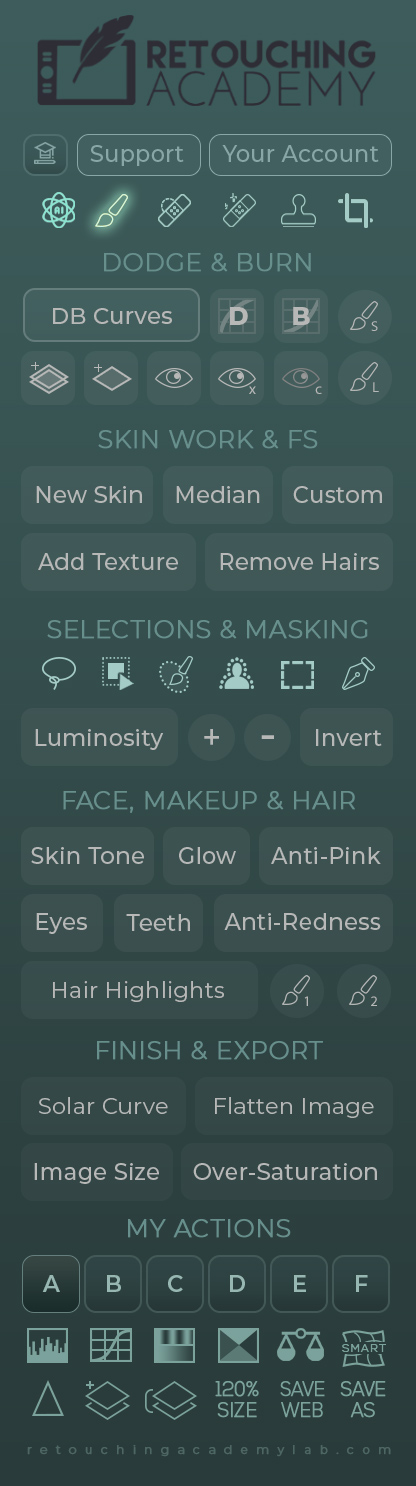
♦️ Tools: These buttons will activate the following tools: our custom AI Tool (watch video tutorial), Brush, Spot Healing Brush, Remove, Clone Stamp, and Crop.
♦️ Dodge & Burn: The top row buttons will run: the full Curves D&B set up with Visual Aid, Dodge Curve, Burn Curve, and a small D&B Brush (10px).
The bottom row: the D&B Gray Layer Set, a Gray Layer for D&B, Visual Aid (VA) Luminosity check, VA with more contrast, VA Color check, and a larger D&B Brush (300px).
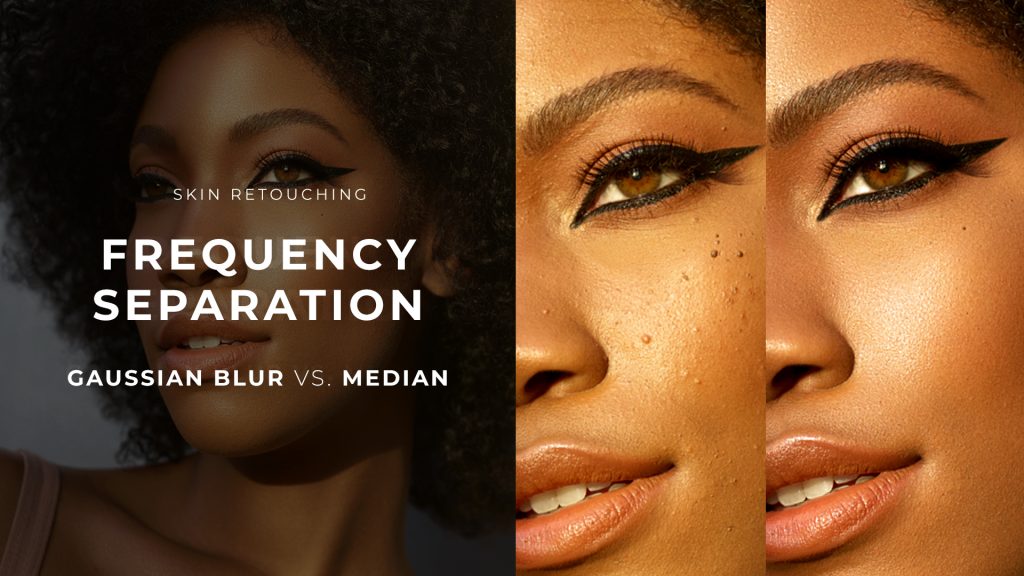
♦️ Skin Work & Frequency Separation (FS): Our New Skin script (tutorial coming soon!), Frequency Separation (FS) setup via Median, Custom FS setup, Add Texture script (former Digital Skin Texture), Remove Hairs script (former Remove Body & Facial Hair).
♦️ Selection Tools: These buttons will activate the following tools: Lasso, Object Selection, Selection Brush, Select Subject, Rectangular Marquee, Pen Tool.
♦️ Luminosity Selections: Luminosity selection button (former Basic), Plus button to expand Luminosity-based selection, Minus button to subtract Luminosity-based selection, Invert button to invert the active selection (works independently of the other buttons in this row).
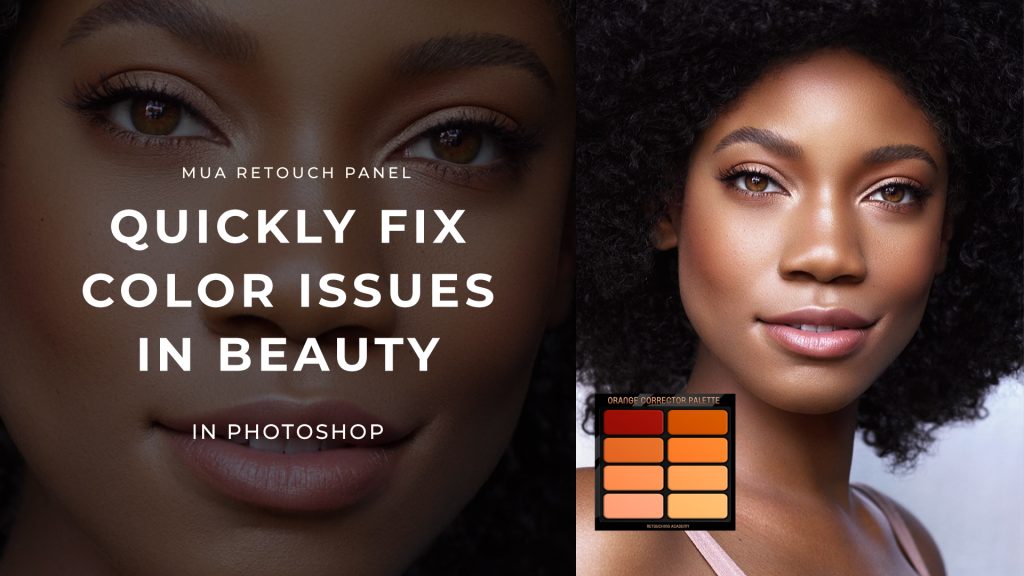
♦️ Face, Makeup & Hair: Streamline the common beauty and portrait retouching tasks with Skin Tone (former Magical Skin Tone), Glow (former Glowing Skin), Anti-Pink, Eyes (former Magic Eyes), Teeth (former Magic Smile), Anti-Redness (the Green Color Corrector from the MUA Retouch panel), Hair Highlights with two custom brushes.
♦️ Finish & Export: Quality control & finishing functions: Solar Curve, Flatten Image, Image Size dialog box, and Over-Saturation.
♦️ My Actions: Add your own custom Actions and trigger them right from the panel. Be sure to watch the tutorial on how to add and activate your actions.
♦️ Other Helpful Buttons: The upper row of buttons will activate: Levels, Curves, Hue/Saturation, Selective Color, Color Balance adjustment layers and Liquify Filter as a Smart Object so you can adjust your re-shaping manipulations.
The bottom row of buttons will run the Sharpen Image script, Add a Blank Layer, Stamp All Layers, increase the size of your image/canvas 120% for best gradual enlargement results, activate the Save For Web and Save As dialog boxes.