For this Black Friday & Cyber Monday, we’re doing something we only do once a year:
Complete Mastery bundle - 45% OFF
All our core retouching courses are neatly packed into...
⚠️ This article is important for legacy RA Panels users.
Since 2022, Adobe has been gradually retiring the legacy CEP framework used by non-UXP Photoshop extensions like our old Retouching...
Skin Work & Frequency Separation Section
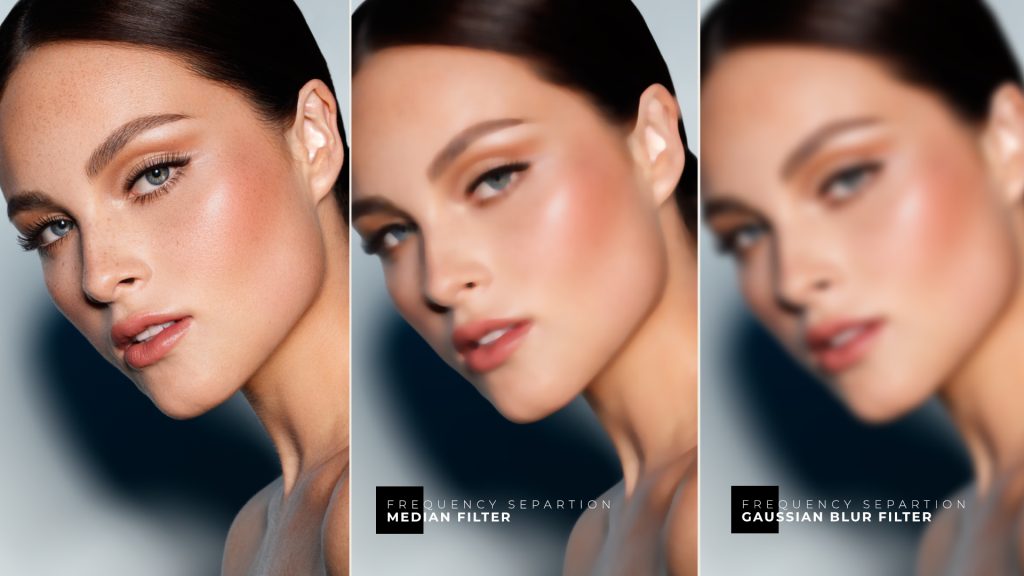
The Skin Work & Frequency Separation (FS) section of the Beauty Retouch panel features a variety of scripts based on the Frequency Separation technique.
This technique...
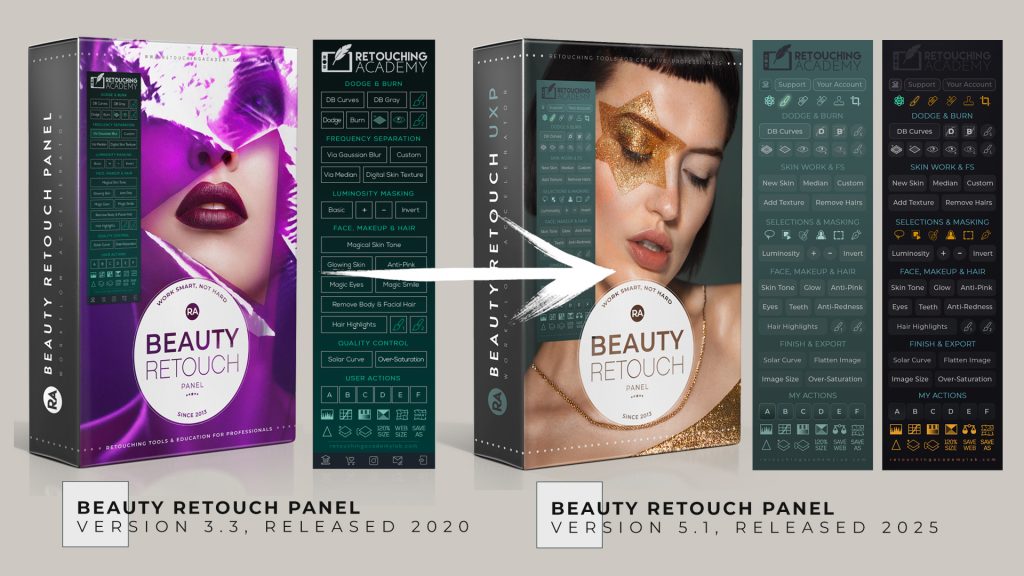
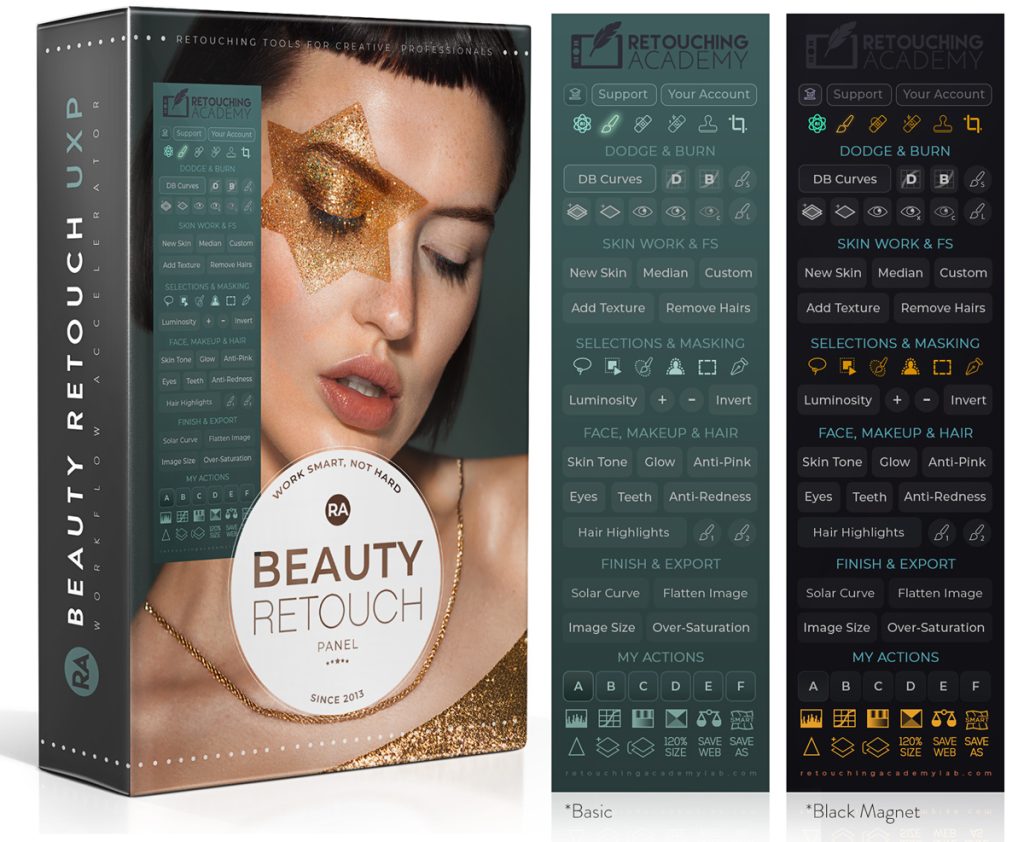
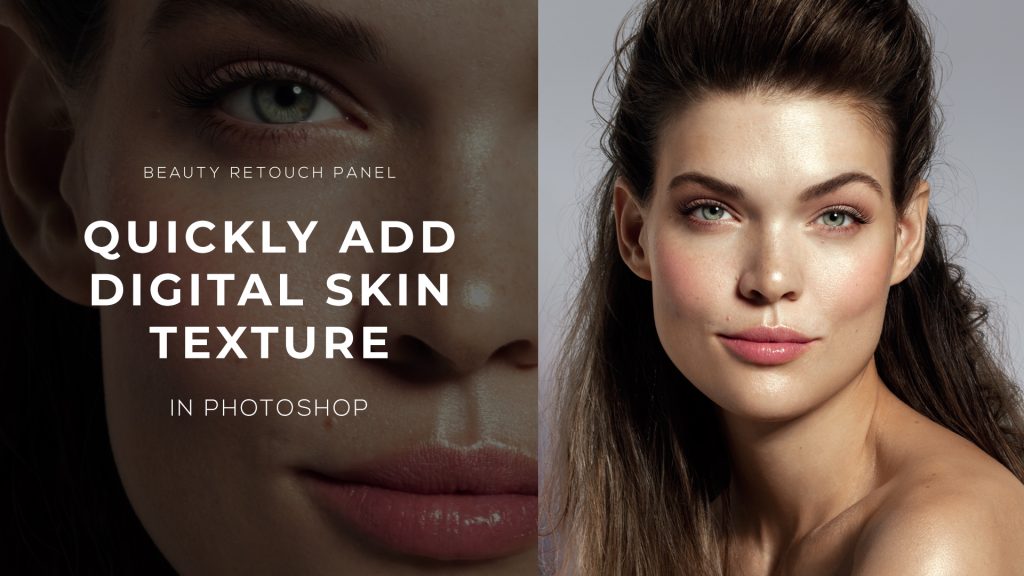
The new Beauty Retouch Panel v5 has got a bunch of new tools and scripts to help make your beauty and portrait retouching faster and easier.
Even if you start...
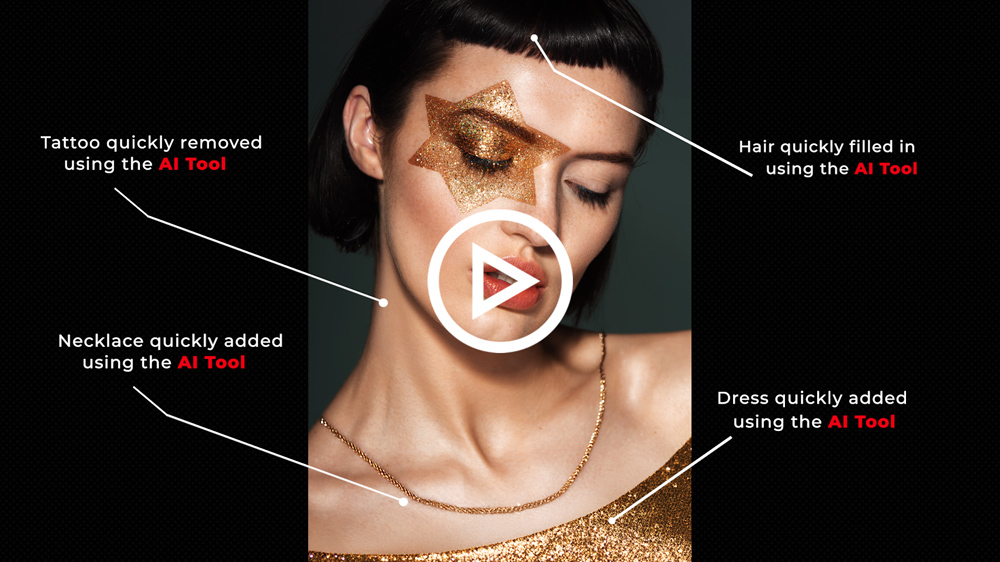
Every photographer knows the regret of certain choices made during a shoot and the post-production "cost" of fixing styling mistakes and shortcomings.
The new tools on our Beauty Retouch...
⚠️ This new version is currently only available to BETA Testers.
We’re excited to invite our Beauty Retouch panel users to BETA test the new version of the Beauty Retouch...
As of March 25th, 2025, Adobe will no longer allow the creation of multiple Adobe Stock Contributor accounts without written approval.
This quiet but important policy shift signals Adobe’s intent...
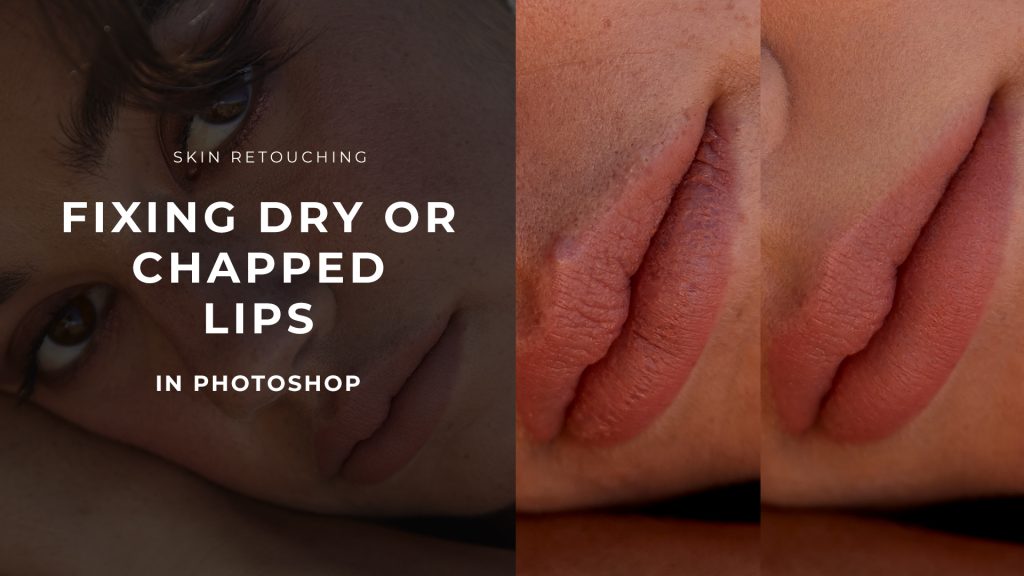
📌 This is an outtake from our Skin Retouching course: Lesson Lesson 3.6 Fixing Dry or Chapped Lips. Find Student logins here.
Chapped, dry, or cracked lips are common issues...
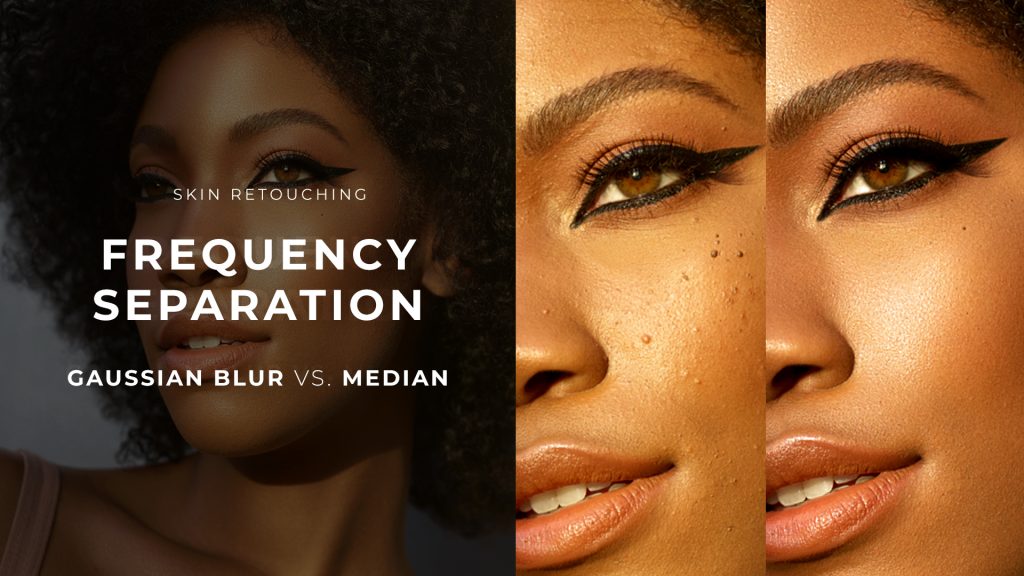
📌 This is an outtake from our Skin Retouching course: Lesson 2.3.1 Frequency Separation, Part 1. Find Student logins here.
While the Frequency Separation technique (FS) is sometimes criticized—often for...
When the skin in your beauty, fashion or portrait images requires a lot of deep retouching work, sometimes you may end up with areas of skin looking too soft...
For a creative professional, the monitor isn't just another piece of equipment; it's a crucial precision tool for producing professional content.
Every editing decision, from adjusting highlights and contrast to...
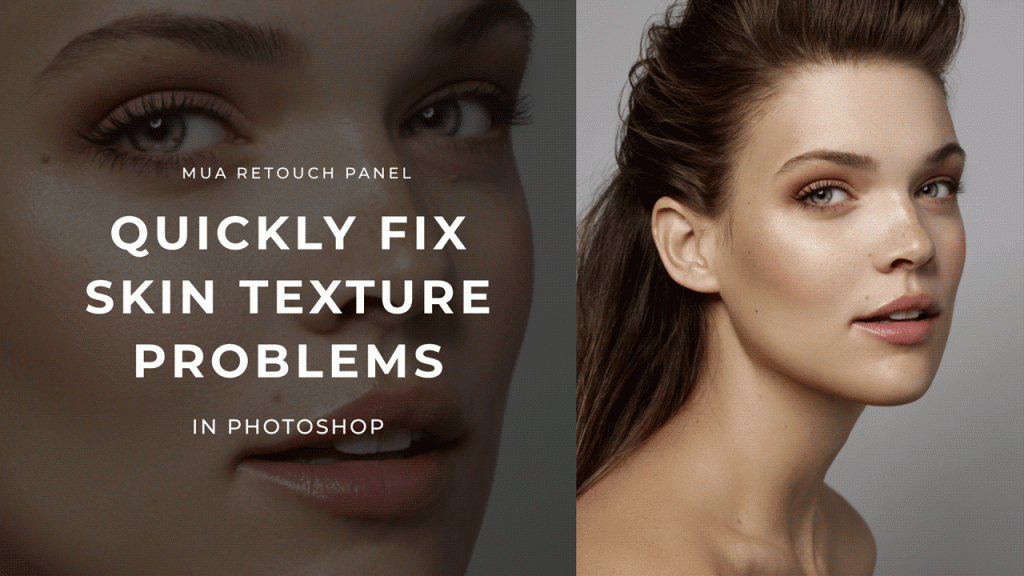
We all have shoots when models or clients show up with breakouts. Re-scheduling or re-shooting is usually not an option, so we must be able to correct some visible...
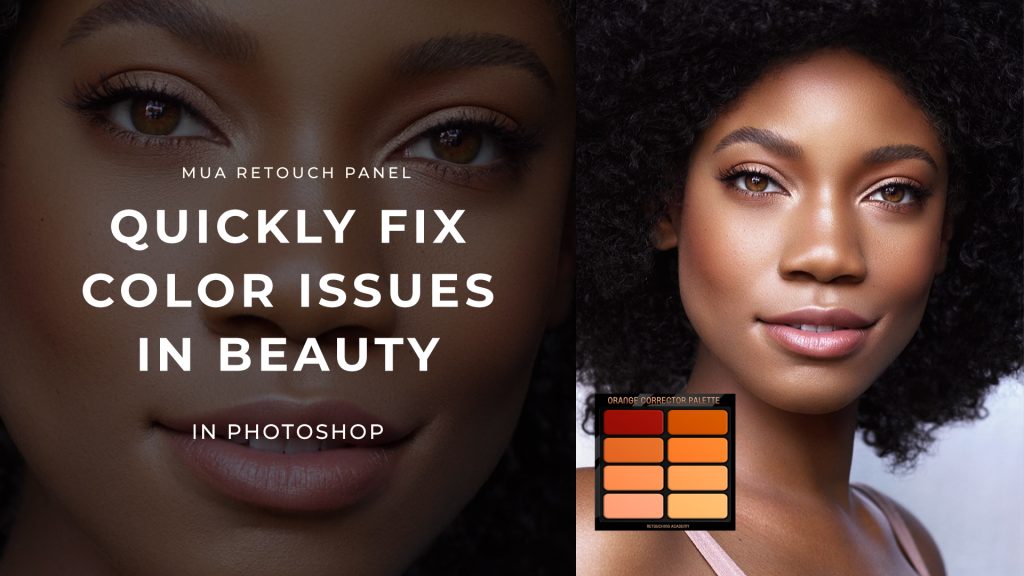
Color correction is one of the most essential aspects of beauty retouching, and the MUA Retouch Panel makes it simple, quick, and intuitive by mimicking the color correctors used...
Post-shoot culling is an essential yet often daunting part of a photographer’s workflow.
In his article Post-Shoot Cull: The Aggressive Art of Selecting Your Best Photos, Glen E. Grant shares...
In the world of beauty, fashion & portrait retouching, mastering your craft is not just about learning to use Photoshop and understanding retouching techniques theory; it’s about getting your...
LA (Lindeman & Associates) is hiring.
The job description outtakes below will explain what they actually need and which skills are required: Finishers of All Levels.
Note from Retouching Academy Facebook...
When working in Photoshop, your PSD Layer management approach - organizing your layers efficiently - is crucial to maintaining flexibility and control over your retouching workflow.
Getting into the habit...
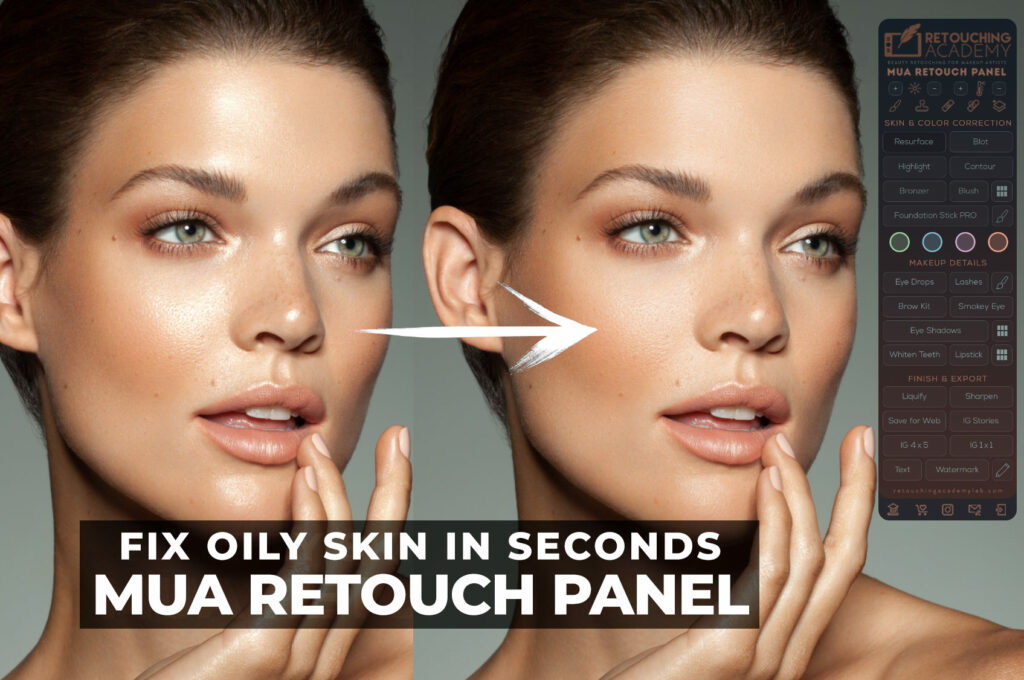
The Blot button on the MUA Retouch panel allows you to “mattify” oily skin patches quickly and easily – just like blotting sheets in your makeup kit do.
You can...
The biggest sale of the year is here! Enjoy our offers today and this weekend:
OUR BEST-SELLING STREAMING COURSES
Use discount code BF2021 for over 25% off the original prices of...