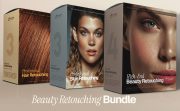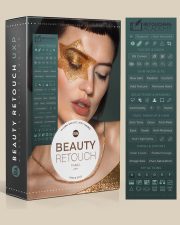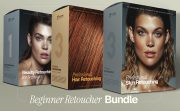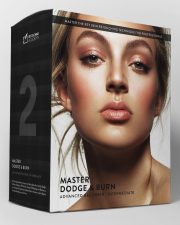
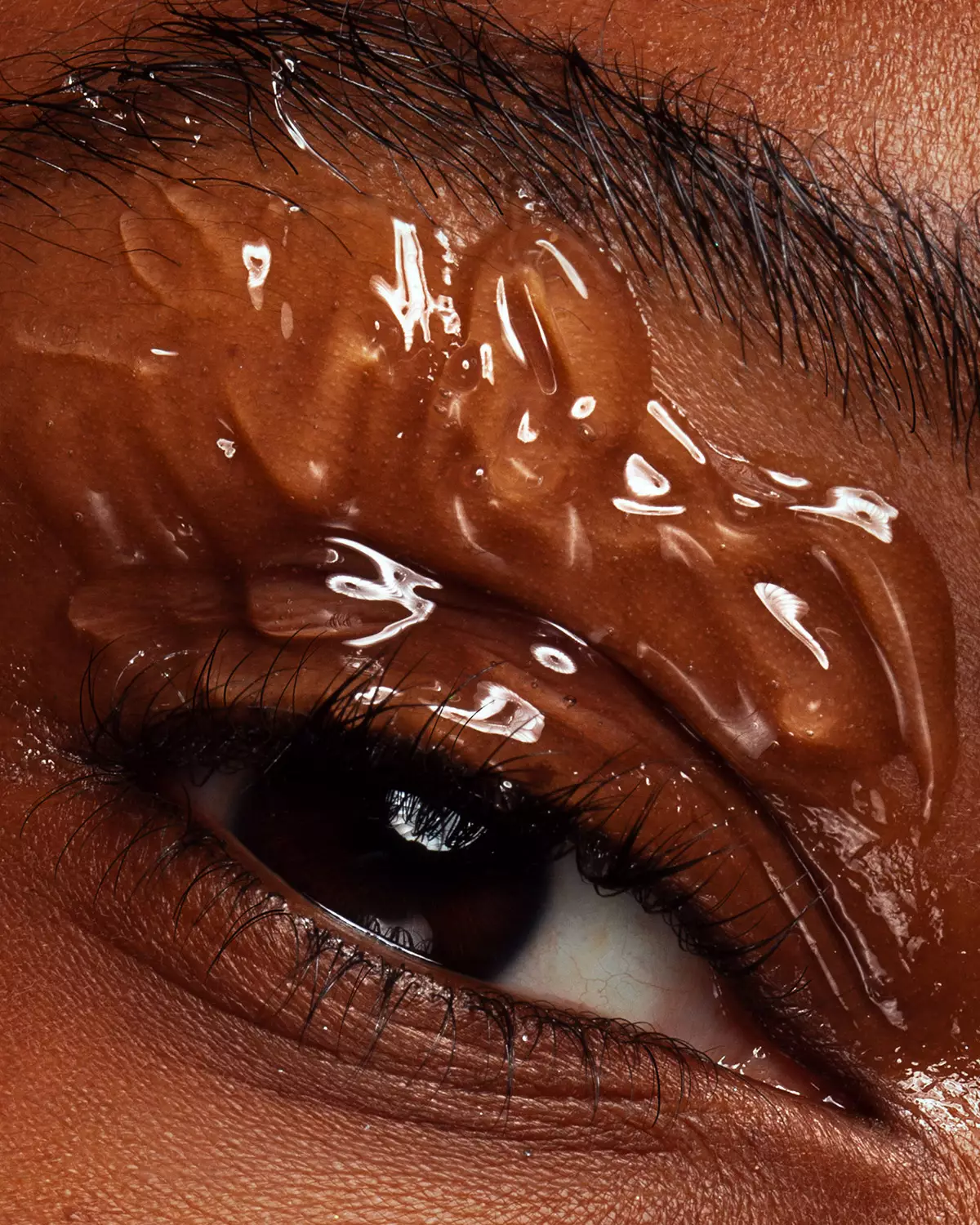
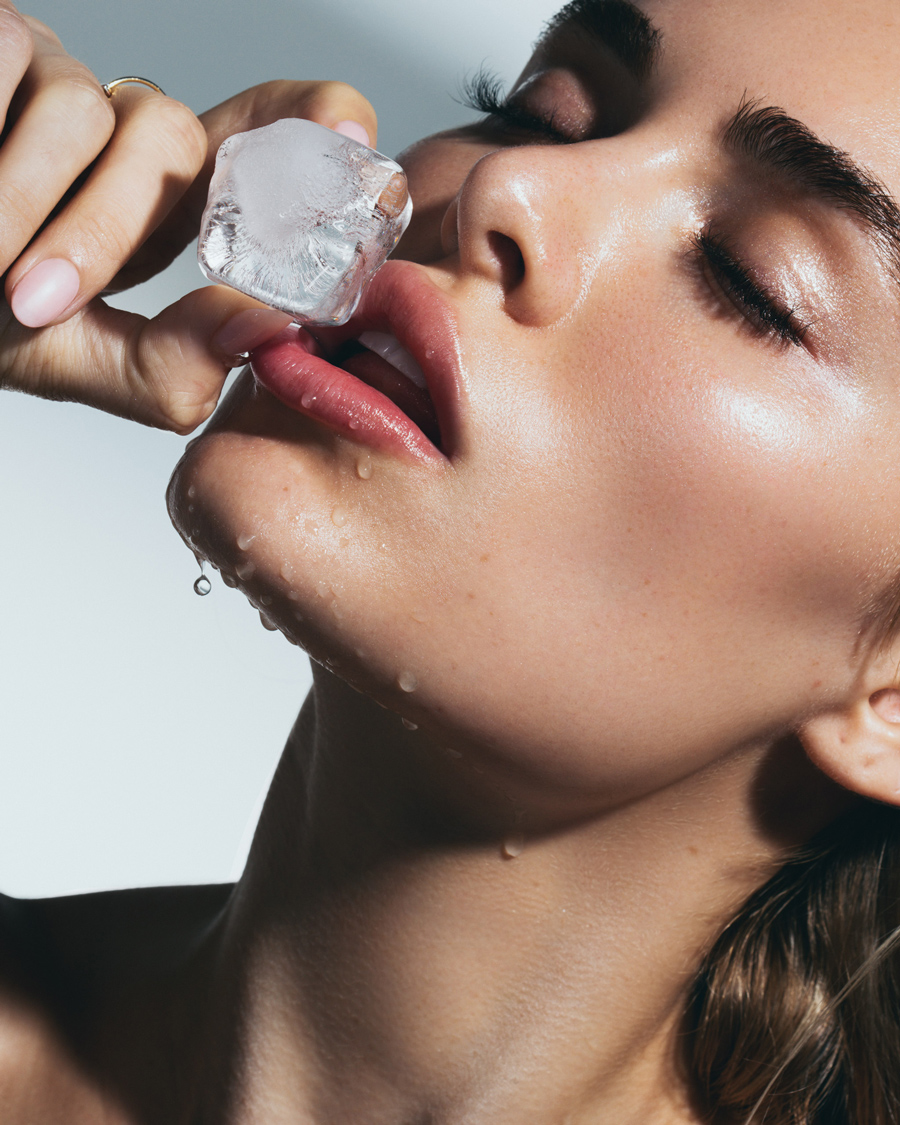








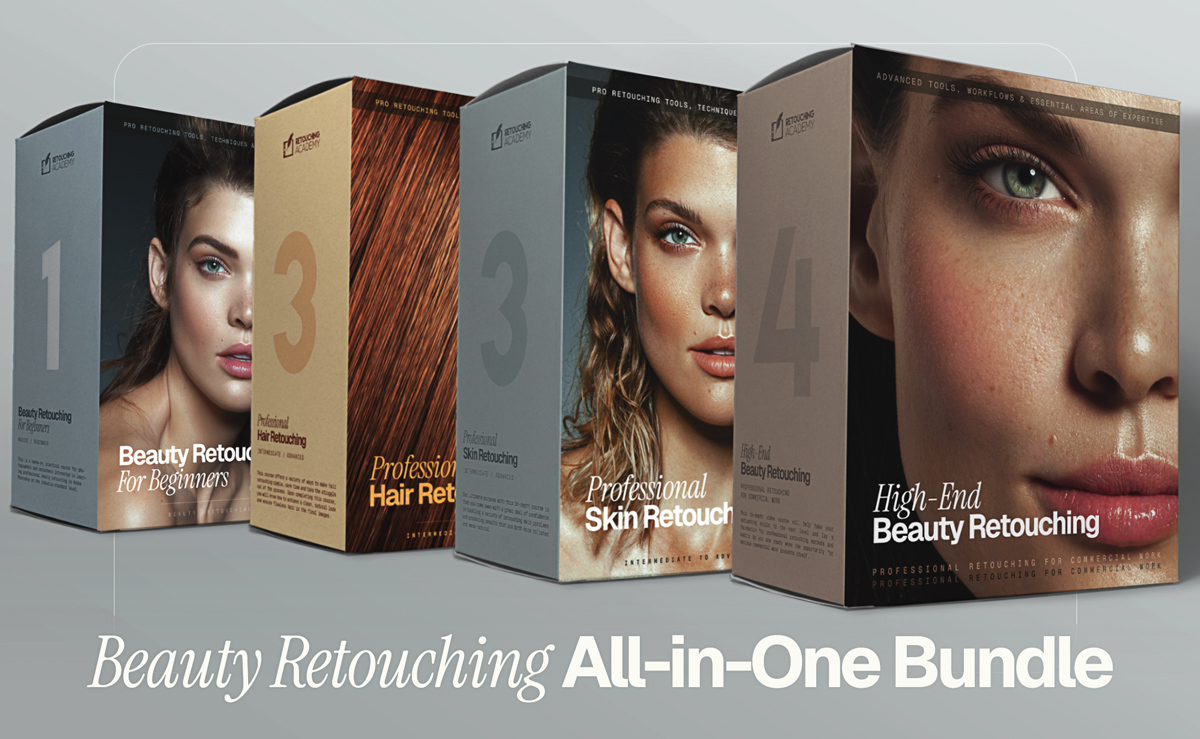
All-in-One Beauty Retouch Bundle
The full ladder, from beginner to commercial-work ready, in a single bundle. Distilled theory and hands-on practice.
Retouching panels for photographers and retouchers in beauty, fashion and portrait photography. Built on years of industry experience and non-destructive approach, they speed up every stage of your retouching workflow while your taste and standards stay in control.
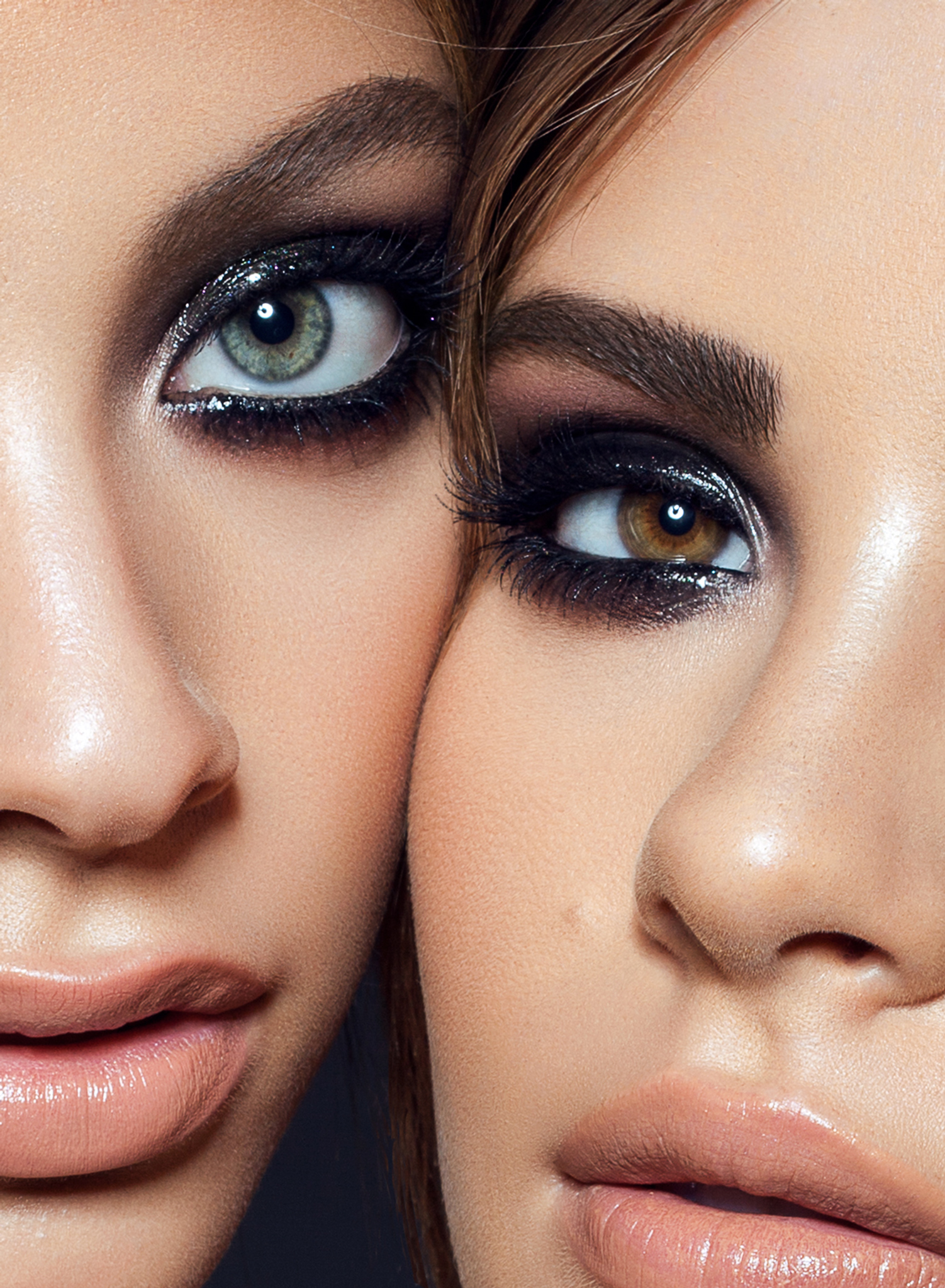
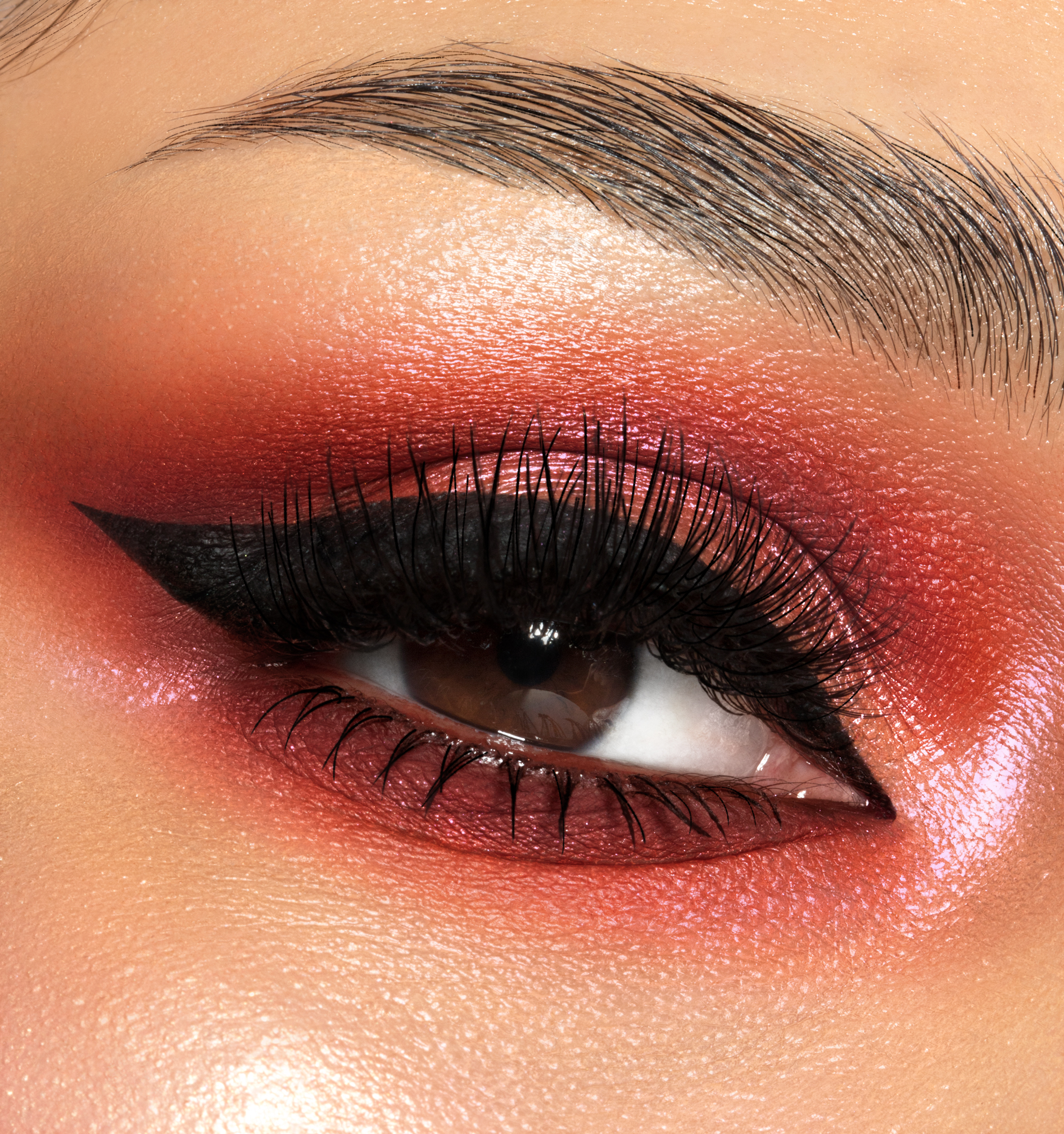
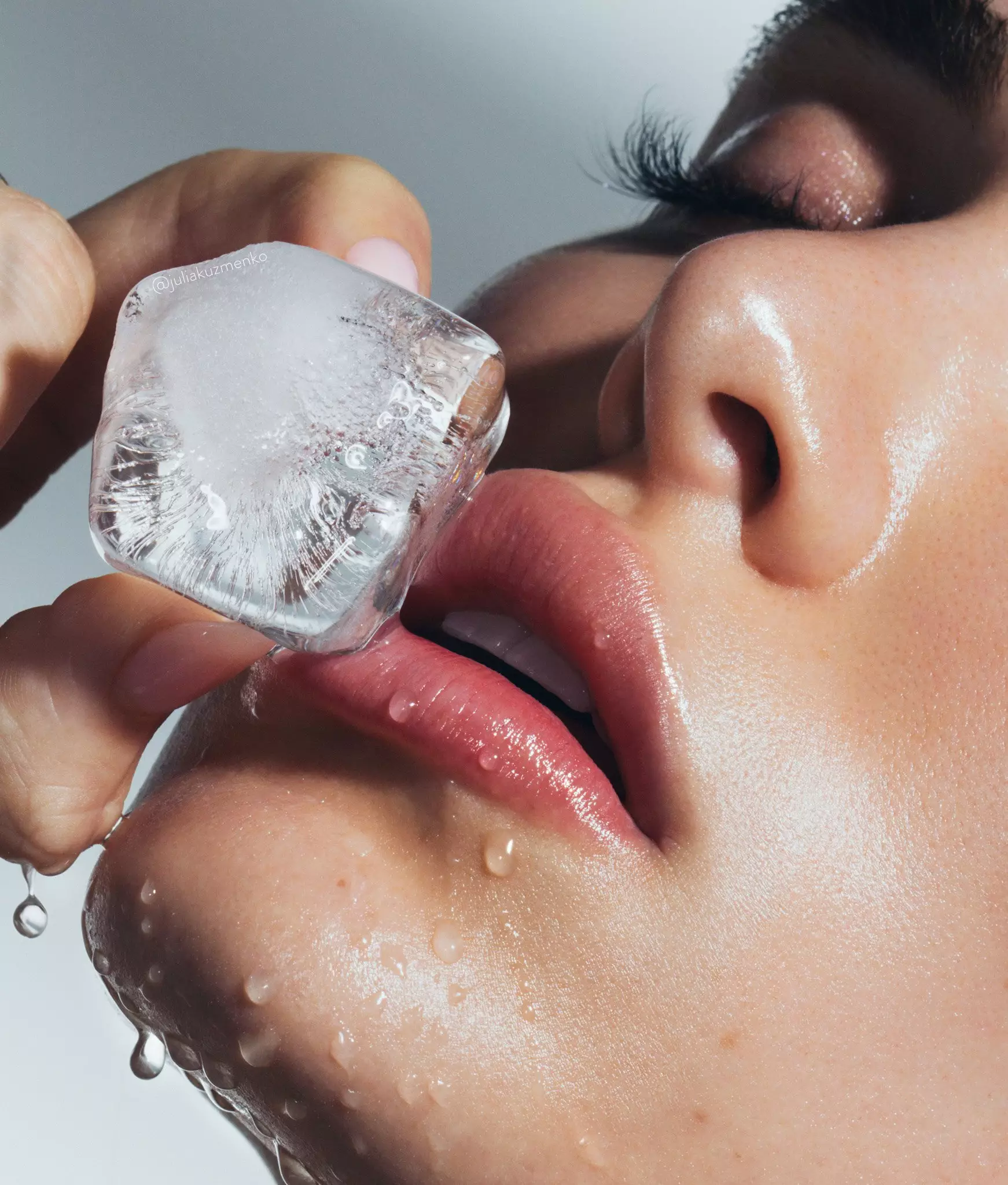
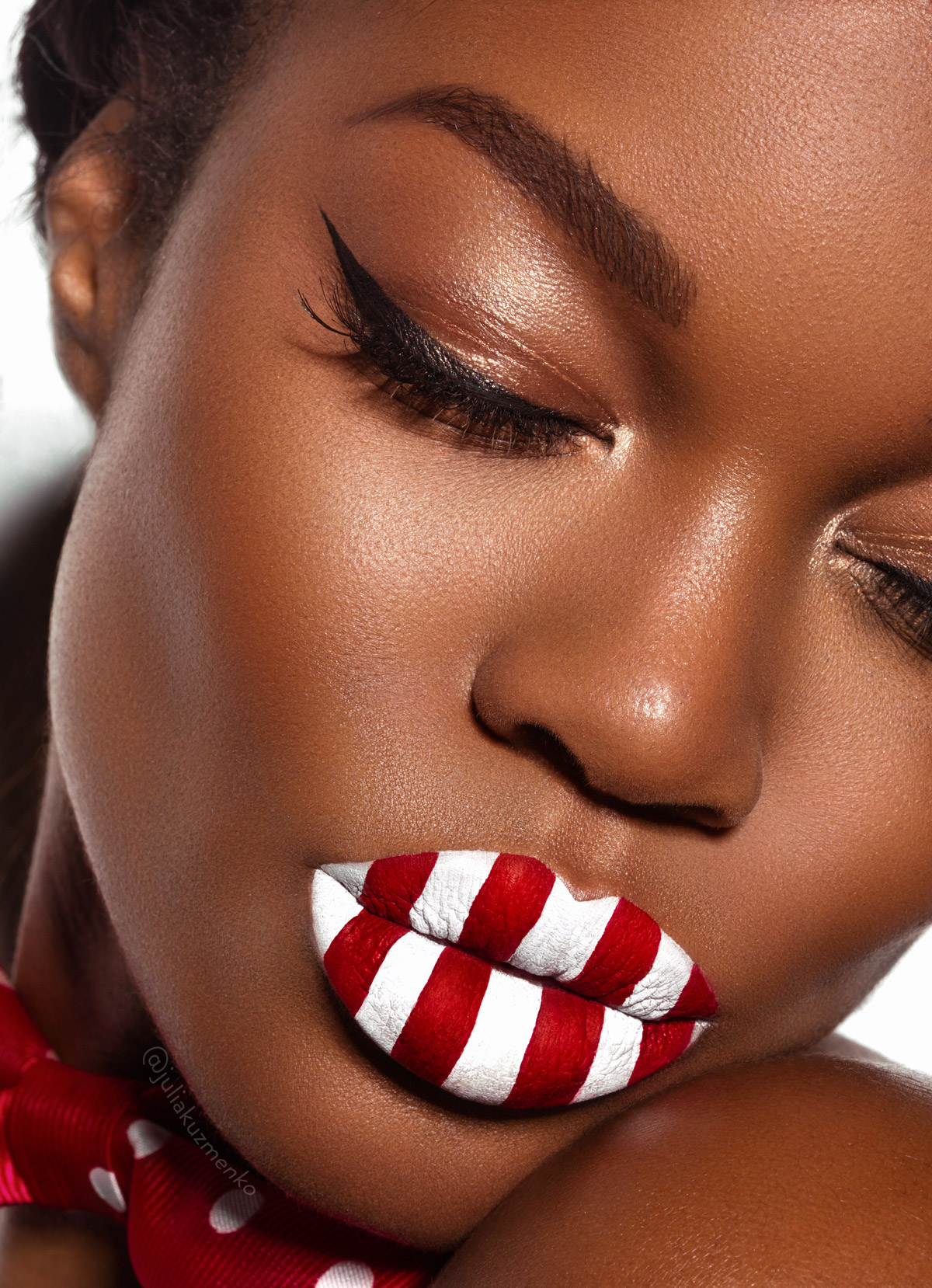
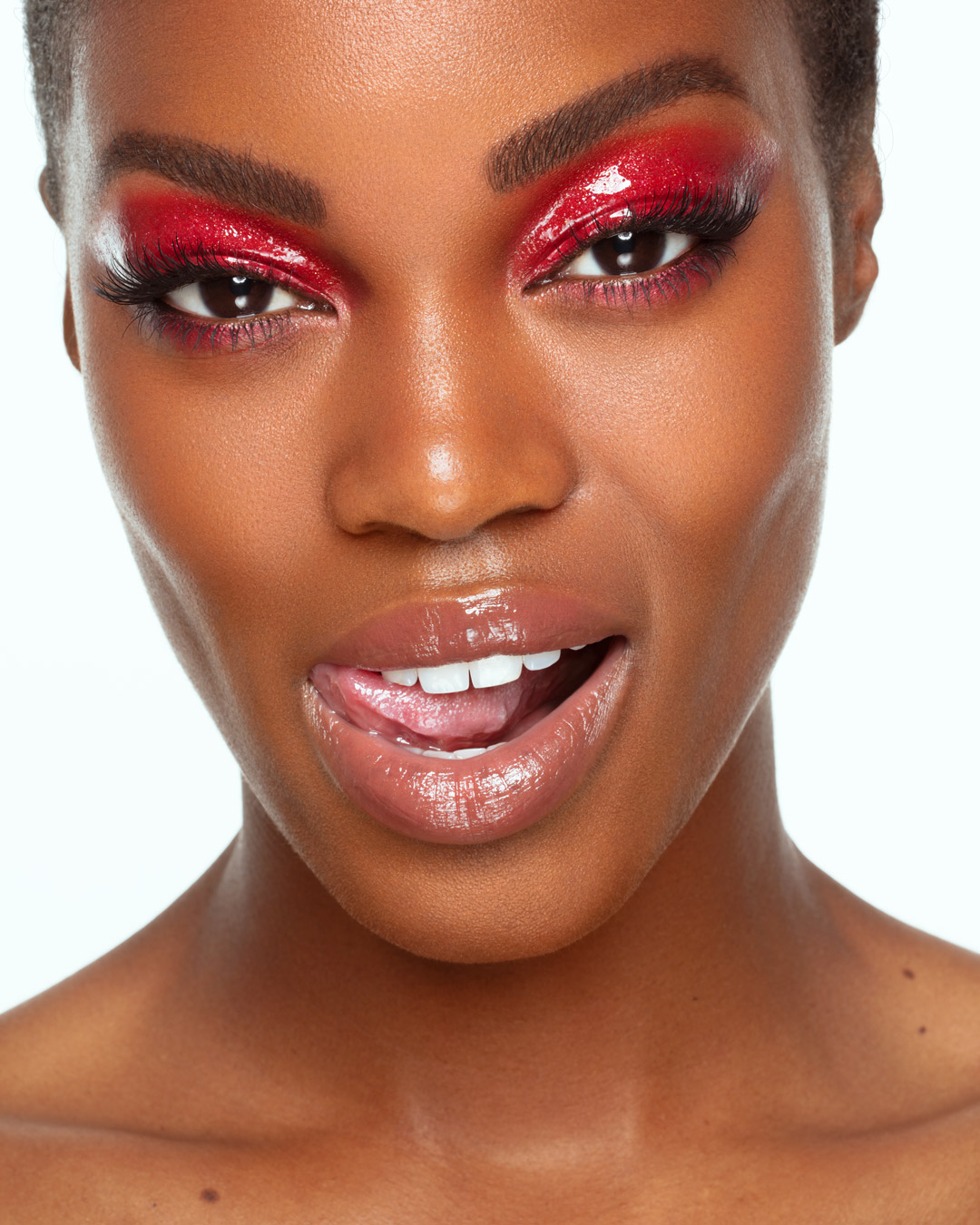
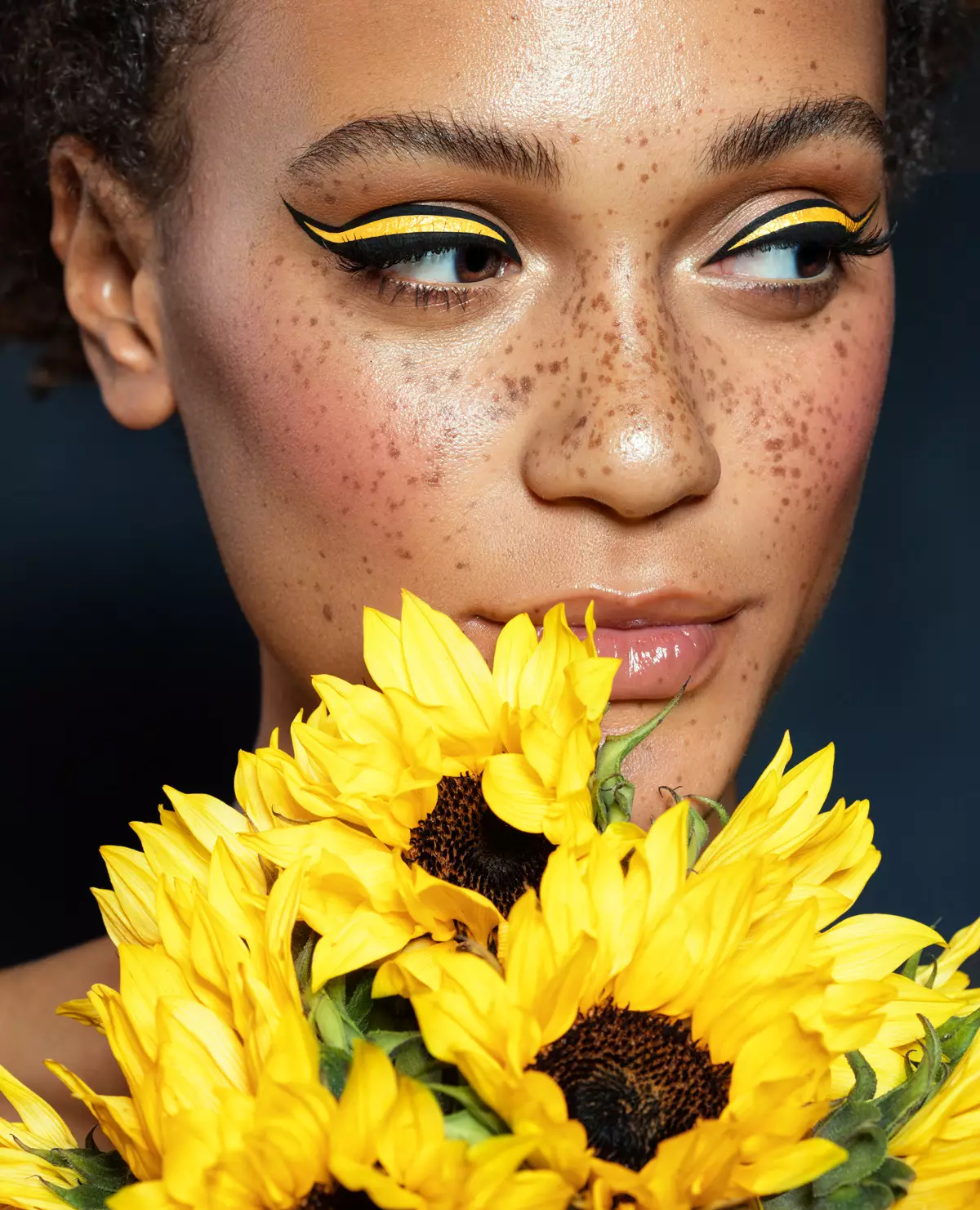
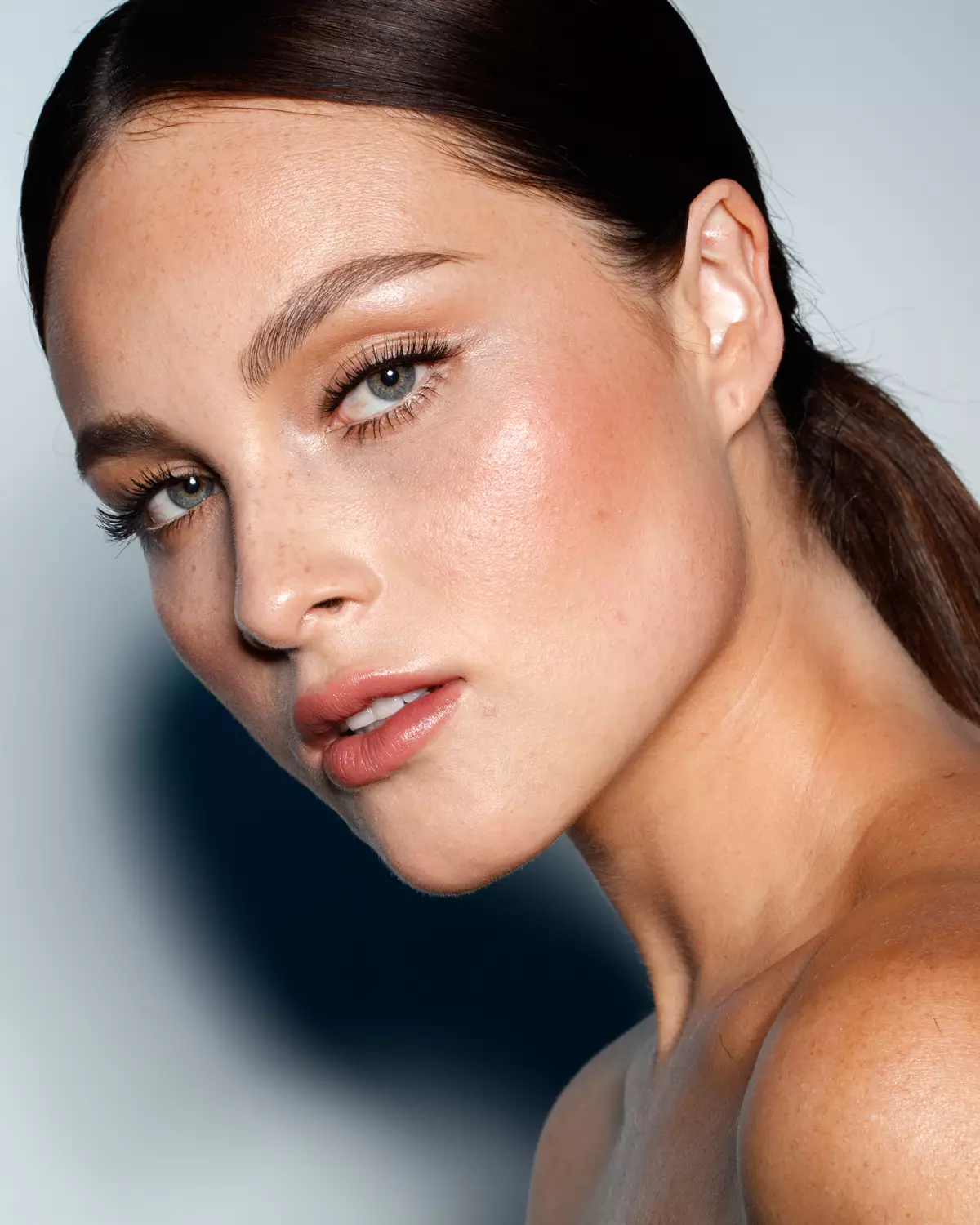
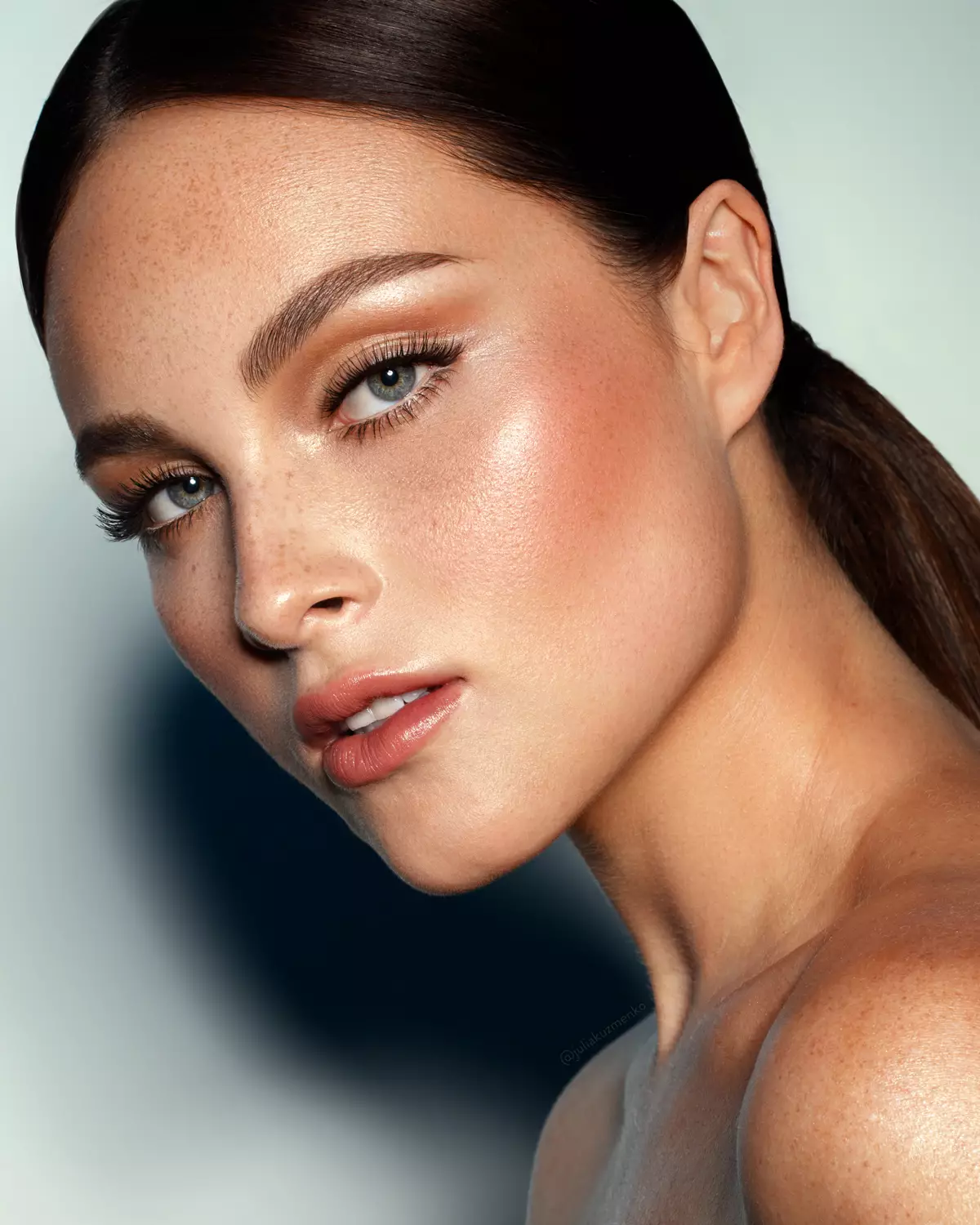
Photography & retouching by Julia Kuzmenko McKim using RA Panels


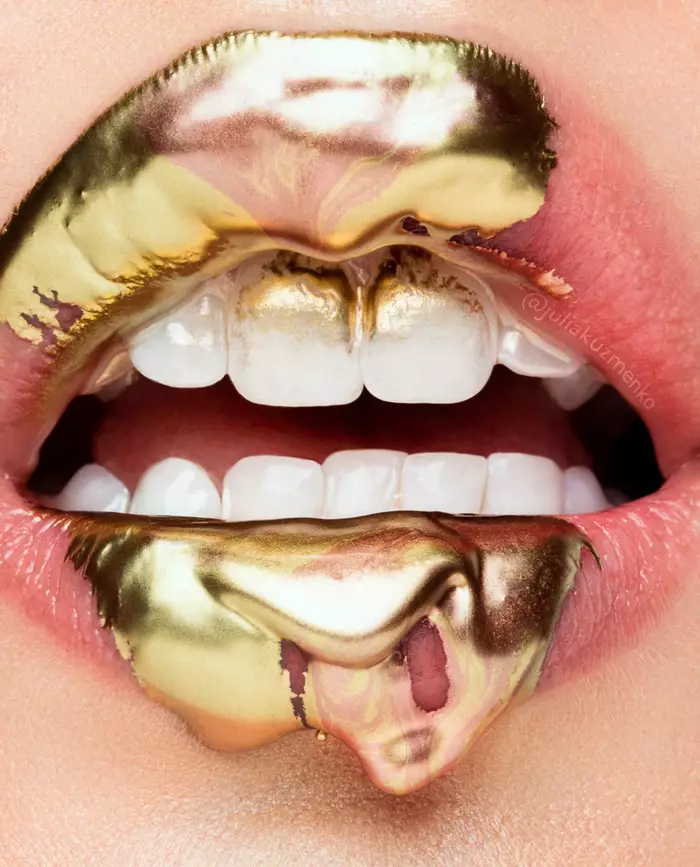
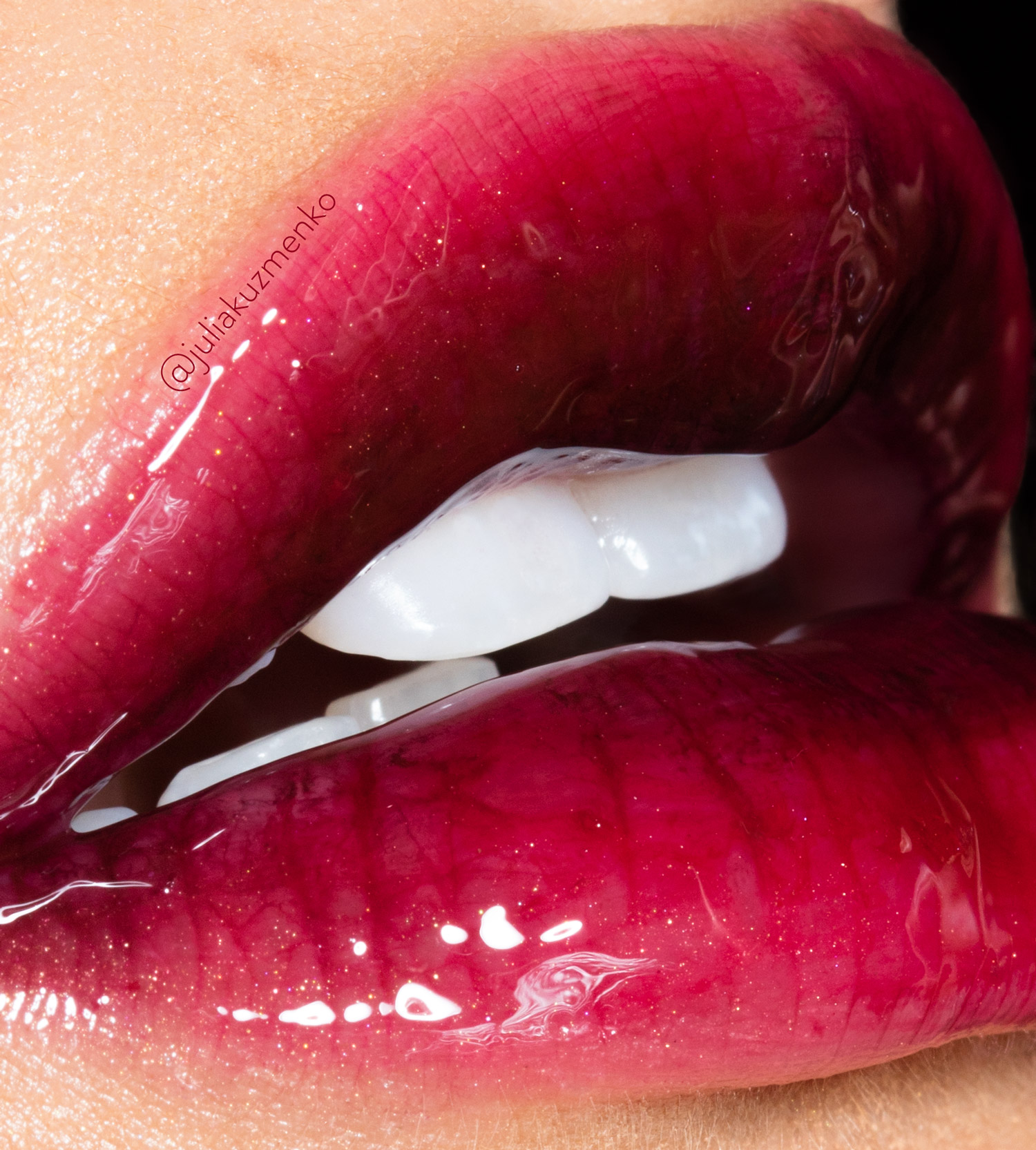
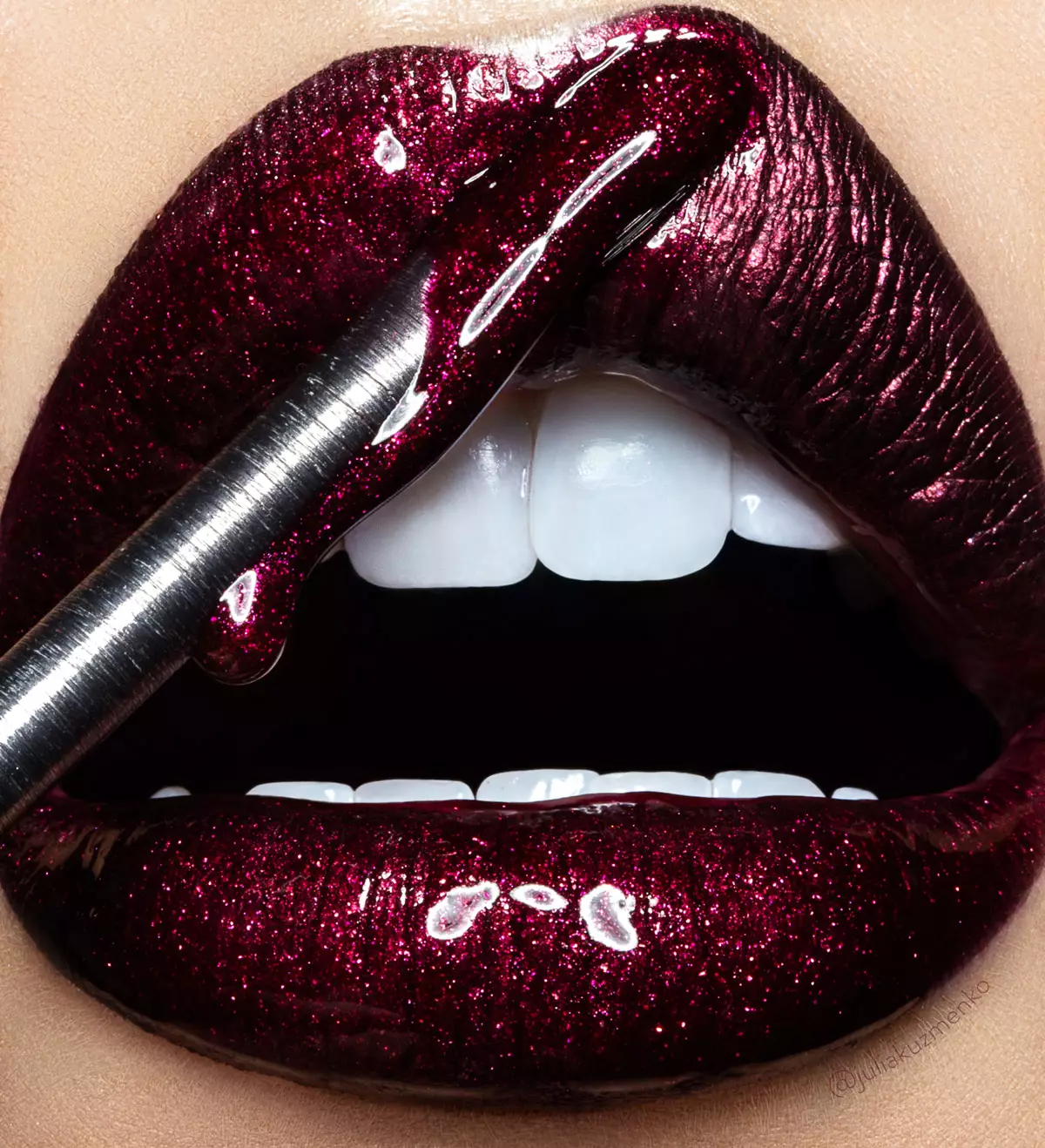
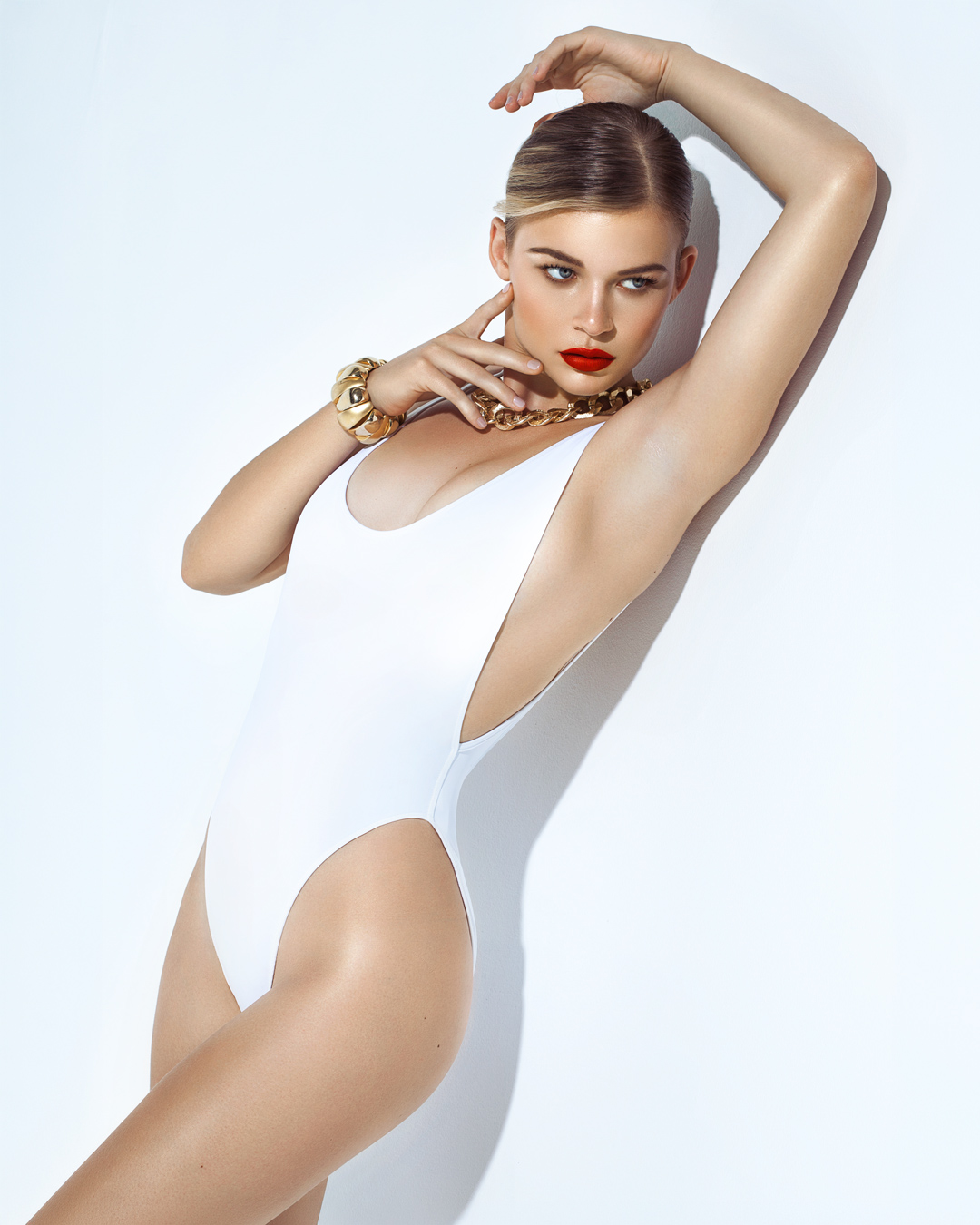
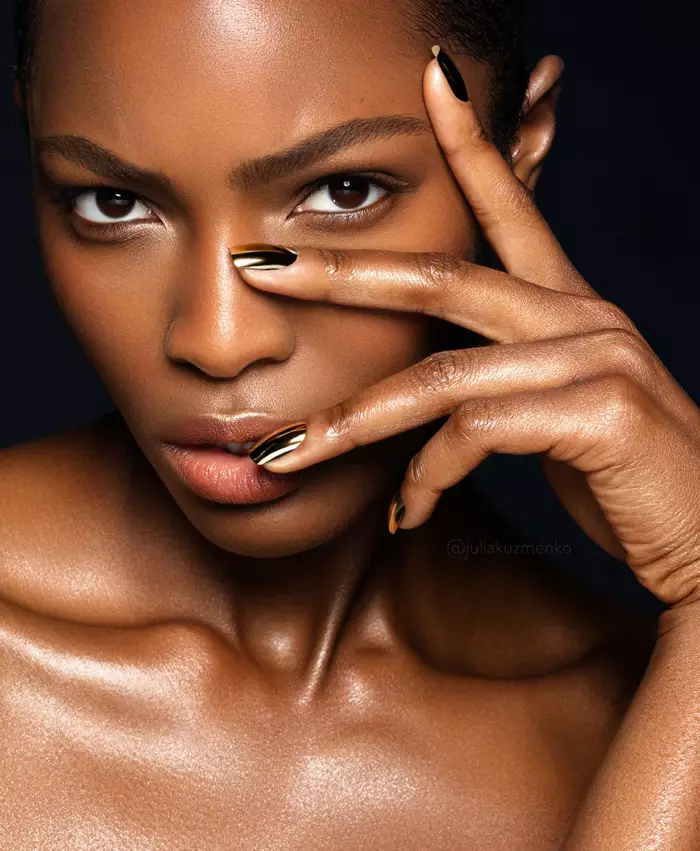
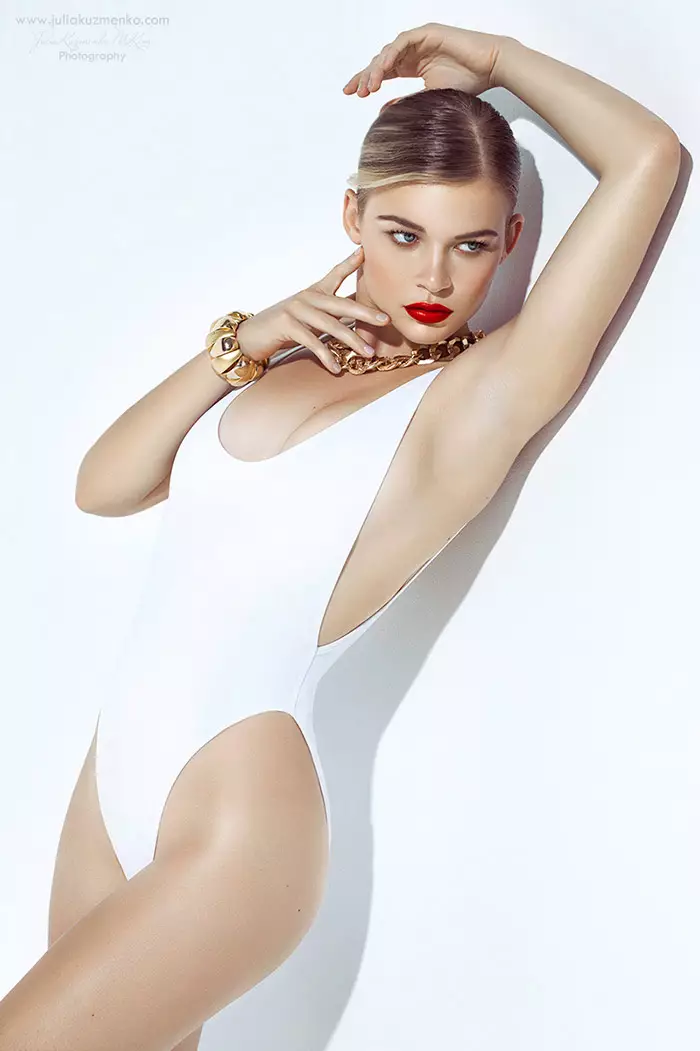
Photography & retouching by Julia Kuzmenko McKim using RA Panels
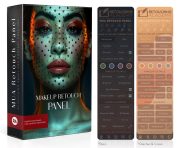
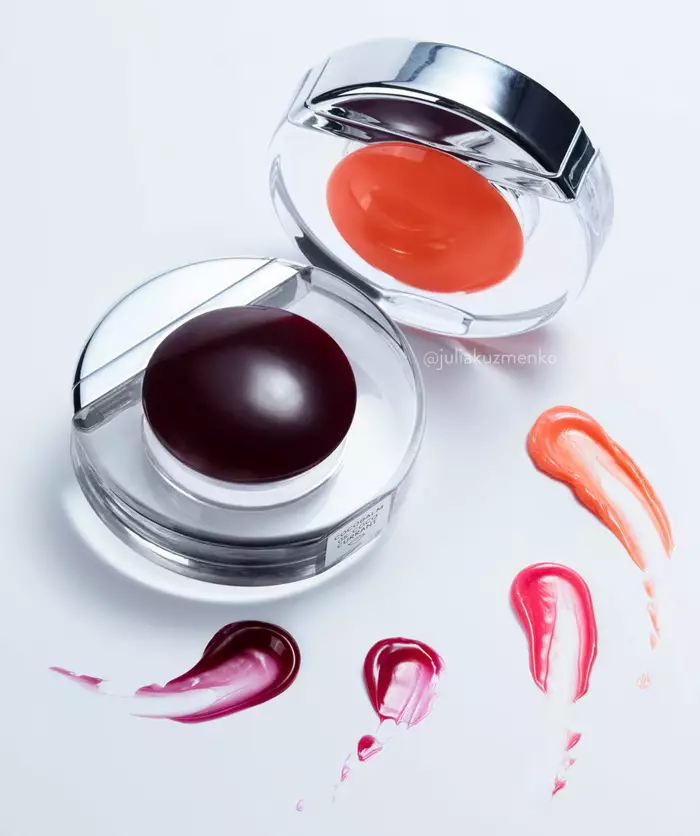
Used together, the Beauty Retouch and MUA Retouch panels give you the complete beauty retouching workflow, plus a dedicated makeup toolset: digital makeup palettes, color correctors, custom lash and brow brushes, and more.
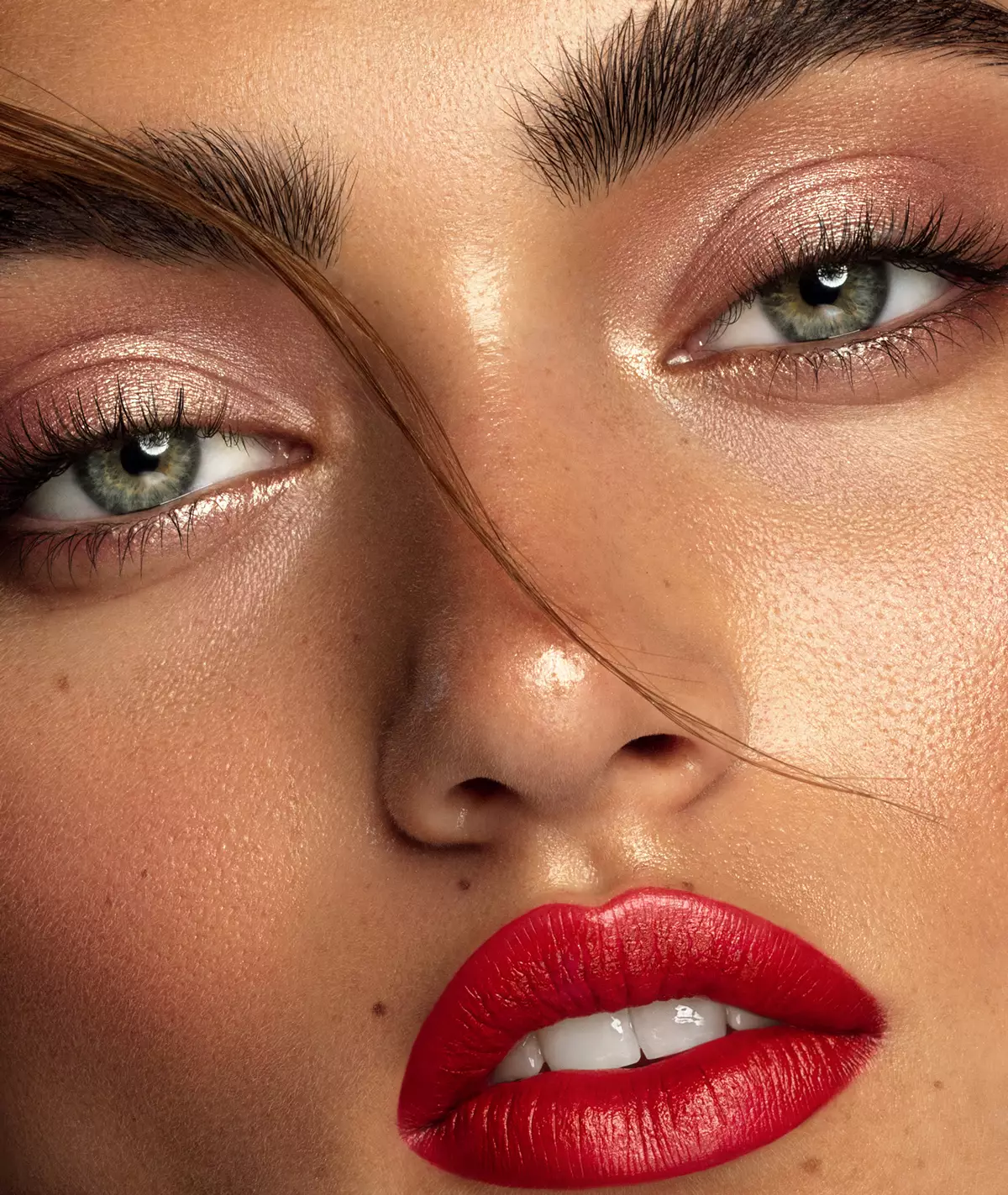
The Beauty Retouch panel is a Photoshop plugin for photographers and retouchers who work with beauty, fashion, and portrait images, for both editorial and commercial purposes. Designed for creative professionals who want a faster retouching workflow, improved consistency of skin and tonal work, and a decluttered workspace.
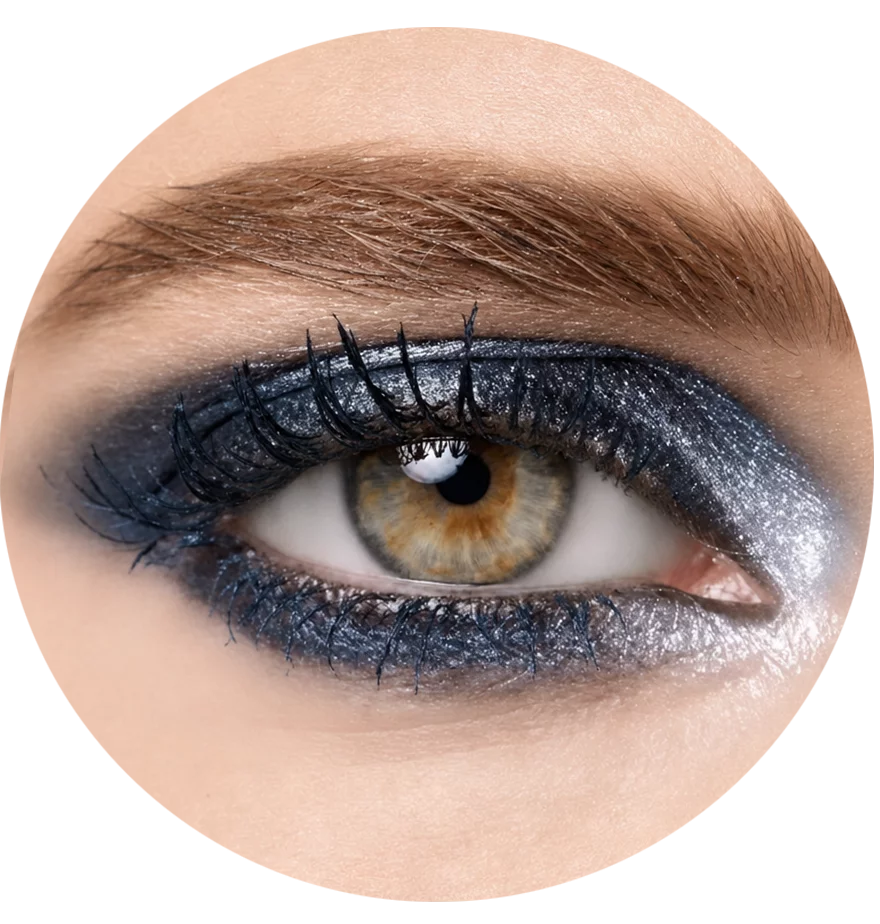
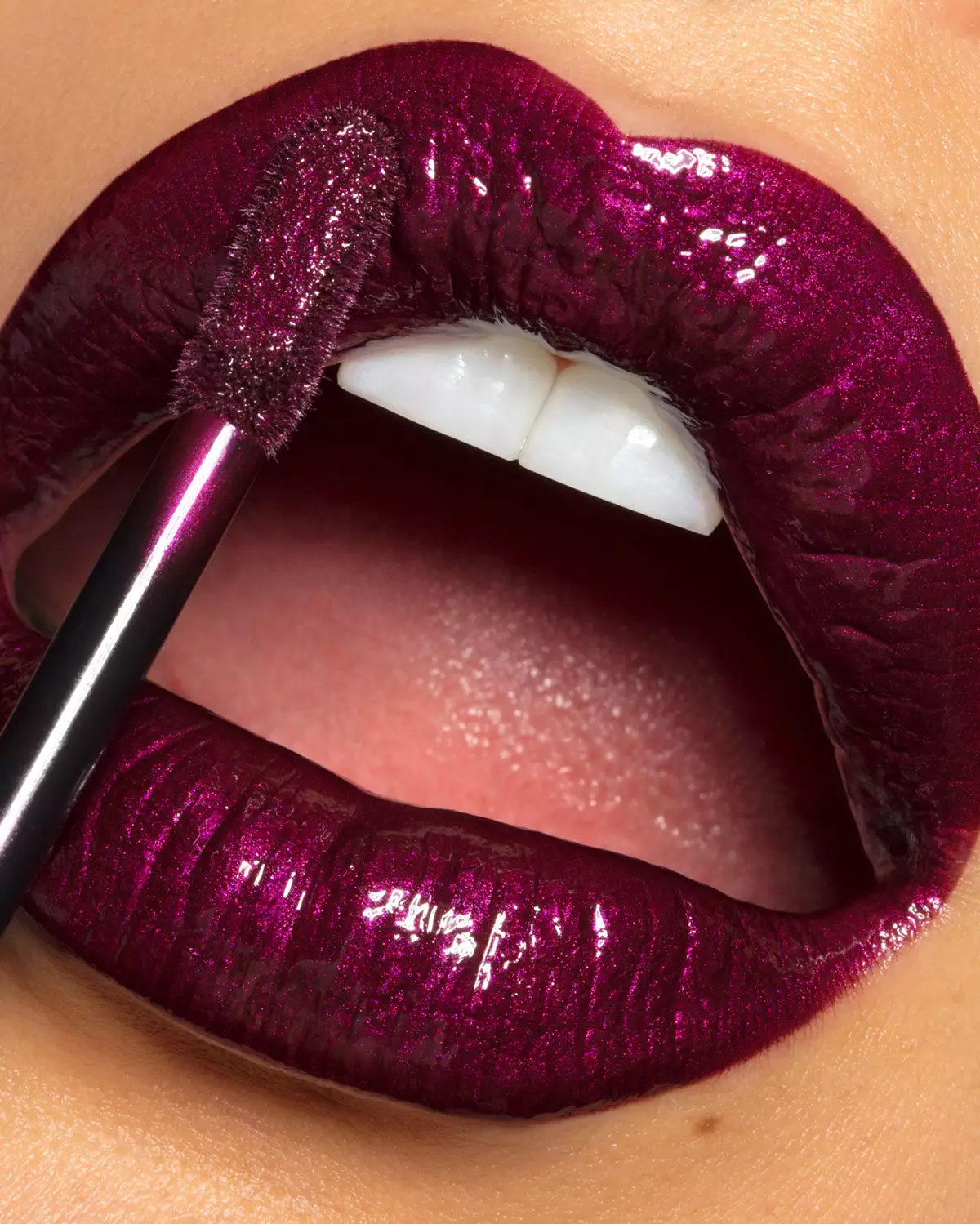
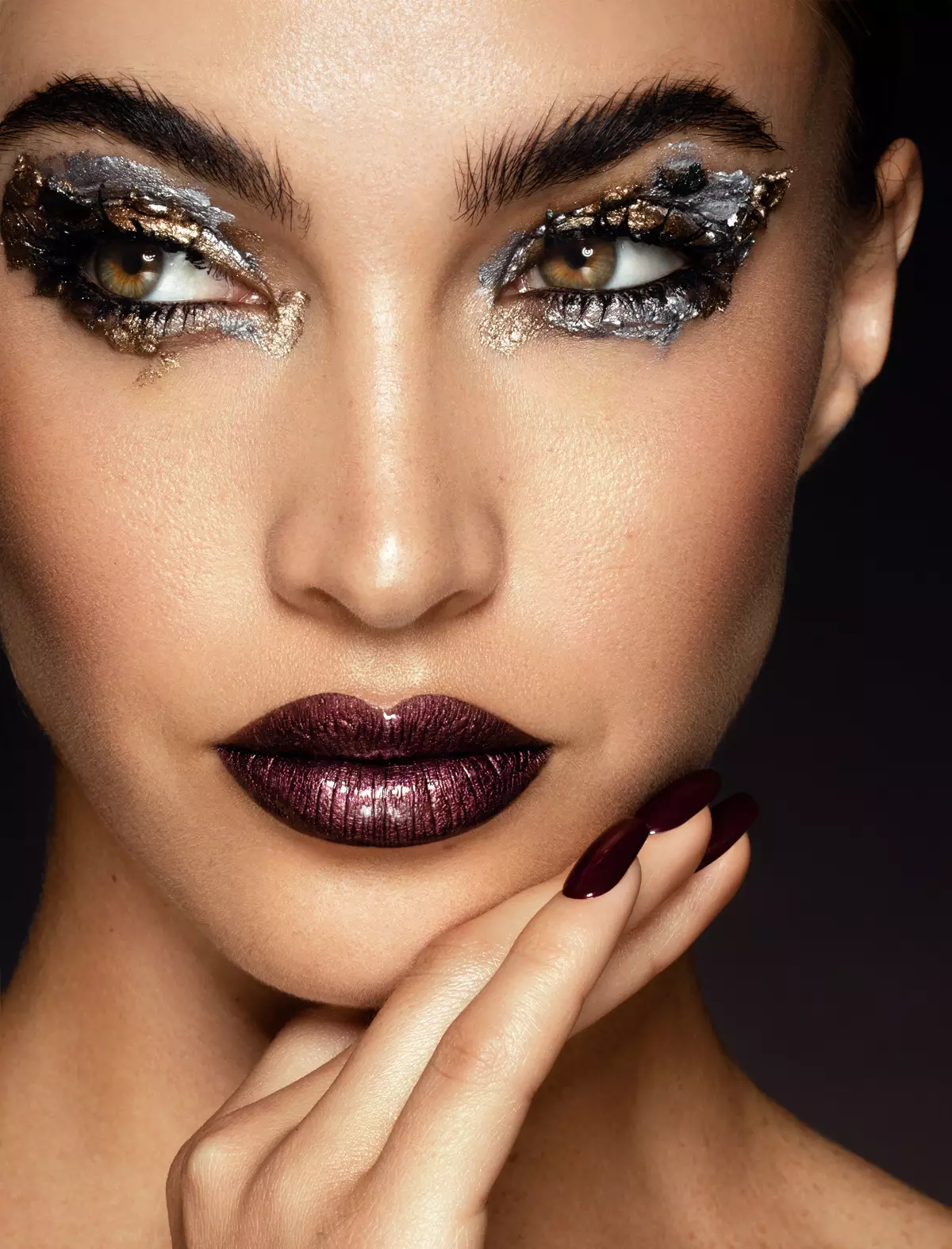
The MUA Retouch panel is a Photoshop plugin created for campaign-level makeup retouching. Its functionality mimics the effects of real makeup and color correctors, so it makes immediate sense to creatives in beauty and fashion. Designed to be used independently or paired with Beauty Retouch.
Beauty Retouch and MUA Retouch together. The complete workflow for skin, color, and makeup retouching in Photoshop to take a beauty, portrait, or fashion shot from capture to client-ready, faster.
Use code SUPERPACK for $50+ OFF at checkout
Back in 2013, as I got busier with photography and retouching work for beauty and wellness brands, I gradually built and refined a set of Photoshop actions for myself to save time on repetitive, tedious tasks I was doing in every image. A Retouching Academy colleague suggested we bake them into a Photoshop panel to keep things organized, and because other artists might want them too. We did, and the rest is history.
// Retouching Academy • Since 2013
Built on years of industry experience for serious creative professionals interested in commercial work and getting hired by beauty, wellness & lifestyle brands.
Our Courses & PanelsWe teach what we have learned the hard way in real-world commercial beauty and fashion work.

The full ladder, from beginner to commercial-work ready, in a single bundle. Distilled theory and hands-on practice.

This bundle is for you if you are already past the novice level. Idustry-standard knowledge & practices, from intermediate to advanced.

In-depth, practical courses to take you from a complete beginner to a capable beauty retoucher.

Distilled, the most impactful course for beginners who want to learn professional retouching in beauty, fashion and portrait.

A deep dive into one of the most important techniques in professional retouching known as Dodging and Burning (D&B).

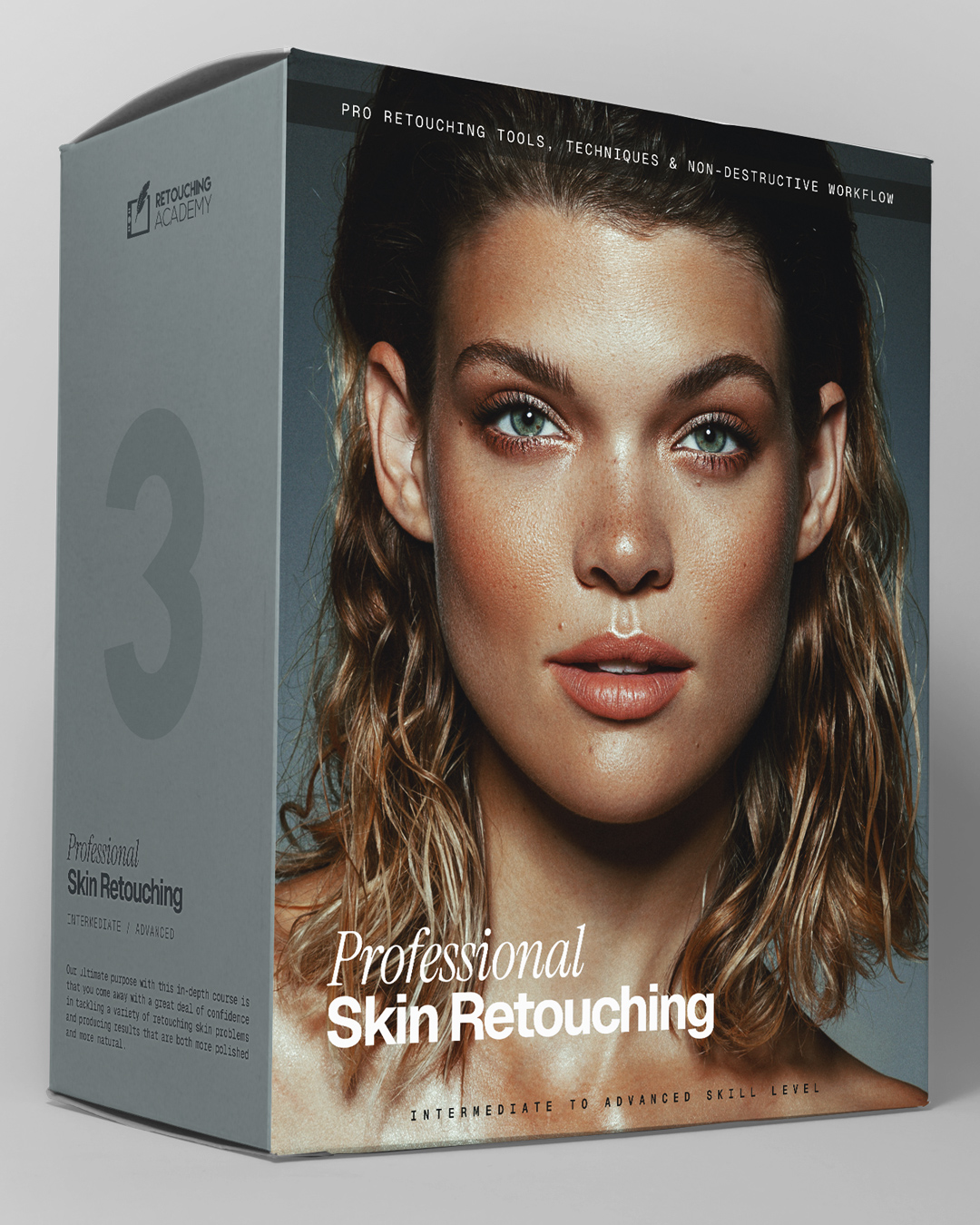
Over 7 hours of video lessons, theory, and hands-on practice to bring your skin retouching work to a professional level.

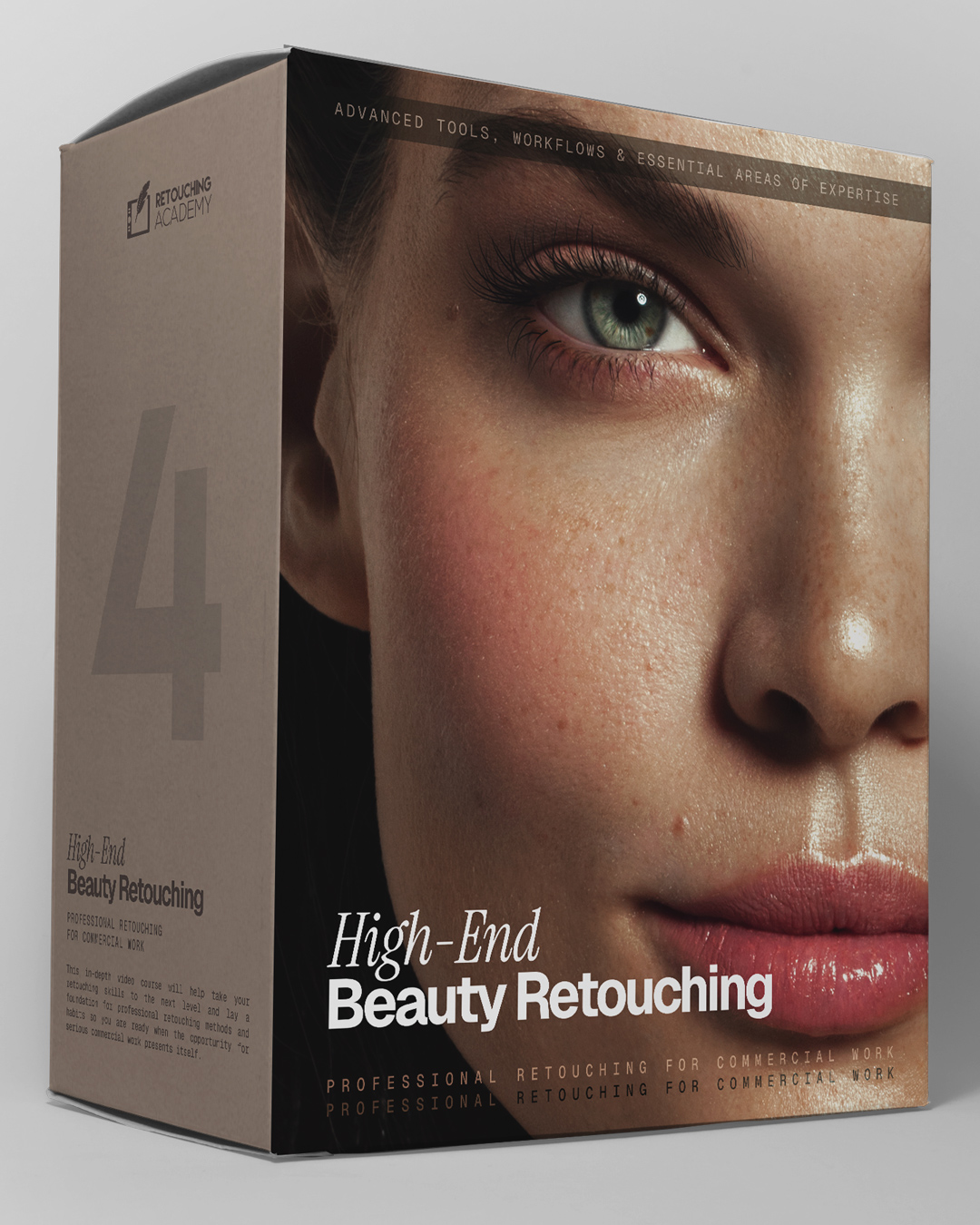
Full commercial-level beauty retouchning workflow, from start to finish. File handling the way commercial clients expect it.
“I retouch skin texture and makeup with both RA Panels. In my work, I can't do without the Beauty Retouch panel!”

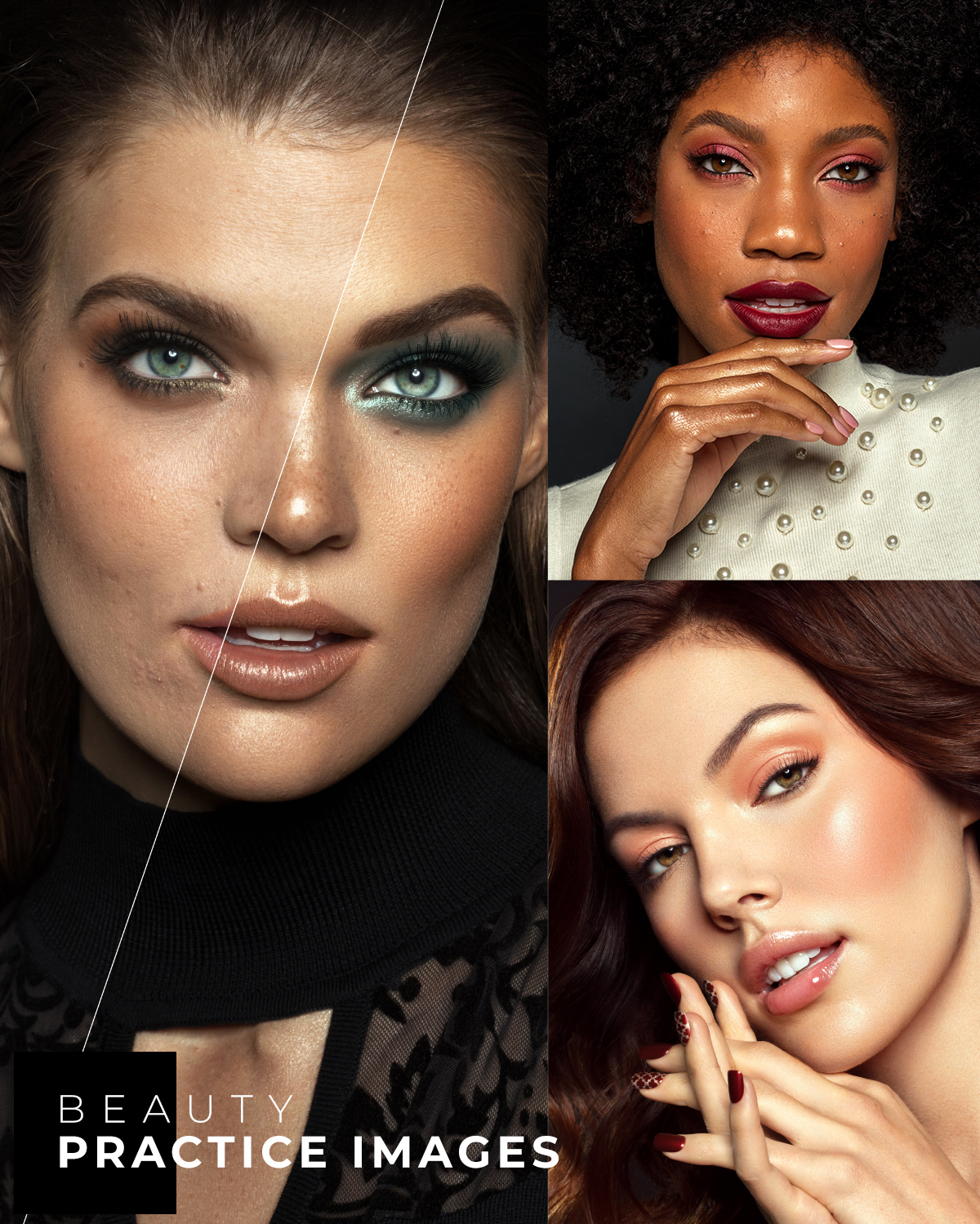
Our courses teach the craft, but real skill is built through deliberate practice on professionally captured files.
Free download · 20+ Raw files
Download 20+ free Raw beauty images kindly shared by friends of Retouching Academy for your retouching practice.
Don’t practice until you can get it right. Practice until you can’t get it wrong.
Harold Craxton, English pianist and composer
// Get the files
We respect your privacy. Unsubscribe at any time.
Photographers, retouchers and makeup artists who use the RA Panels in their day-to-day work.
Photographers and retouchers who built and advanced their retouching skills with our courses.
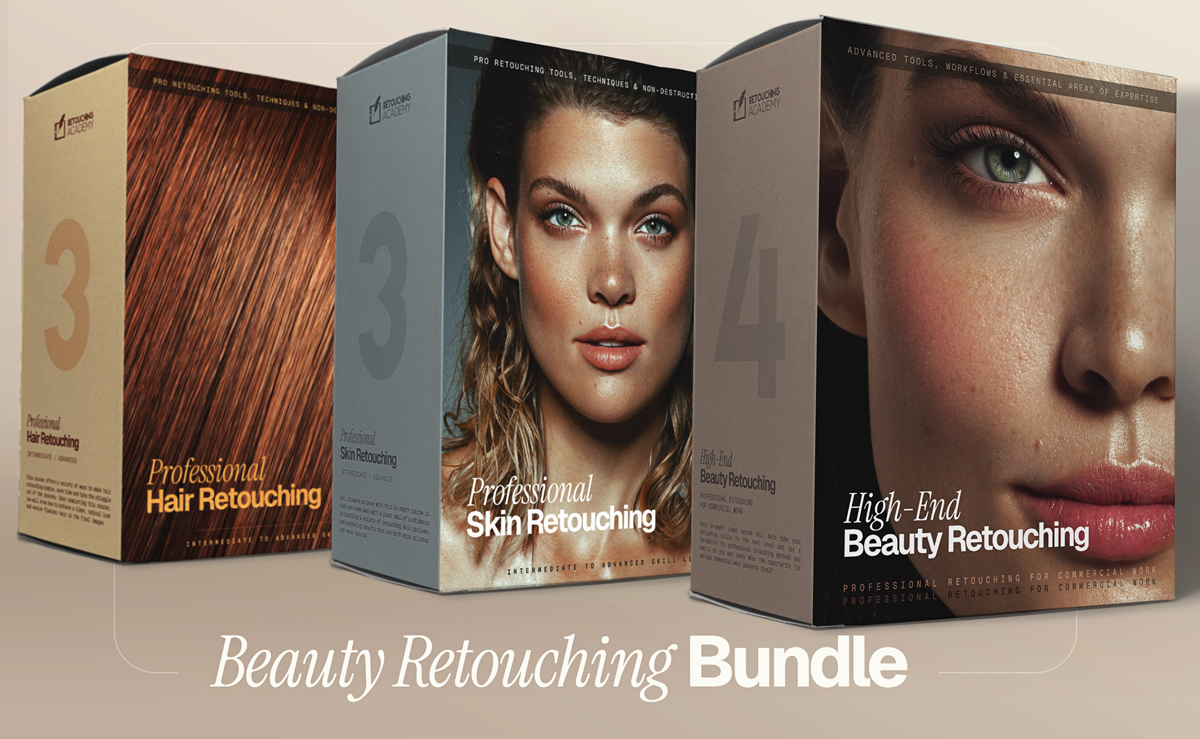
This bundle combines four of our most impactful in-depth courses – distilled theory and hands-on practice – to help you master beauty retouching at a professional level.
Who is this bundle for? Photographers, retouchers, and anyone with basic Photoshop skills who wants to learn beauty retouching at a professional level, and produce high-quality work that stands out (read full description below).
Each course is packed with detailed, actionable lessons, and guaranteed to provide you with a wealth of proven methods and pro tips. With this solid foundation in retouching, you will be able to adopt new technologies faster, integrate advanced retouching tools into your workflow, and maximize efficiency to stay ahead of your competition.
🎁 Bonus: Downloadable custom actions, brushes, and practice beauty images are included.
This bundle combines our 3 in-depth courses, offering theory and hands-on practice to help you master beauty retouching with pro-level understanding and methods.
Who is this bundle for? Photographers, retouchers, and anyone with basic Photoshop and retouching skills interested in mastering beauty retouching at a professional level (read full description below).
Each course is packed with detailed, actionable lessons, and guaranteed to provide you with a wealth of proven methods and pro tips. With this solid foundation in retouching, you will be able to adopt new technologies faster, integrate advanced retouching tools into your workflow, and maximize efficiency to stay ahead of your competition.
🎁 Bonus: Downloadable custom actions, brushes, and practice beauty images are included.
The Beauty Retouch Panel is a Photoshop plugin built for photographers and retouchers who want to deliver professional, high-quality results faster.
Even if your retouching begins in a RAW processor or on an AI-based platform, most beauty and portrait photos will still require detailed finishing work in Photoshop. For that, the Beauty Retouch panel is your most reliable assistant, helping you to deliver professional-level results with greater speed and consistency.
The new Beauty Retouch v5 features AI-powered tools to speed up your workflow without sacrificing quality.
Comes with a 30-day money-back guarantee because we know you will ♥️ it!
Beauty Retouch v5 Panel (released May 2025) is compatible with Photoshop® 2021 (v22.0) or later, Win & Mac OS, incl. M-chip Apple computers. Important! The AI-powered features require Photoshop® 2024 (v25.3) or later
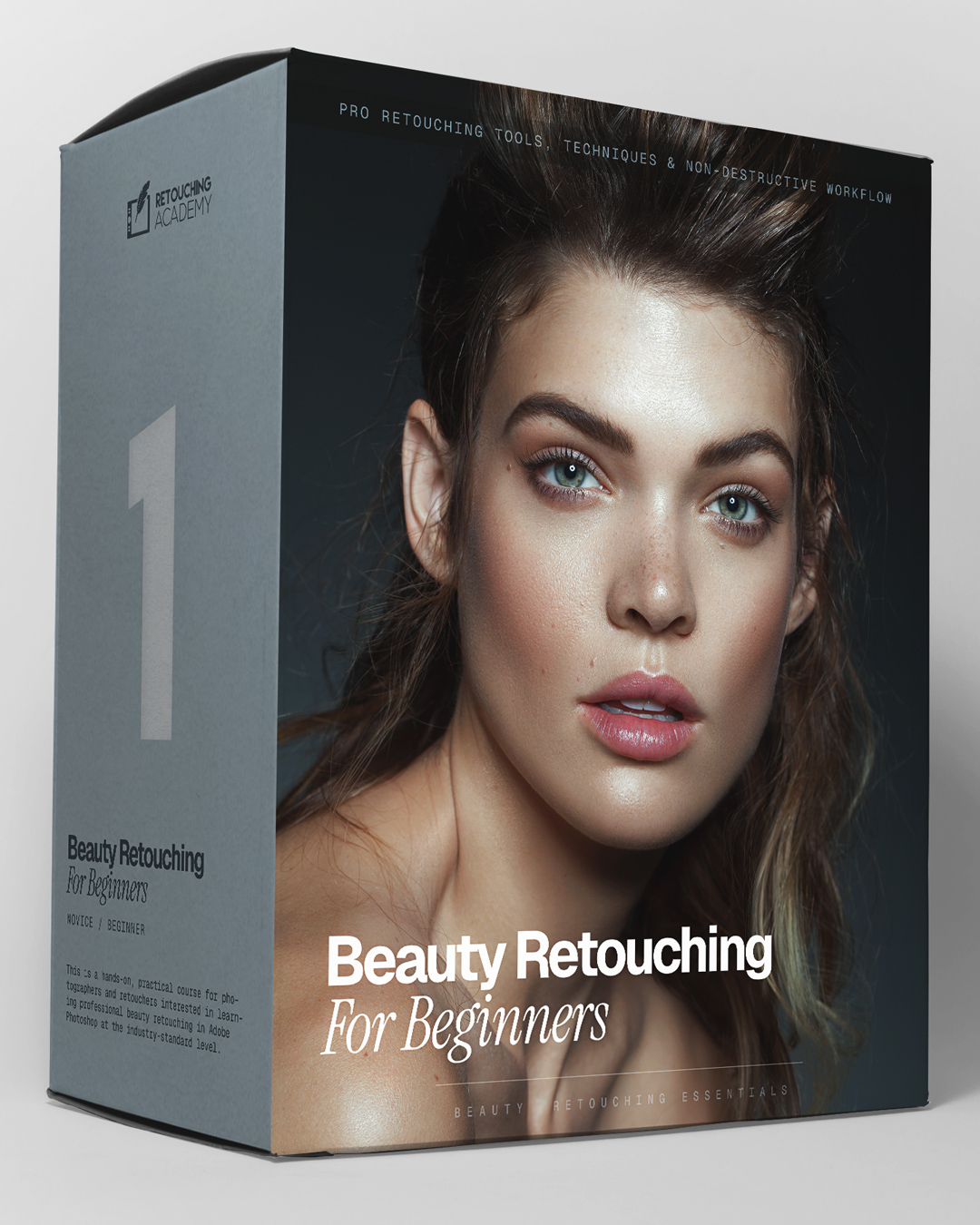
This is a detailed crash course with hands-on self-paced assignments for beginners who want to learn retouching in Photoshop for professional portrait, beauty, and fashion photography.
The team behind this course brings together decades of combined experience in professional photography and retouching. With backgrounds in commercial and editorial beauty and fashion photography, we’ve worked with hundreds of clients, hired and trained dozens of retouching assistants, and developed a deep understanding of what beginner retouchers need to accelerate their skill development.
We’ve distilled the most impactful information—cutting out the fluff—so you can learn and apply your new retouching skills as efficiently as possible.
Our courses are packed with detailed, actionable lessons, and guaranteed to provide you with a wealth of proven methods and pro tips. With this solid foundation in retouching, you will be able to adopt new technologies faster, integrate advanced retouching tools into your workflow, and maximize efficiency to stay ahead of your competition.
🎁 Bonus: Downloadable custom actions, brushes, and practice images are included.
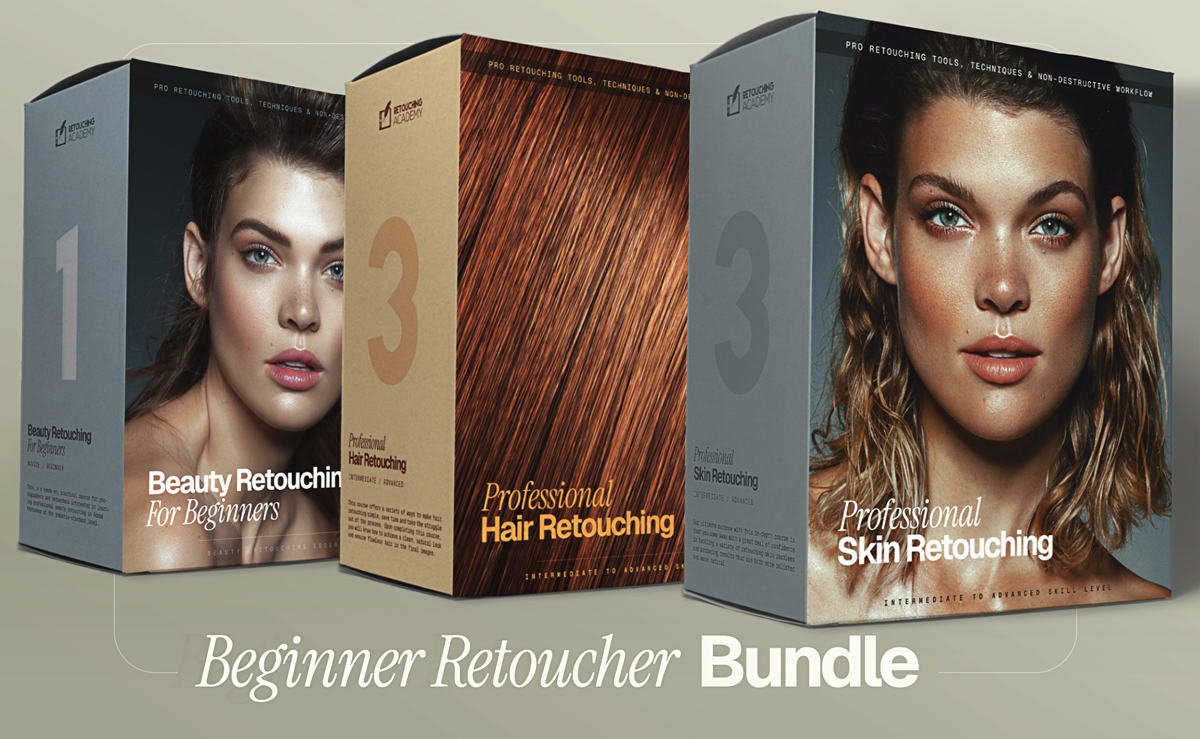
This bundle combines our three in-depth, practical courses to take you from a complete beginner to a capable beauty retoucher with professional tools and practices under your belt.
Who is this bundle for? Anyone with basic Photoshop skills interested in mastering professional retouching for portrait, fashion, and beauty photography, or any other genre that involves images of people (read full description below).
With over 4-hour long Beauty Retouching for Beginners (Retouching JumpStart), 7+ hours of Skin Retouching, 3+ hours of Hair Retouching, you will build a solid retouching skill set.
Each course is packed with detailed, actionable lessons, and guaranteed to provide you with a wealth of proven methods and pro tips. With this solid foundation in retouching, you will be able to adopt new technologies faster, integrate advanced retouching tools into your workflow, and maximize efficiency to stay ahead of your competition.
🎁 Bonus: Downloadable custom actions, brushes, and practice beauty images are included.
Made for experienced photographers and retouchers with strong visual taste and post-production skills who want a repeatable way to run professional visual production for commercial clients.
Become a more capable, AI-fluent creative with a modern system built for what the market actually needs today: consistent, brand-aligned, high-quality visuals delivered month after month.
If project-by-project work has been slowing down, this is a pragmatic way to adapt your skills to where demand already exists today: ongoing visual production on a reliable schedule.
Even with an experienced hairstylist on set, the responsibility for flawless hair in the final images typically falls on the retoucher.
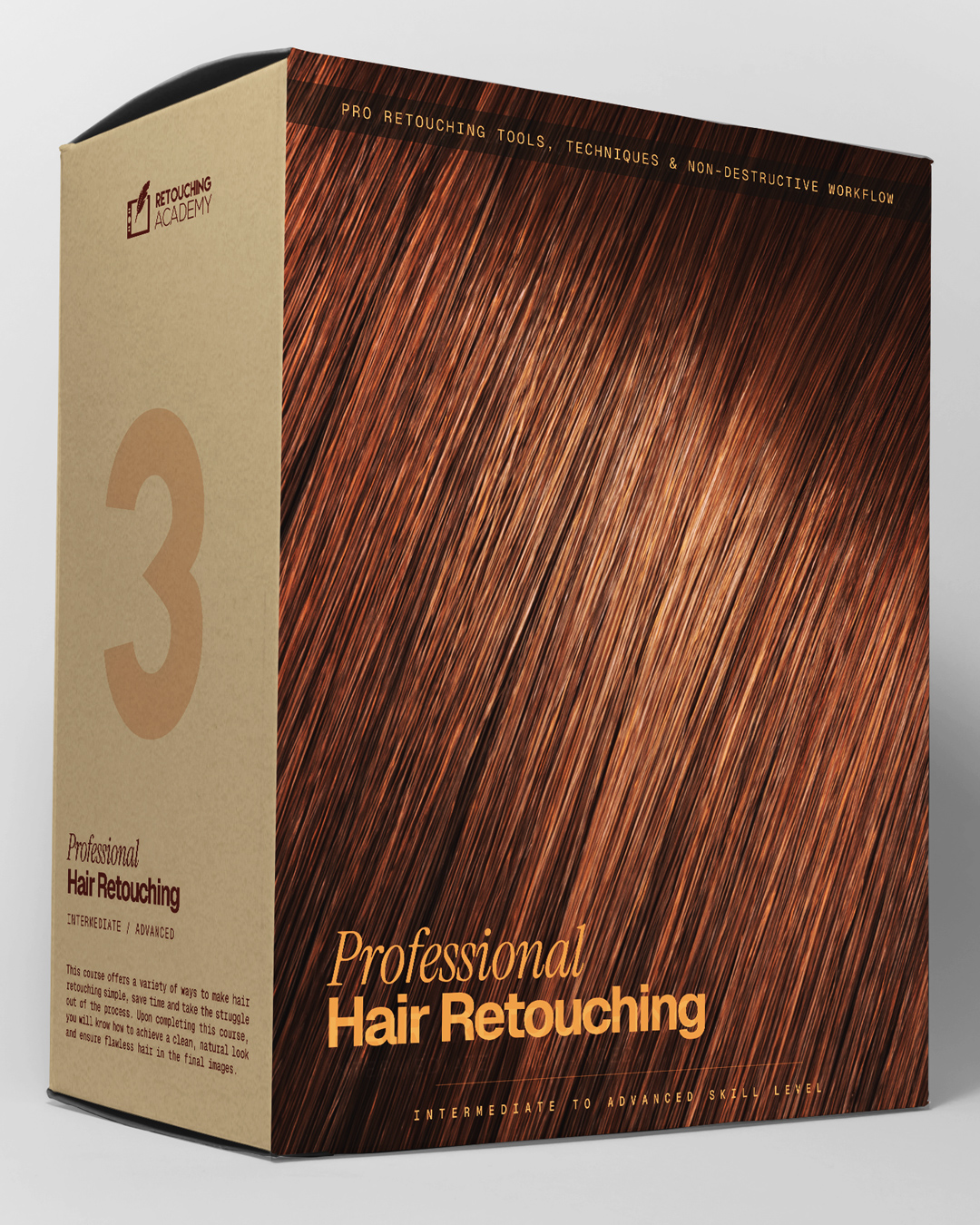
This in-depth course (3 1/2+ hours total) will provide you with a variety of tactics and methods to take the struggle out of hair retouching. You will learn to retouch hair quickly and always have the best approach for any challenging situations when dealing with hair in beauty, fashion, and portrait photography.
Who is this course for? Photographers, retouchers, and anyone with basic Photoshop skills interested in learning hair retouching at a professional level (read full description below).
Our courses are packed with detailed, actionable lessons, and guaranteed to provide you with a wealth of proven methods and pro tips. With this solid foundation in retouching, you will be able to adopt new technologies faster, integrate advanced retouching tools into your workflow, and maximize efficiency to stay ahead of your competition.
🎁 Bonus: Downloadable custom actions, brushes, and practice beauty images are included.
In this course, we take a deep dive into one of the most important techniques in professional retouching known as Dodging and Burning (D&B).
One of the most critical challenges in beauty and portrait retouching is achieving flawless, yet natural-looking skin.
Central to this process is the Dodge & Burn technique – the cornerstone of professional retouching. It is used in beauty and portrait retouching to perfect the appearance of the skin without compromising its natural texture, thus leading to the most realistic results that are required in professional retouching.
🔴 Regardless of which tools you use to Dodge & Burn, this course will give you a deep understanding of the underlying principles and every nuance of the D&B technique.
Who is this course for? Anyone with basic Photoshop skills, interested in learning professional beauty and portrait retouching (read full description below).
Our courses are packed with detailed, actionable lessons, and guaranteed to provide you with a wealth of proven methods and pro tips. With this solid foundation in retouching, you will be able to adopt new technologies faster, integrate advanced retouching tools into your workflow, and maximize efficiency to stay ahead of your competition.
🎁 Bonus: Downloadable custom actions, brushes, and practice images are included.
While our Beauty Retouch panel focuses on the key stages of the professional retouching workflow, the MUA Retouch panel is created specifically for makeup and beauty retouching. It makes color-correcting skin and enhancing makeup quick and easy.
The MUA Retouch panel is a Photoshop plugin for high-quality beauty and makeup retouching and finishing. It is programmed to mimic the effects of real makeup and color correctors, making its functionality intuitively easy to use for creative professionals working in the Beauty & Wellness industry.
Our video tutorials will guide you through each phase of the retouching workflow with this panel.
Comes with a 30-day money-back guarantee because we know you will love it ♥️
This course is a hands-on guide for photographers and retouchers to learn beauty retouching at a professional level.
It is especially valuable for freelancers interested in working in the higher echelon of the market, whether by offering retouching services to commercial clients, pursuing senior in-house retouching roles, or managing post-production workflows and interfacing with photography and retouching vendors on behalf of clients.
Who is this course for? Photographers and retouchers who are already familiar with Adobe Photoshop and basic retouching, and are interested in mastering professional retouching for beauty, fashion, and portrait photography (read full description below).
Our courses are packed with detailed, actionable lessons, and guaranteed to provide you with a wealth of proven methods and pro tips. With this solid foundation in retouching, you will be able to adopt new technologies faster, integrate advanced retouching tools into your workflow, and maximize efficiency to stay ahead of your competition.
🎁 Bonus: Downloadable custom actions, brushes, and practice images are included.
This in-depth course (over 7 hours of video lessons + practice files) offers theory and hands-on practice to master professional skin retouching for beauty, portrait, and fashion photography.
Who is this course for? Photographers, retouchers, and anyone with basic Photoshop skills interested in learning professional skin retouching (read full description below).
Our courses are packed with detailed, actionable lessons, and guaranteed to provide you with a wealth of proven methods and pro tips. With this solid foundation in retouching, you will be able to adopt new technologies faster, integrate advanced retouching tools into your workflow, and maximize efficiency to stay ahead of your competition.
🎁 Bonus: Downloadable custom actions, brushes, and practice images are included.