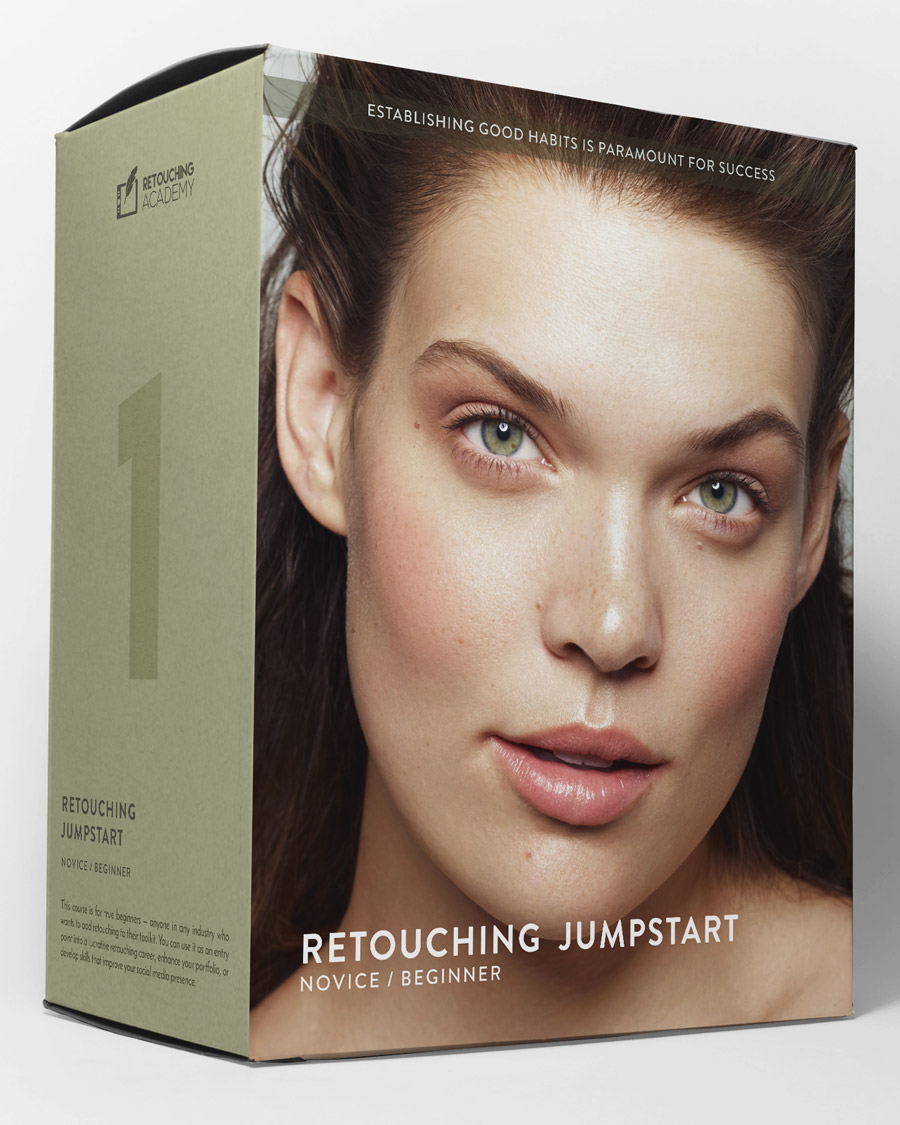

Who Is This Course for?
Photographers, retouchers, and all creative professionals with basic knowledge of Adobe Photoshop, interested in learning beauty retouching.
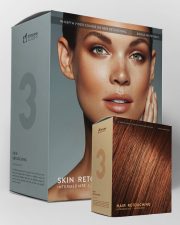
With this course, you will establish a solid skill base for professional-level beauty retouching. You will learn proper skin retouching methods, key principles, tools, and techniques for high-quality retouching, including close-up beauty.
High-quality professional retouching, particularly in beauty photography, requires a deeper understanding of the key principles, tools, and techniques, far beyond the basic, less-refined photo editing, and quick-fix skin-smoothing solutions.
💻 If you are completely new to Photoshop, please consider starting with our Photoshop Essentials for Beauty Retouching concise course.
📲 You can watch our courses anywhere via the Kajabi app.


Our retouching courses are diligently crafted by Julia Kuzmenko McKim and Michael Woloszynowicz, professional beauty & fashion photographers, retouching artists, and educators. In each lesson, we bring decades of our combined distilled industry experience and share our refined retouching methods.
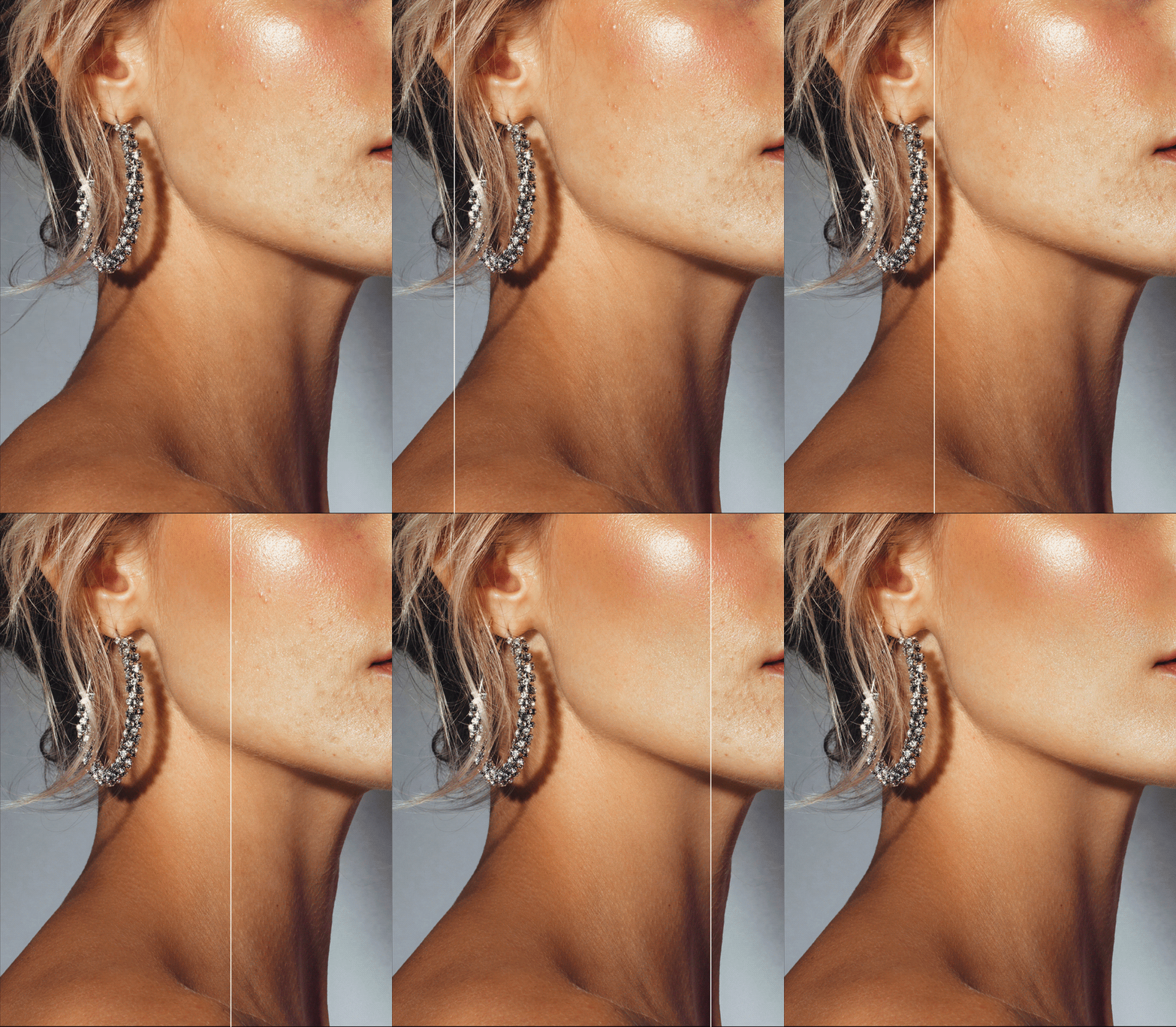
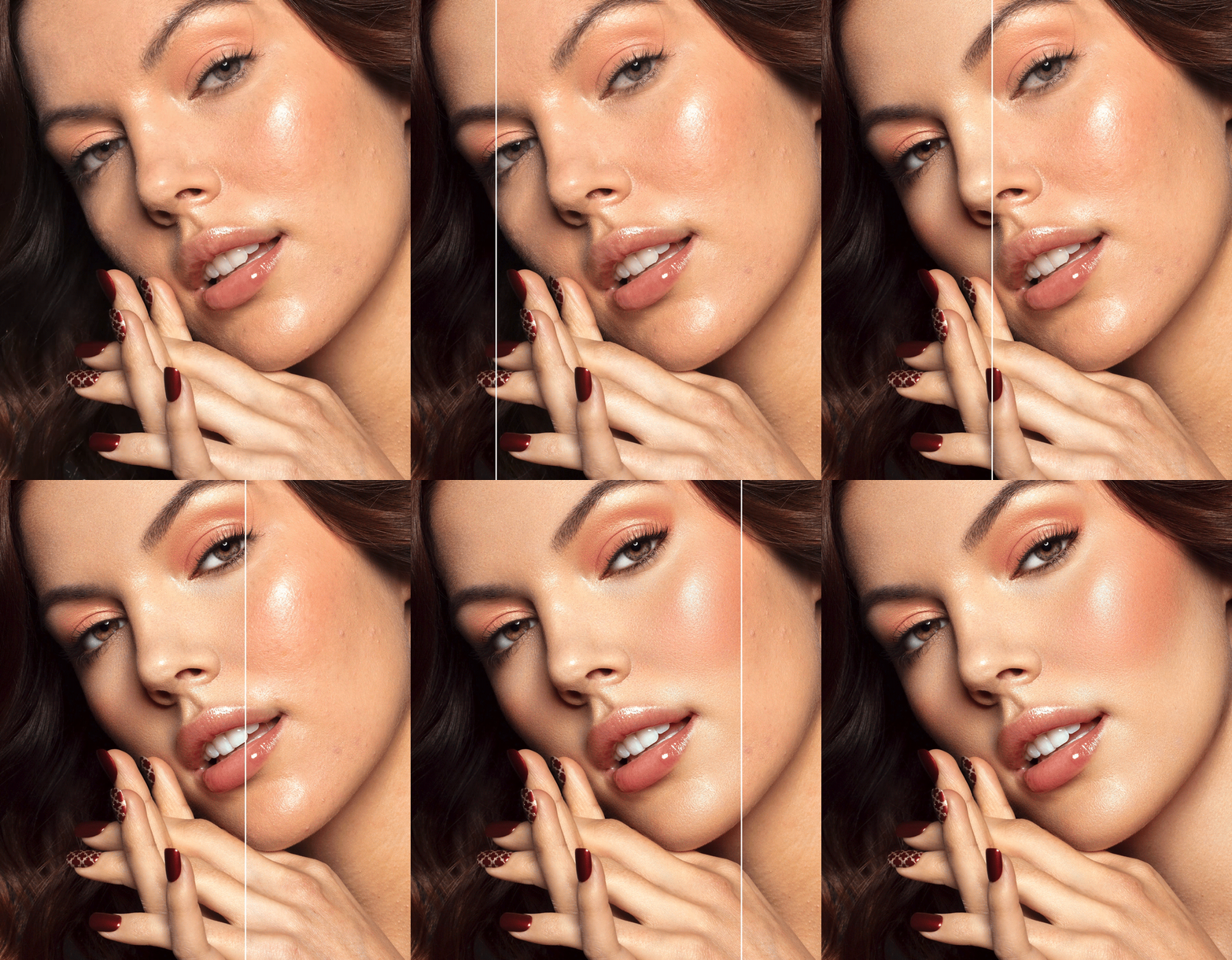
Photo & retouching by @juliakuzmenko
Course Purpose & Promise
In this course, we cover all the essential retouching basics so you can start retouching while still progressing through the lessons. You’ll learn practical, repeatable methods and workflows that are easy to understand and apply to a variety of retouching scenarios.
You’ll begin by learning how to process RAW files before bringing them into Photoshop for detailed retouching. We’ll guide you through setting up your custom Photoshop workspace and configuring your retouching tablet for optimal efficiency and comfort.
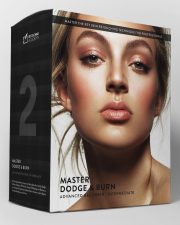
You’ll get familiar with core retouching techniques, including Dodge and Burn and Frequency Separation—cornerstones of professional retouching.
We’ll also introduce you to key tools and methods for color correction and color grading, and walk you through the critical steps of finalizing your images and exporting them in the correct formats for high-quality results on your website or social media.
By building a solid foundation in retouching, you’ll be well-equipped to adopt new technologies, integrate time-saving retouching tools into your workflow, and maximize your efficiency to stay ahead in a competitive industry.
What Is Included
Immediately after your purchase, you will have access to the streaming videos and downloadable materials in your Course Library (login details provided in an automated email):
- Skill Level: (1) Novice / Beginner
- Format: Streaming
- Access: Lifetime
- Duration: Over 4 hours + 11 Assignments
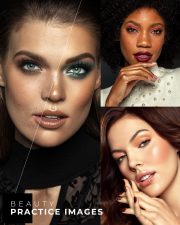
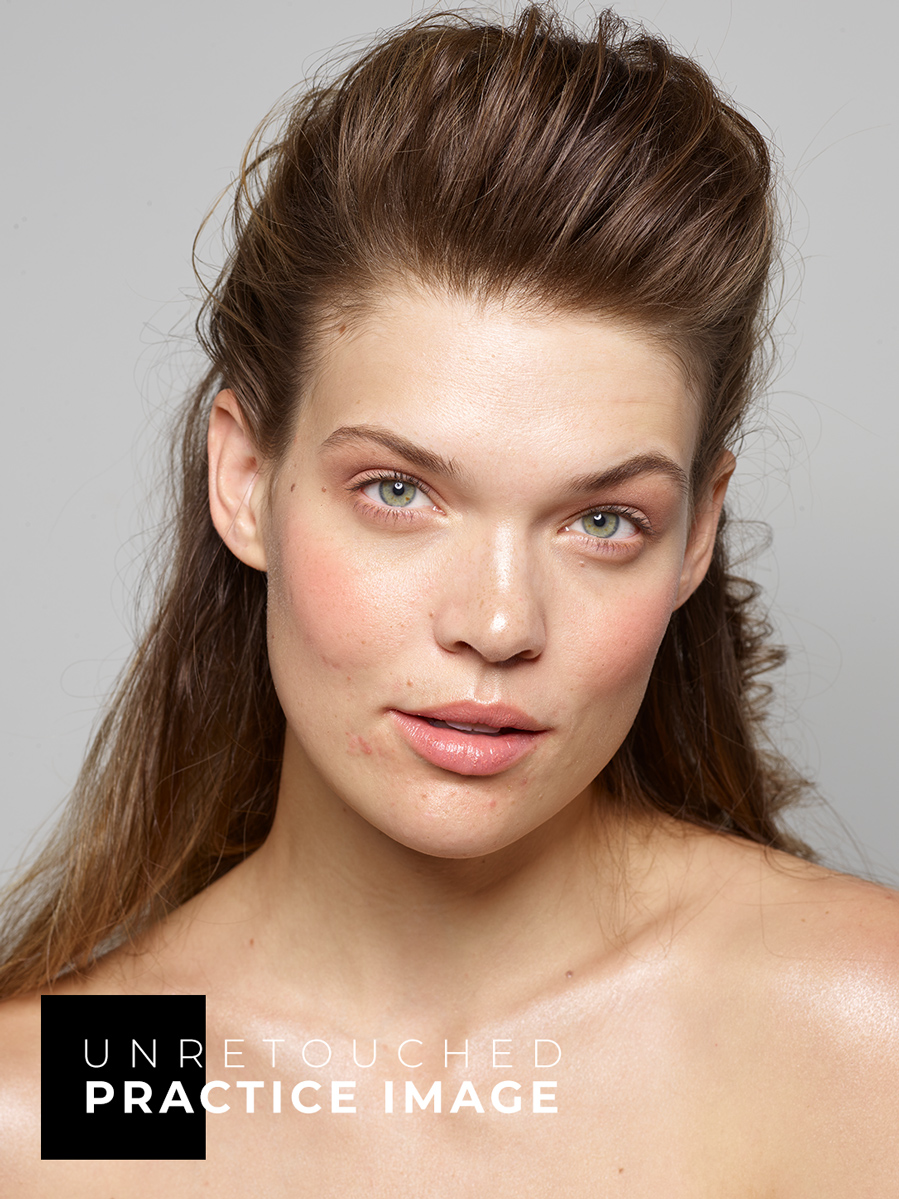
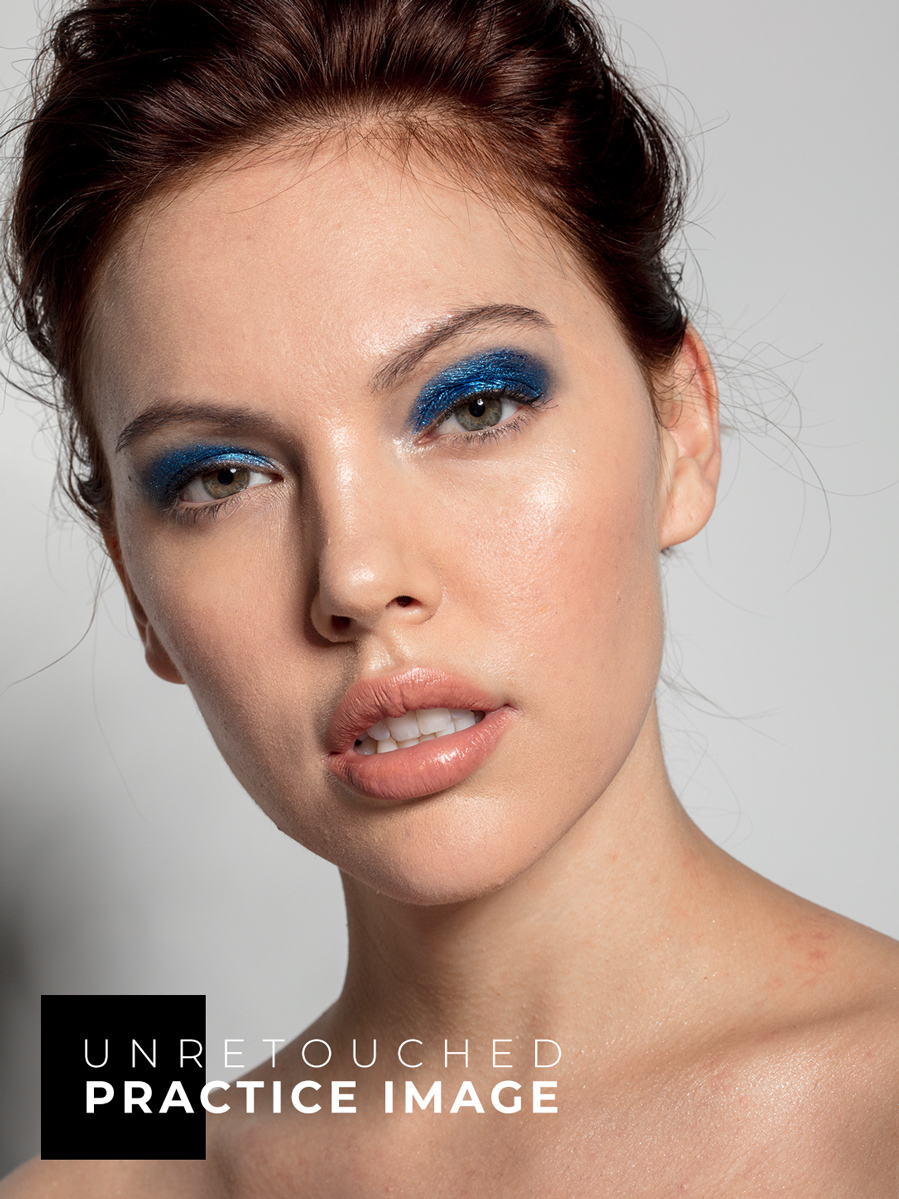
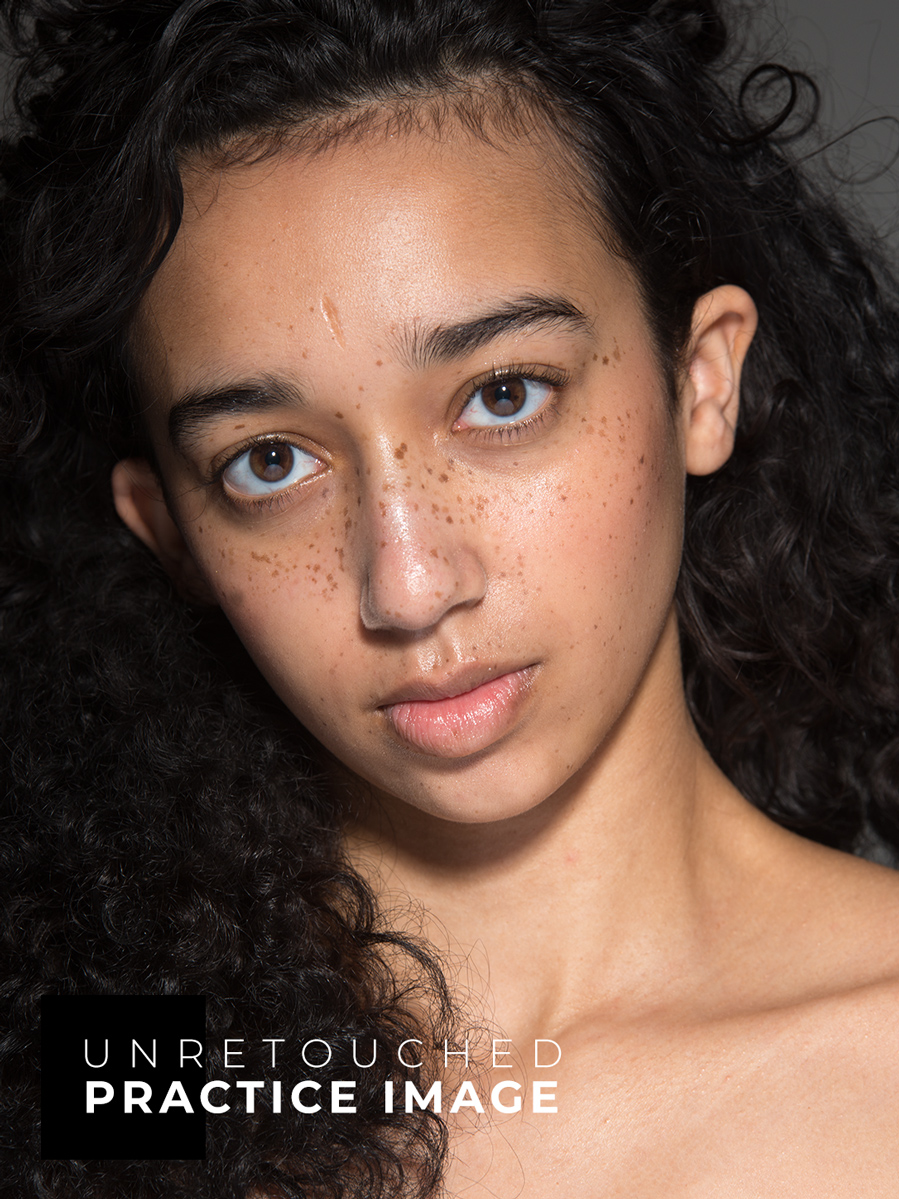
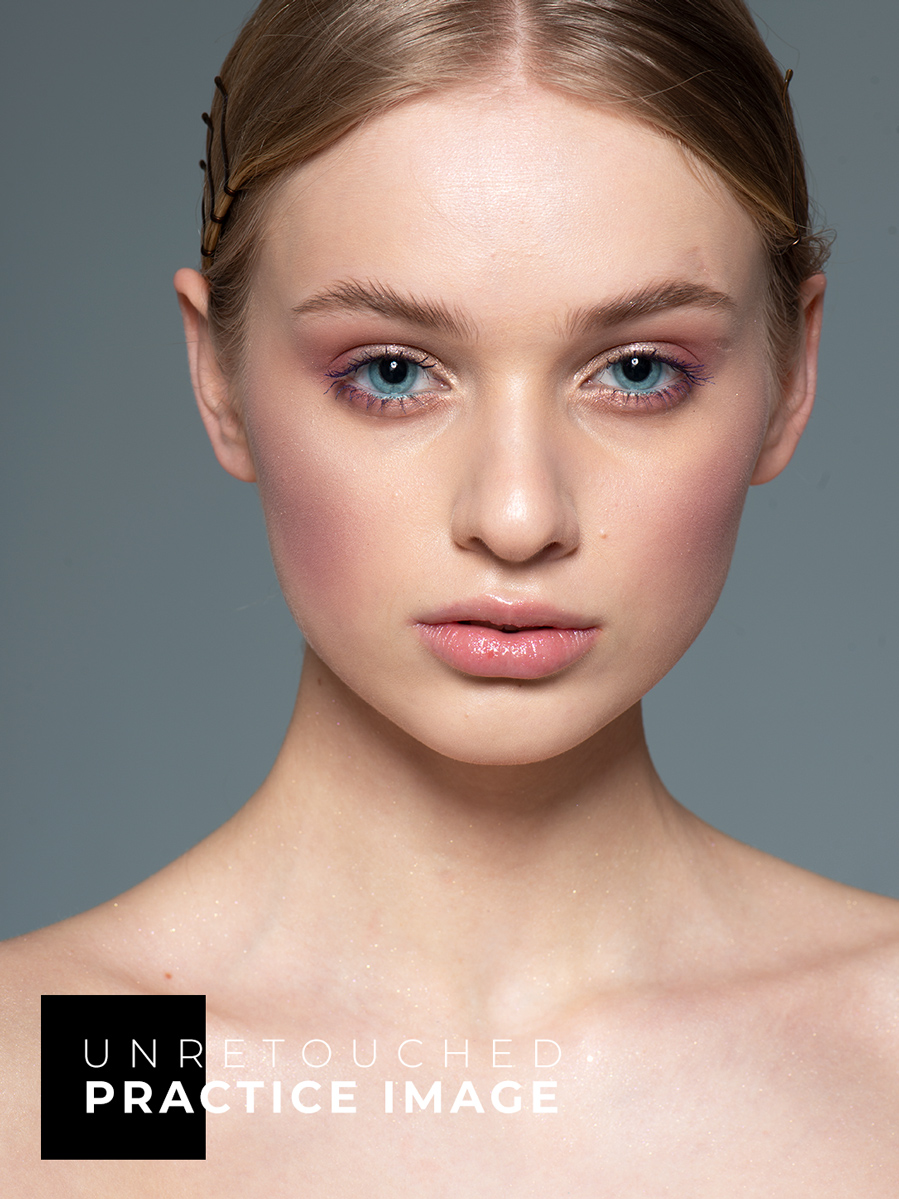
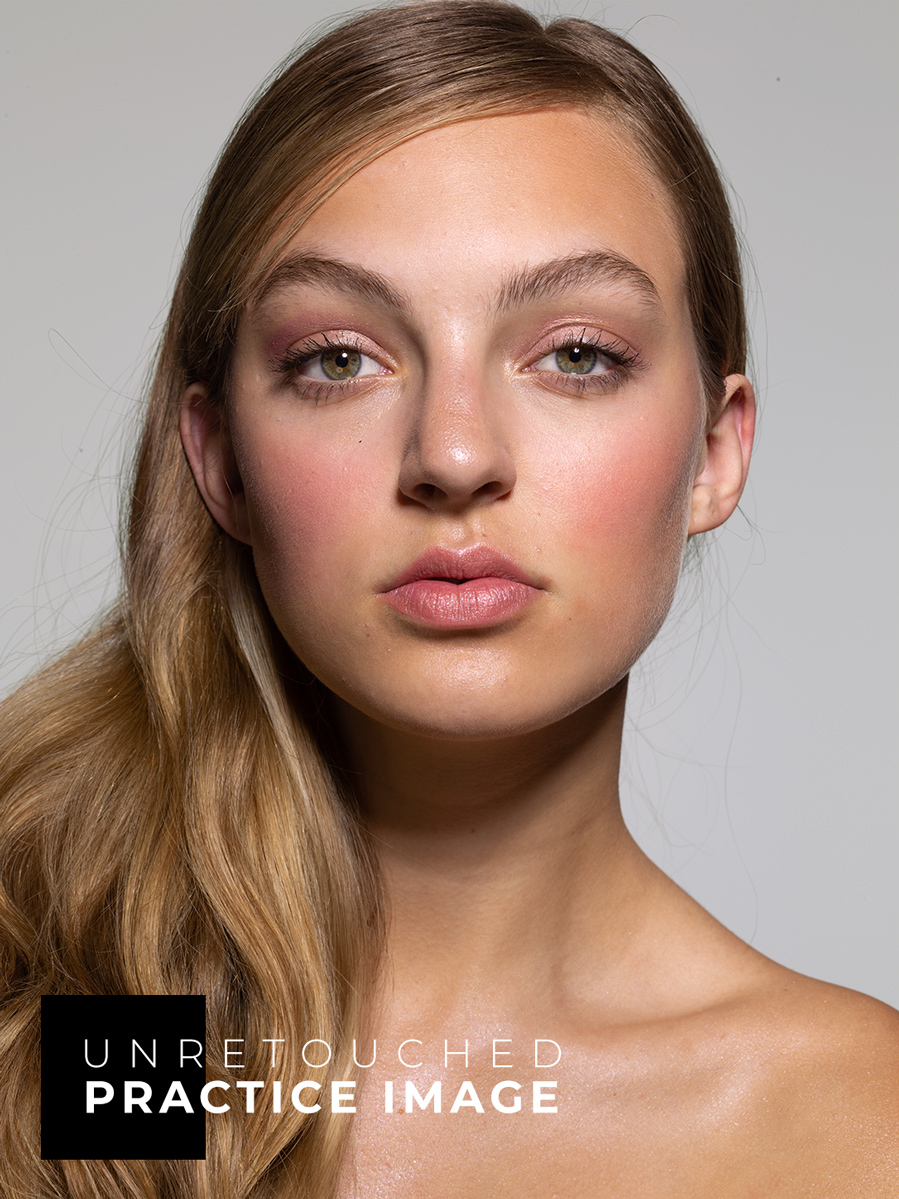
- Practice Files: Beauty images photographed by Michael Woloszynowicz, Julia Kuzmenko McKim, Mary Vostokova, and Anita Sadowska
- Bonus Materials: Custom Actions + Custom Brushes, additional non-beauty practice files.
Best Investment for
Your Retouching Skill Set
This course (4+ hours of video lessons) will teach you retouching techniques and methods used in professional beauty, fashion, and portrait photography.
- Solid skill base: You will learn proper beauty retouching methods, key principles, tools, and techniques necessary for high-quality retouching, including close-up beauty.
- Non-destructive and lean PSD workflow: You will learn to avoid destructive, irreversible changes, and organize your working PSD files like a pro.
- Professional skill level: Whether you’re a photographer interested in offering retouching services alongside your photography, or you’re aiming to build a full-time career in retouching, this course will set you up for success on either path.
- Time-saving workflows: You will learn efficient methods and multiple solutions for various beauty retouching challenges.
- Retouching Career Potential: These methods and workflows will allow you to qualify for entry (junior) in-house retouching roles, creative agency opportunities, or remote freelance work from anywhere in the world. You will also be well-equipped for continued professional growth, producing industry-level retouching results.
⚠️ If you are interested in working with high-echelon clients (e.g. beauty, wellness, and other brands), and qualifying for senior in-house retouching roles or remote commercial freelance work, please consider our All-in-One Beauty Retouch bundle, it includes this course as well as our Pro Beauty Retouching course that covers a wider range of lessons that go beyond technical beauty retouching skills. In that course, we cover different areas of expertise expected from a retouching professional from file handling to business etiquette, file structure, and, of course, the most commonly used professional techniques.
Course Outline & Topics
We’ve distilled the most impactful information—cutting out the fluff—so you can learn and apply your new retouching skills as efficiently as possible.
The lessons are clear and to the point. Each module includes key topics, video tutorials, practice beauty images, bonus materials, and hands-on assignments to help you put what you learn into action.
Module 1: Processing Raw Files
- Introduction
- Adobe Lightroom: Develop Module, Key Adjustments
- Capture One: Interface, Key Adjustments
- Exporting files to Photoshop
- Image resolution & File formats
- Assignment #1: Processing your Raw file
Module 2: Before Retouching Begins
- Photoshop interface, panels, keyboard shortcuts
- Understanding Layers & Layer Masks
- Cropping: When & How
- Smart structure of working PSD files
- Assignment #2: Setting up your custom Photoshop workspace
Working With Graphics Tablets
- Retouching with graphics tablets, models reference
- Setting up your Wacom tablet + choosing stylus nibs (reference)
- Assignment #2.1: Setting up your graphics tablet
Module 3: Retouching Basics
Basic Cleanup
- Healing & Spot Healing Brushes, Clone Stamp
- Grafting texture technique
- Checking your retouching progress
- Assignment #3.1: Basic Cleanup
Frequency Separation Technique (FS)
- FS Technique introduction, FS mechanics
- Lean PSD approach after FS
- Assignment #3.2: Frequency Separation
Finishing Up the Basic Cleanup (Retouch)
- Finishing touches in the Basic Cleanup phase
- Assignment #3.3: Finishing up Basic Cleanup
Dodge & Burn Technique
- Dodge & Burn technique and its mechanics
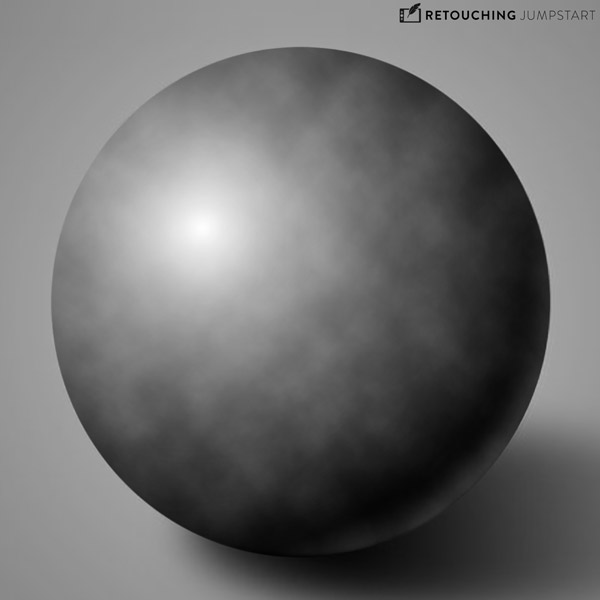
- D&B Contouring on 50% Gray Layer
- Assignment #4.1: D&B Sphere Exercise
- Working smart using D&B Actions or the Beauty Retouch Panel
- Assignment #4.2: D&B Exercise
Color Corrections
- Color Management at a glance
- Basic Selections for Color Corrections
- Complex Selections for Color Corrections
- Assignment #5: Local Selections & Color Corrections
Color Grading
- Finishing Up with Color Grading
- Assignment #6: Color Grading
Finalize & Export
- Finalizing & Exporting your images
- Sharing your work online
- Assignment #7: Final Export
🎁 Bonus: Comes packed with valuable materials, practice beauty images, pro insights, tips and guidance to accelerate your learning progress.
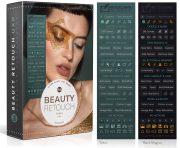
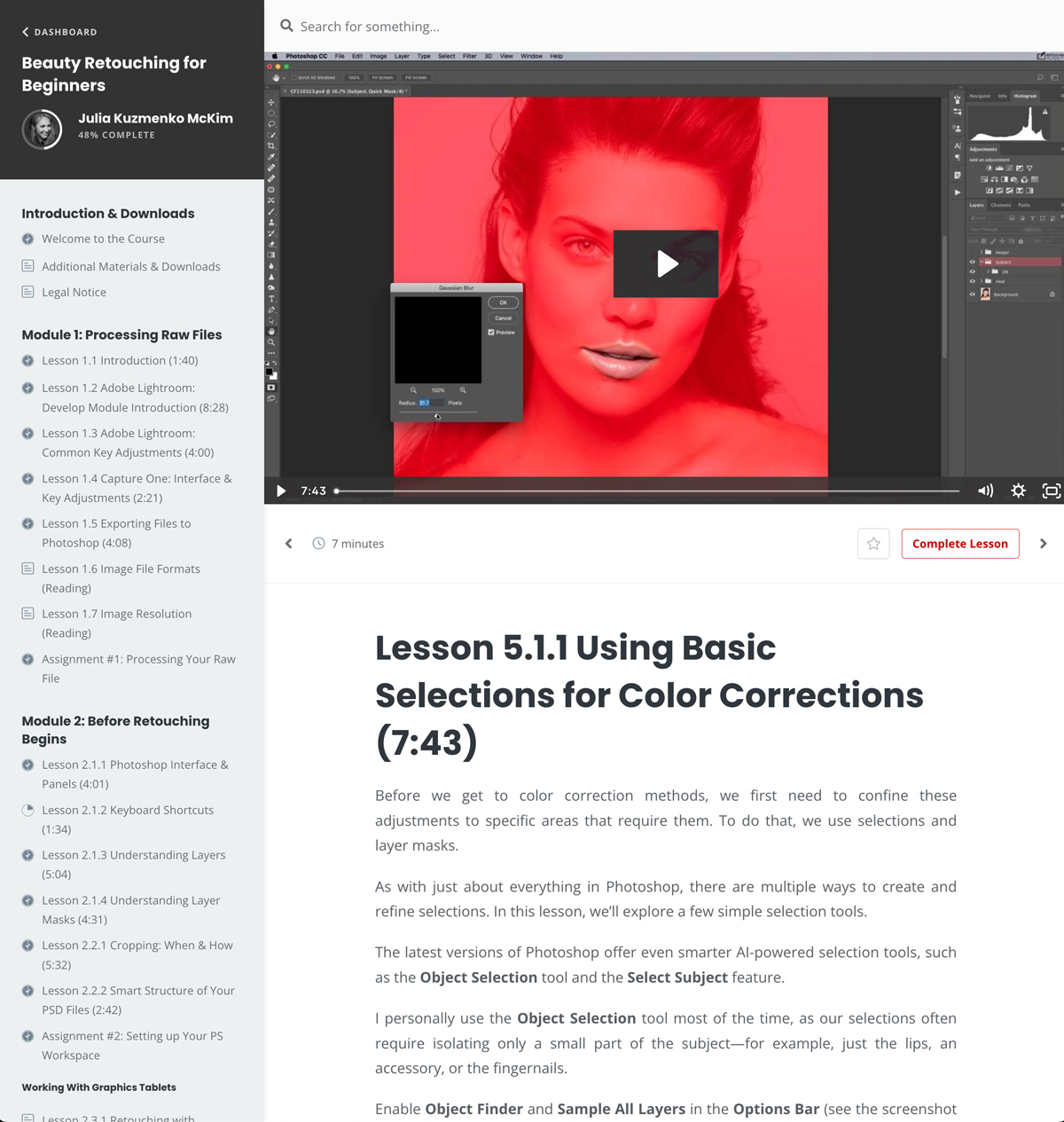
A sample lesson page from the course
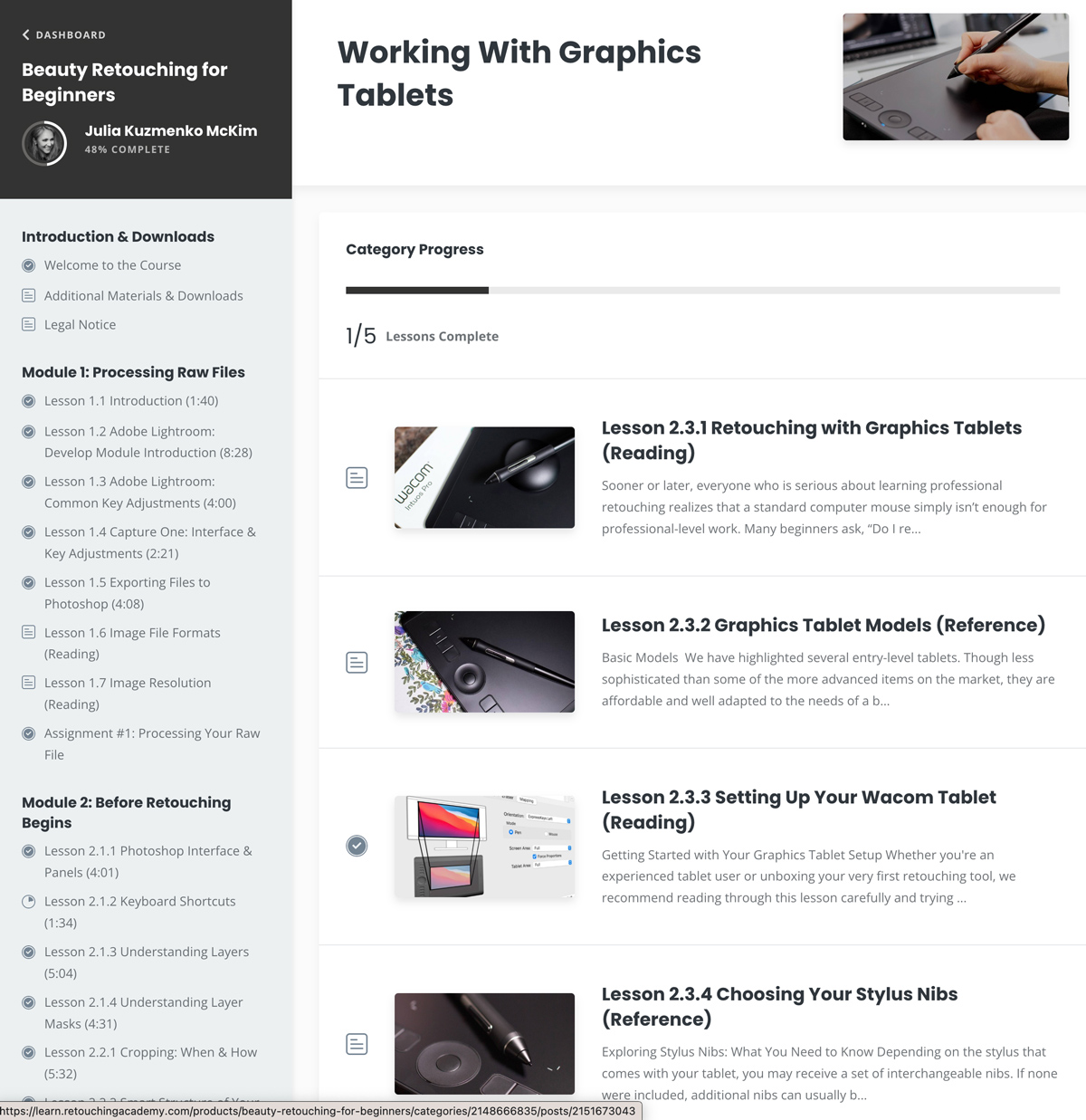
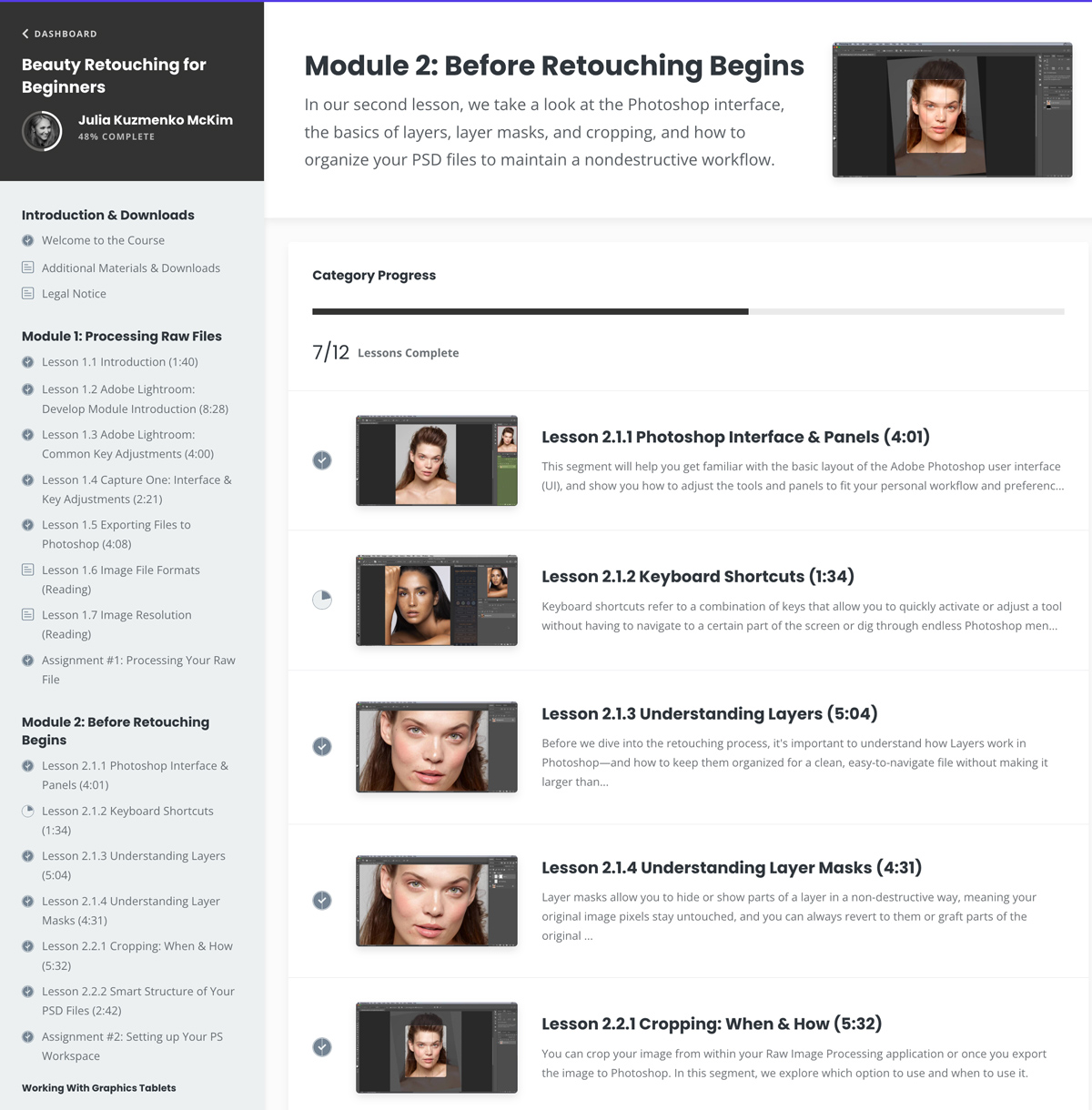
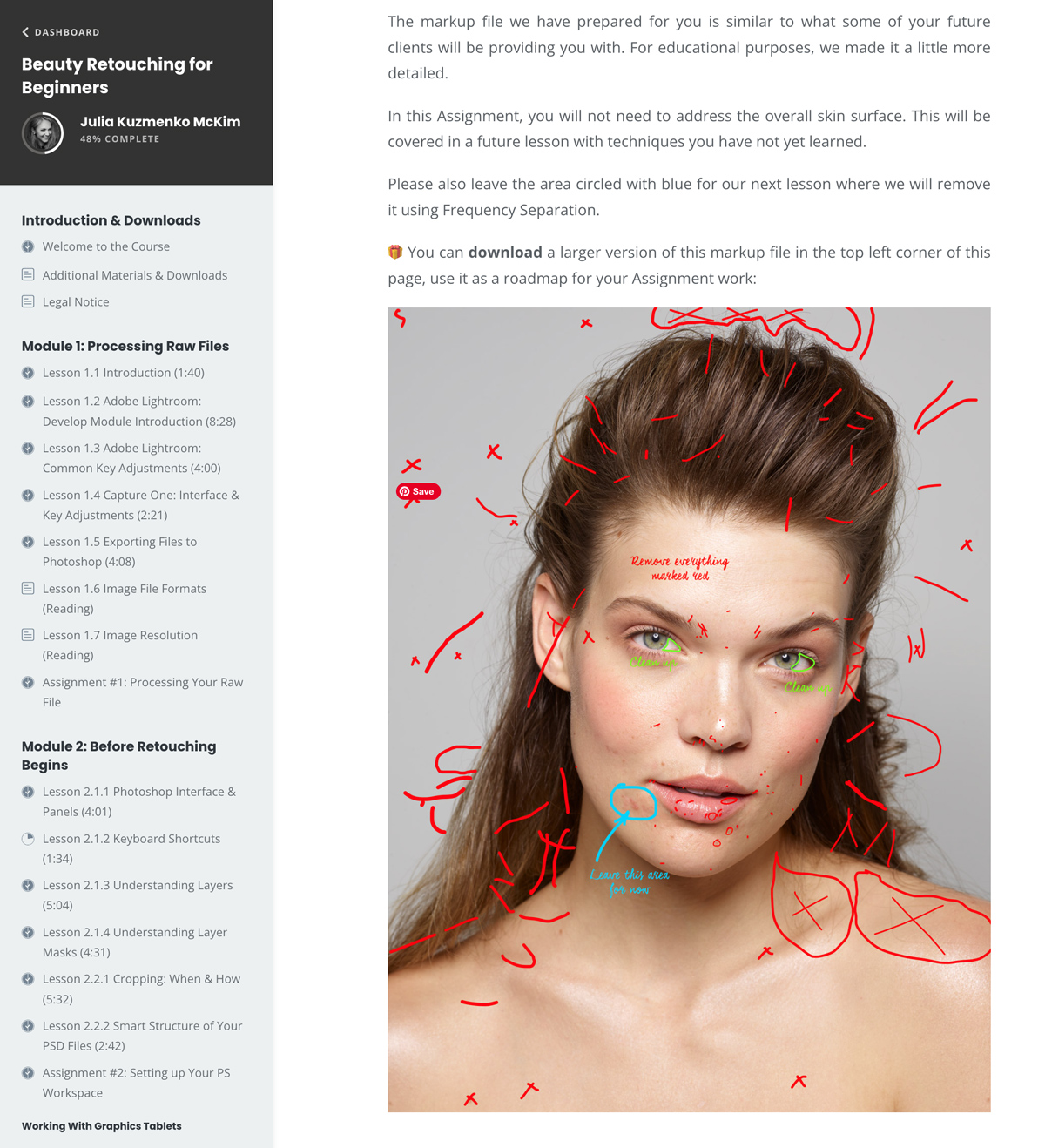
Sample lesson pages from the course
This Course is Included in
These Bundles:
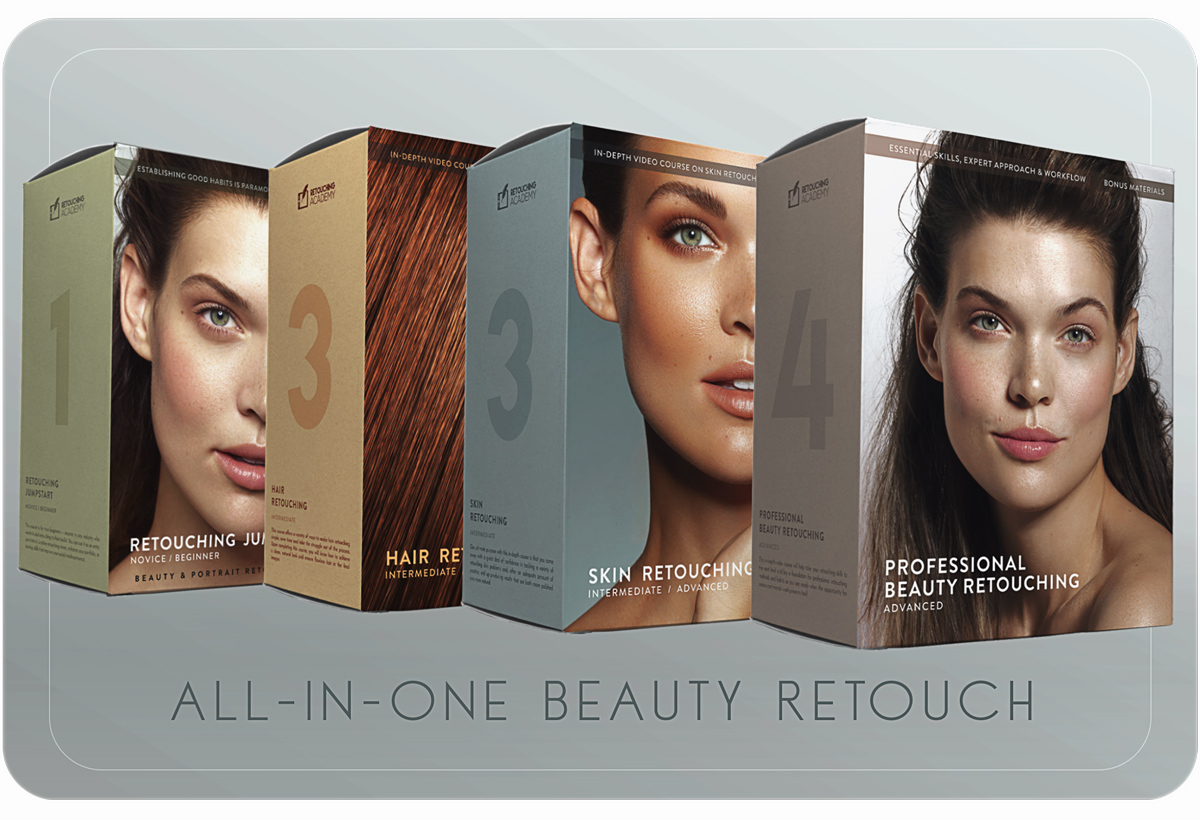
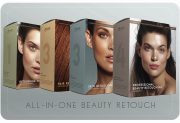
All-in-One Beauty Retouch
Original price was: $373.00 USD.$287.00 USDCurrent price is: $287.00 USD.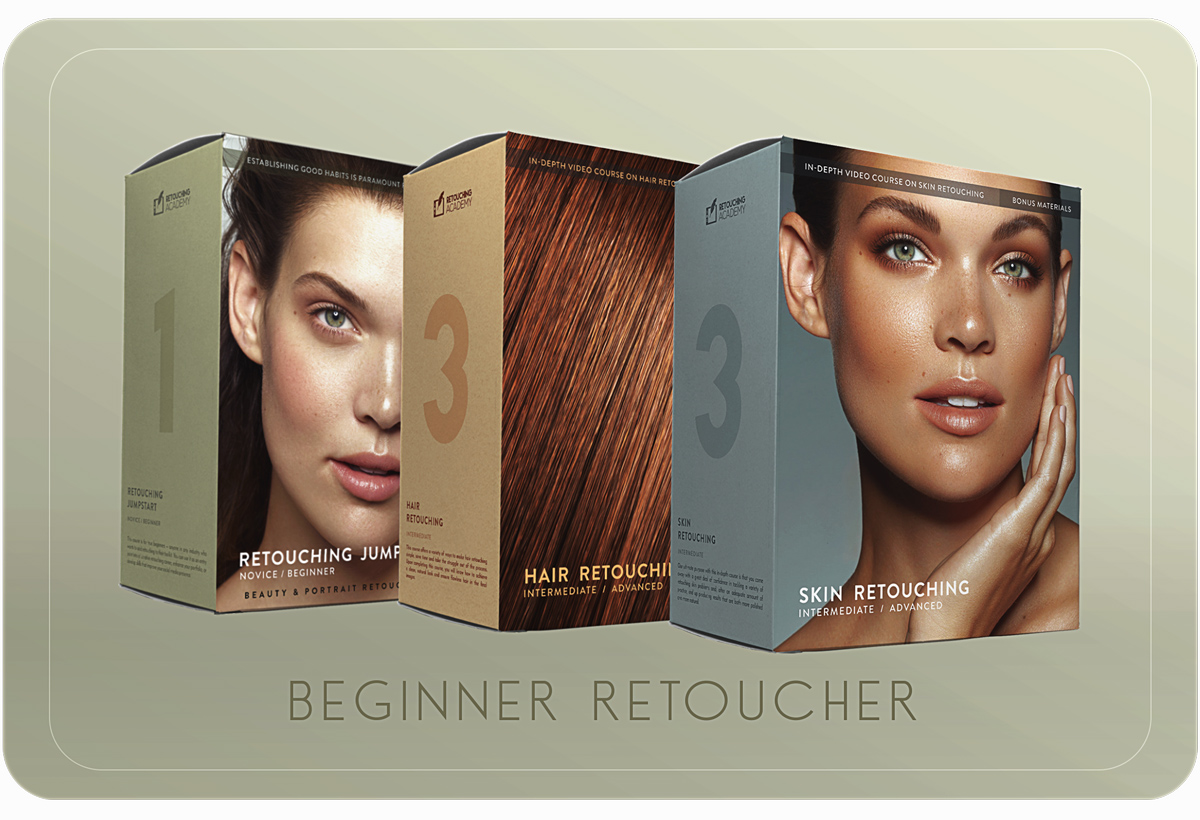
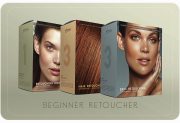
Beginner Retoucher Bundle
Original price was: $174.00 USD.$99.00 USDCurrent price is: $99.00 USD.Photo & retouching by @juliakuzmenko
What Our Students Are Saying
What Our Students Are Saying
By 2028, the global beauty sector is forecasted to reach $590 billion, growing at 6% annually
Both the U.S. and global beauty industries are poised for steady growth over the next five years, with significant contributions from clean beauty trends, digital marketing channels, and regional market expansions in Asia-Pacific and the Middle East.
By 2028, the global beauty sector is forecasted to reach $590 billion, growing at 6% annually
Both the U.S. and global beauty industries are poised for steady growth over the next five years, with significant contributions from clean beauty trends, digital marketing channels, and regional market expansions in Asia-Pacific and the Middle East.
Frequently Asked Questions
Who are the Retouching Academy courses for?
Our courses are created for photographers, retouchers, and anyone interested in mastering professional retouching techniques, starting at any skill level.
Each course description specifies the recommended level of experience with retouching:
♦️ Beginner-Level Courses & Bundles are for those who are new to beauty and portrait retouching. These courses provide a strong foundation in essential retouching techniques.
♦️ Intermediate to Advanced Courses & Bundles are created for photographers and retouchers who want to advance their skills, streamline their workflows, and branch out into commercial work with confidence.
Our in-depth course lessons with practice files and self-paced assignments help students progress quickly and immediately implement the new practical knowledge in their work.
💵 Ultimately, after completing our courses and with sufficient practice, you will develop pro retouching skills that meet commercial client standards (e.g., beauty, wellness, and other companies). These skills will allow you to qualify for senior in-house retouching roles, creative agency opportunities, and remote freelance work for major brands from anywhere in the world.
Do I need prior experience to take these Courses?
For our Beginner-Level Courses & Bundles, prior retouching experience is not required, but familiarity with Photoshop is helpful. These courses include introductions to essential Photoshop tools and key retouching techniques, making it easier for beginners to follow along.
♦️ If you are completely new to Photoshop, we recommend starting with our Photoshop Essentials for Beauty Retouching course to build a solid foundation before diving into retouching.
Our Intermediate to Advanced Courses & Bundles assume you already have some experience with retouching techniques or are a practicing retoucher. While they do touch on the fundamentals, they focus more on advanced methods and do not cover the basics in depth.
Who is the Beauty Retouch panel for?
The Beauty Retouch panel is created for photographers or retouchers who already have some familiarity with essential retouching techniques and terminology.
💥 New Beauty Retouch Version 5 is here!
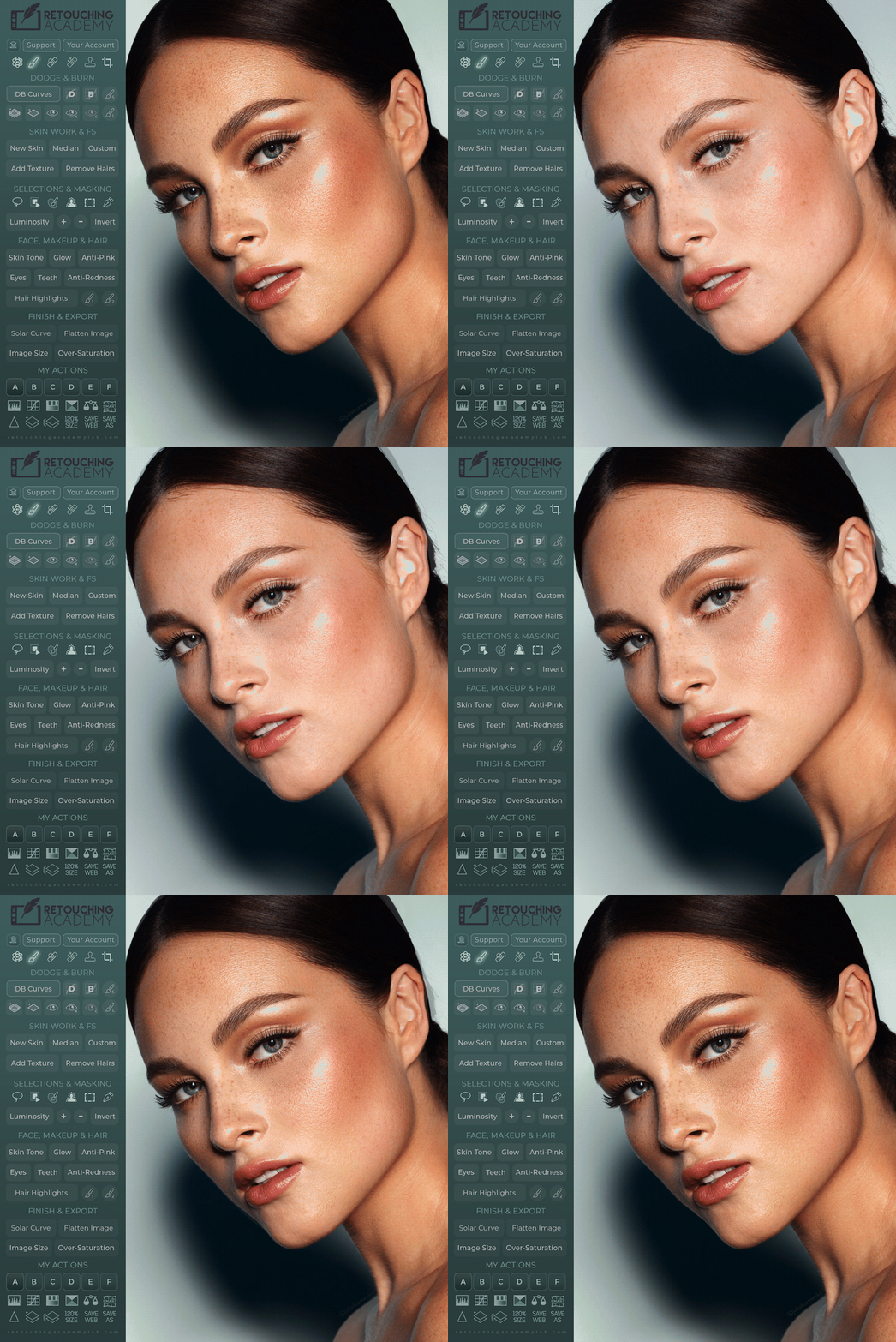
This new version simplifies and accelerates every stage of your retouching workflow, from skin retouching to finishing touches and exporting your final images.
While it’s especially powerful for beauty and portrait retouching, the new AI Tool and the New Skin script are useful for any photography genre involving people.
You can also link 6 (six) of your own custom actions and run them right from the panel’s interface.
🎓 Our detailed video tutorials will guide you in making the most out of these panels.
📌 Compare it with the MUA Retouch panel here.
Who is the MUA Retouch panel for?
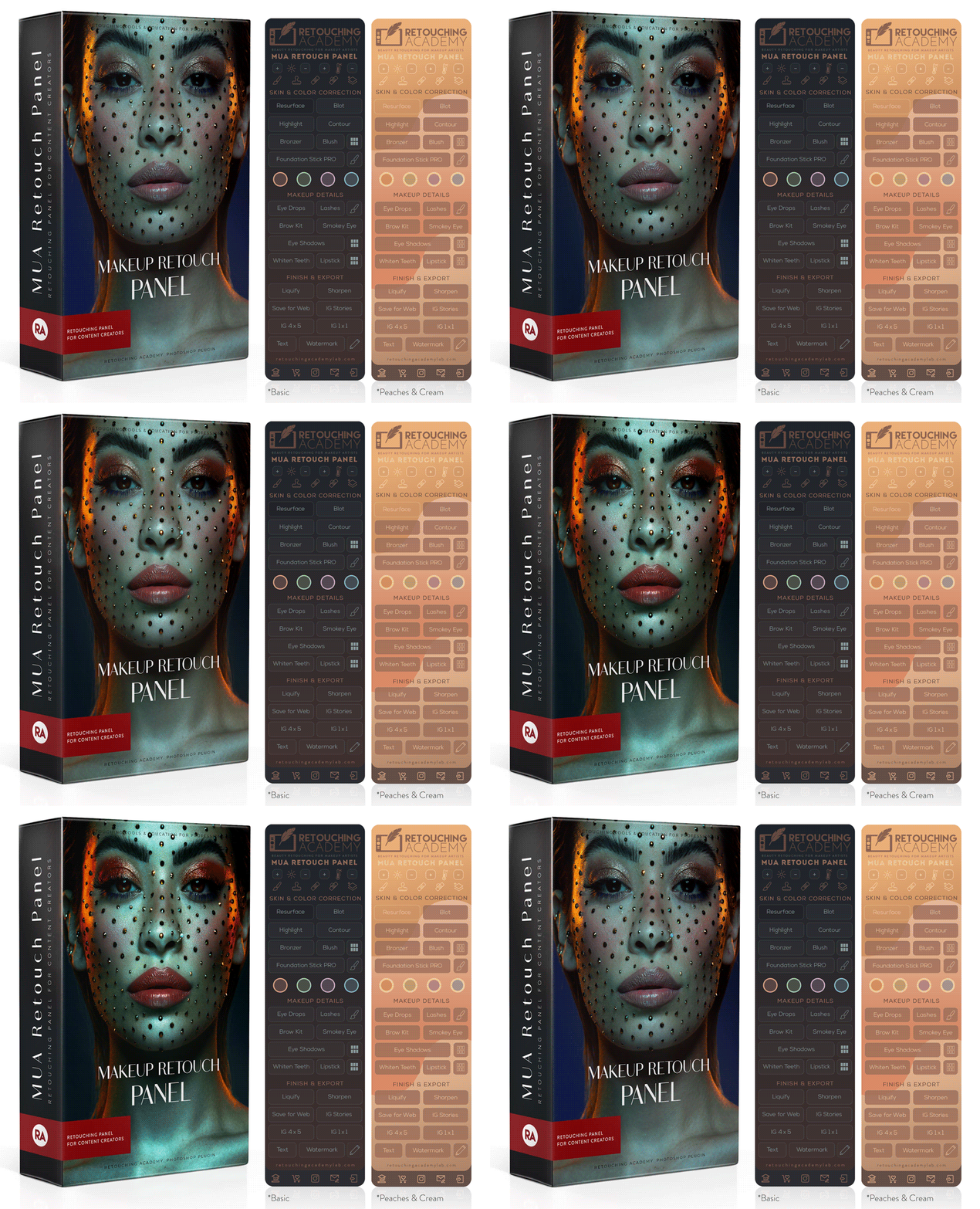
While the Beauty Retouch panel focuses on the key stages of the general retouching workflow, the MUA Retouch panel adds a range of super useful scripts specifically for makeup and beauty retouching.
Each panel can be used independently, as they both contain essential retouching tools and scripts. However, by adding the MUA Retouch panel to your Beauty Retouch, you will significantly streamline your beauty retouching workflow.
The MUA Retouch panel’s scripts mimic the effects of real makeup and beauty products, making them intuitive and easy to use for all beauty enthusiasts.
🎓 Our detailed video tutorials will guide you in making the most out of these panels.
🗝️ This panel comes with a FREE concise Photoshop Essentials for Beauty Retouching video course for beginners.
📌 Compare it with the Beauty Retouch panel here.
Do I need Adobe Photoshop to use the Panels?
Yes, our panels are Photoshop plugins, compatible with Adobe® Photoshop® CC2021 (v22.0) and later for Win & Mac OS, including M-series chip Apple computers.
Important! The AI-powered features in the Beauty Retouch v5 require Photoshop® 2024 (v25.3) or later.
📌 If you are completely new to Photoshop, we recommend starting with our Photoshop Essentials for Beauty Retouching course.
What if I don't like the Course I purchased?
We are incredibly proud to share that in the past five years, we have not received a single refund request for our courses.
That is not accidental – it is the result of meticulous planning and creation of our courses, and the detailed course descriptions that ensure that our students’ expectations and learning experiences are completely aligned.
With that being said, if you’re not completely satisfied, please reach out to us within 7 days of your course purchase.
🛠️ See our general Terms & Conditions.
What if I don't like the Panel I purchased?
Thousands of creative professionals worldwide have been using our panels for over a decade, and they love them!
How do we know?
They proudly share their retouching work with us on @retouchingpanels, leave kind testimonials, and tell us directly in their emails when they connect with our team.
In fact, over 90% of our legacy RA Panels users have upgraded to the new UXP subscription-based versions to keep working with their favorite tools.
We’re confident that once you watch our video tutorials and learn how to use the panels (they’re simple and intuitive), you’ll love them too!
Plus, we offer a 30-day money-back guarantee, making it completely risk-free to try. If you’re not completely satisfied, just reach out to us within 30 days of your purchase, and we’ll make it right.
🛠️ See our general Terms & Conditions.
How long can I access the Course I purchased?
Once you enroll in any of our current courses, you’ll have lifetime access to all course materials, including any future updates or added content.
Our courses are self-paced, so you can learn at your own speed, revisit lessons anytime, and complete assignments whenever it suits you.
The courses are hosted on a streaming platform, making them accessible on your desktop computer, laptop, and mobile devices.
📲 You can watch our courses anywhere via the Kajabi app.
Can I get personalized feedback?
While our courses are self-paced, we encourage you to leave comments under relevant lessons when you have any questions so our team can answer and support your learning journey.
Some courses also include access to a dedicated private community, where you can ask questions, suggest new lessons, and receive feedback from instructors and fellow students.
Can I download Course materials?
Yes! All our courses come with downloadable bonus materials, including practice files, custom actions, and brushes.
Typically, you will find them at the beginning of each course on the Additional Materials & Downloads or Welcome to the Course pages.
How can I enroll in a Course?
Immediately after purchasing any of our courses or bundles, you’ll receive an email with your login details and instructions to start learning right away.
If you’ve purchased courses from us before, you can log in via the Customer Login or through the Learn > Your Course Library link in the top menu of our Retouching Academy website.