Your Beauty Retouching Secret Sauce
Get More High-Quality Work Done Faster
Who this Panel is For
Beauty Retouch Panel is a Photoshop plugin built for photographers and retouchers who want to deliver professional results faster.
✓ For creative professionals who are comfortable working with essential tools, layers, and masks in Photoshop.
✓ Post-production professionals who prefer a non-destructive retouching workflow.
✓ Freelancers working with paying clients who expect consistent, high-quality results.
✓ Educators in photography who teach using structured retouching tools.
 Photography & Retouching by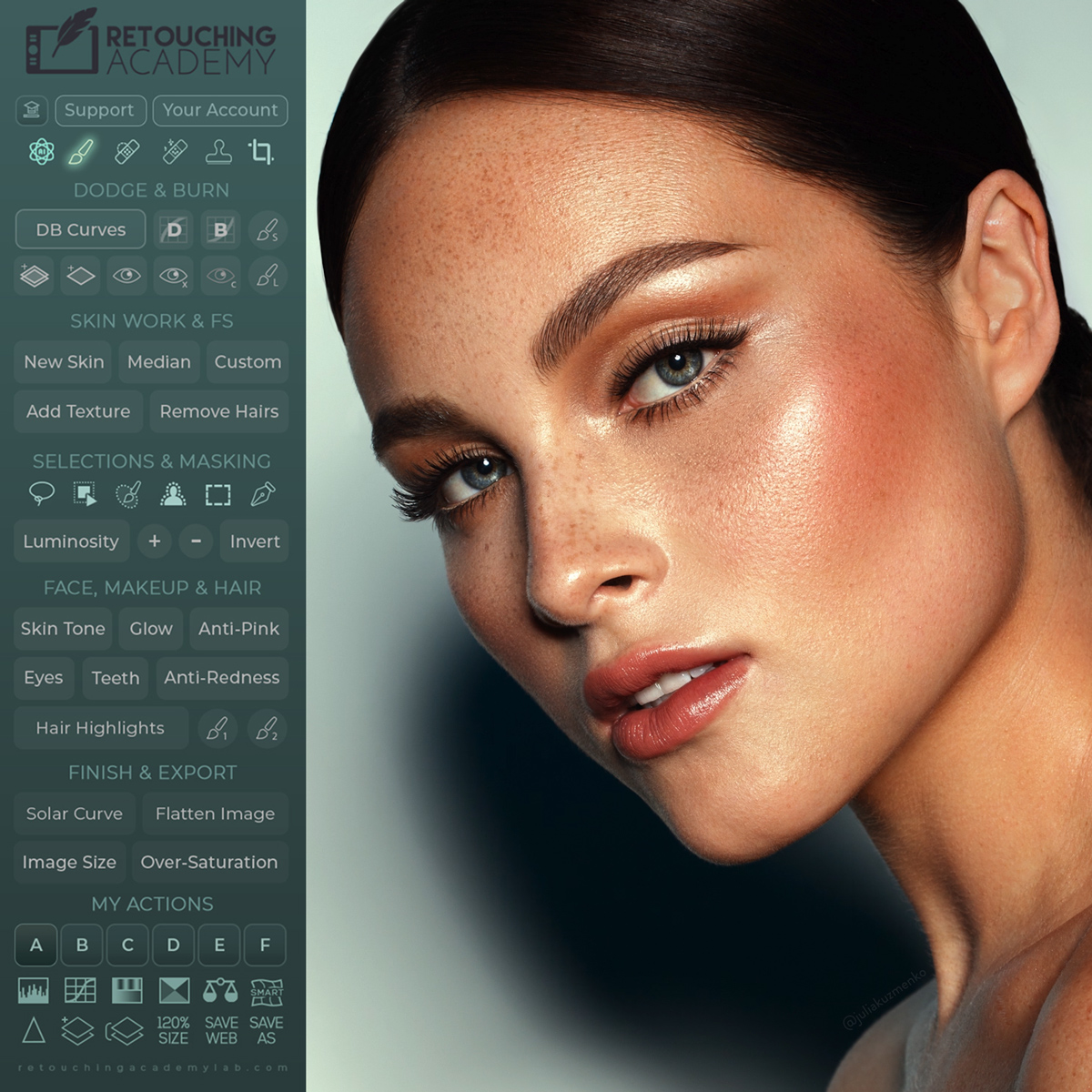
Who this Panel Is Not For
We want you to get the best results with tools that suit your workflow. This panel may not be for you if:
✘ You’re looking for “one-click glam” or AI-magic results without manual refinement.
✘ You don’t want to work in Photoshop.
✘ You want a mobile-only workflow. This panel is for Photoshop on a desktop or laptop.
✘ You’re after batch-retouching automation for hundreds of images. We focus on quality, not volume.
Over 20,158 Users Worldwide
Read More Testimonials at the Bottom of This Page
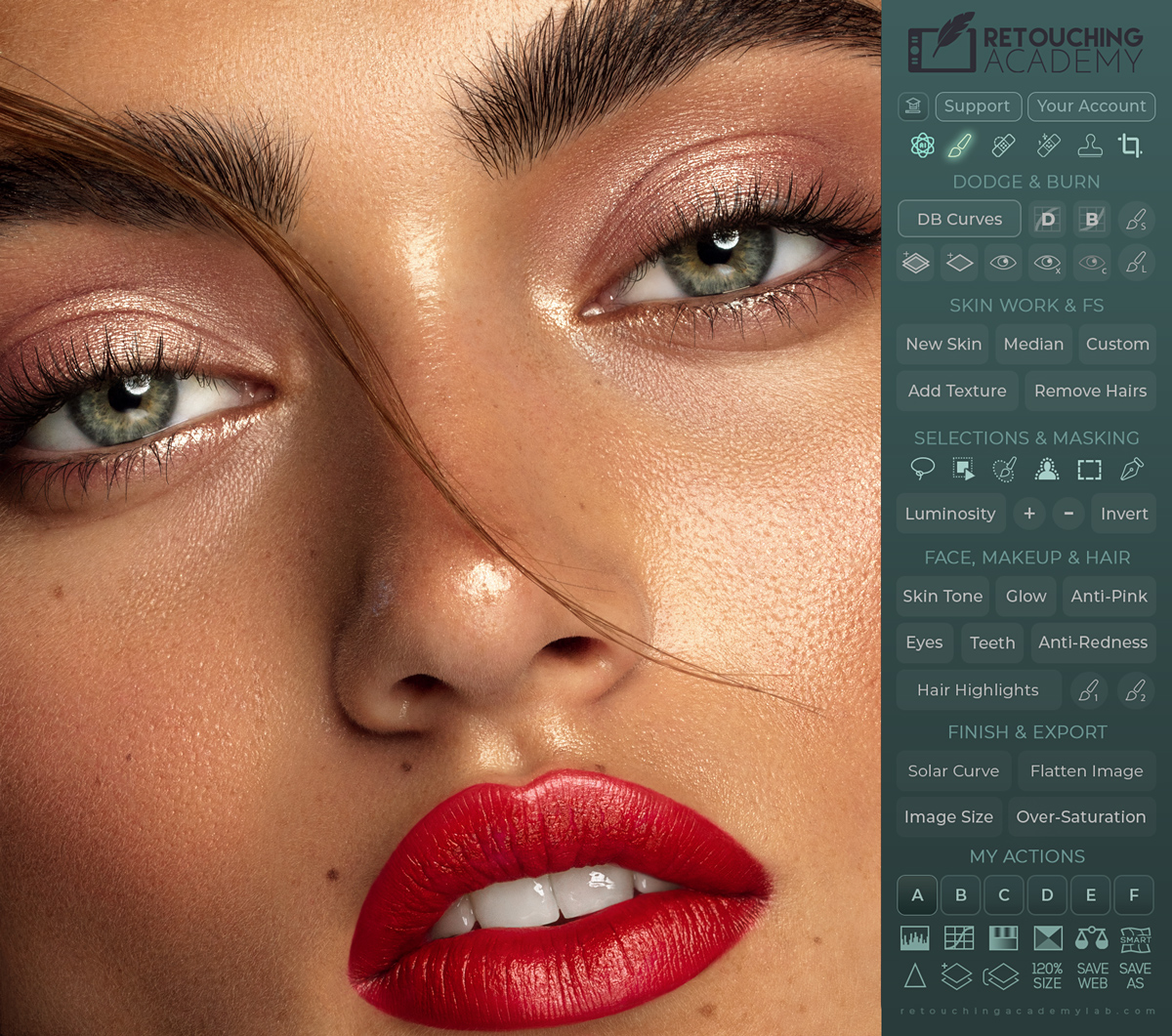
Photography Anita Sadowska, Retouching by Julia Kuzmenko McKim
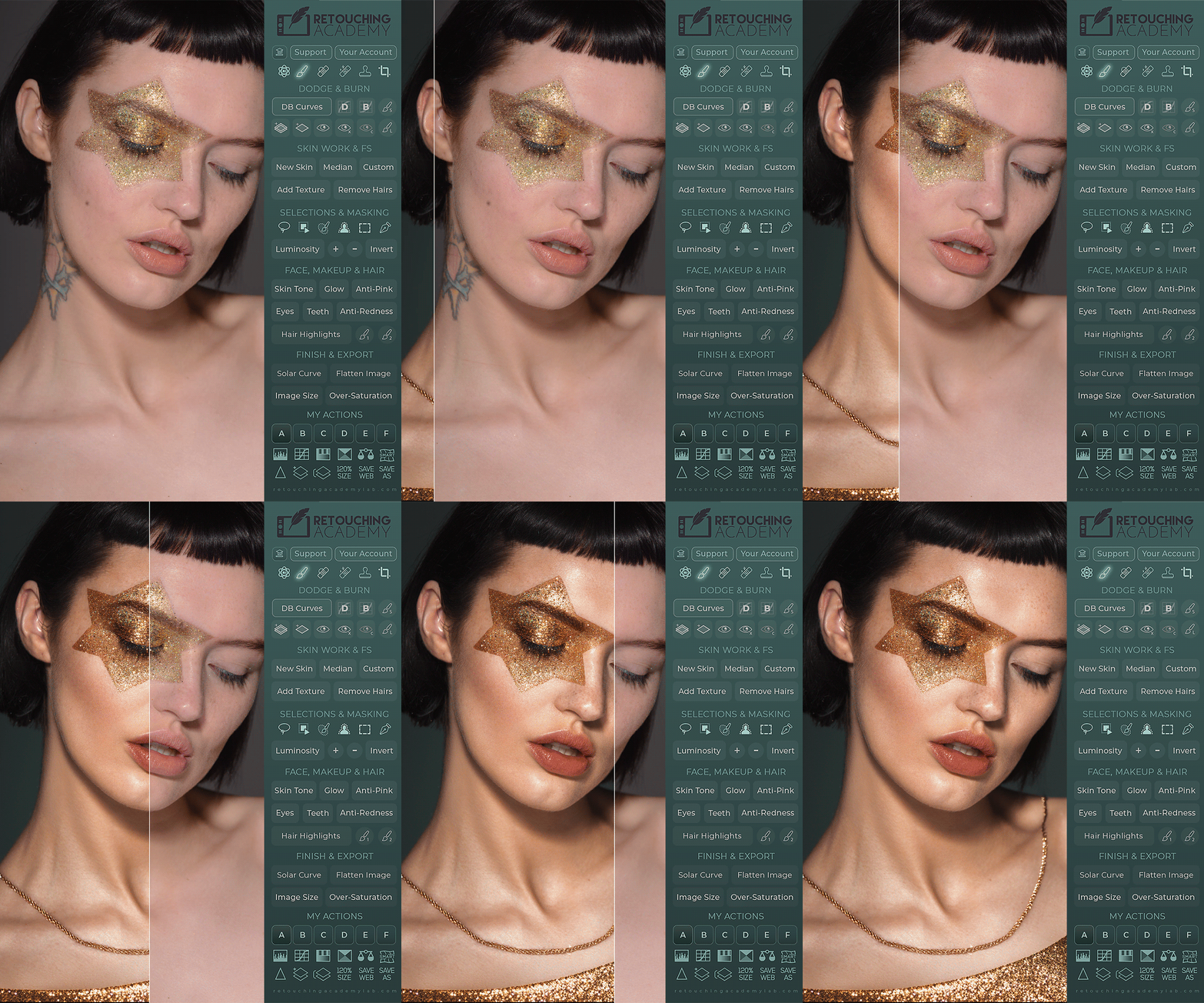
🎬 Watch how this image was retouched with the help of our new AI Tool script in this video tutorial.
Beauty Work With Pro-Level Quality
With this clear and straightforward workflow, you can:
► Spend less time fixing flaws and more time on the creative aspects of your retouching work.
► Organize your workspace without having to dig through Photoshop menus.
► Minimize your turnaround and save a lot of time in the long run.
► Add up to 6 of your own custom actions to the panel’s interface.
► Get help when needed from our dedicated Customer Support is always here to help!
The New Skin Button
Video Tutorial
⚠️ Important! The AI-powered features require Photoshop® 2024 (v25.3) or later. ⚠️
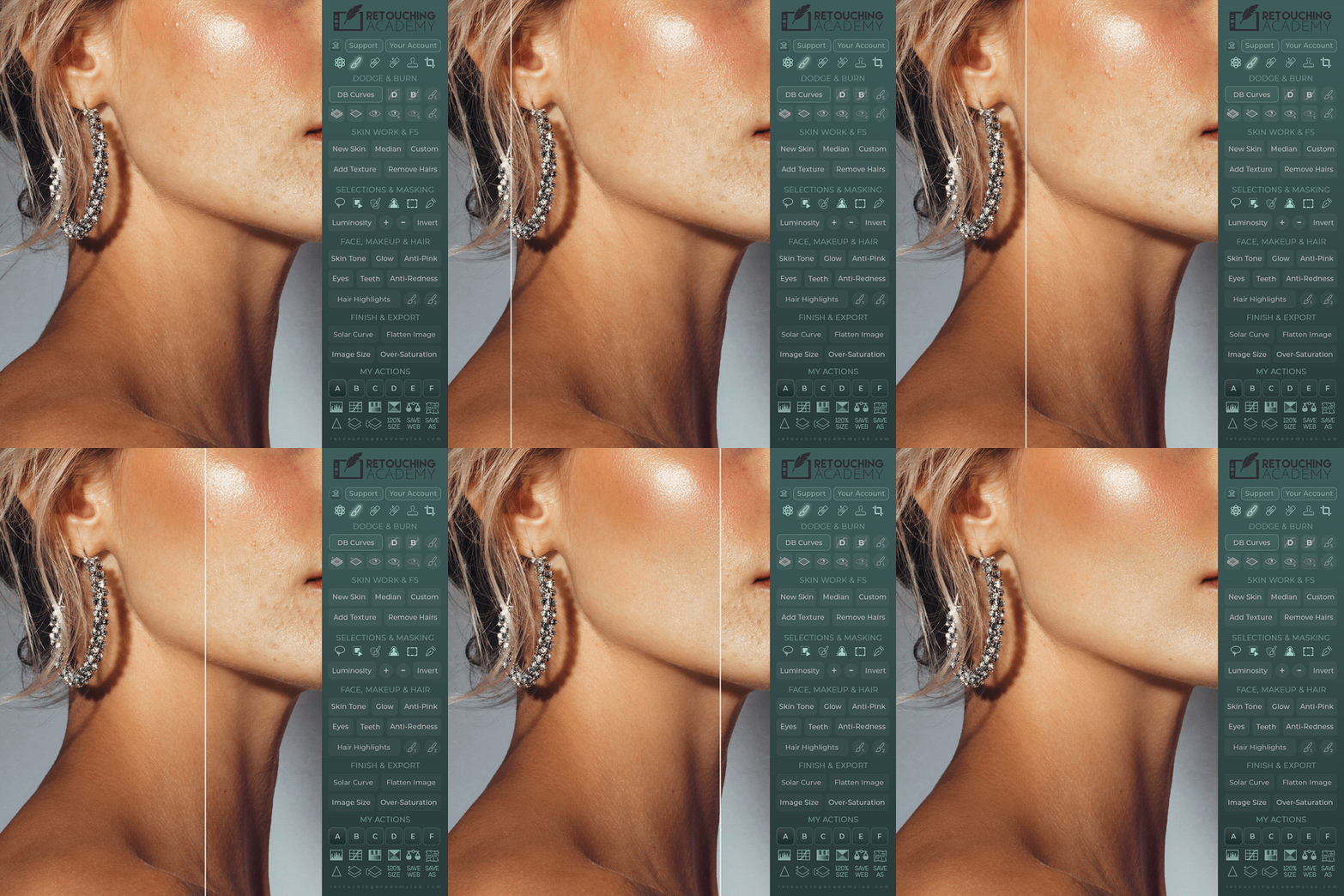
Get all skin retouching done in just a couple of minutes! The technique behind the New Skin button is easy and fully customizable, so your results are always under your control.
Meet Your New Beauty Retouch v5.0
Video Overview of the new Beauty Retouch Panel
NEW! Beauty Retouch v5.0
Beauty Retouch v5 Panel (released May 2025) is compatible with Photoshop® 2021 (v22.0) or later, Win & Mac OS, incl. M-chip Apple computers.
Important! The AI-powered features require Photoshop® 2024 (v25.3) or later
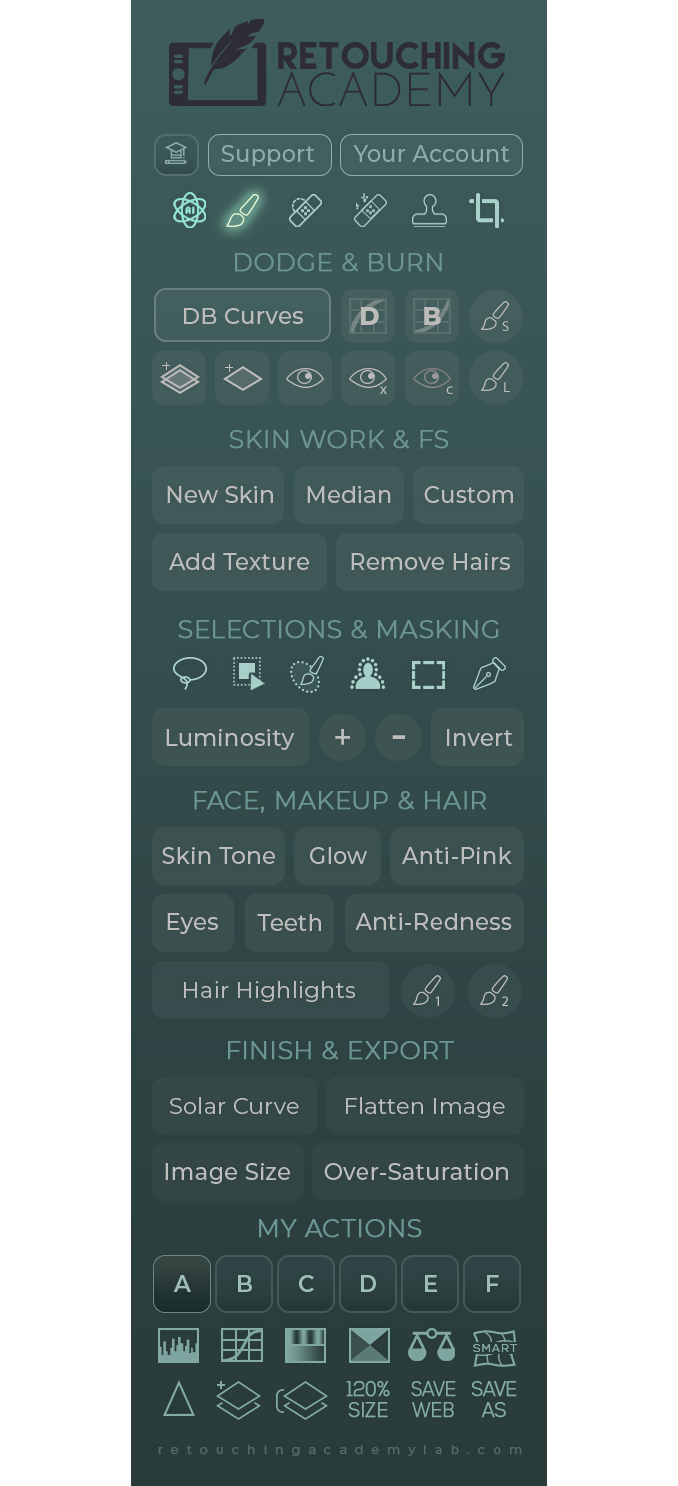 Find more detailed video tutorials and the new panel interface breakdown here: Beauty Retouch Video Tutorials.
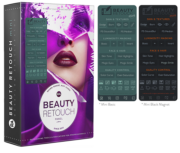
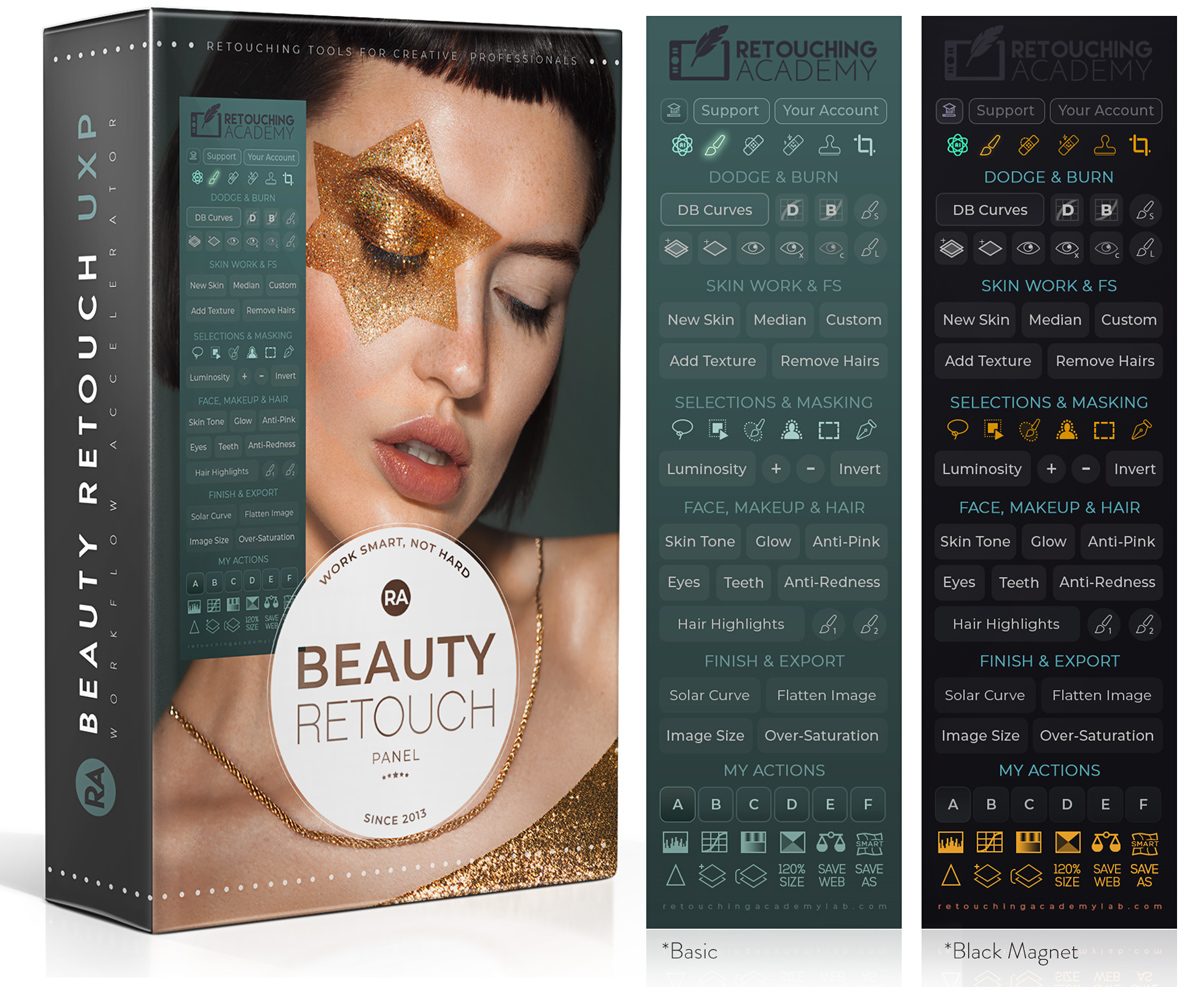
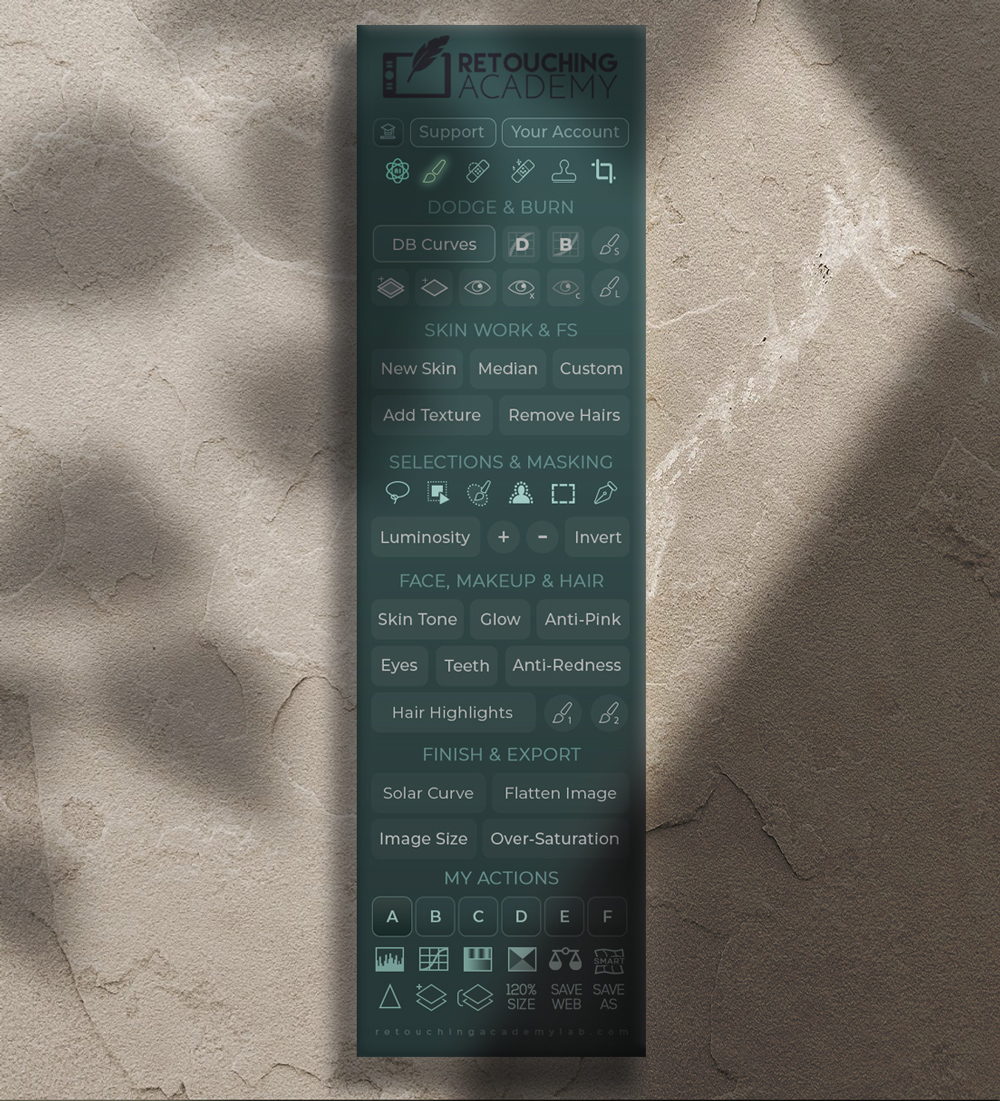
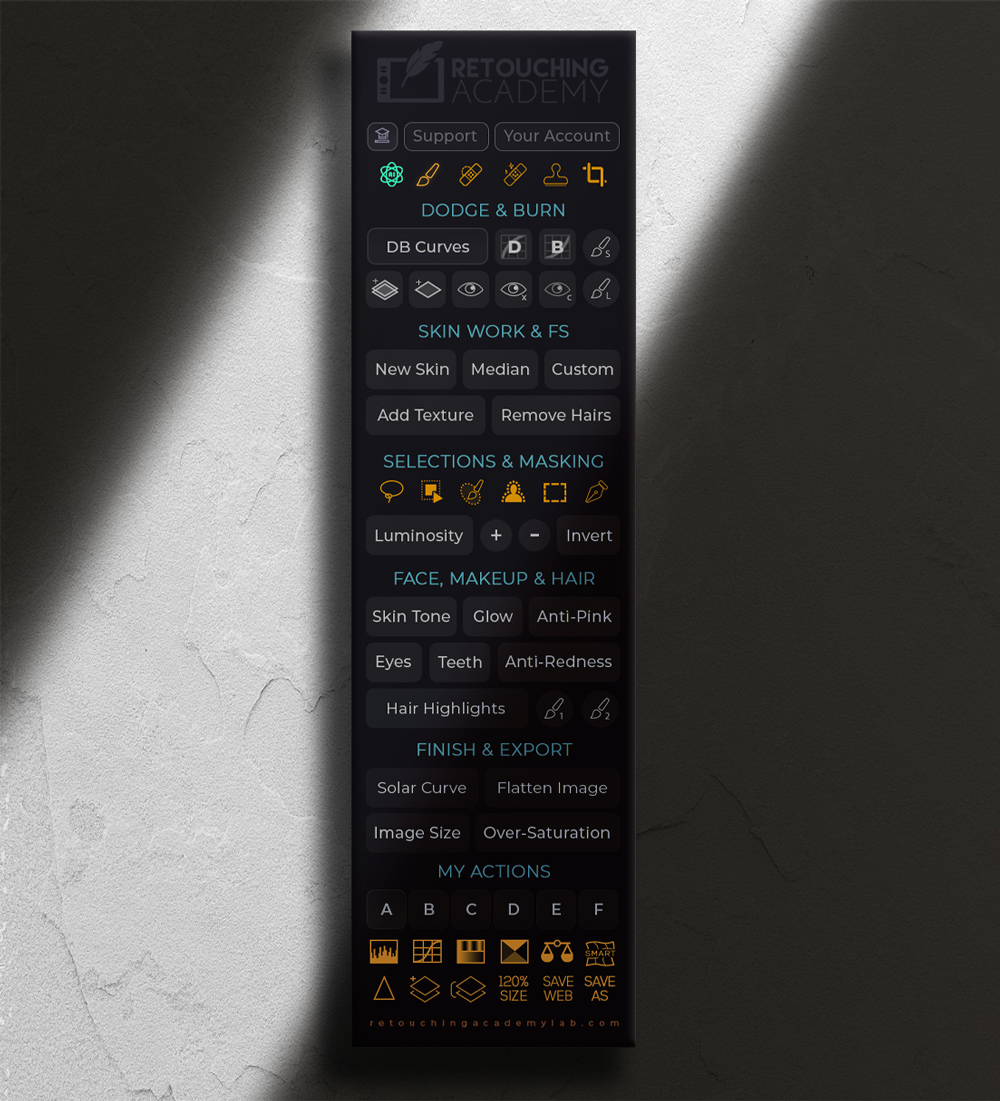
♦️ Tools: These buttons will activate the following tools: our custom AI Tool (watch video tutorial), Brush, Spot Healing Brush, Remove, Clone Stamp, and Crop.
♦️ Dodge & Burn: The top row buttons will run: the full Curves D&B set up with Visual Aid, Dodge Curve, Burn Curve, and a small D&B Brush (10px).
The bottom row: the D&B Gray Layer Set, a Gray Layer for D&B, Visual Aid (VA) Luminosity check, VA with more contrast, VA Color check, and a larger D&B Brush (300px).
♦️ Skin Work & Frequency Separation (FS): Our New Skin script (watch video tutorial), Frequency Separation (FS) setup via Median, Custom FS setup, Add Texture script (former Digital Skin Texture), Remove Hairs script (former Remove Body & Facial Hair).
♦️ Selection Tools: These buttons will activate the following tools: Lasso, Object Selection, Selection Brush, Select Subject, Rectangular Marquee, Pen Tool.
♦️ Luminosity Selections: Luminosity selection button (former Basic), Plus button to expand Luminosity-based selection, Minus button to subtract Luminosity-based selection, Invert button to invert the active selection (works independently of the other buttons in this row).
♦️ Face, Makeup & Hair: Streamline the common beauty and portrait retouching tasks with Skin Tone (former Magical Skin Tone), Glow (former Glowing Skin), Anti-Pink, Eyes (former Magic Eyes), Teeth (former Magic Smile), Anti-Redness (the Green Color Corrector from the MUA Retouch panel), Hair Highlights with two custom brushes.
♦️ Finish & Export: Quality control & finishing functions: Solar Curve, Flatten Image, Image Size dialog box, and Over-Saturation.
♦️ My Actions: Add your own custom Actions and trigger them right from the panel (watch video tutorial).
♦️ Other Helpful Buttons: The upper row of buttons will activate: Levels, Curves, Hue/Saturation, Selective Color, Color Balance adjustment layers and Liquify Filter as a Smart Object so you can adjust your re-shaping manipulations.
The bottom row of buttons will run the Sharpen Image script, Add a Blank Layer, Stamp All Layers, increase the size of your image/canvas 120% for best gradual enlargement results, activate the Save For Web and Save As dialog boxes.
NEW! Beauty Retouch v5.0
Beauty Retouch v5 Panel (released May 2025) is compatible with Photoshop® 2021 (v22.0) or later, Win & Mac OS, incl. M-chip Apple computers. Important! The AI-powered features require Photoshop® 2024 (v25.3) or later
Find more detailed video tutorials and the new panel interface breakdown here: Beauty Retouch Video Tutorials.
♦️ Tools: These buttons will activate the following tools: our custom AI Tool (watch video tutorial), Brush, Spot Healing Brush, Remove, Clone Stamp, and Crop.
♦️ Dodge & Burn: The top row buttons will run: the full Curves D&B set up with Visual Aid, Dodge Curve, Burn Curve, and a small D&B Brush (10px).
The bottom row: the D&B Gray Layer Set, a Gray Layer for D&B, Visual Aid (VA) Luminosity check, VA with more contrast, VA Color check, and a larger D&B Brush (300px).
♦️ Skin Work & Frequency Separation (FS): Our New Skin script (watch video tutorial), Frequency Separation (FS) setup via Median, Custom FS setup, Add Texture script (former Digital Skin Texture), Remove Hairs script (former Remove Body & Facial Hair).
♦️ Selection Tools: These buttons will activate the following tools: Lasso, Object Selection, Selection Brush, Select Subject, Rectangular Marquee, Pen Tool.
♦️ Luminosity Selections: Luminosity selection button (former Basic), Plus button to expand Luminosity-based selection, Minus button to subtract Luminosity-based selection, Invert button to invert the active selection (works independently of the other buttons in this row).
♦️ Face, Makeup & Hair: Streamline the common beauty and portrait retouching tasks with Skin Tone (former Magical Skin Tone), Glow (former Glowing Skin), Anti-Pink, Eyes (former Magic Eyes), Teeth (former Magic Smile), Anti-Redness (the Green Color Corrector from the MUA Retouch panel), Hair Highlights with two custom brushes.
♦️ Finish & Export: Quality control & finishing functions: Solar Curve, Flatten Image, Image Size dialog box, and Over-Saturation.
♦️ My Actions: Add your own custom Actions and trigger them right from the panel (watch video tutorial).
♦️ Other Helpful Buttons: The upper row of buttons will activate: Levels, Curves, Hue/Saturation, Selective Color, Color Balance adjustment layers and Liquify Filter as a Smart Object so you can adjust your re-shaping manipulations.
The bottom row of buttons will run the Sharpen Image script, Add a Blank Layer, Stamp All Layers, increase the size of your image/canvas 120% for best gradual enlargement results, activate the Save For Web and Save As dialog boxes.
The New AI Tool Button
Video Tutorial
⚠️ Important! The AI-powered features require Photoshop® 2024 (v25.3) or later. ⚠️
The new AI tools allow us to easily save good shots when mistakes happen. They also help solve problems many photographers face, such as not having a wardrobe stylist, manicurist, or the right accessories for the shoot – you can add those details in post.
What Our Users Are Saying
What Our Users Are Saying
Retouching Tools for Creatives
Frequently Asked Questions
Who is the Beauty Retouch panel for?
The Beauty Retouch panel is a Photoshop plugin created for photographers and retouchers who aim to minimize their turnaround time while delivering professional retouching results.
It simplifies and speeds up all phases of your beauty and portrait retouching workflow, especially skin retouching (the “New Skin” button), color corrections, finishing touches, and image export with proper settings.
💥 New Beauty Retouch Version 5 is here! It features AI-powered tools and scripts for faster pro-level retouching, which cannot be achieved with general retouching AI apps and platforms.
You can also add 6 (six) of your own custom actions and run them right from the panel’s interface.
Our detailed video tutorials will help you get the most out of this panel and save a lot of time in the long run.
💌 Keep an eye out for our email with instructions and tutorials delivered to your mailbox right after the purchase.
🎁 Compare this panel with the MUA Retouch here.
Who is the MUA Retouch panel for?
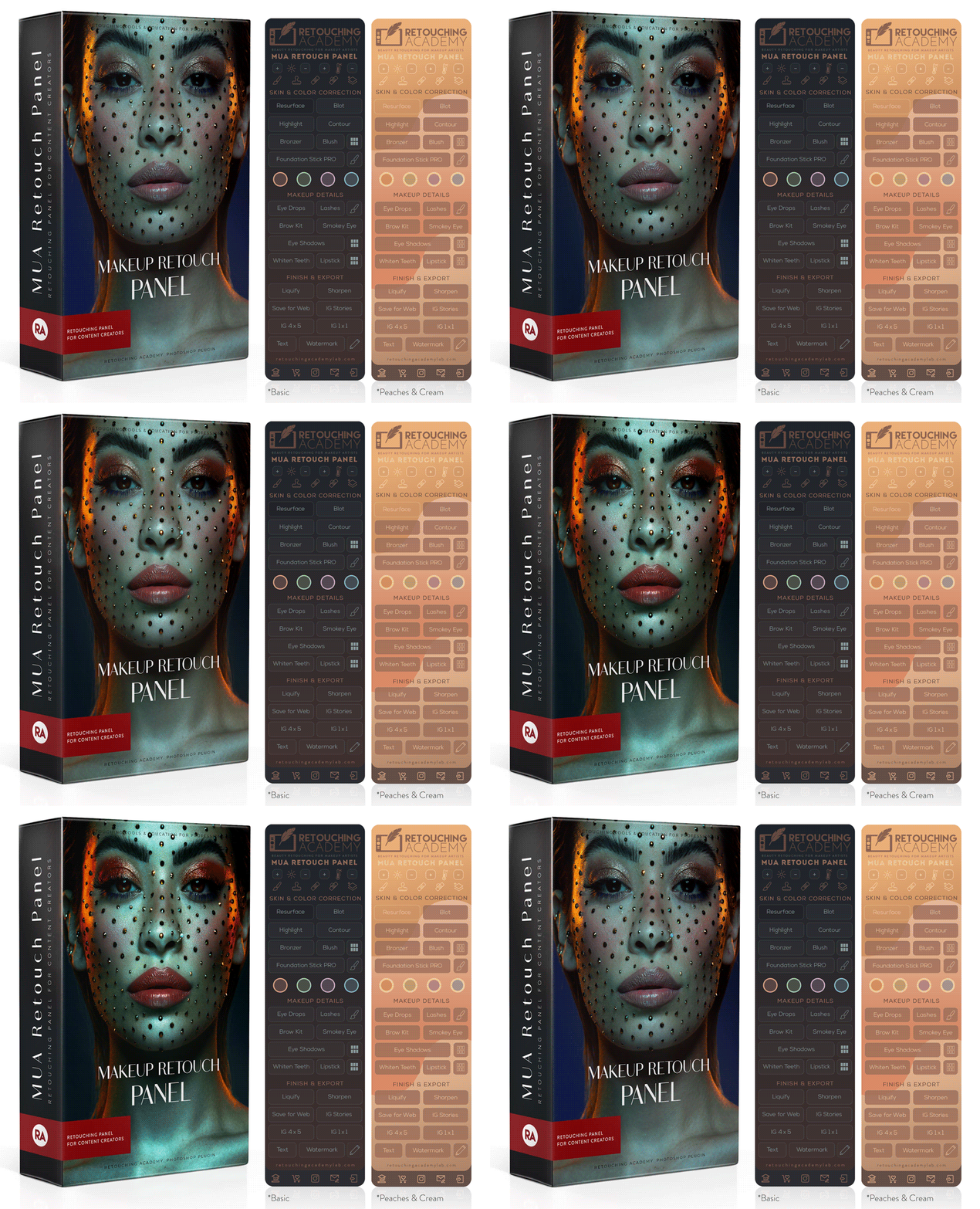
While the Beauty Retouch panel focuses on the key stages of the general retouching workflow, the MUA Retouch panel is created specifically for professional beauty and makeup retouching.
Its functionality is based on the effects of real makeup and color correctors, making it easier to use for all beauty industry professionals, including makeup artists who photograph and retouch their own work.
Each panel can be used independently, as they both contain essential retouching technique scripts. However, by adding the MUA Retouch panel to your Beauty Retouch, you significantly supercharge your beauty retouching workflow.
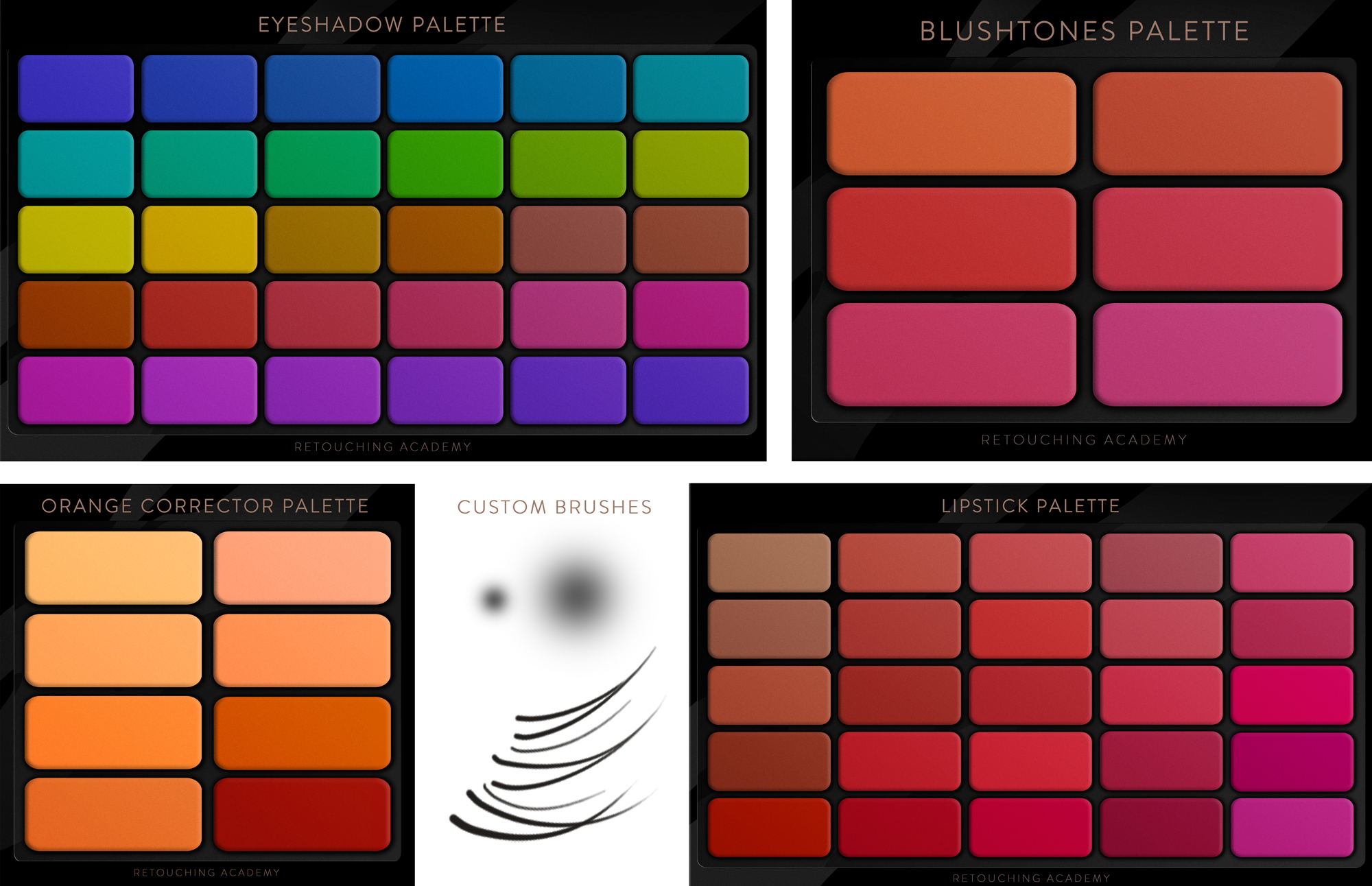
🎁 The panel comes with custom digital makeup palettes, lashes & brow brushes, detailed video tutorials, and a FREE Photoshop Essentials for Beauty Retouching course for beginners.
👉 Check out the benefits of using both panels here.
Who is the Pixel Juggler panel for?
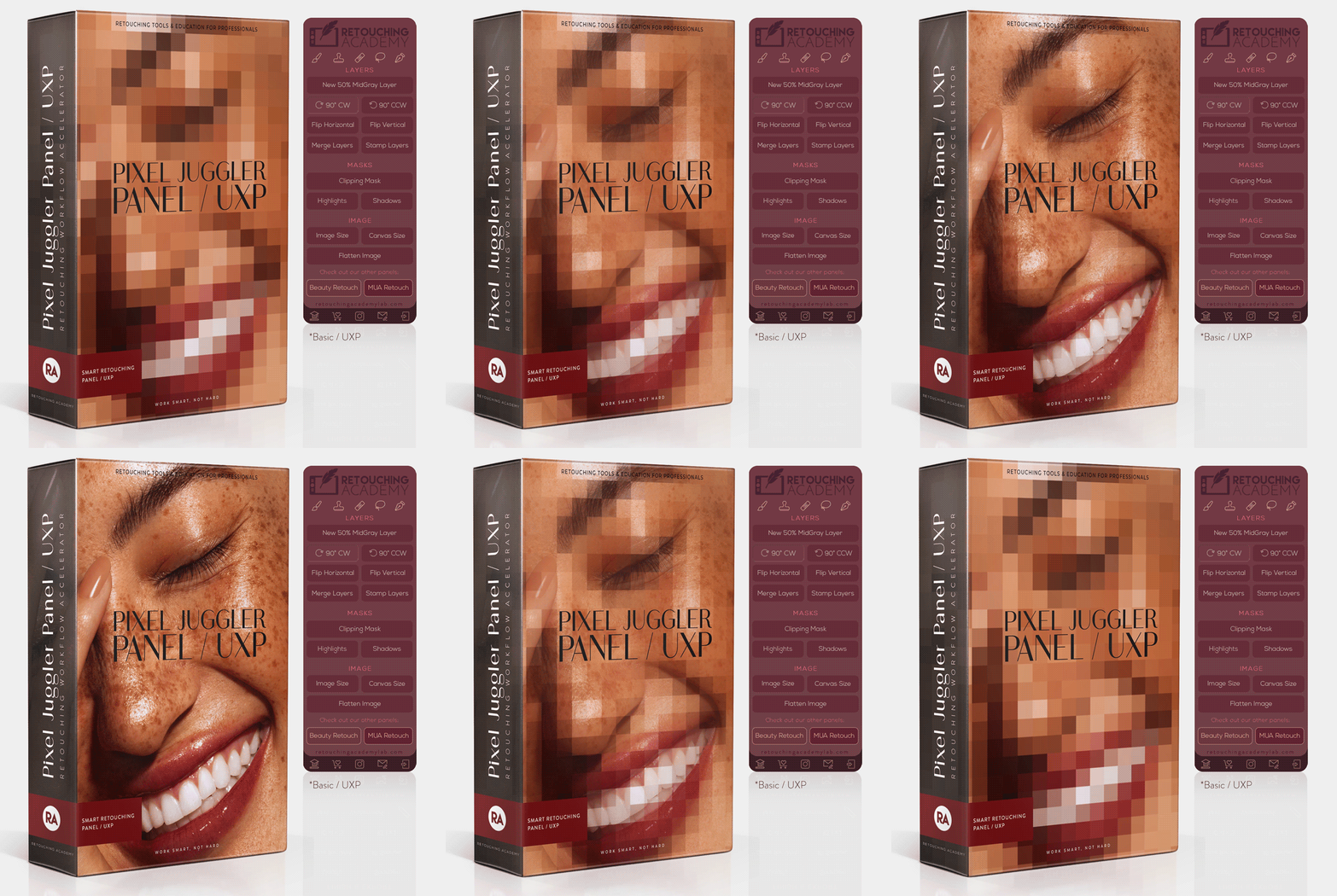 Anyone who uses Adobe Photoshop. We created this panel to simplify access to useful Photoshop functions that are typically hidden in various submenus.
We also added a few custom scripts and tools that will complement our Beauty Retouch and MUA Retouch panels’ functionality.
Do people use both panels?
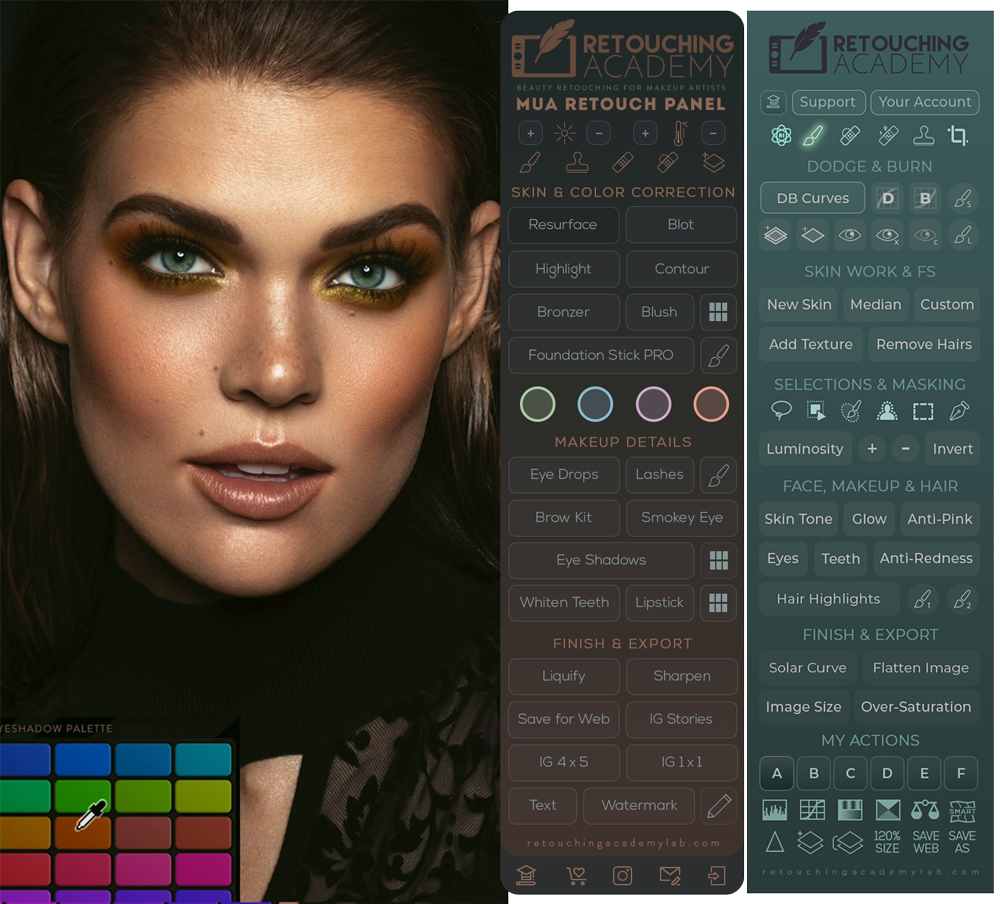 Absolutely! Our initial idea was to make the MUA Retouch panel a perfect complement to the Beauty Retouch panel for beauty photographers and retouchers. And we designed it to be easy to use by all beauty industry professionals who work in Photoshop.
While the Beauty Retouch panel focuses on the key stages of the general retouching workflow, the MUA Retouch panel adds a range of incredibly useful scripts specifically for makeup and beauty retouching.
Each panel can be used independently, as they both contain essential retouching technique scripts. However, by adding the MUA Retouch panel to your Beauty Retouch, you supercharge your beauty retouching workflow.
🎁 Check out what you can do with both panels at your service here.
Do I need Adobe Photoshop to use these panels?
Yes, our panels are Photoshop plugins, compatible with Photoshop® 2021 (v22.0) or later, Win & Mac OS, incl. M-chip Apple computers.
🧨 Important! The AI-powered features on the new Beauty Retouch v5 Panel (released May 2025) require Photoshop® 2024 (v25.3) or later
🎓 If you are completely new to Photoshop, check out our Photoshop Essentials for Beauty Retouching course.
I am new to Photoshop, is that Ok?
If you are completely new to Photoshop, consider taking our Photoshop Essentials for Beauty Retouching course first (it also comes FREE with both RA Panels via the user Member Account).
It will introduce you to the Photoshop tools and interface, and retouching essentials, help you set up your custom workspace, and provide convenient keyboard shortcuts for efficient retouching.
Our detailed free retouching panels video tutorials will teach you to use the panels to properly retouch, finalize, and export edited photos for your website and social media.
How many computers can I use these panels on?
You may install and use each panel on up to 2 (two) computers simultaneously, which can be laptops and/or desktop computers, either or both Mac OS or Windows (see their Software Product License).
You can also install and use your panel on other computers, but no more than 2 panels can be used at the same time. You can simply reset your License Activations in Photoshop via your Member Account > Reset License Activations. without having to reach out to or wait for support.
However, please do contact our support team if you’d like to purchase additional licenses to use your panel on more computers at the same time.
What is included in my purchase?
Included in Your Purchase:
▸ One panel license (up to 2 computers), Win & Mac OS;
▸ First year (or month) of Maintenance & Support subscription; Lifetime option is available here (BR) and here (MUA).
▸ Dedicated Tech & Administrative Support;
▸ Free access to the installation files for new Photoshop versions with an active Support & Maintenance subscription;
▸ Beauty Retouch | Additional Features: D&B Brushes, Hair Highlights (small & large);
▸ MUA Retouch | Additional Features: dynamic Brow & Lash Brushes (long & short);
▸ FREE exclusive Photoshop Essentials for Beauty Retouching (self-paced);
▸ Beauty Retouch | FREE Beauty Retouch Panel Training (self-paced);
▸ FREE access to Video Tutorials and bonus materials;
▸ Exclusive discounts for RA Retouching Courses;
▸Exclusive discounts for premium beauty retouching practice files.
📦 Your Instant Digital Download Includes:
▸ Installation .CCX file (Adobe Creative Cloud), for Win and Mac OS;
▸ Quick Start Guide PDF;
▸ Additional Features installer (.jsx);
▸ MUA Retouch | Additional Features: dynamic Brow & Lash Brushes (long & short);
▸ Beauty Retouch | Additional Features: D&B Brushes, Hair Highlights (small & large);
▸ Additional Features: Custom tool Presets for better retouching.
Please refer to our FAQ page for instant answers or contact our Support Team, we are always here to help!
Why do I need an active subscription?
The subscription model is an industry standard and allows us to keep our Support and Development teams always ready to help you, continue updating the panels, and fix any software issues caused by regular Photoshop updates in a timely manner.
You will quickly realize that the benefits you get out of these panels year-round are well worth the $39.99 annual investment (or $4.99 monthly), which breaks down to just $0.10 a day.
What if I don't like the panel I purchased?
Thousands of creative professionals worldwide have been using our panels for a decade and they love them!
How do we know?
They’ve proudly been sharing their retouching work with us on @retouchingpanels for years, leaving kind testimonials, and telling us directly in their emails when they connect with our team.
In fact, over 90% of the legacy RA Panel users have upgraded to the UXP subscription-based versions to be able to continue working with their favorite tools.
We are confident that once you watch our video tutorials and learn how to use the panels (they’re quite simple and intuitive), you’ll love them too!
Plus, we offer a 30-day money-back guarantee, making it risk-free to try. If you’re not completely satisfied, just reach out within 30 days of your purchase, and we’ll make it right!
🛠️ See our general Terms & Conditions.
How can I enroll in a Retouching Academy course?
Immediately after you purchase any of our courses or bundles, you receive an email with login details and instructions, so you can start learning immediately.
If you have previously purchased our courses, you can find login links on this page: Customer Login, or log in via the top bar menu on this website: Learn > Your Course Library.
Retouching Panels Support & Updates
Please refer to our FAQ page for instant answers or contact our Support Team, we are always here to help!
With an active Support & Maintenance subscription, you will have access to the updated installation files free of charge via your Member Account on the RA Lab website, where the panels are hosted.
We announce when our panels are updated via our newsletter, on our blog, and on our social media: @retouchingacademy and @retouchingpanels.