

- Platform
- Photoshop CC 2024+ (v25.3)
- Install
- One minute in CC
- License
- 1 license · 2 computers
Professional Beauty Retouching.
Faster Workflow.
The Beauty Retouch panel is a Photoshop plugin for professional, high-end beauty, fashion, and portrait retouching. Designed for creative professionals who want a faster retouching workflow, improved consistency of skin and tonal work, and a decluttered workspace.
Beauty Retouch panel hosts all retoucher's daily tools in one place. Built on and refined over the years of industry experience, engineered to minimize turnaround time removing the repetitive friction of manual layer setup, allowing artists to focus purely on the creative aspects of skin, hair, and makeup retouching.
- ✓Non-destructive workflow, so client revision rounds never catch you off-guard and ruin your hard work. You can also add six of your own Actions to run them right from the panel's interface.
- ✓Visual Aid check layers that expose luminosity shifts and blotchiness, so you can do more precise Dodging & Burning work.
- ✓Proprietary Luminosity Selections set for unparalleled precision in color correction, color grading, and highlight/midtone/shadow work.
- ✓Final-pass & Quality Control discipline to eliminate oversight errors before anything leaves your desk.
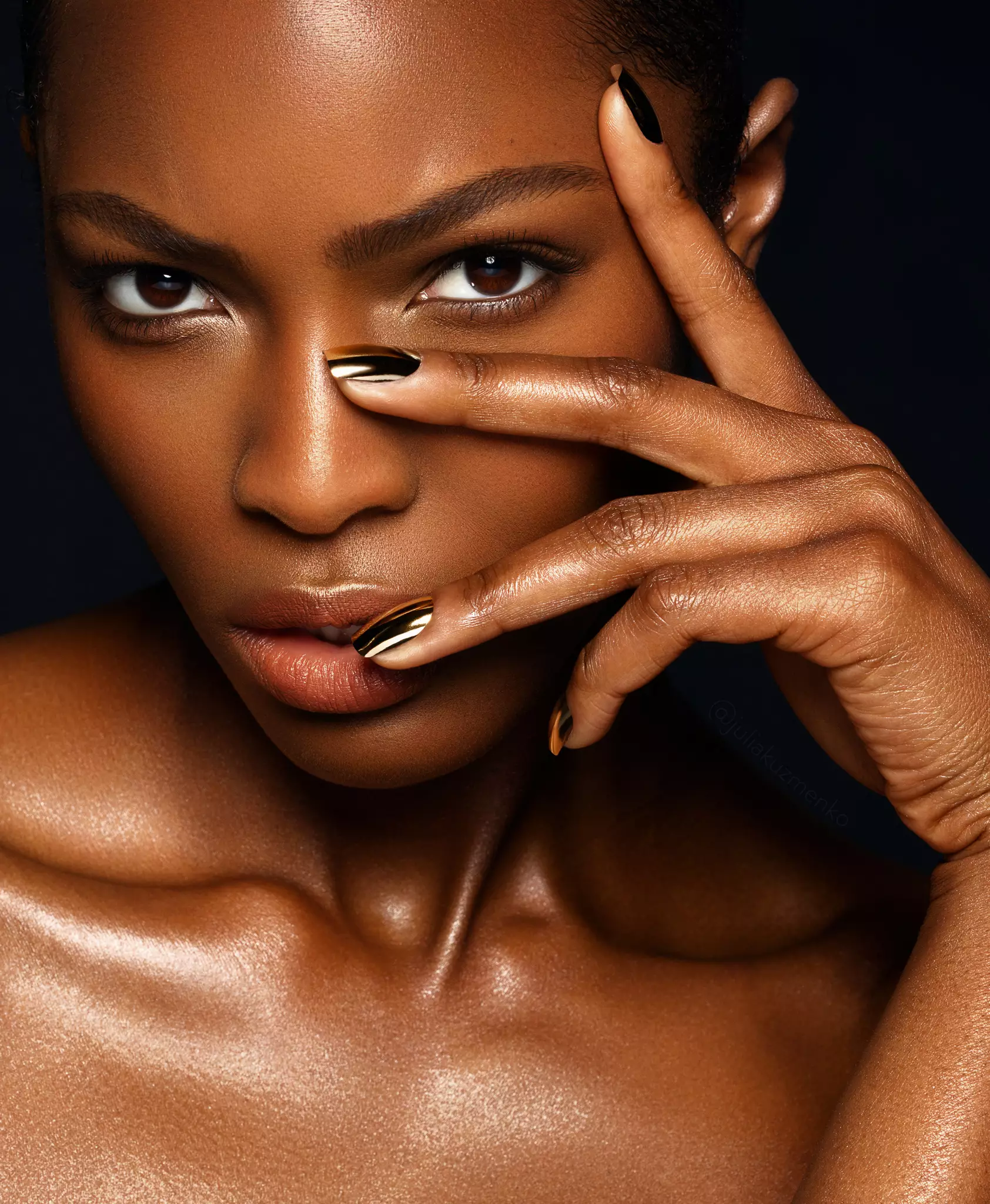
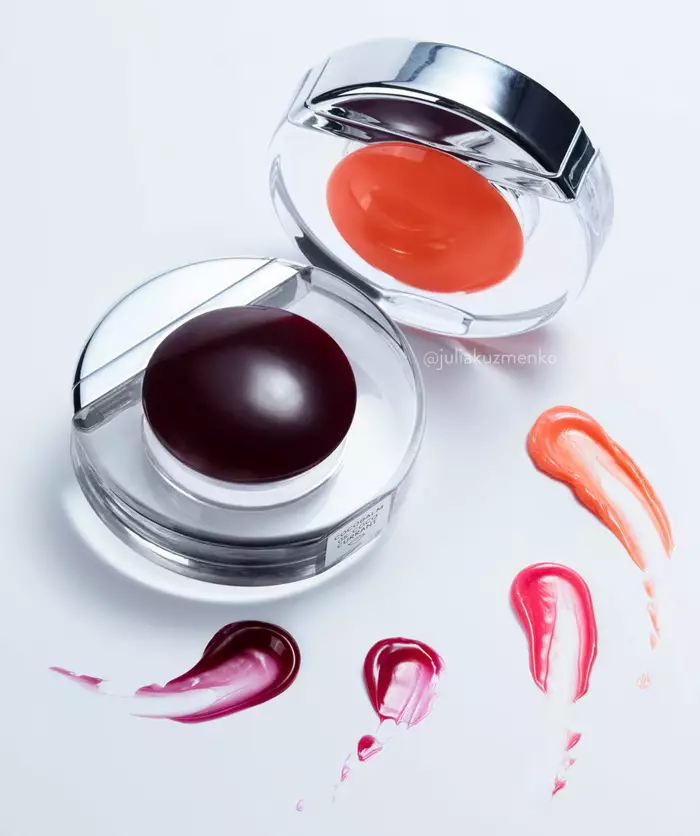
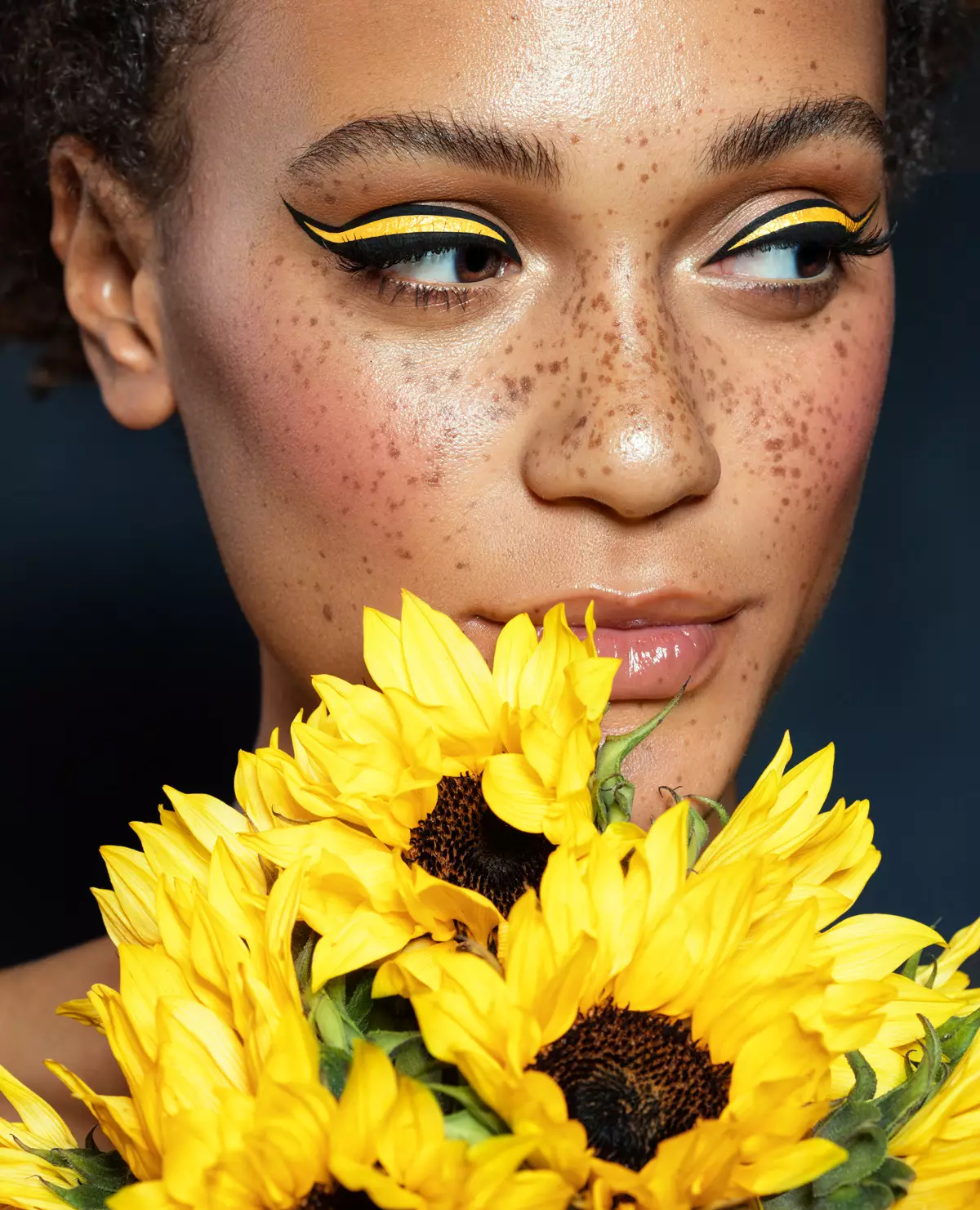
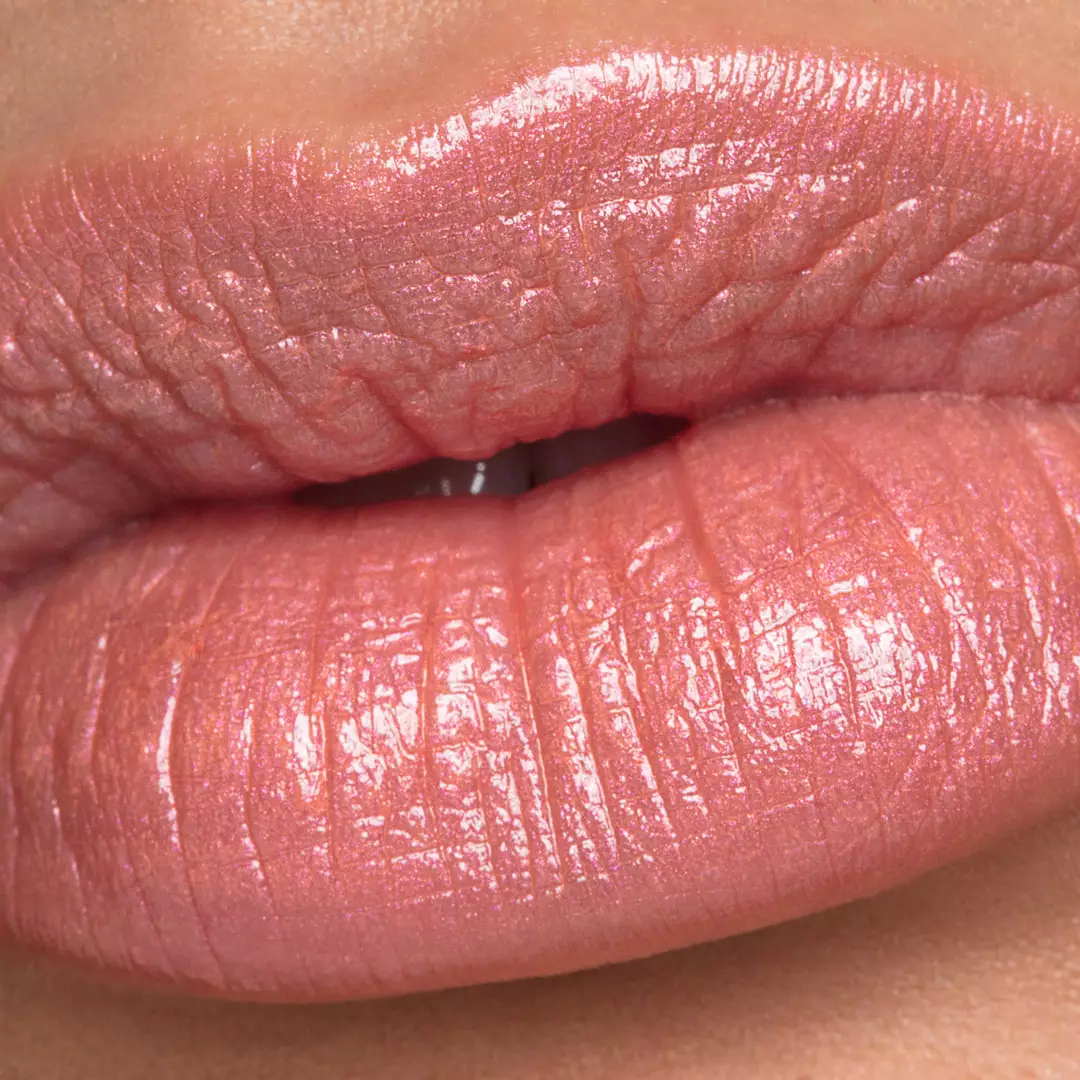
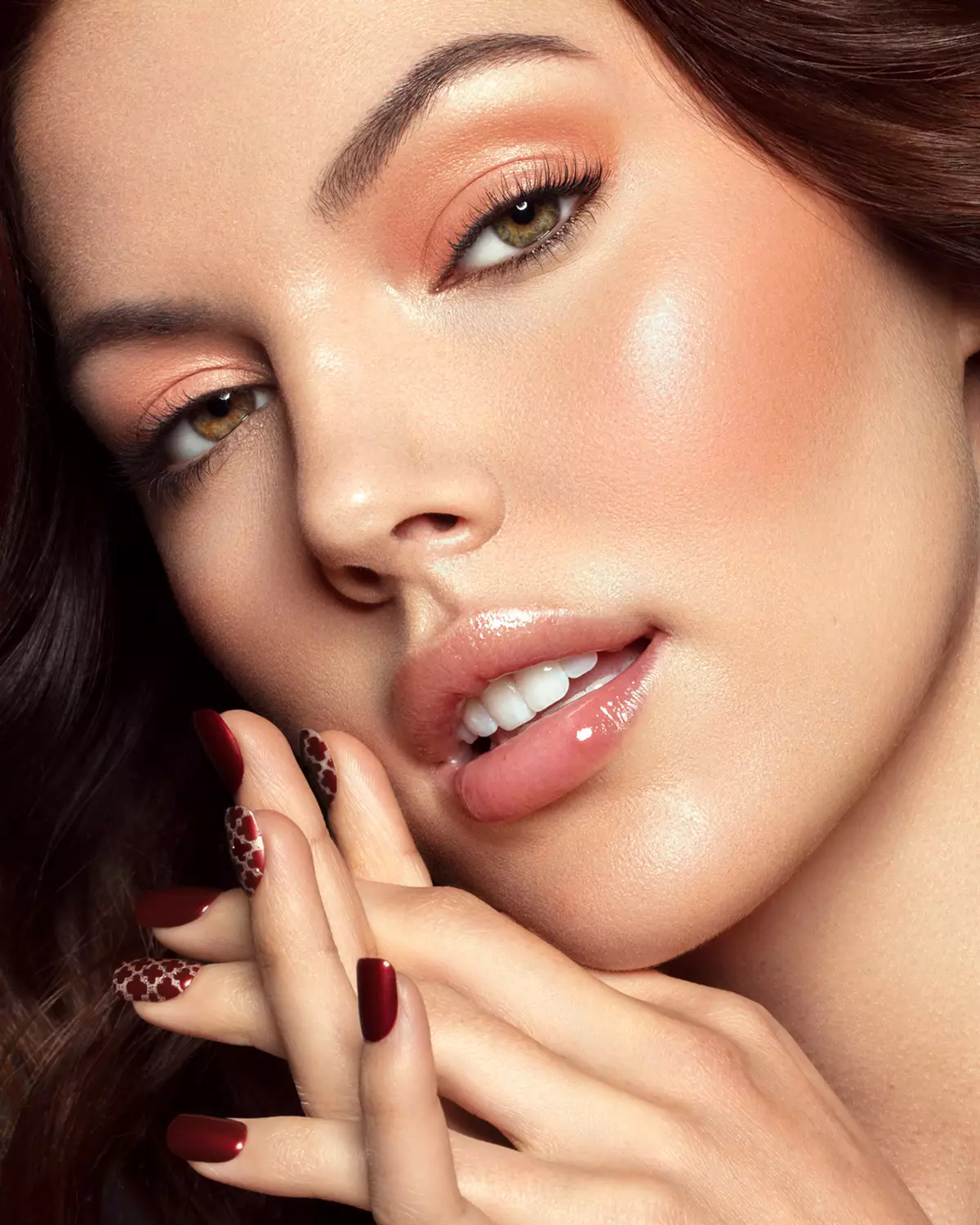
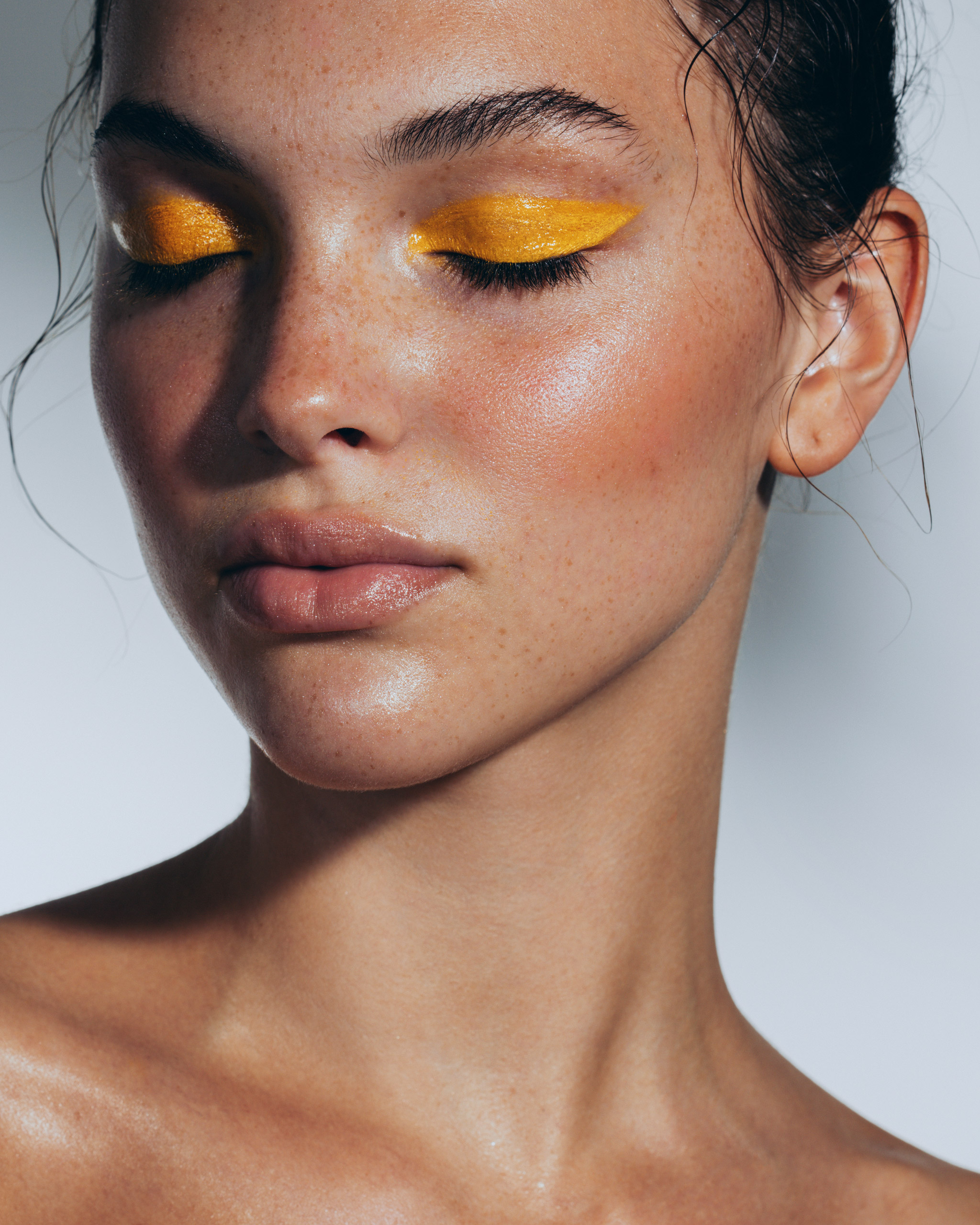
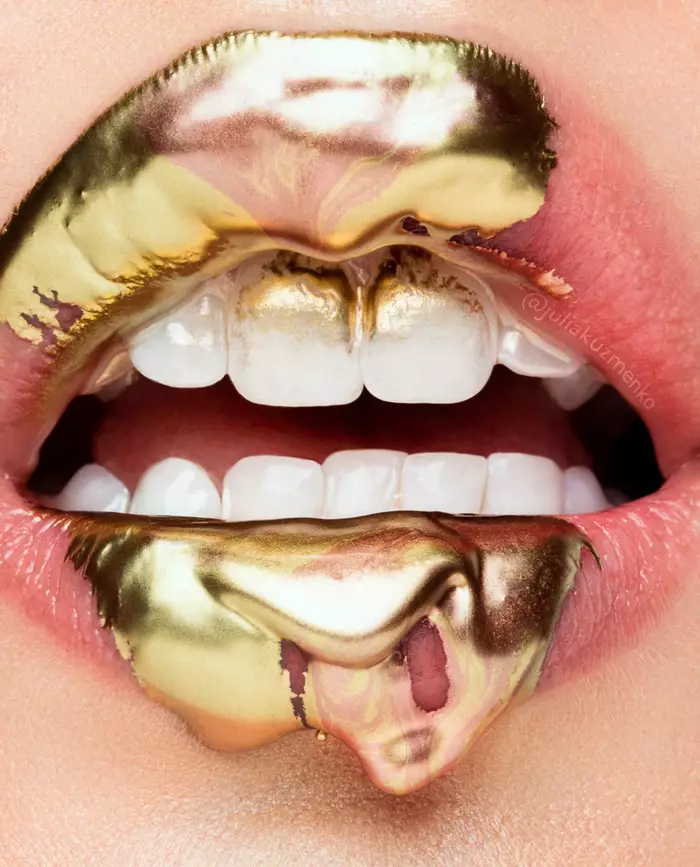
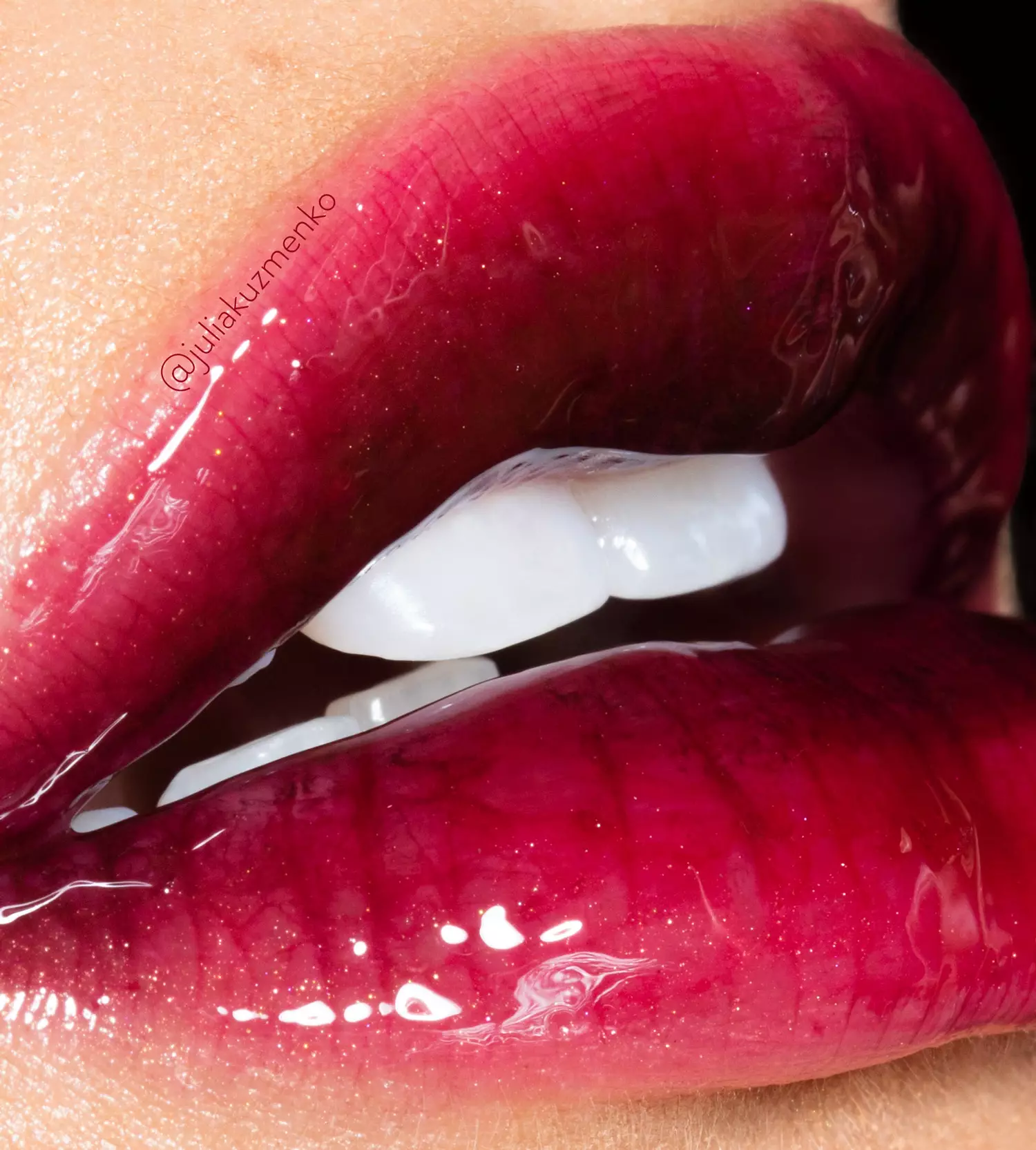
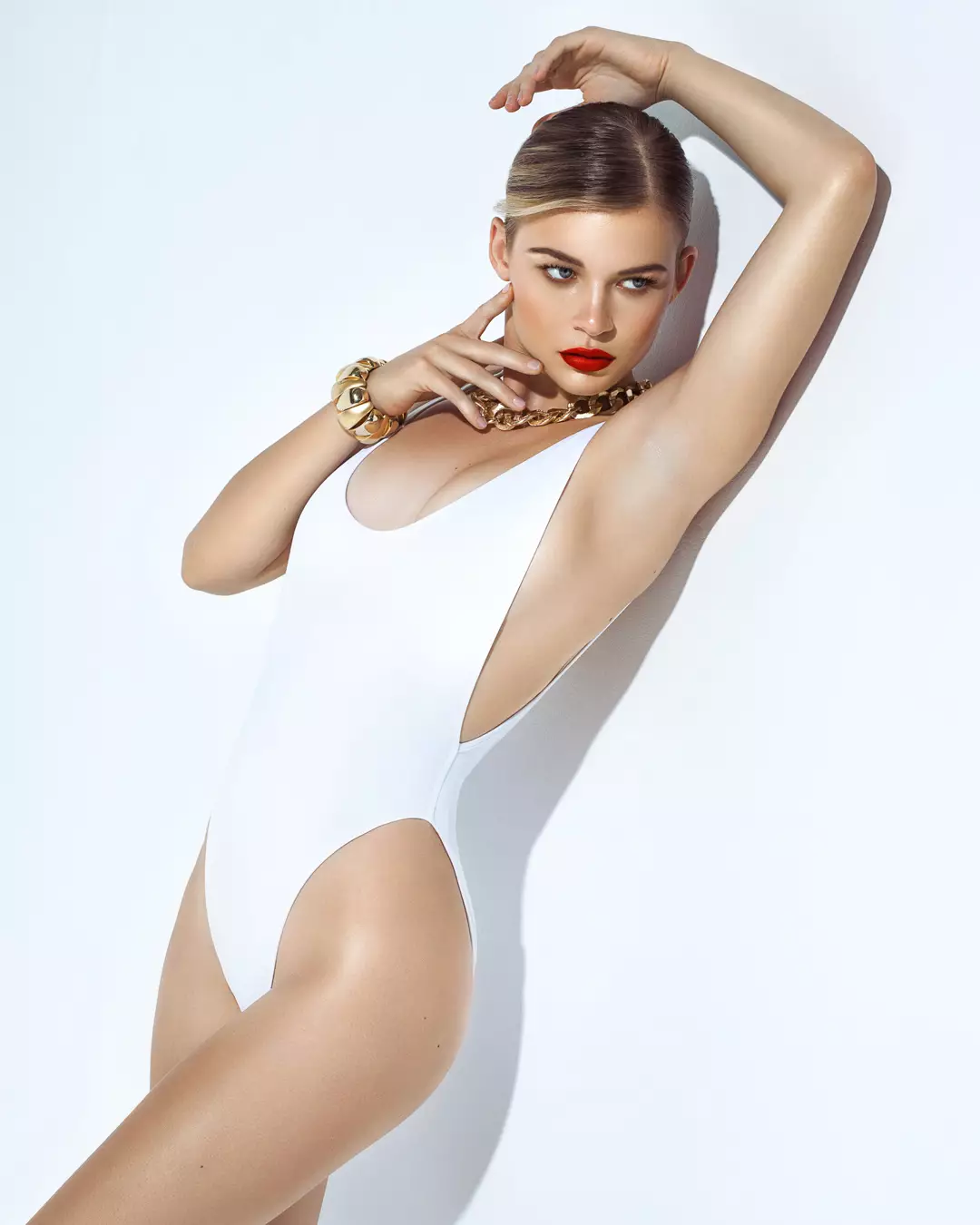
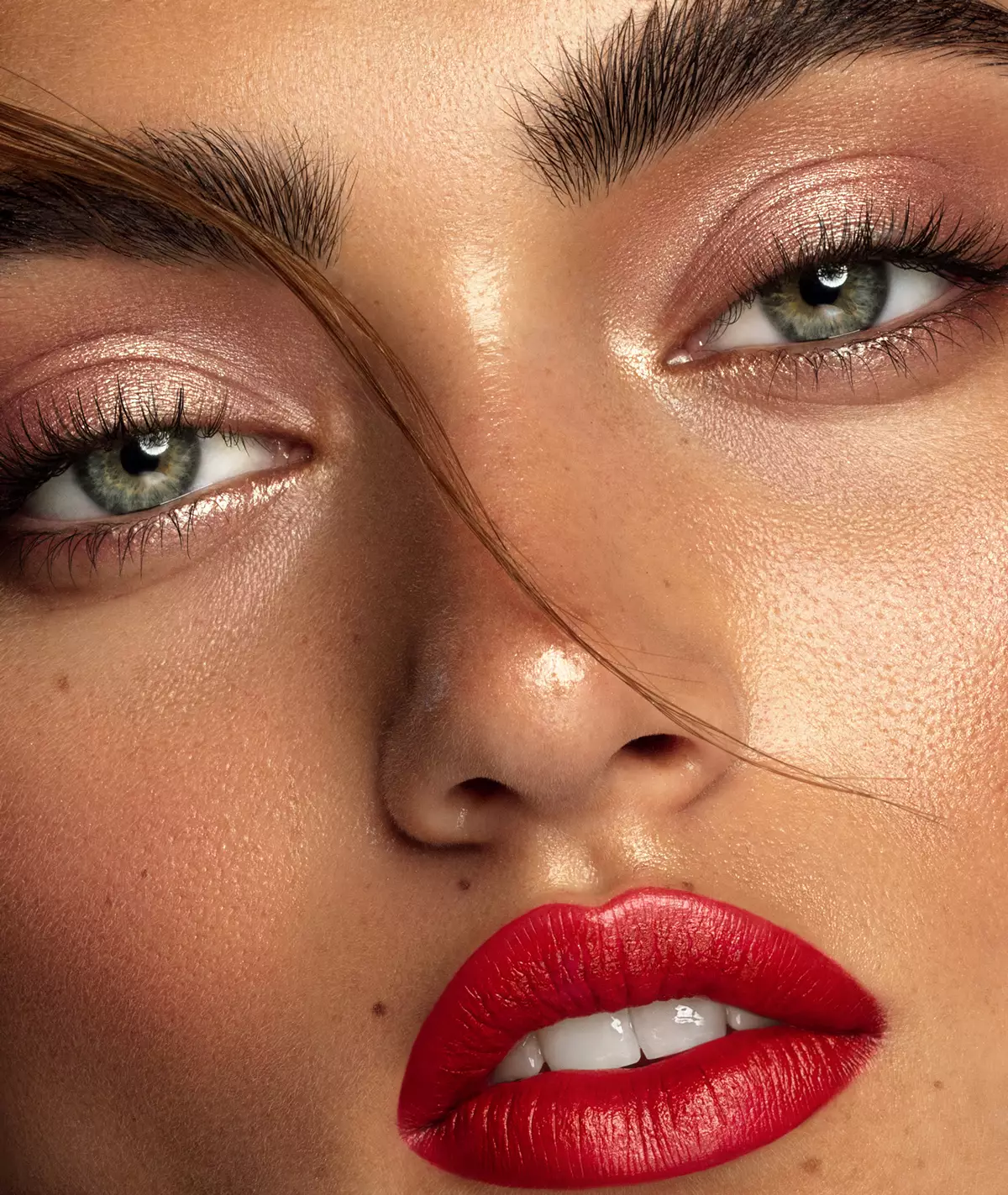
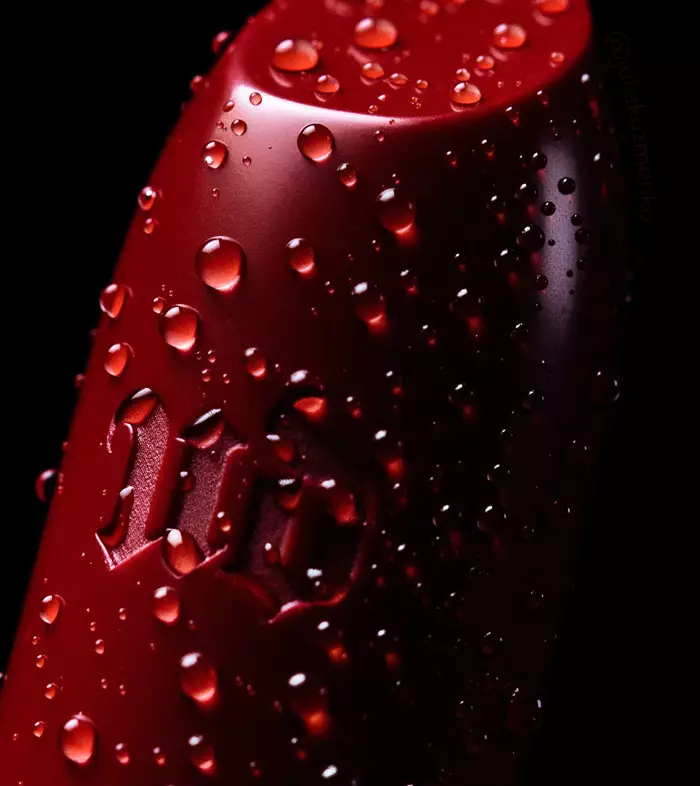
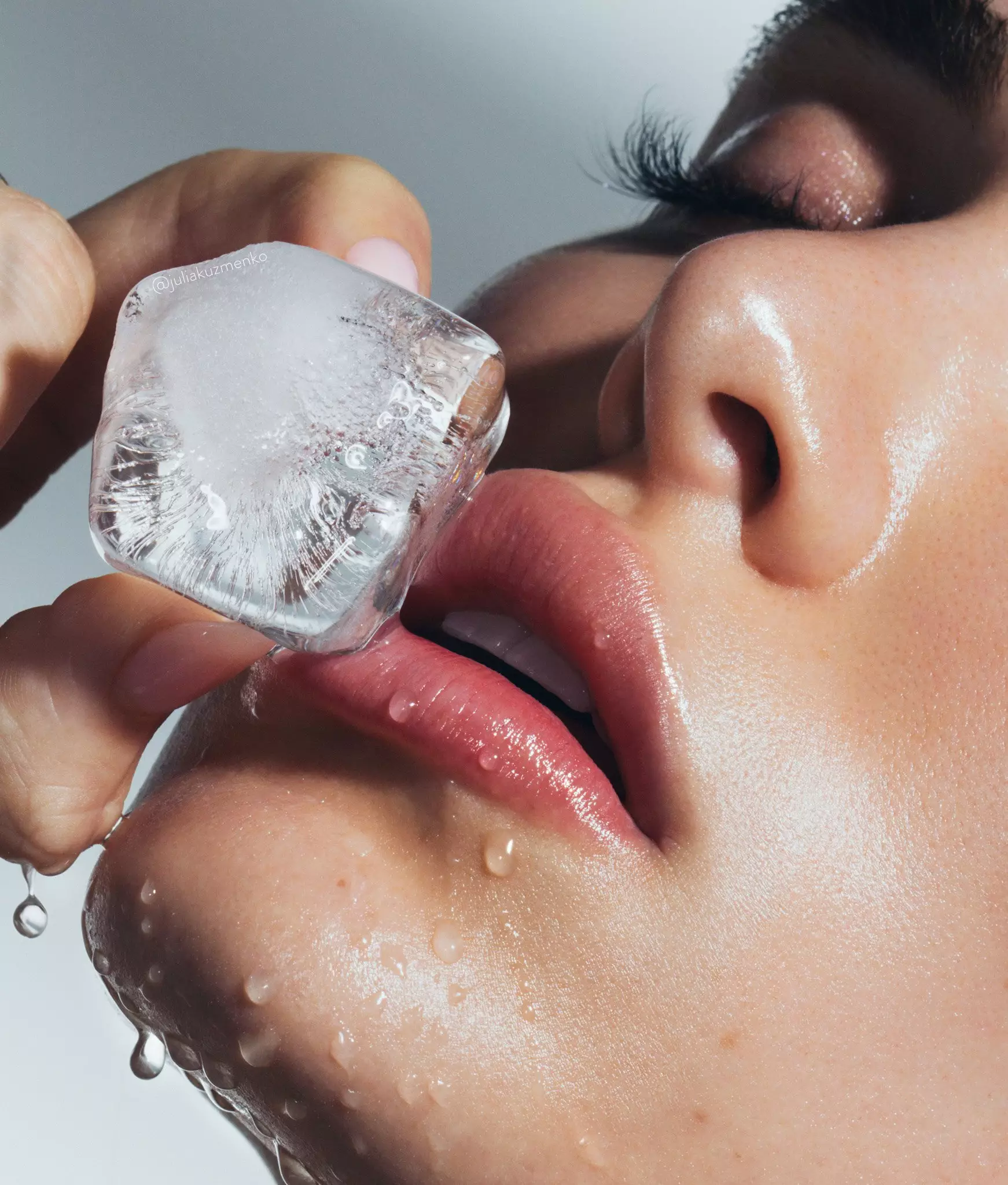
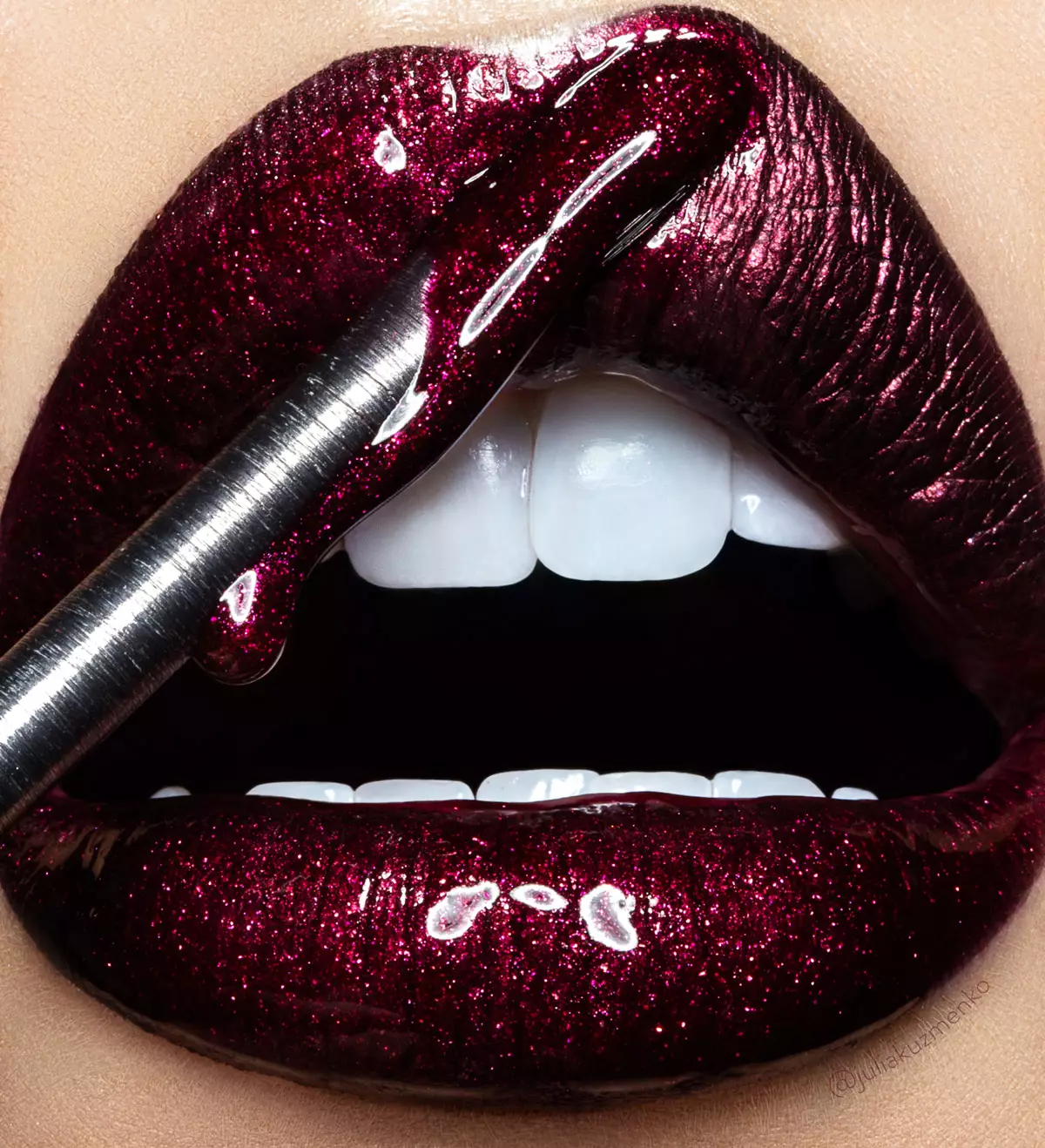
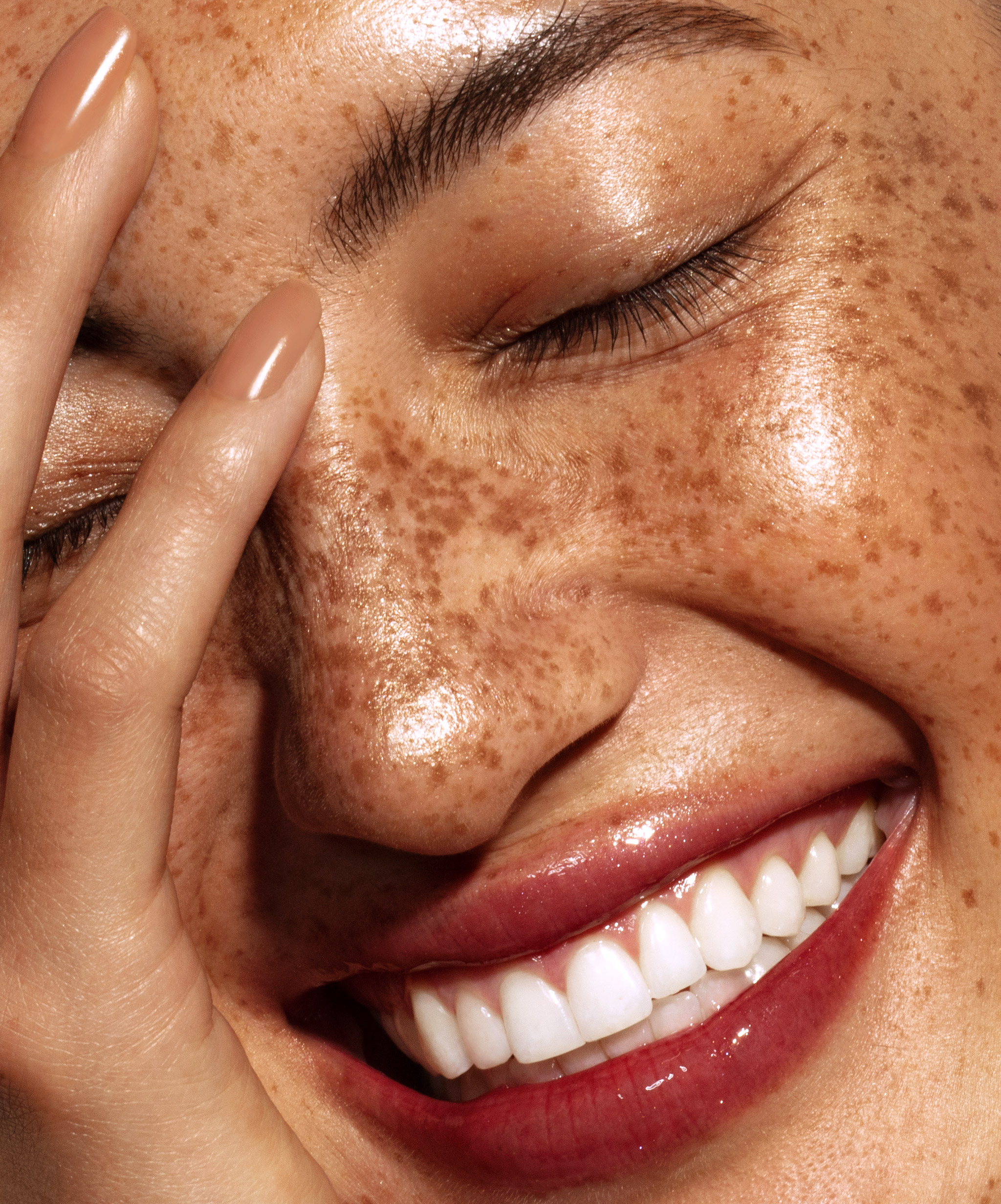
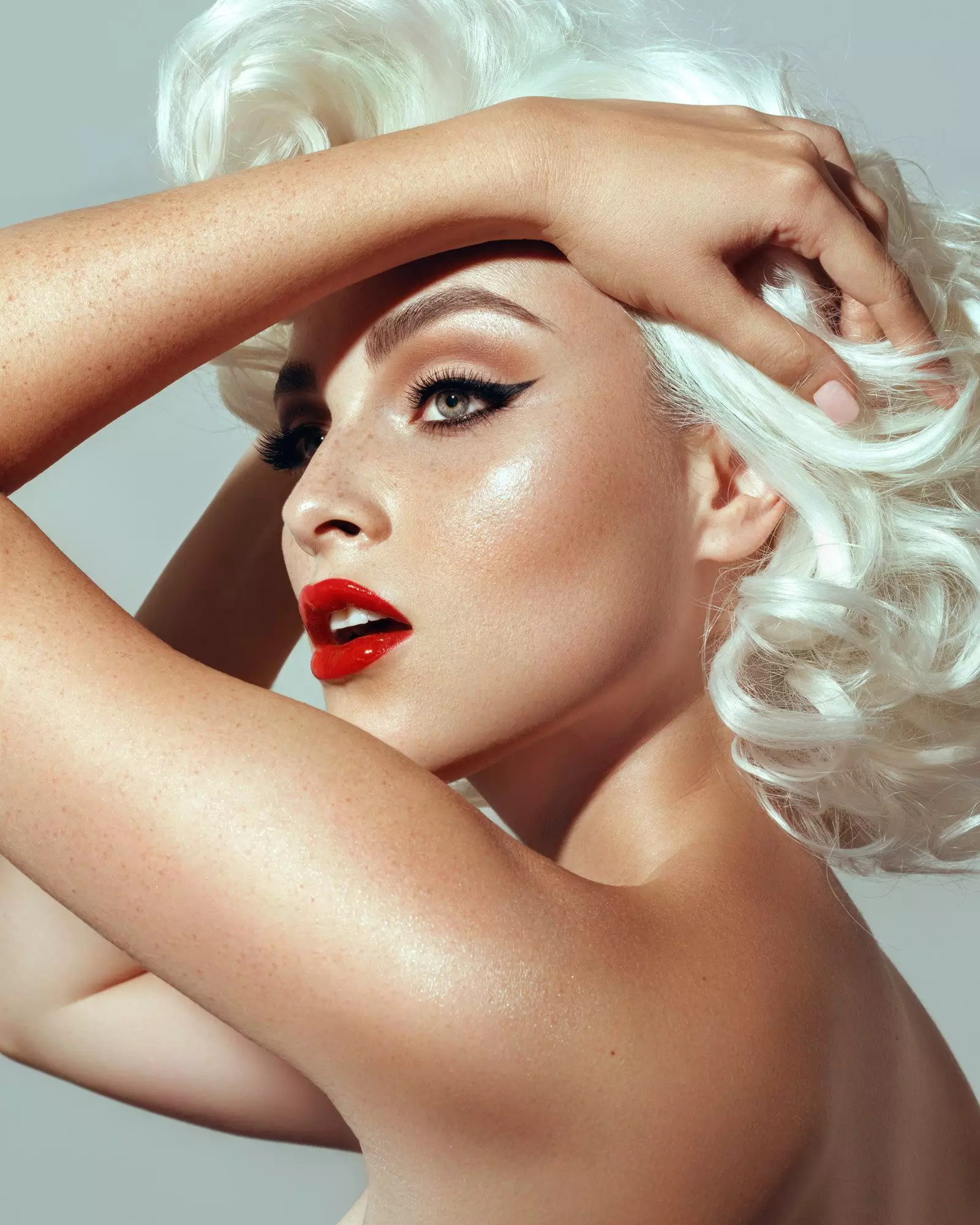
Photography & retouching by Julia Kuzmenko McKim using RA Panels
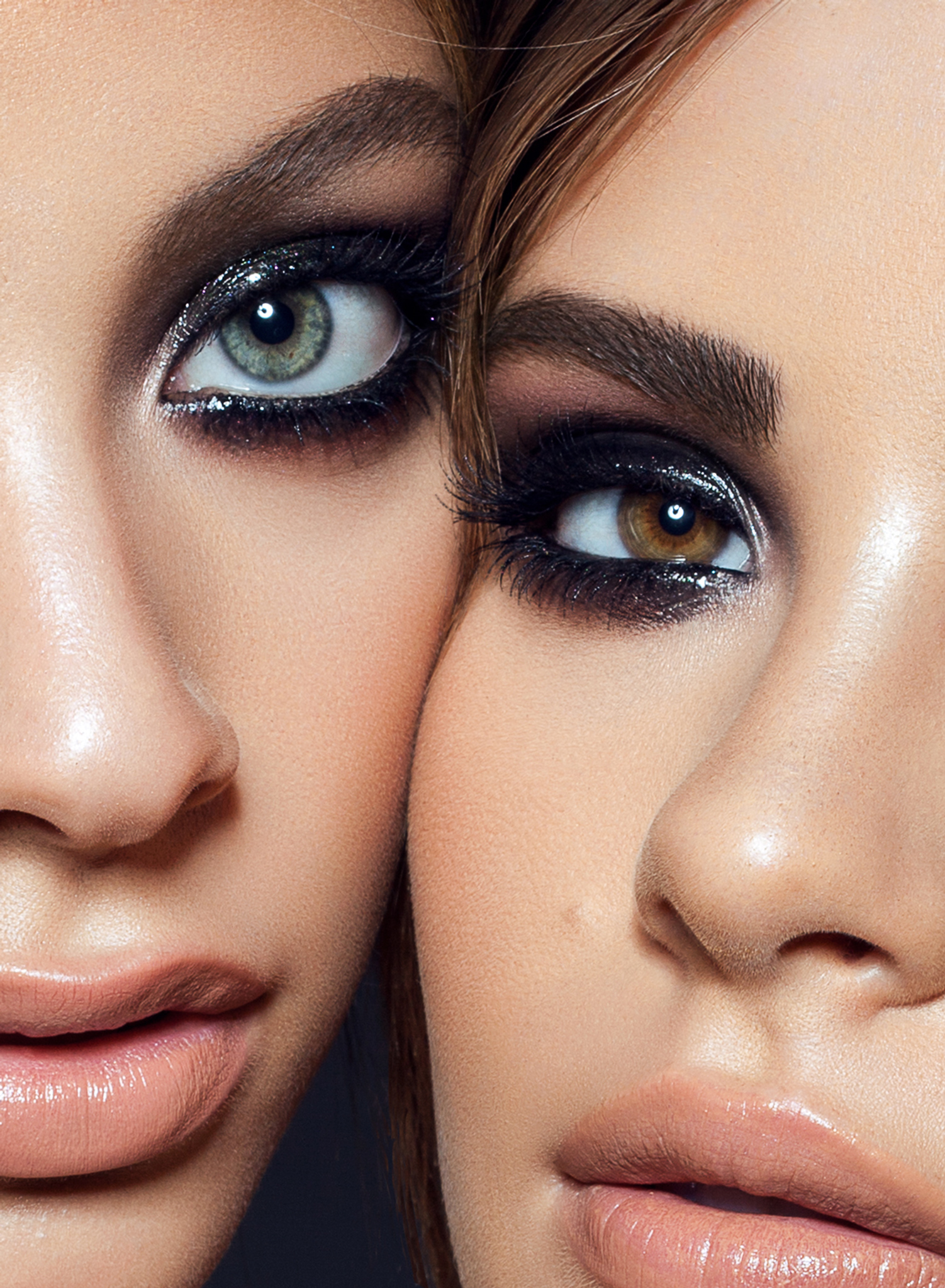
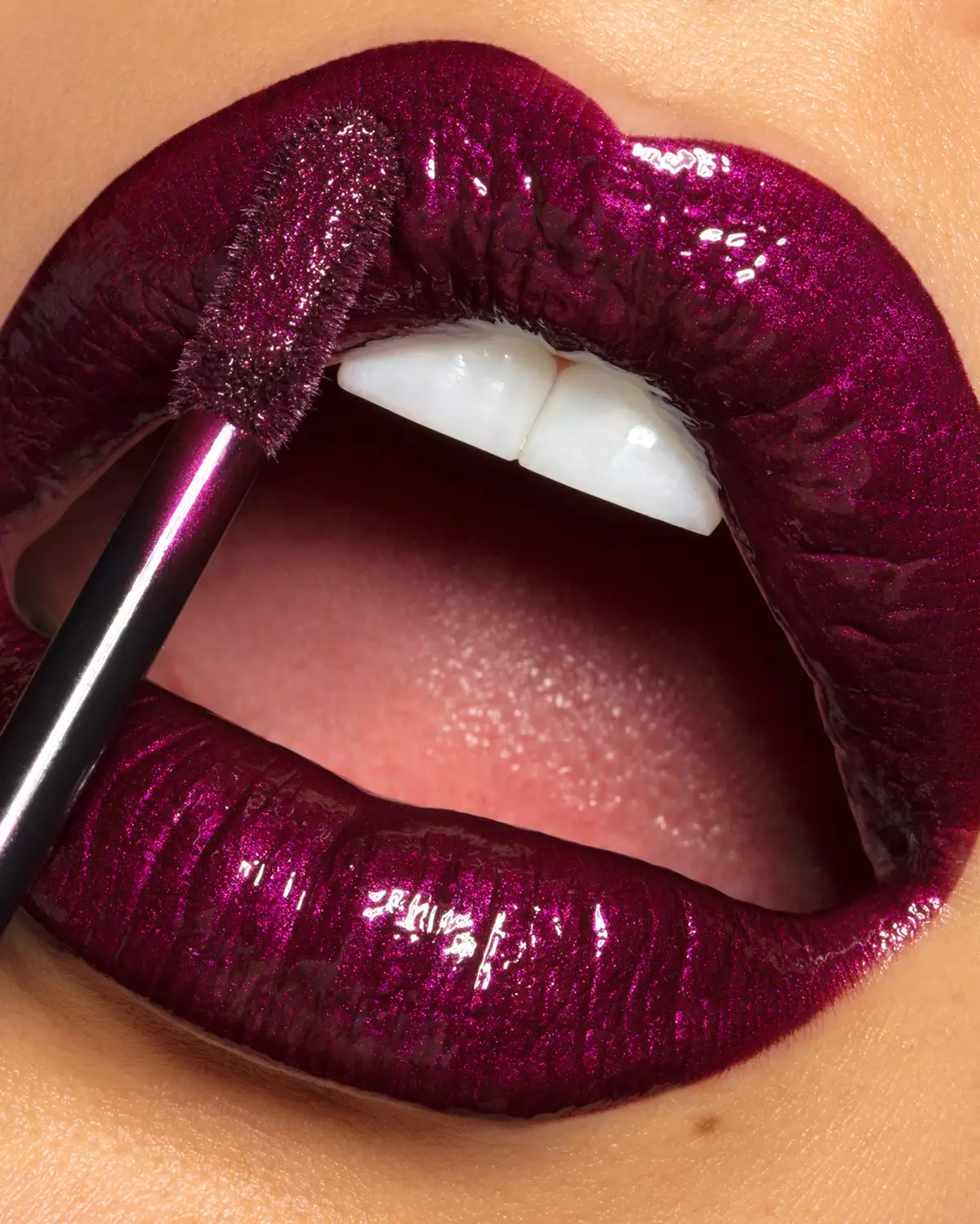
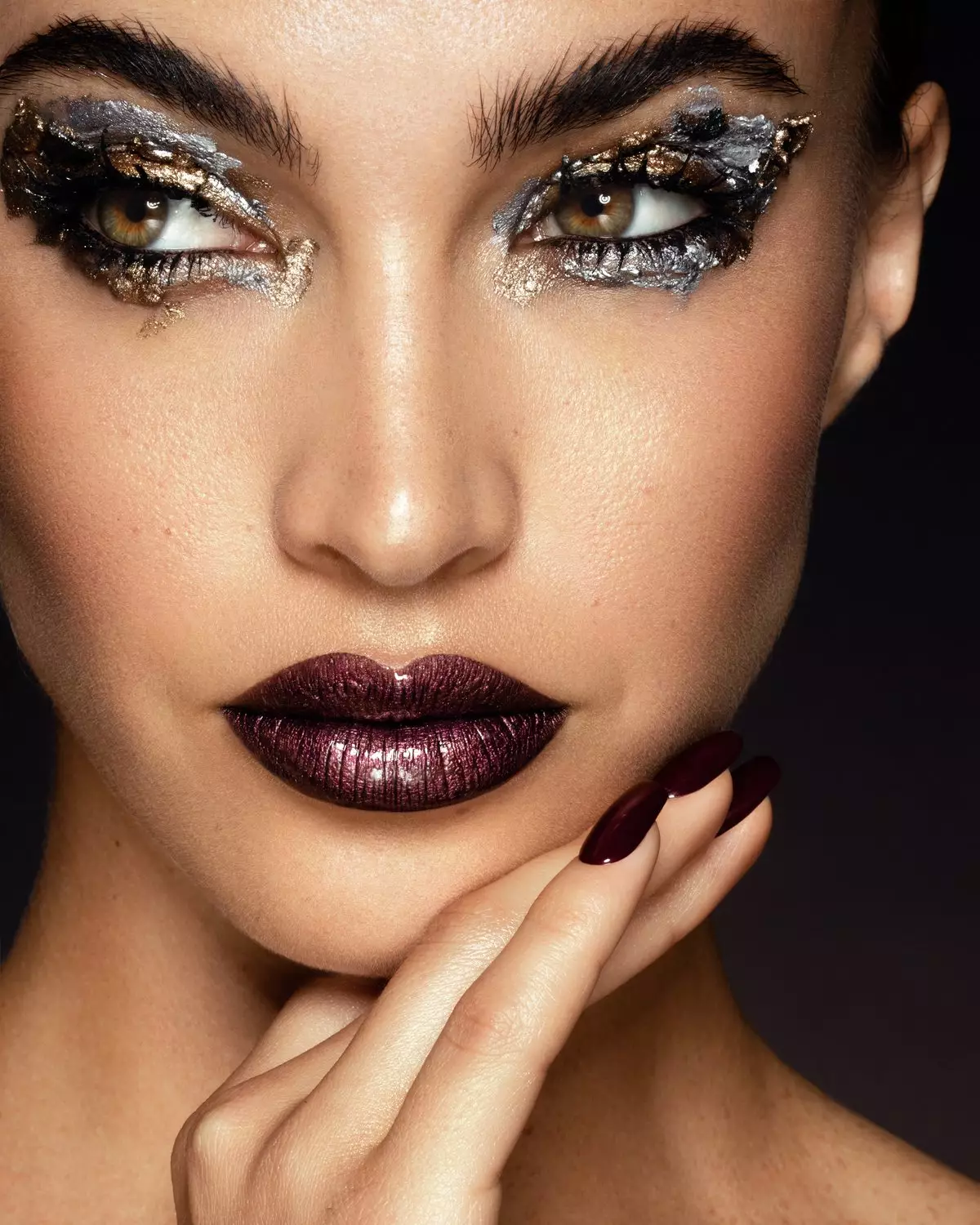

Everything a retoucher needs. In one place.
Built by and for working photographers and retouchers. Your taste and judgment control the outcome. AI-augmented tools and scripts help you get to the finish line faster.
A wide range of native PS retouching and selection tools, adjustment layers, and handy routine functions typically used in every beauty retouch, all in one place.
→ D&B & Hair Custom BrushesMultiple setups for Dodge & Burn with custom D&B brushes, Frequency Separation (via Median and Gaussian Blur), and other tools for professional skin and product retouching.
→ Visual Aid for D&B and color workA range of Photoshop native Selection tools used in beauty retouching. Our very own Luminosity Masking set, the color grading "secret weapon" for our power users.
→ Luminosity Masking & Invert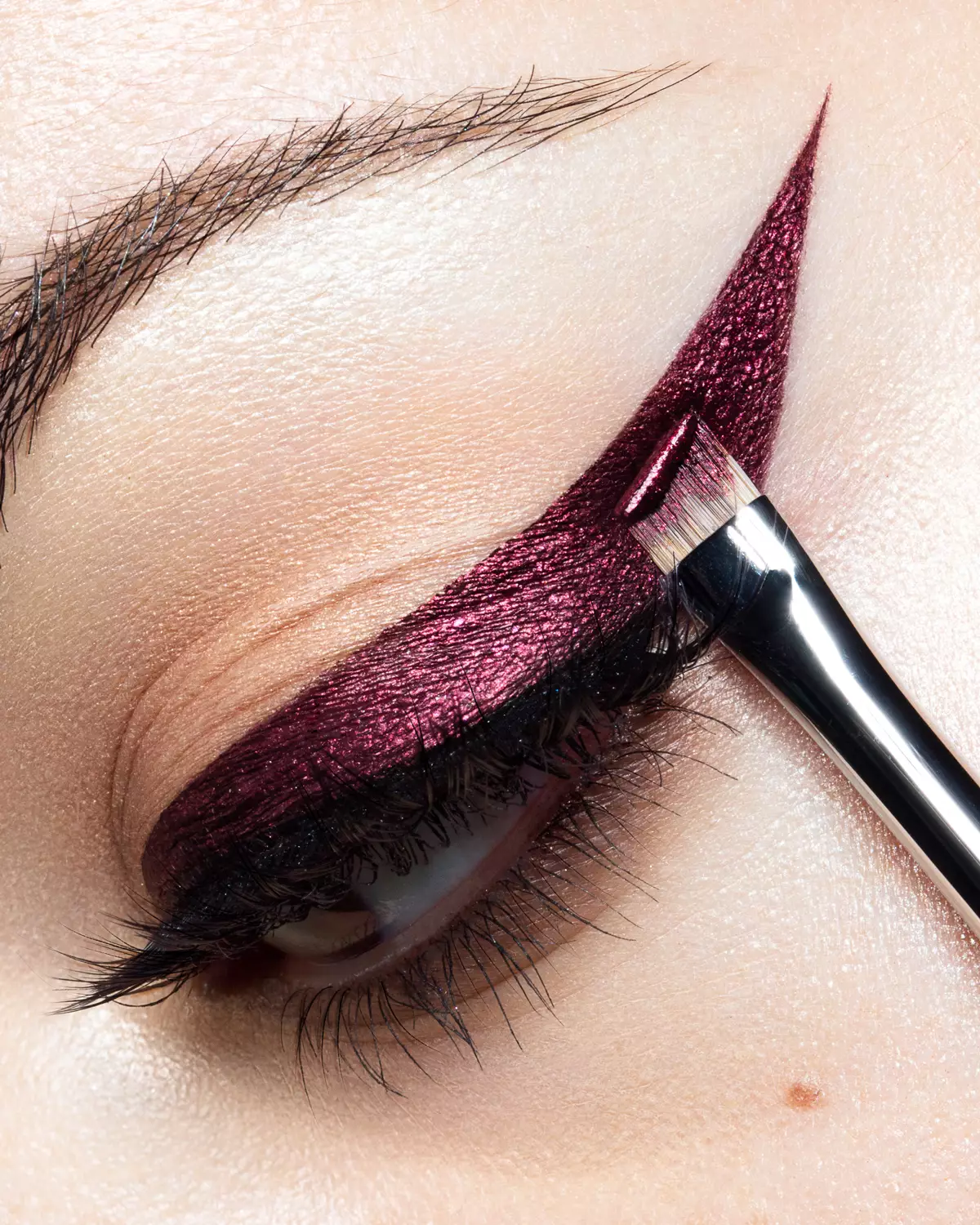
The nuanced work you can't entrust AI. In this section, you have tools to correct skin tone, add glow, and a quicker approach to retouching eyes and teeth, all tunable to your taste and preferences.
→ Add six of your own actionsFix small or complex production issues, fast. Add or remove elements (props, accessories, wardrobe, manicure, etc.). Your professional eye stays in charge.
→ AI Tool + native PS tools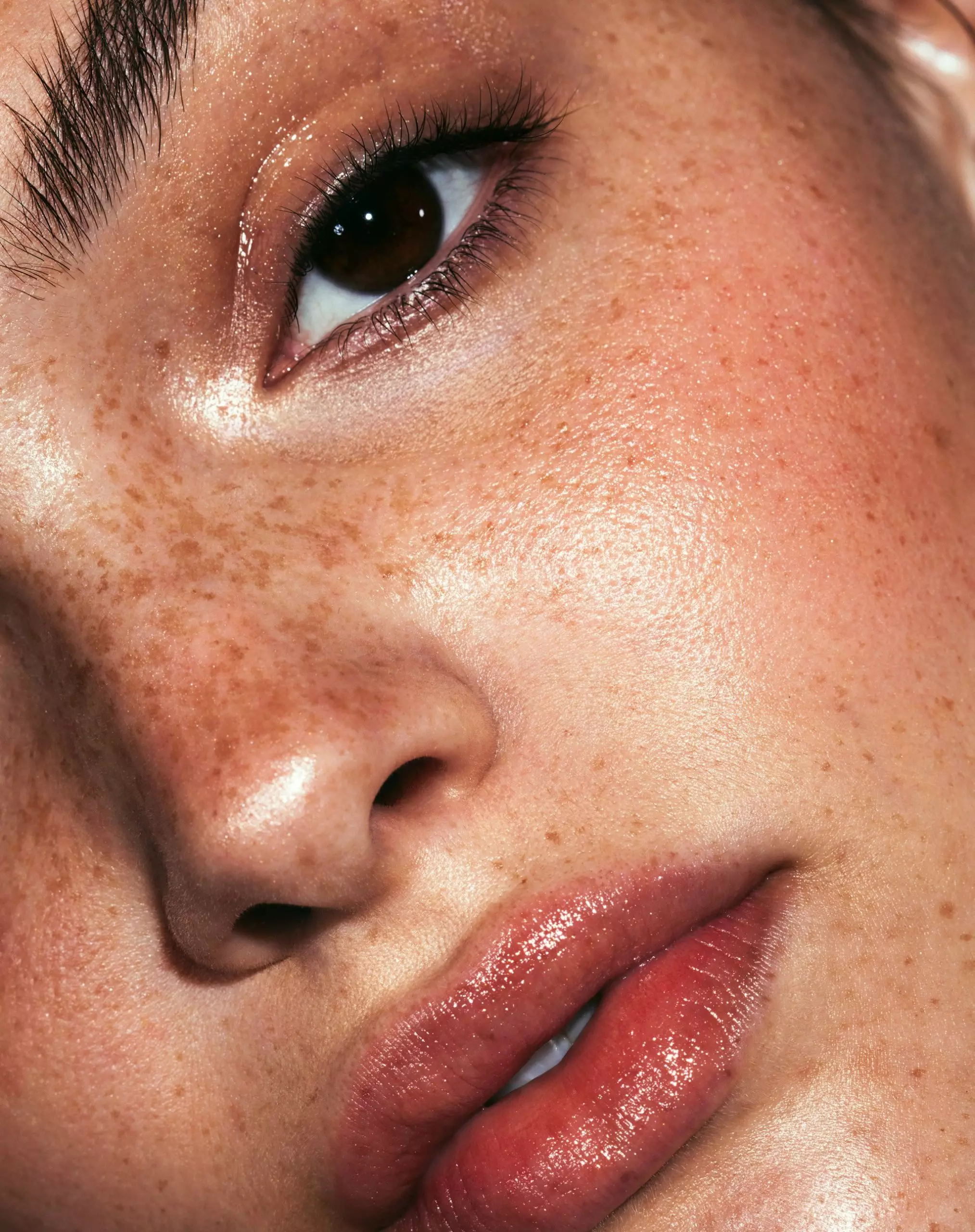
Quality control through final visual checks and convenient export options. Solar Curve, Over-Saturation check, Smart Liquify, sharpening, and more.
→ The Legendary Legacy Export“I retouch skin texture and makeup with both RA Panels. In my work, I can't do without the Beauty Retouch panel!”
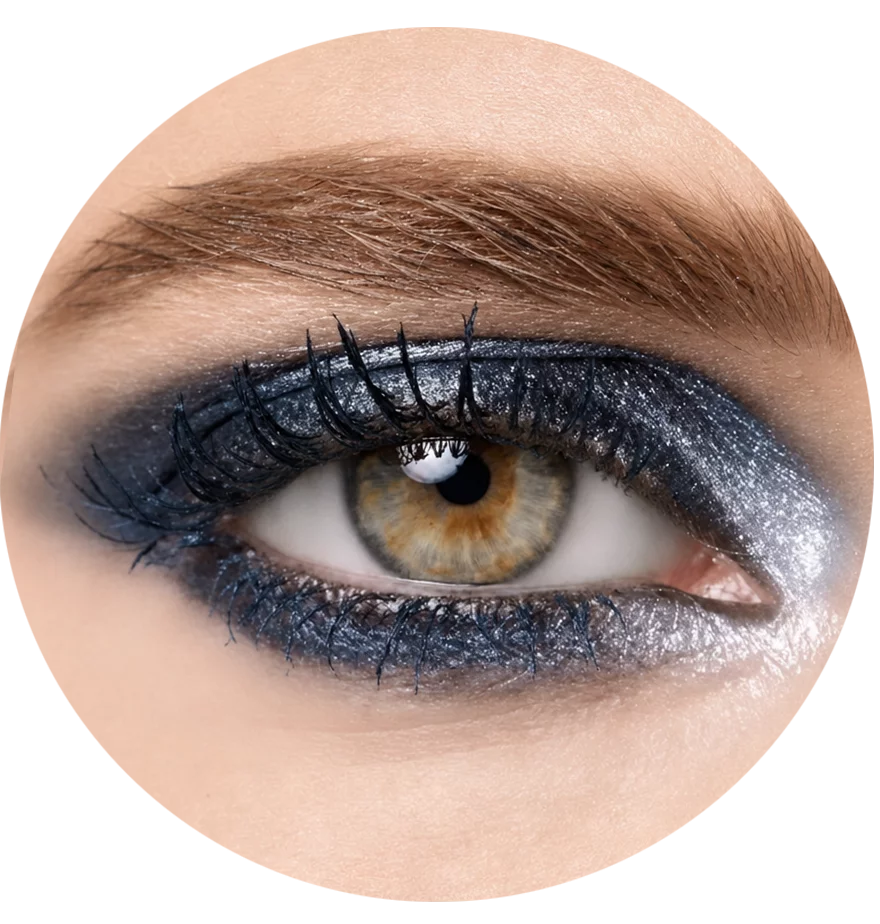
Watch the panel
in action.
A short tour of every section, top to bottom: what to use, and when.
The boring details
& tech specs.
Built on Adobe's UXP runtime, installed in about a minute via Creative Cloud. Photoshop 2026 (v27.9) introduced a new UI engine. All RA Panels, including Beauty Retouch, MUA Retouch and Pixel Juggler, are already updated and fully compatible, and we maintain them for every new Photoshop release.
✓Updated for the new UI Engine for Photoshop 27.9+.
Add the Makeup Retouch panel for full beauty retouching workflow.
Beauty Retouch panel handles the key phases of the typical retouching workflow, while the MUA Retouch is built specifically for makeup retouching. Together they help get to the finish line faster, while your taste and standards stay in control.
What our users are saying
Photographers and retouchers who use the Beauty Retouch panel in their day-to-day work.
Solo
For photographers and retouchers who want a faster retouching workflow, improved consistency of skin and tonal work, and less workspace clutter.
- 1 license · use on 2 computers
- Free updates in active account
- Updated for new UI Engine for PS 27.9+
- Activations reset in account
- D&B, Hair custom brushes & tool presets
- Add six of your own actions to use from the panel
- Onboarding video tutorials
- Free Photoshop Essentials course
- Email support · 24 h max
SuperPack
Both panels, Beauty Retouch + MUA Retouch, one non-destructive professional retouching workflow.
- Use both panels on 2 computers
- Free updates in active account
- Updated for new UI Engine for PS 27.9+
- Activations reset in account
- D&B, Hair custom brushes & tool presets
- Add six of your own actions
- Digital makeup palettes
- Lash & brow custom brushes
- Onboarding video tutorials
- Free Photoshop Essentials course
- Priority email support · 12 h
Lifetime
Pay once. Come back for free updates and support, your license does not expire.
- 1 license · use on 2 computers
- Active account · full access
- Lifetime updates
- Updated for new UI Engine for PS 27.9+
- Activations reset in account
- D&B, Hair custom brushes & tool presets
- Add six of your own actions
- Onboarding video tutorials
- Free Photoshop Essentials course
- Priority email support · 12 h
Common questions
we hear the most.
Can't find what you need? Our support team usually replies within the working day, priority tickets sooner. We're in Los Angeles, CA and Dallas, TX.
The Beauty Retouch panel is for photographers and retouchers in beauty, fashion, and portraits, who want a faster retouching workflow, more consistent skin and tonal results, and a decluttered workspace.
It isn't a replacement for skill. It's most helpful once you already know the core retouching techniques, and it gives beginners a professional structure to work within.
Among our 16,700+ Beauty Retouch users worldwide are working photographers and retouchers in beauty, fashion, editorial, and portrait work, and some rely on the panel for product retouching too. Professionals and ambitious beginners alike: see what they say in their testimonials.
Brand new to retouching? Start with the free Photoshop Essentials for Beauty Retouching course included with your panel and accessible from your Member Account after the purchase, and grow into the workflow from there.
Install and use each panel on 2 computers, Mac or Windows, Apple silicon (M-series) included. When you need to move, reset your License Activations from your Member Account, no support ticket required.
Learn more: Software Product License.
The RA Panels are subscription-based, which is the industry standard for professional software. Most of our users are working photographers and retouchers who rely on the panels nearly every day, so when a regular Photoshop update breaks something, we fix it quickly.
Maintaining the panels and providing daily Customer Support is a full-time job for our small team. And the little ongoing fixes are only half of it: we keep improving the panels, and new versions land in your Member Account at no extra cost while your subscription is active.
Your annual Maintenance & Support fee $39.99 (roughly $0.10 a day) keeps our Customer Support and Development teams always ready to respond to your support requests, and the panels compatible with new Photoshop versions, and improving over time. Your first year of Maintenance & Support subscription is included in your purchase.
Prefer to pay once? The lifetime license is there for that.
Absolutely. We created the MUA Retouch panel as a makeup companion for the Beauty Retouch panel, which carries the core of the beauty, fashion and portrait retouching workflow. Each panel can be used independently, and together they are most helpful for professionals who do beauty, fashion and female portrait work: compare the panels.
We offer $50+ off the MUA Retouch panel when you buy both.
The new version is included for everyone with an active subscription or a Lifetime license: download it from your Member Account and install it. If your subscription lapsed or was cancelled less than 30 days ago, renew it to get access to the latest version of the panel. After 30 days, you will need to purchase a new license.
You'll get two emails: one to create your account and set a password, and a second with your order confirmation, download link and invoice. More detail here: Right after your RA Panel purchase.
Need help? Submit a Support Ticket, we're in Los Angeles, CA and Dallas, TX, and we reply to every support ticket within 24 hours (priority tickets sooner).